
What are the best laptops for programming?
When choosing laptops for programming, it is not enough to just look at
Laptops
07.10.2026
1300
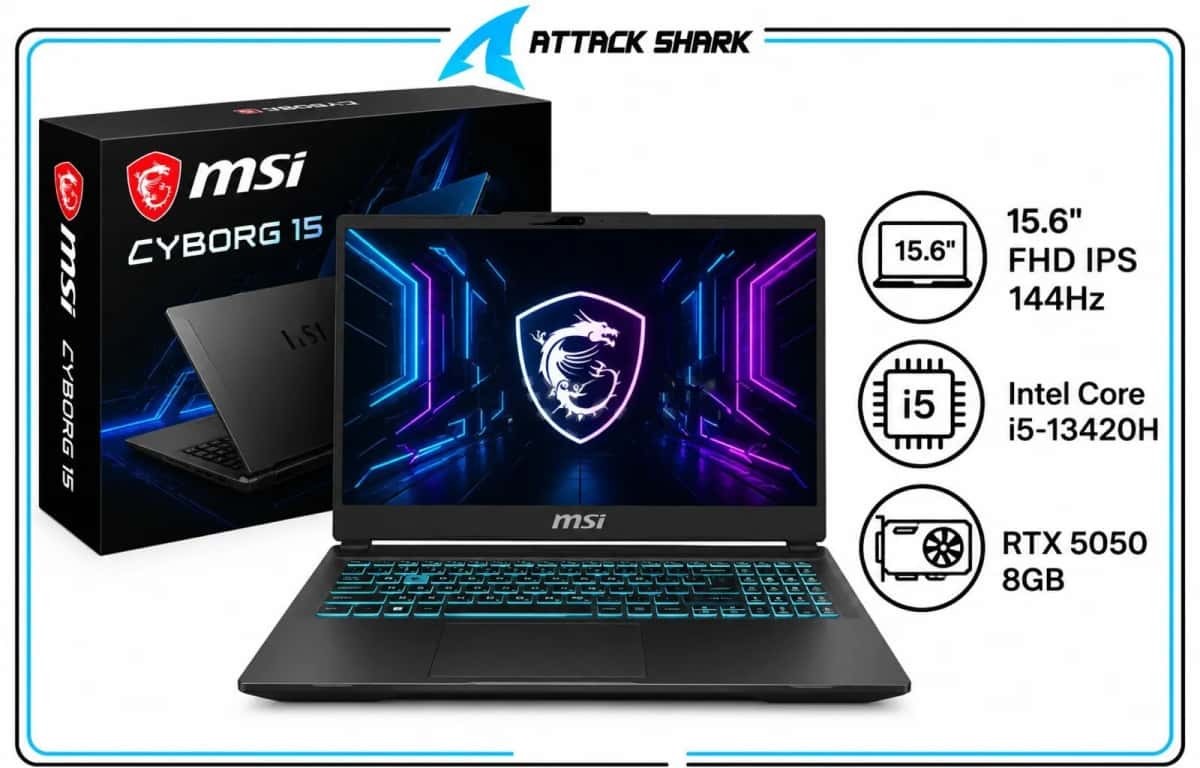
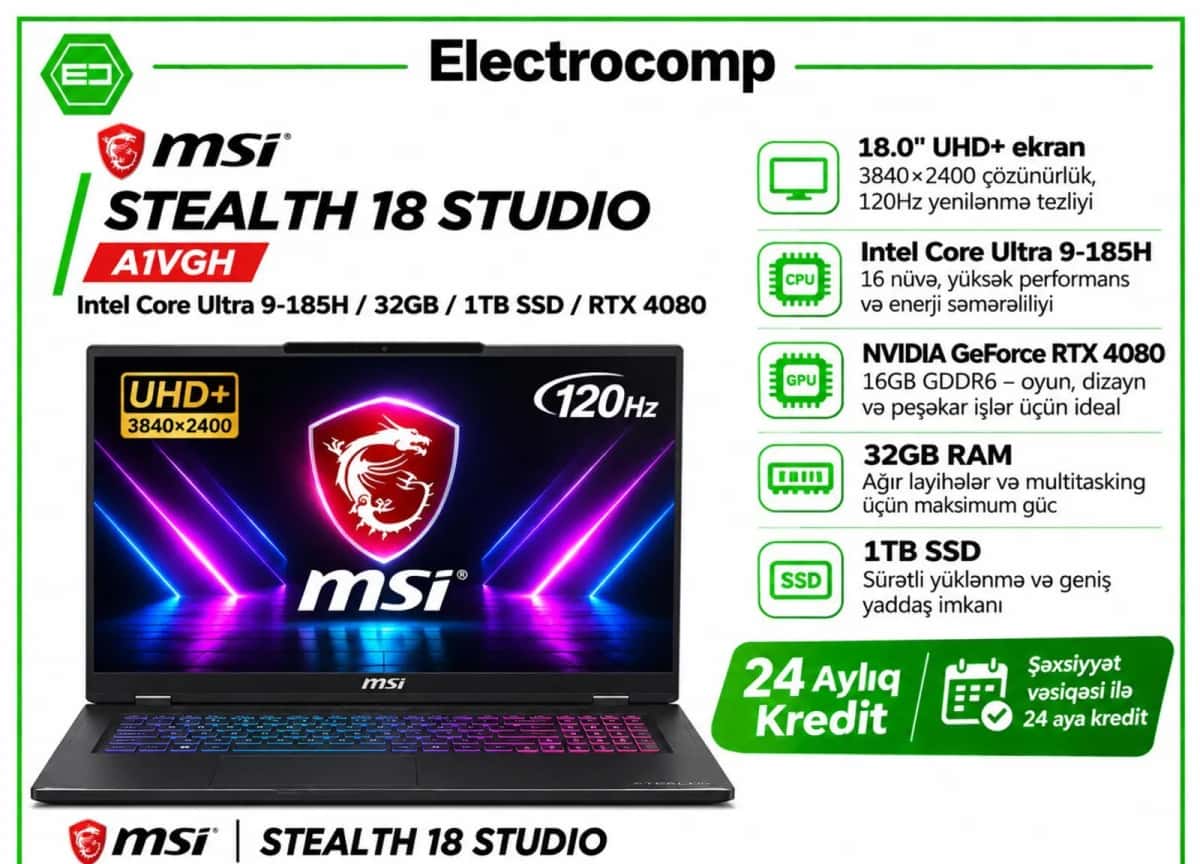
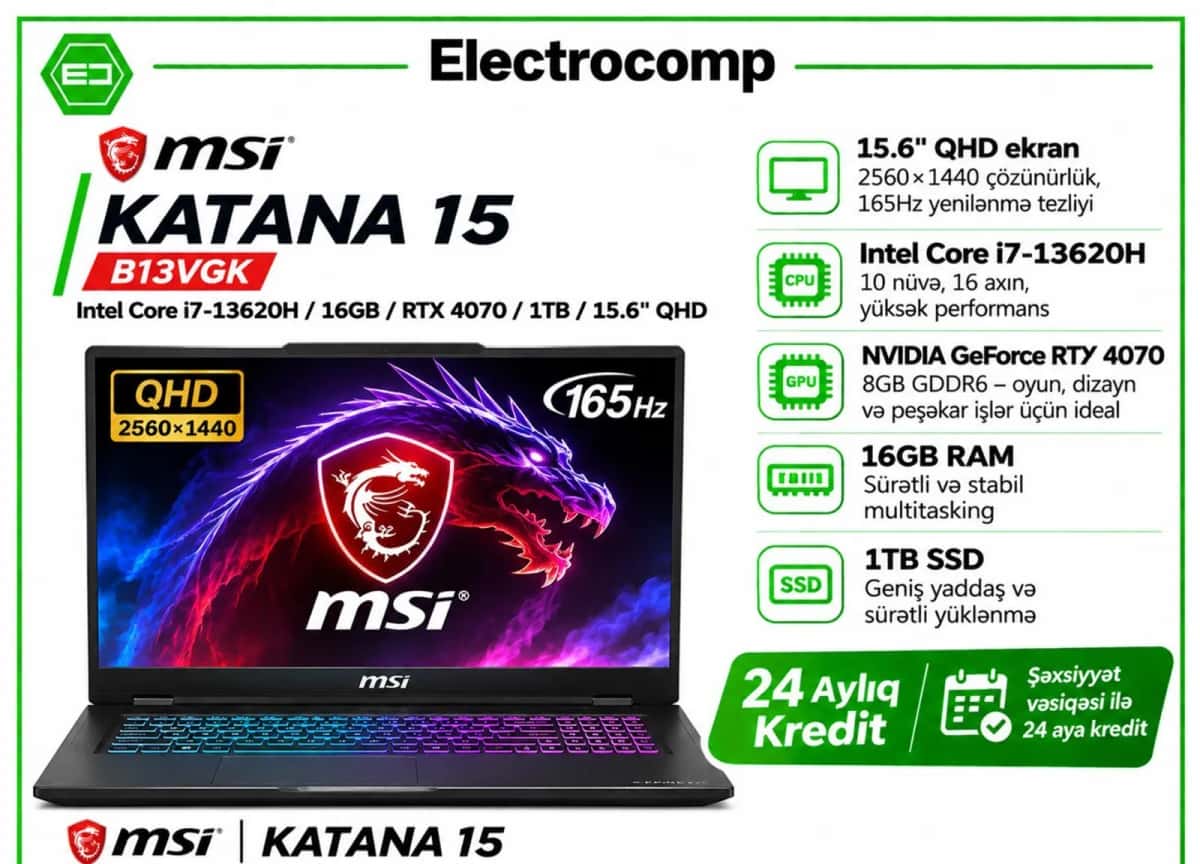
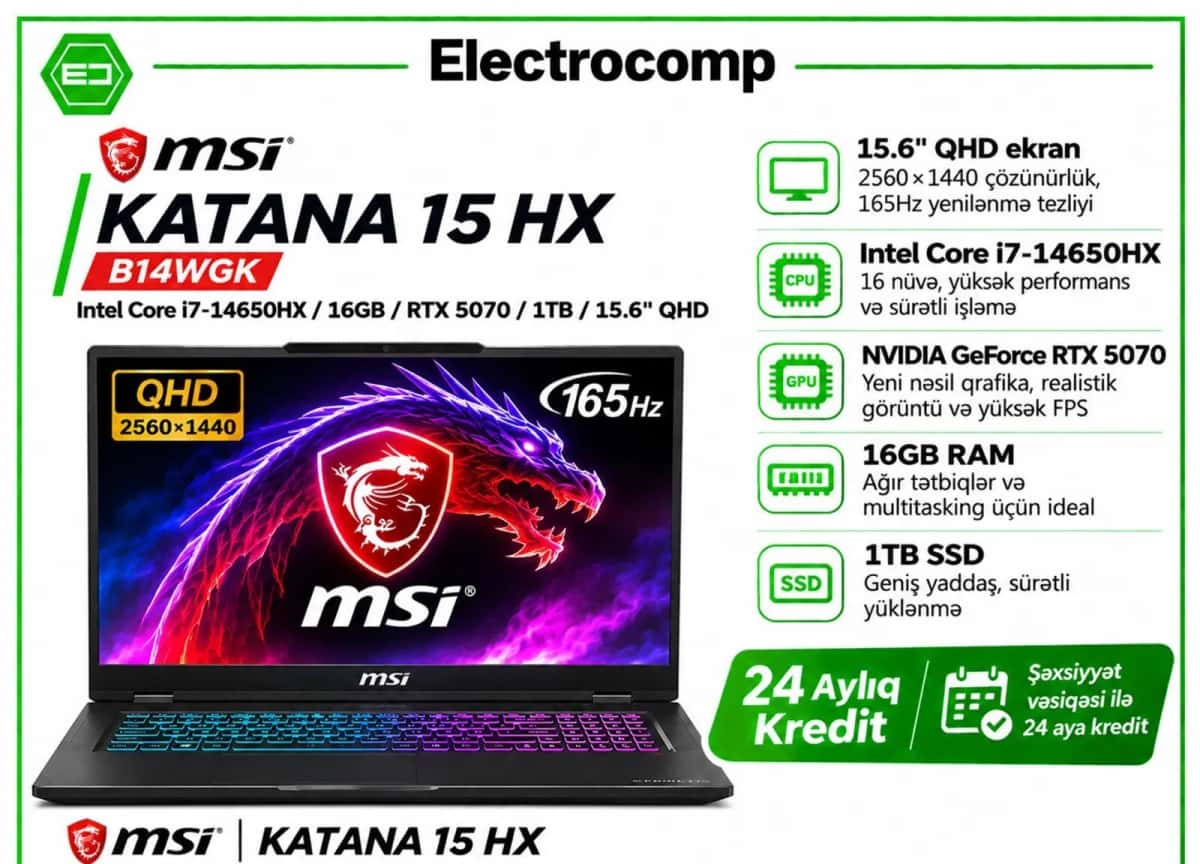
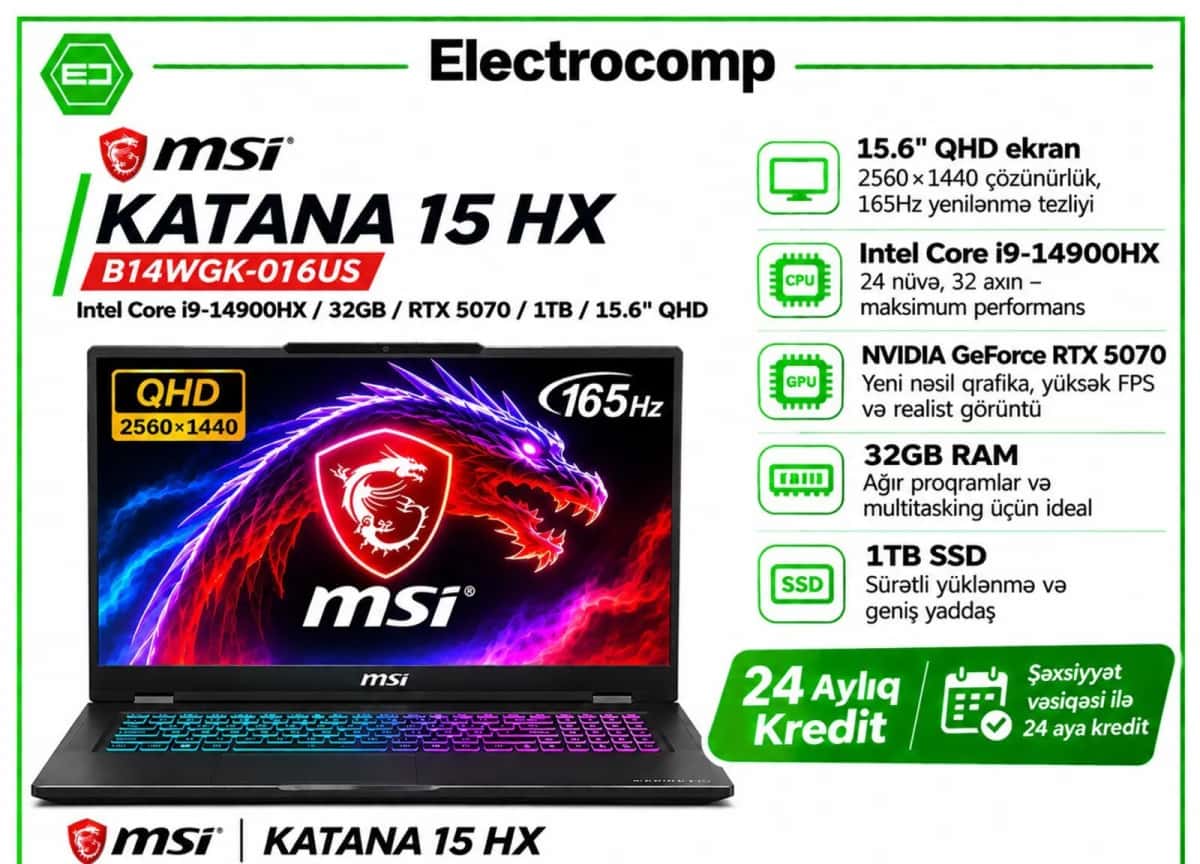
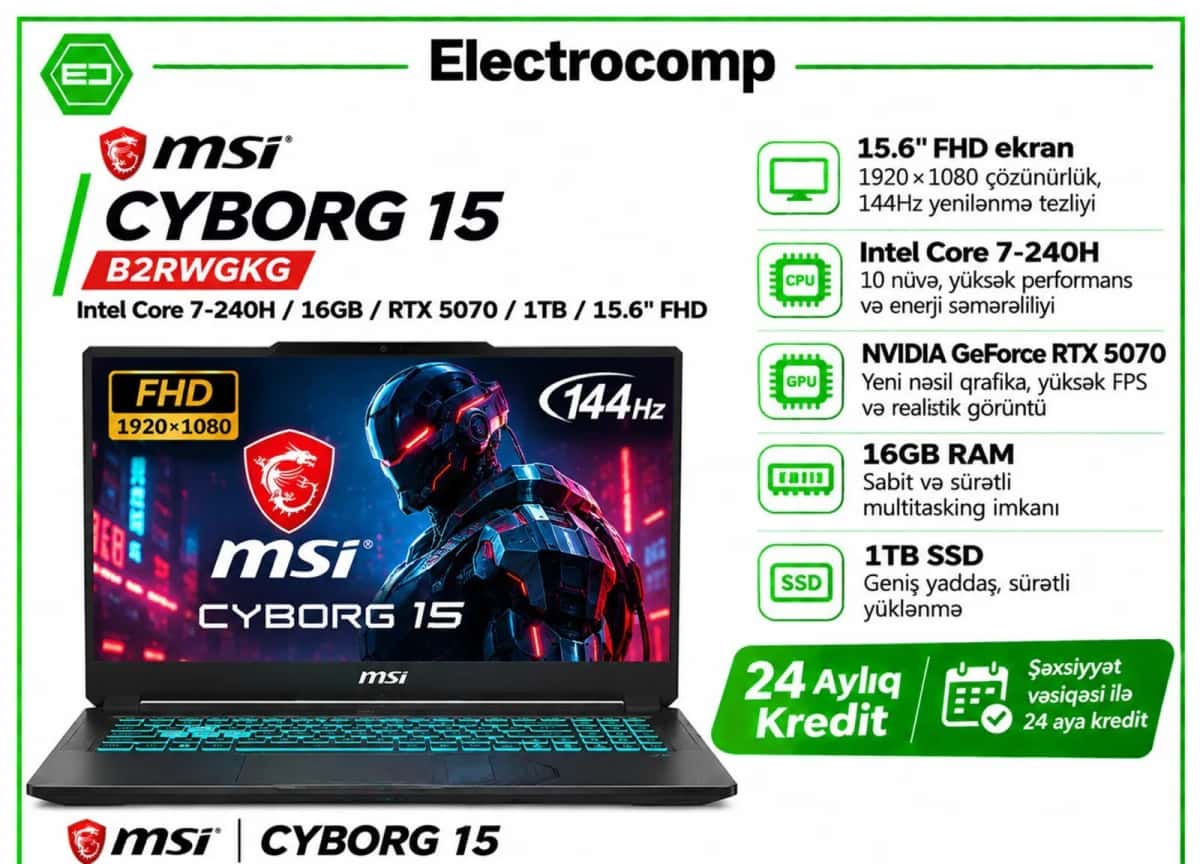
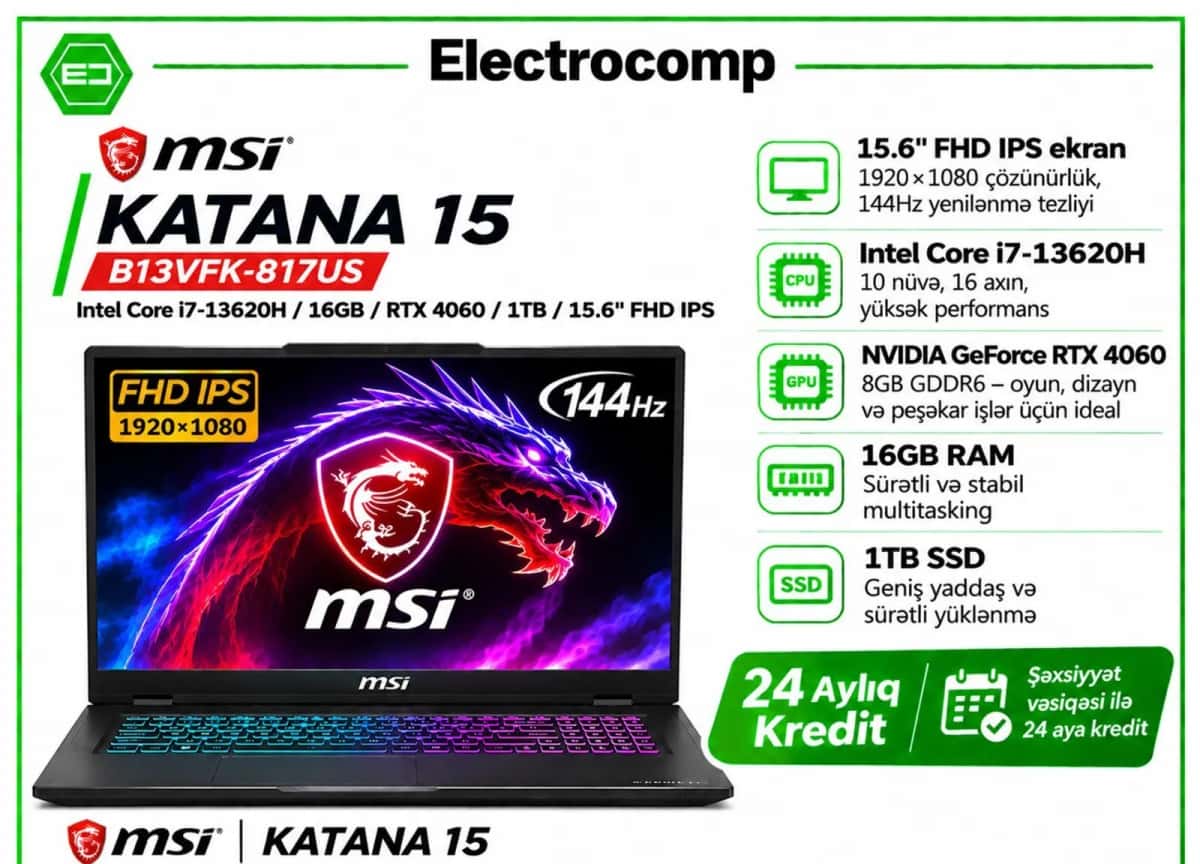
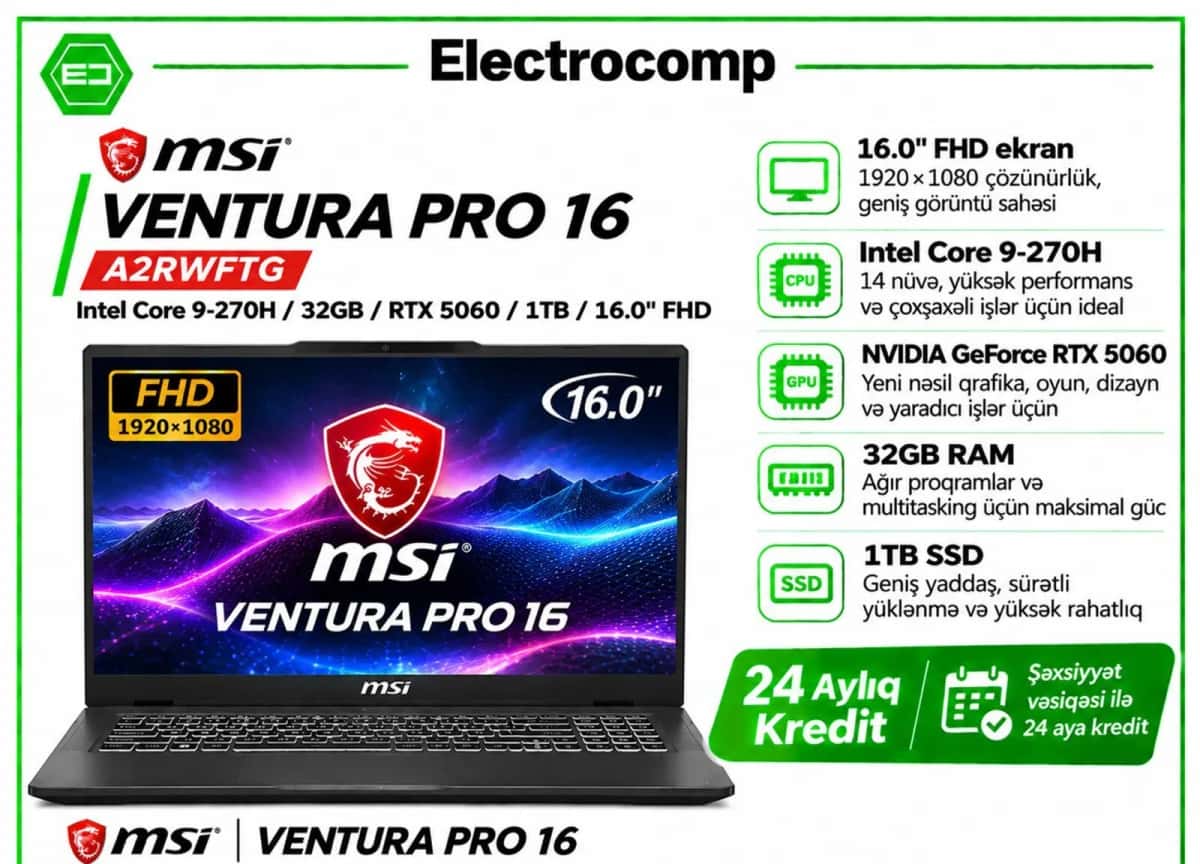
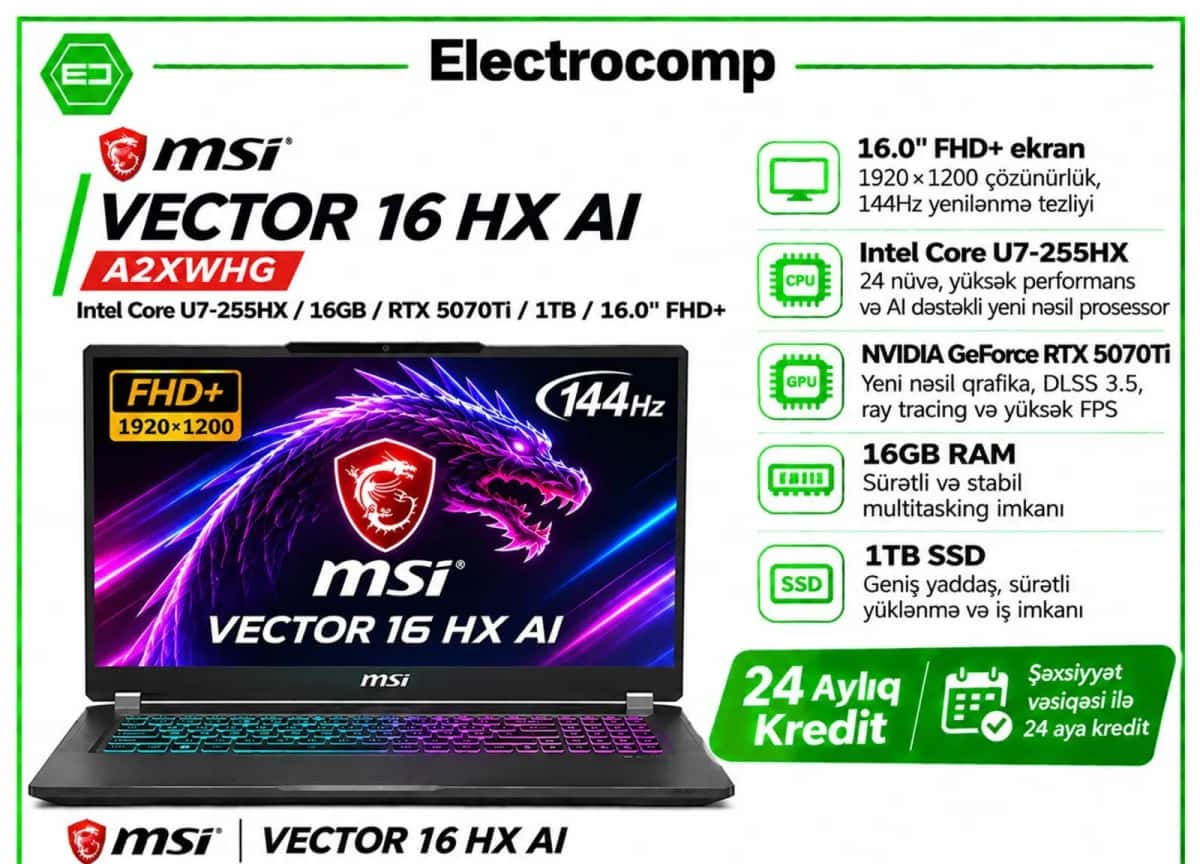
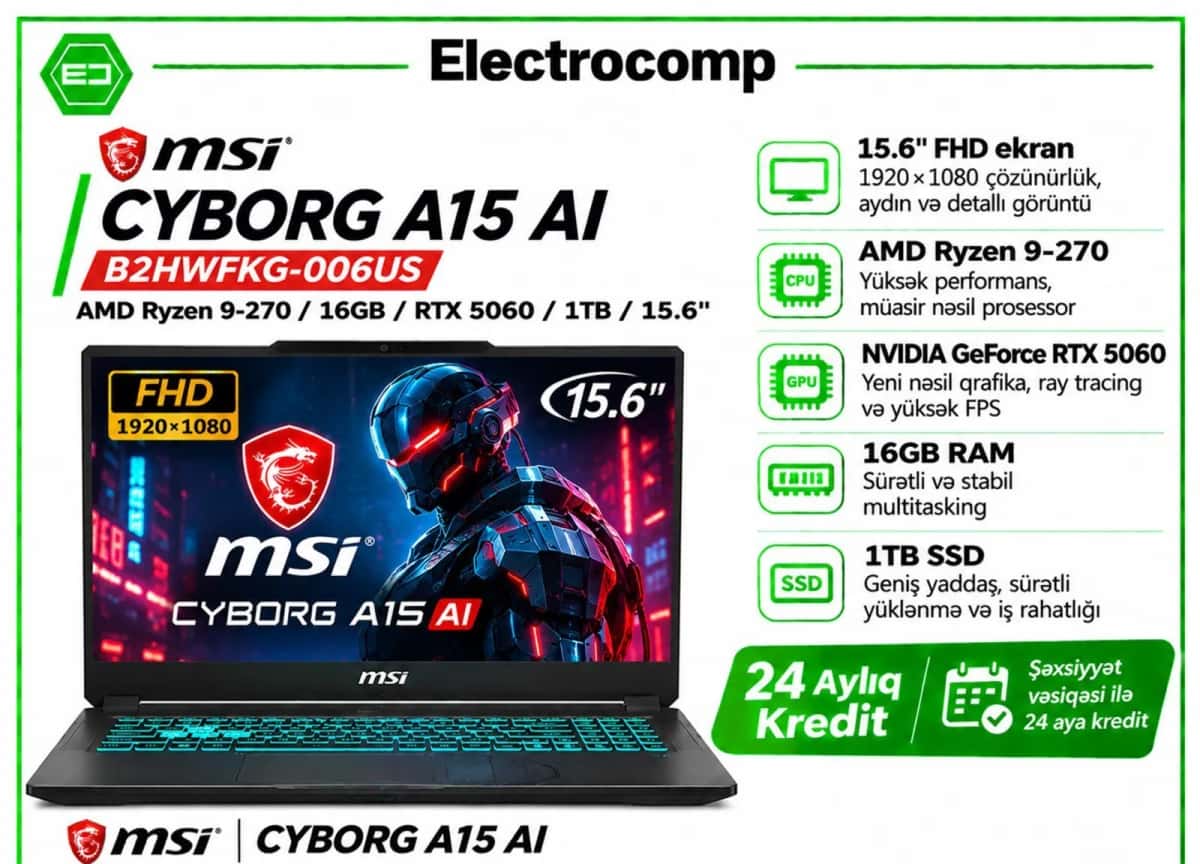
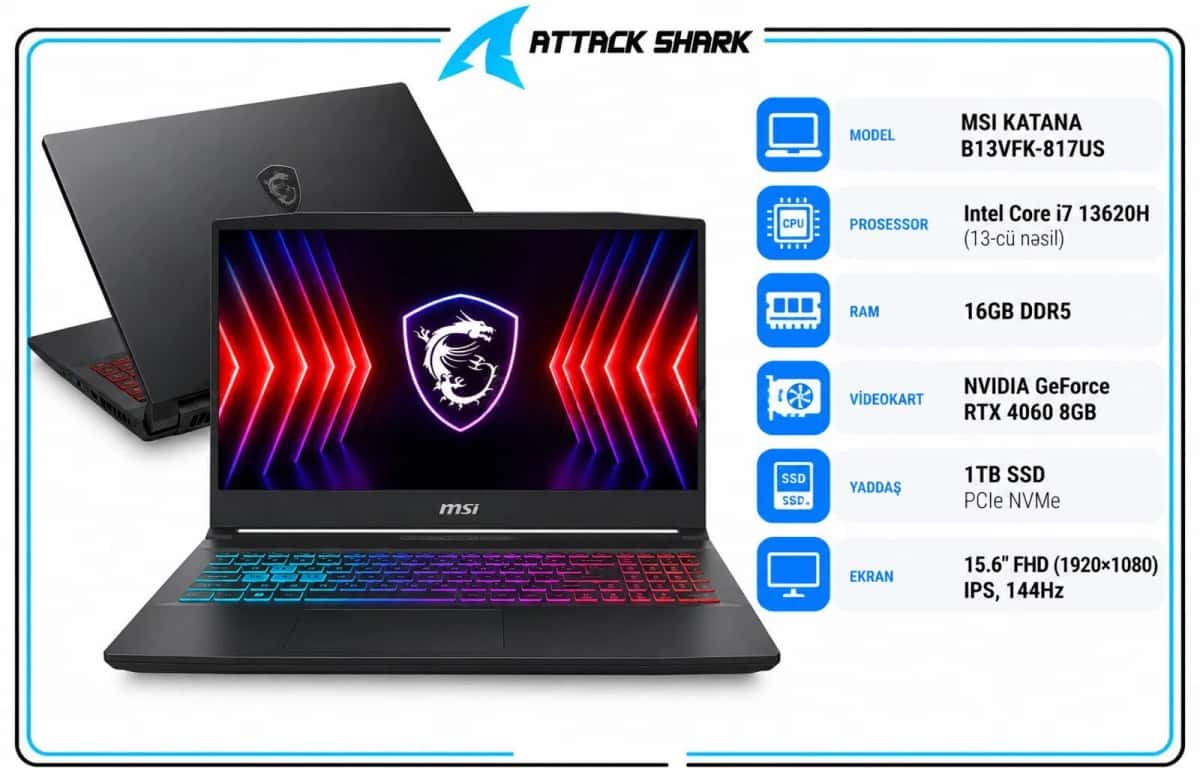
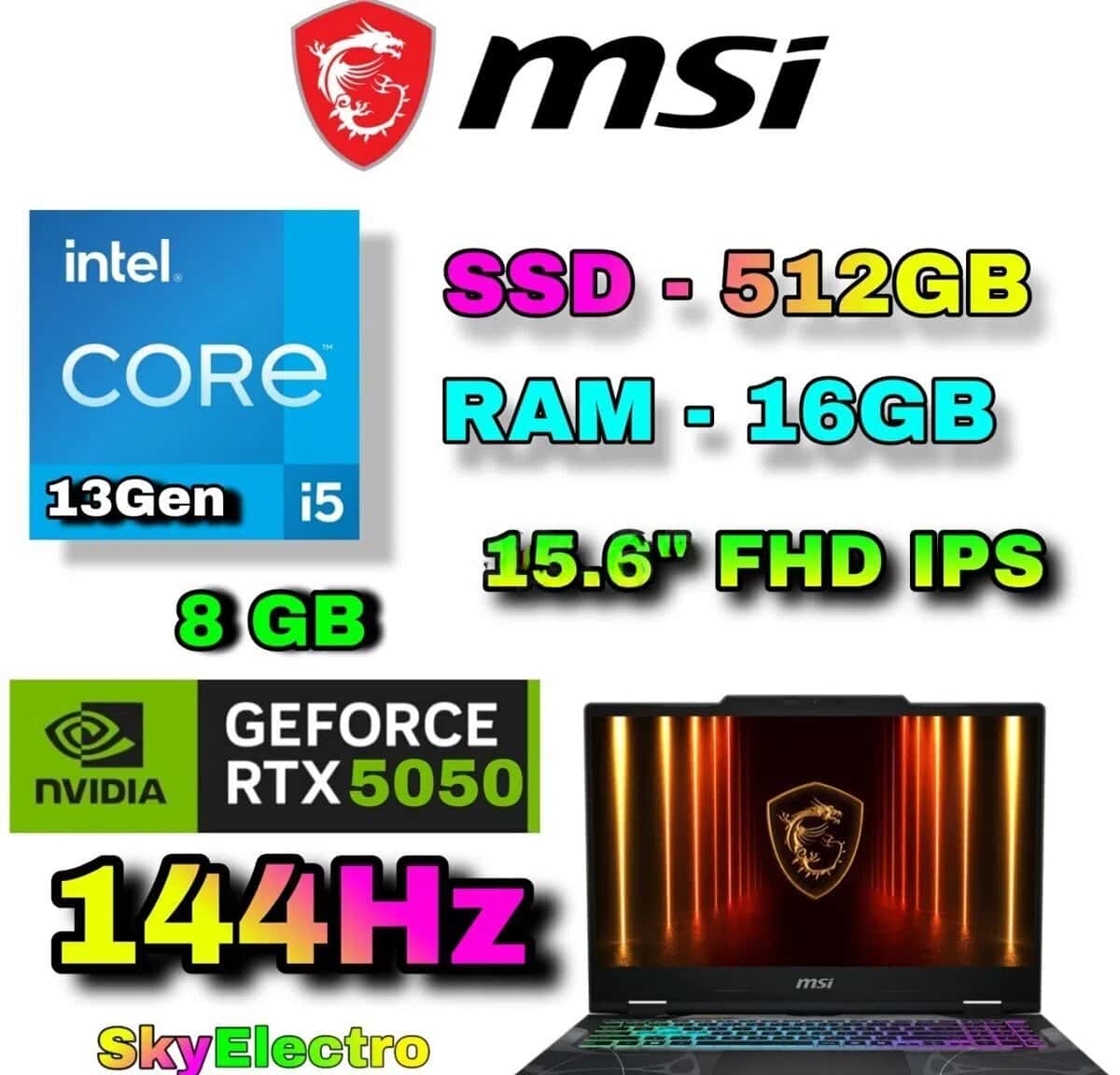
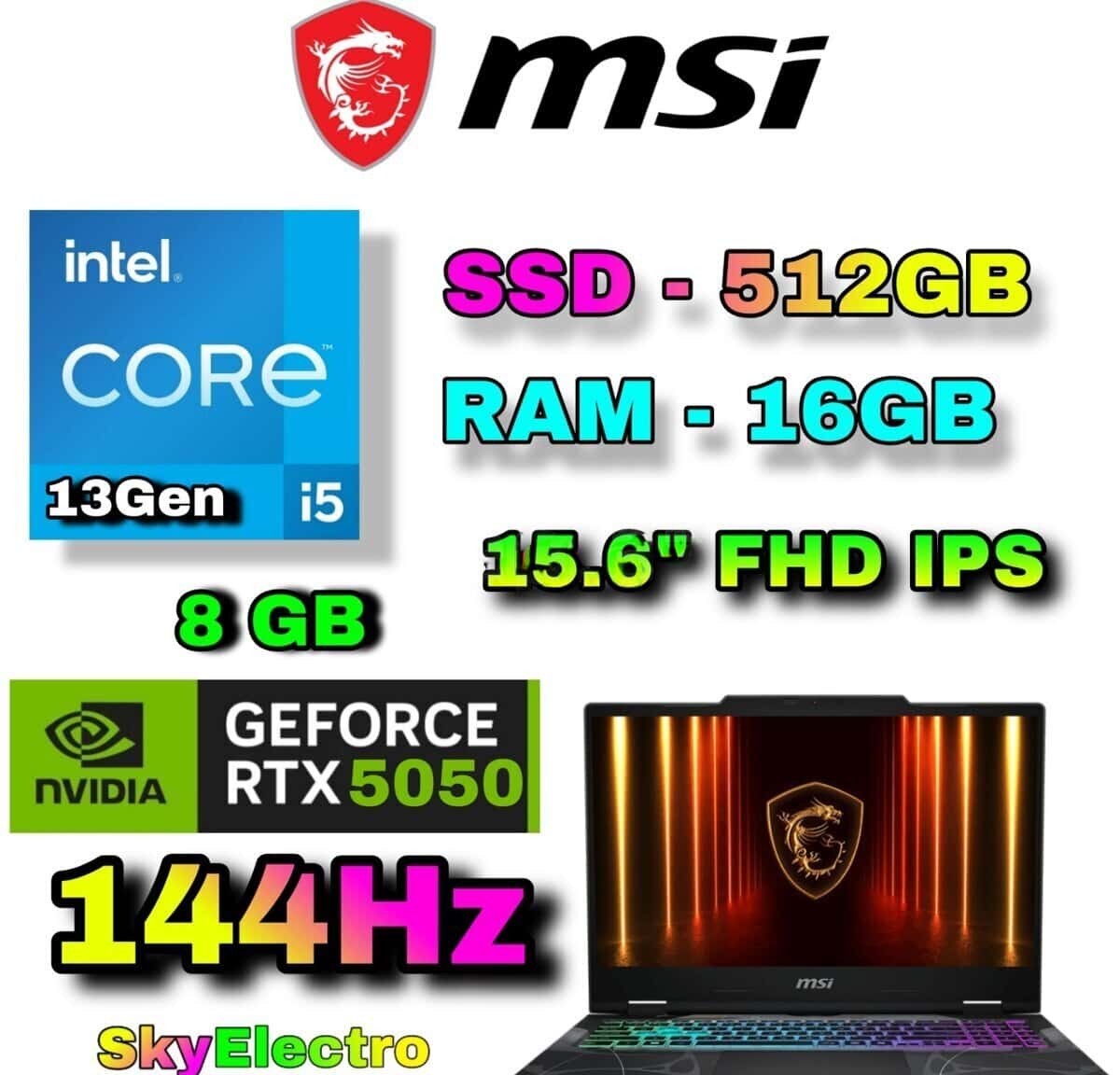
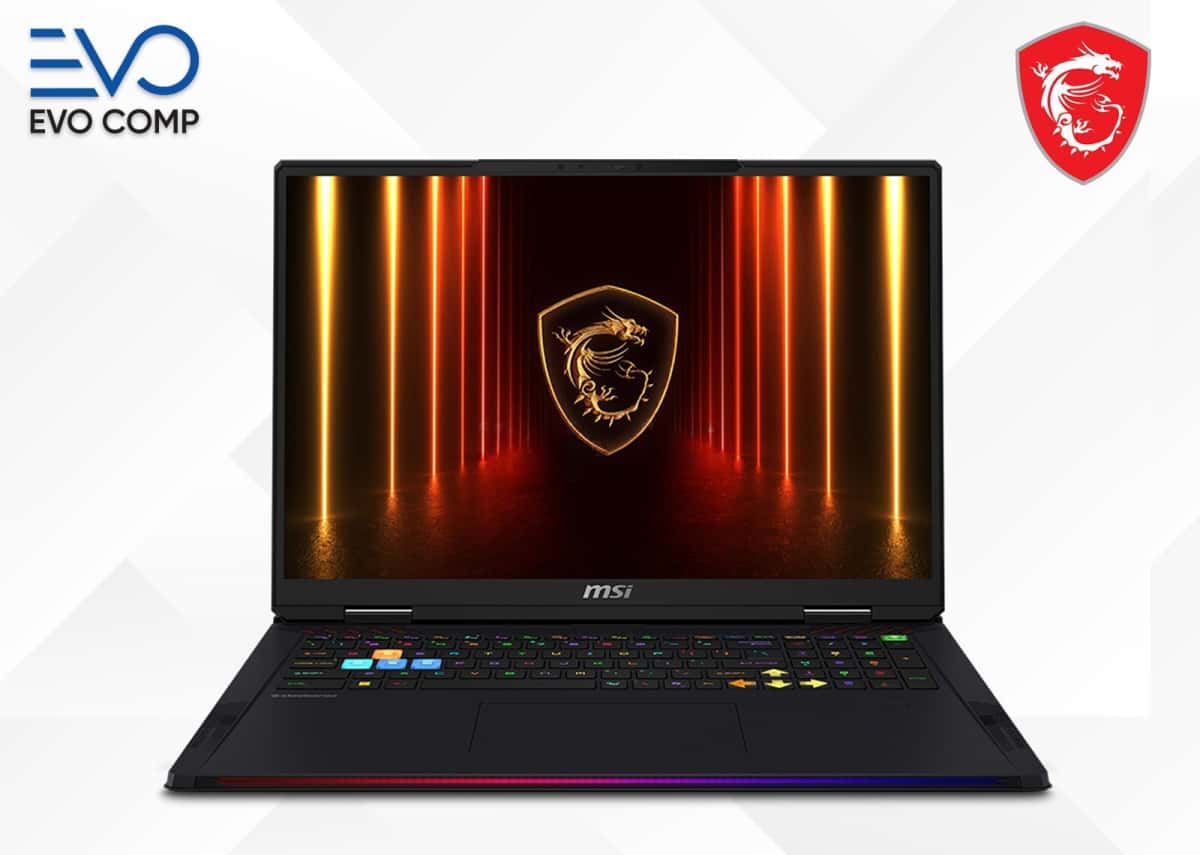
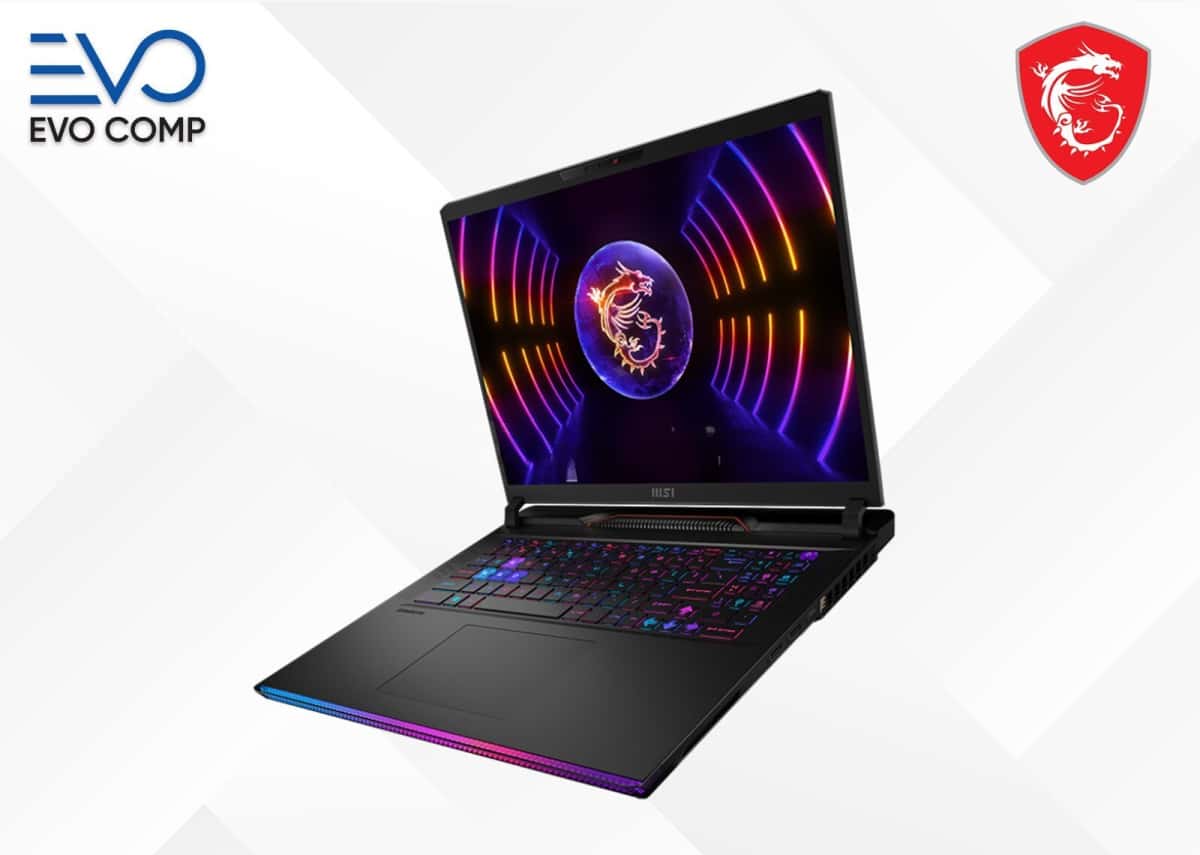
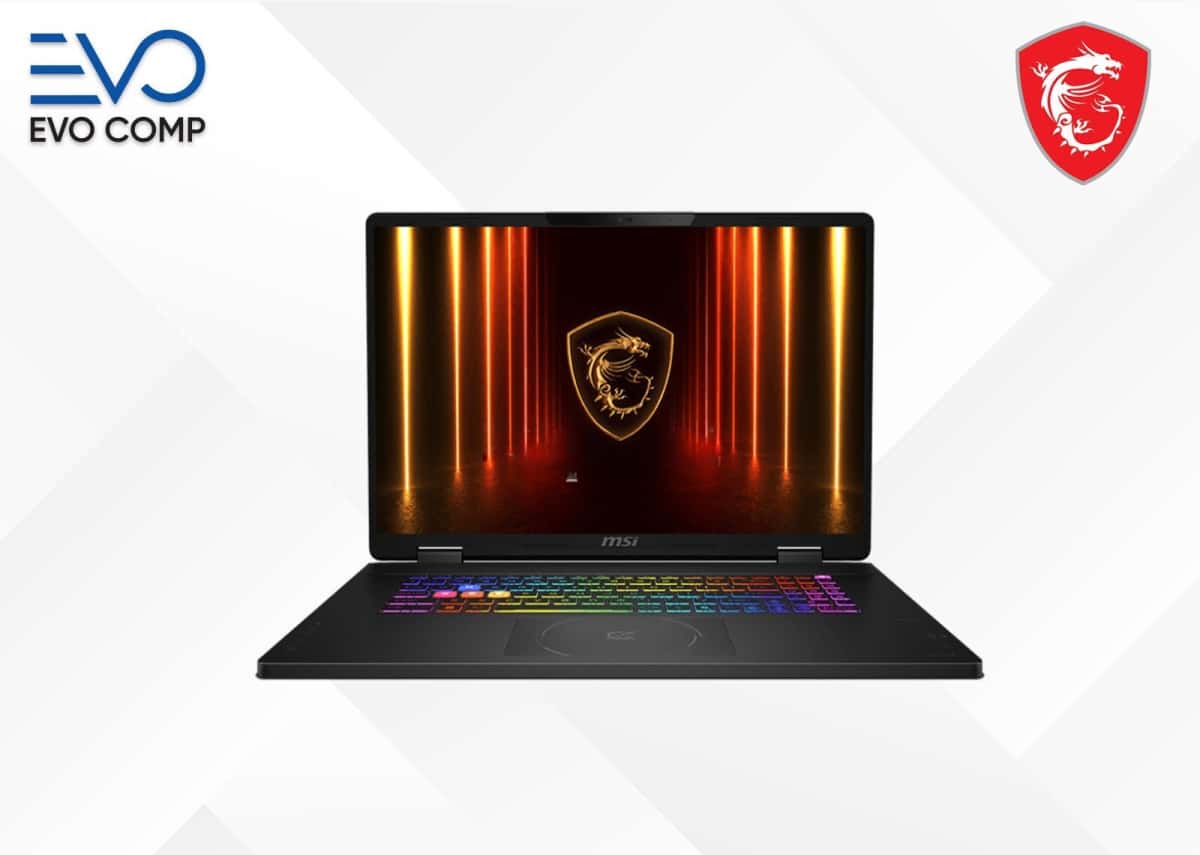
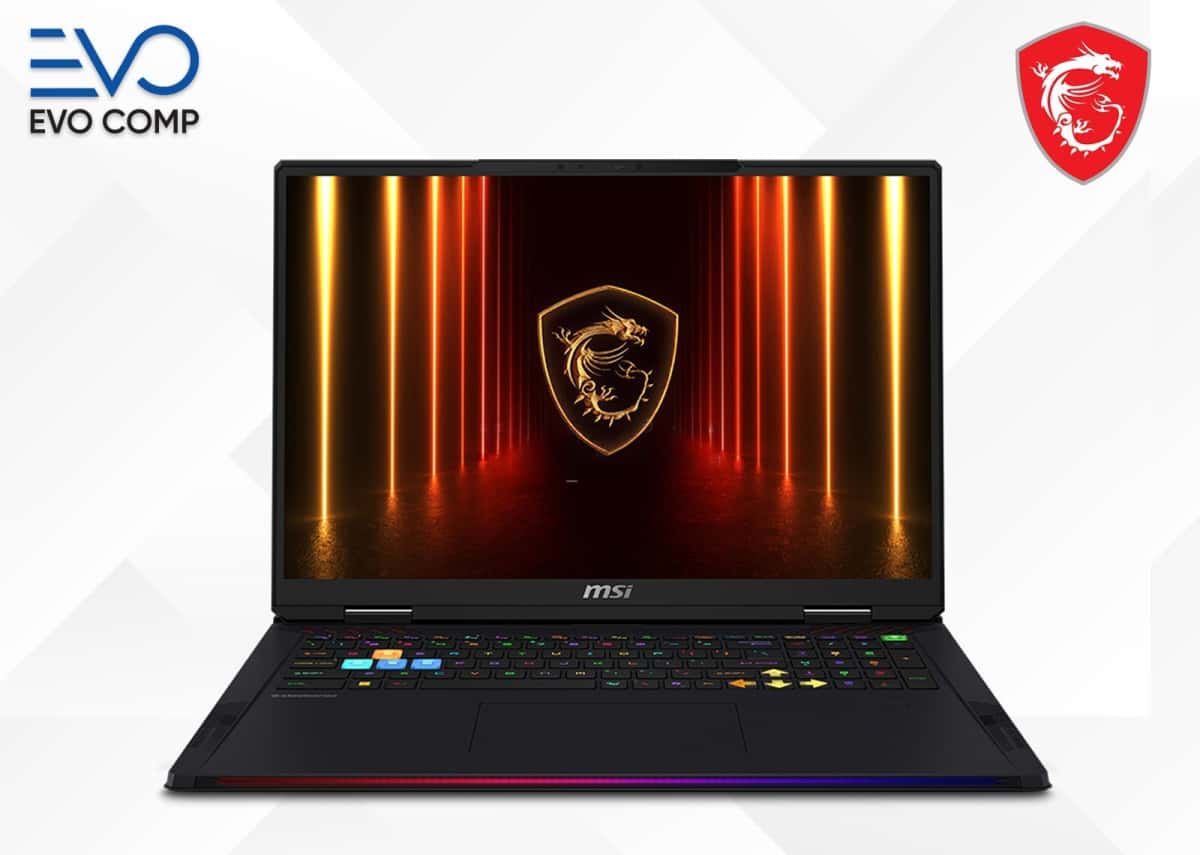
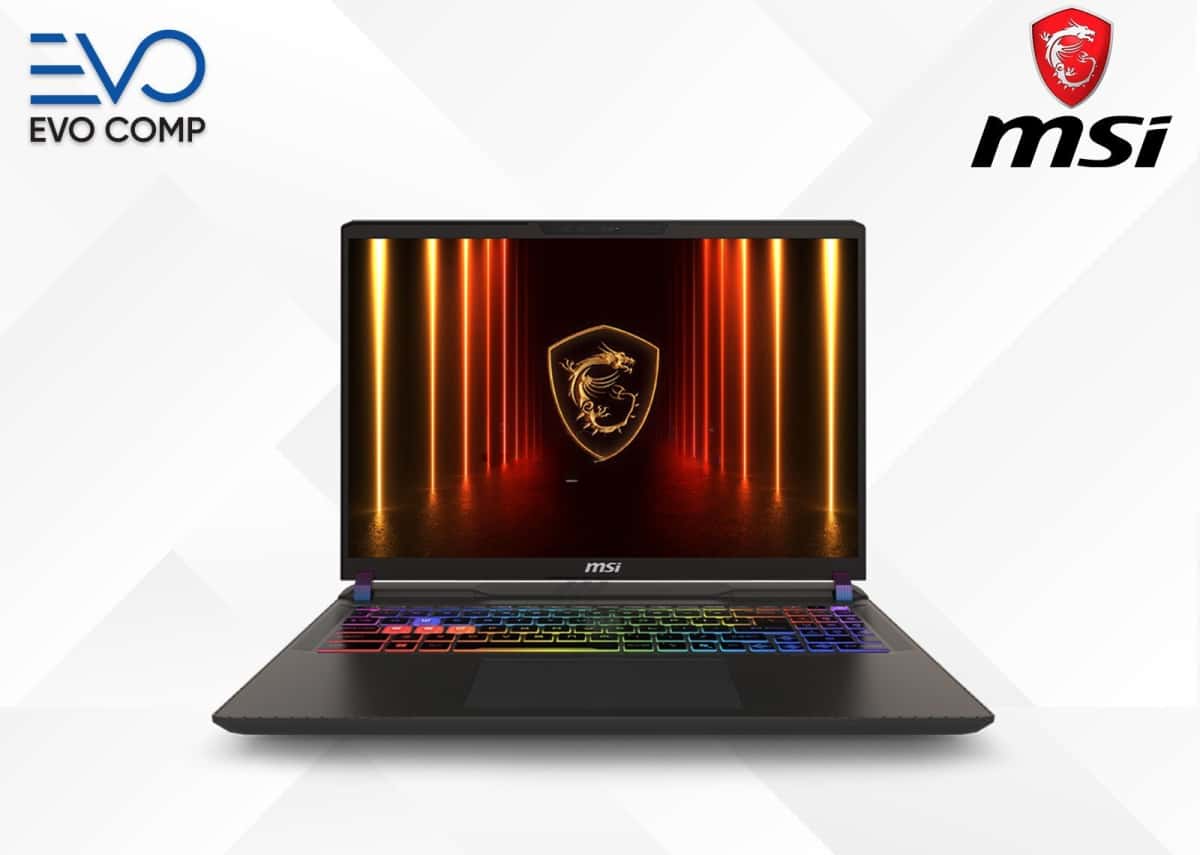
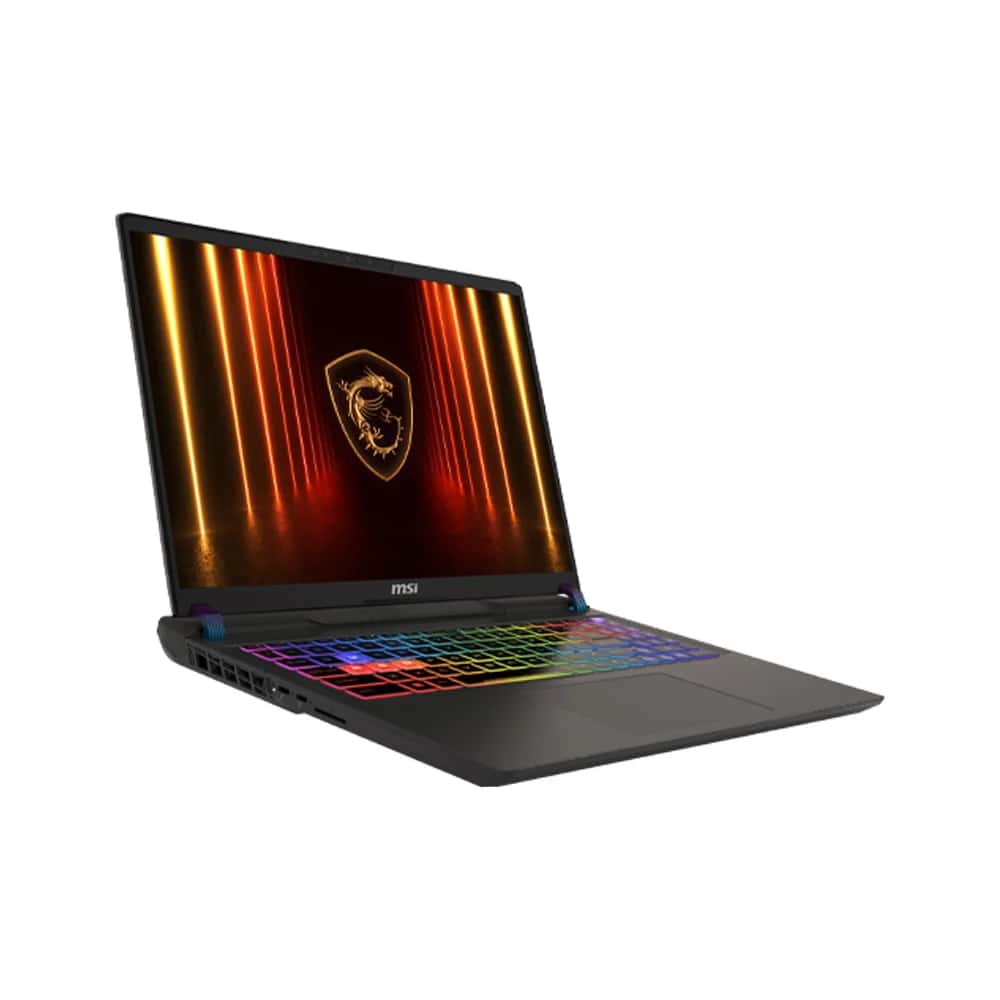
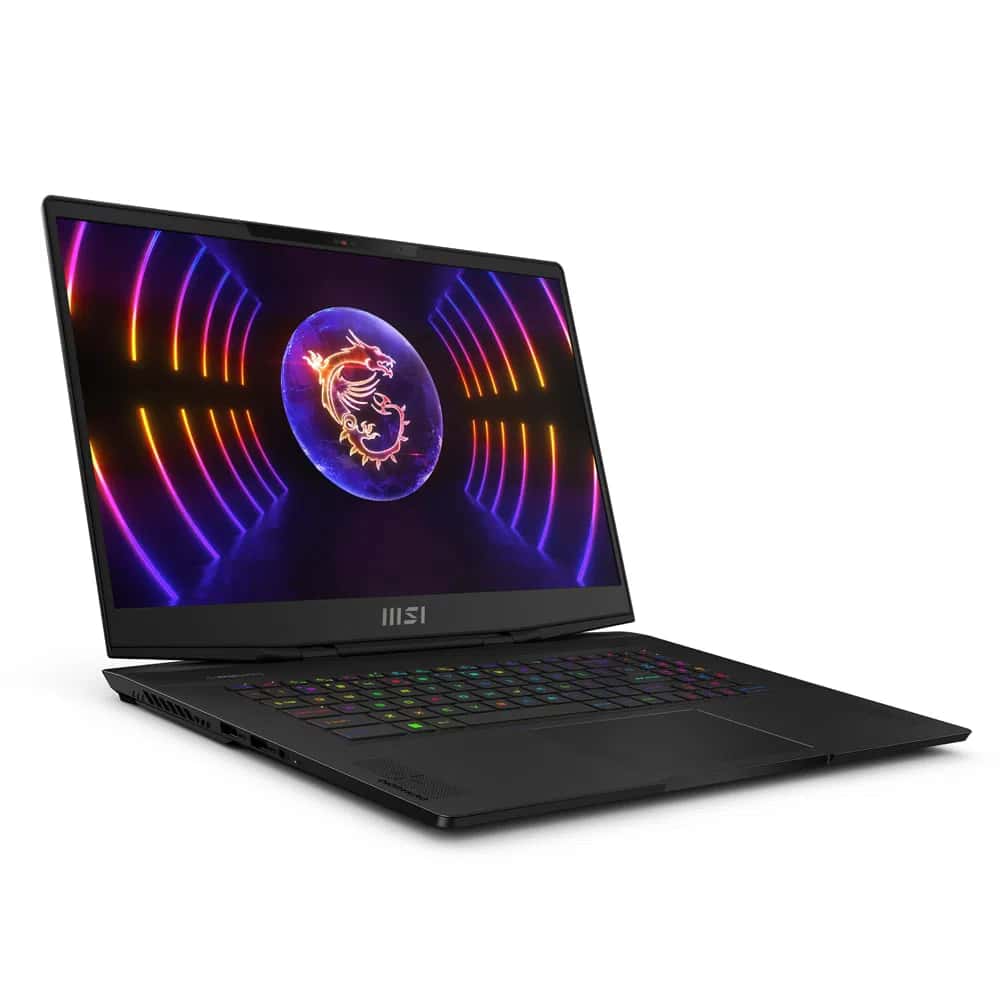
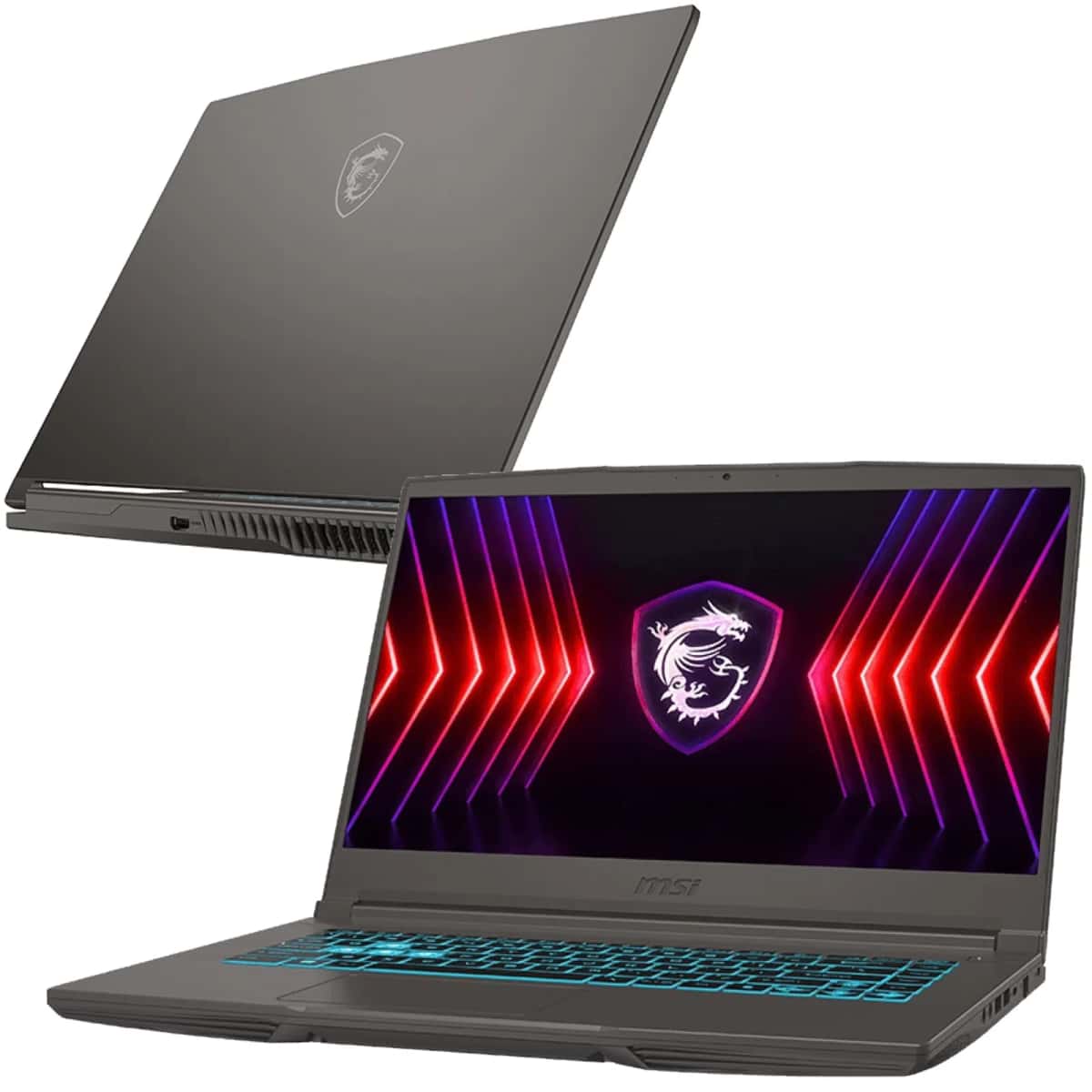
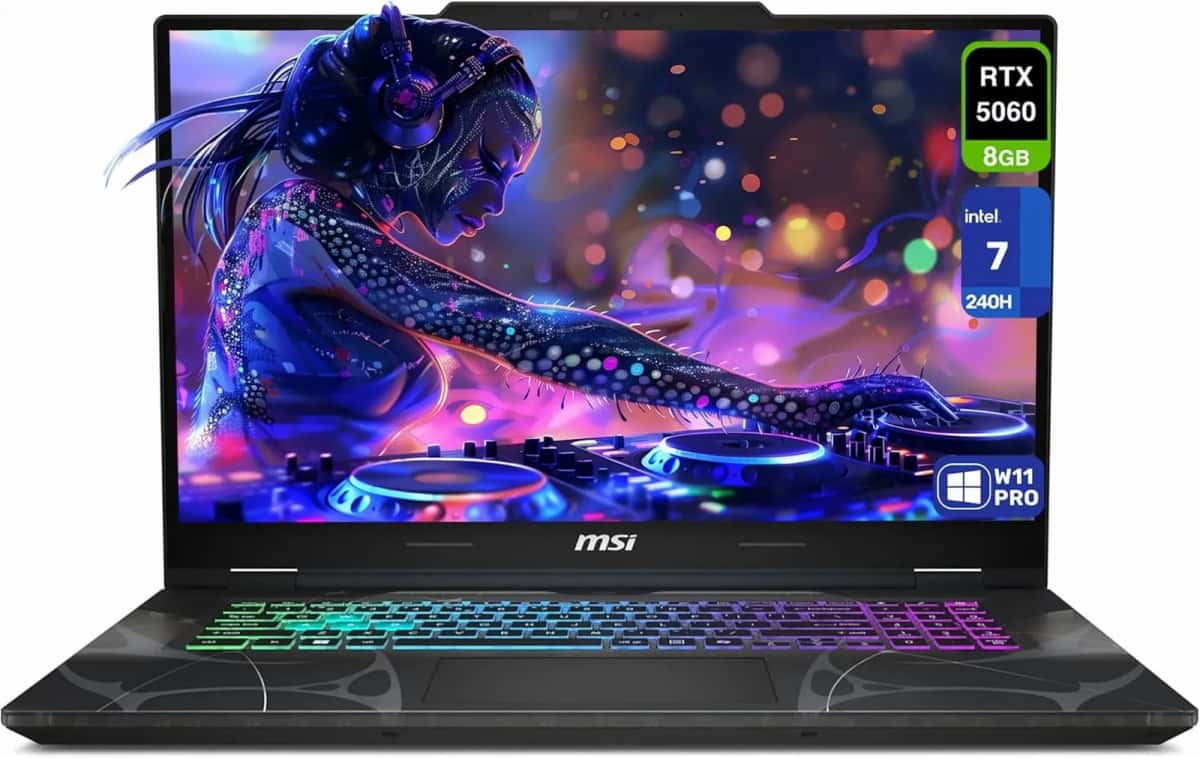
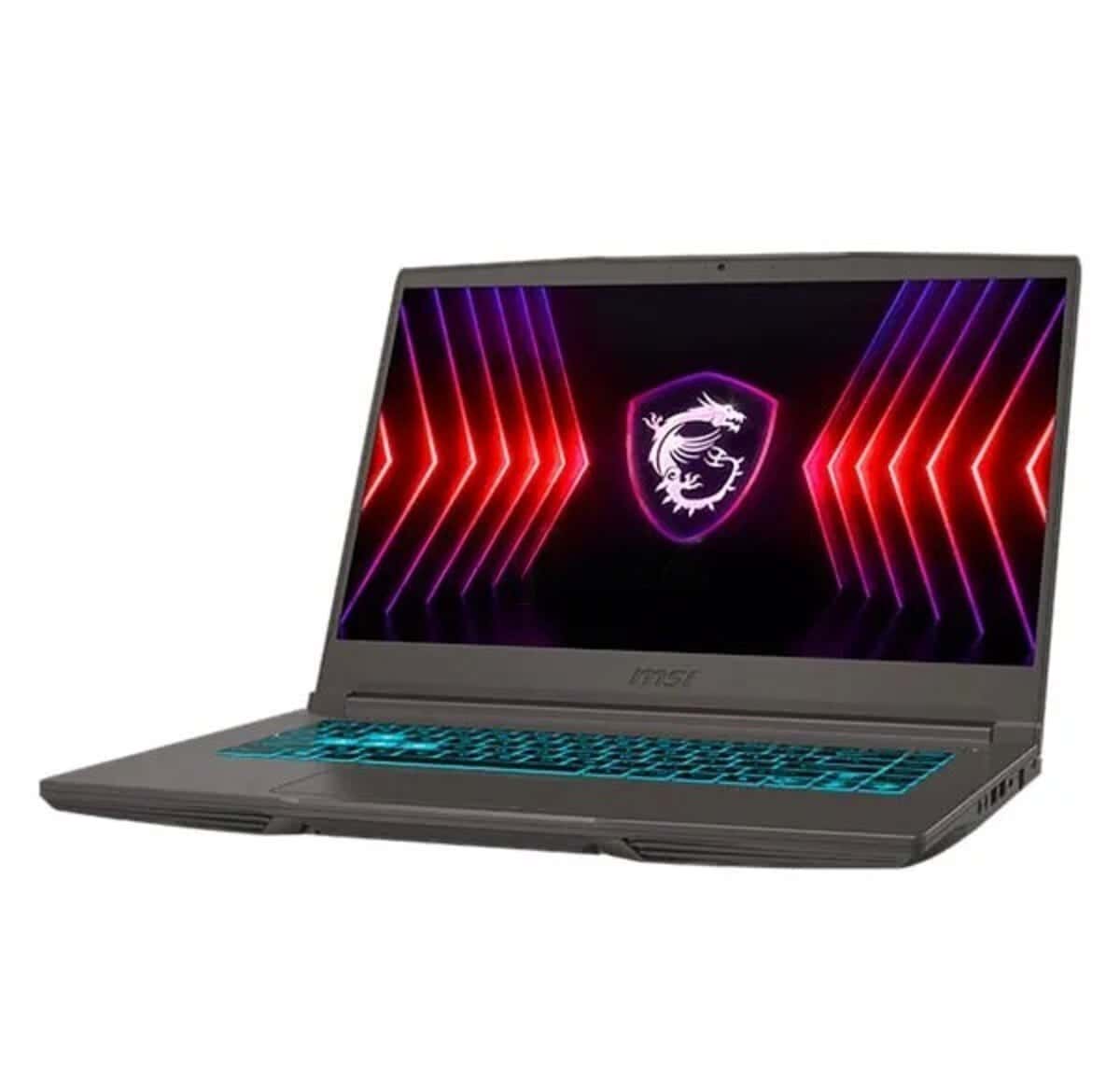
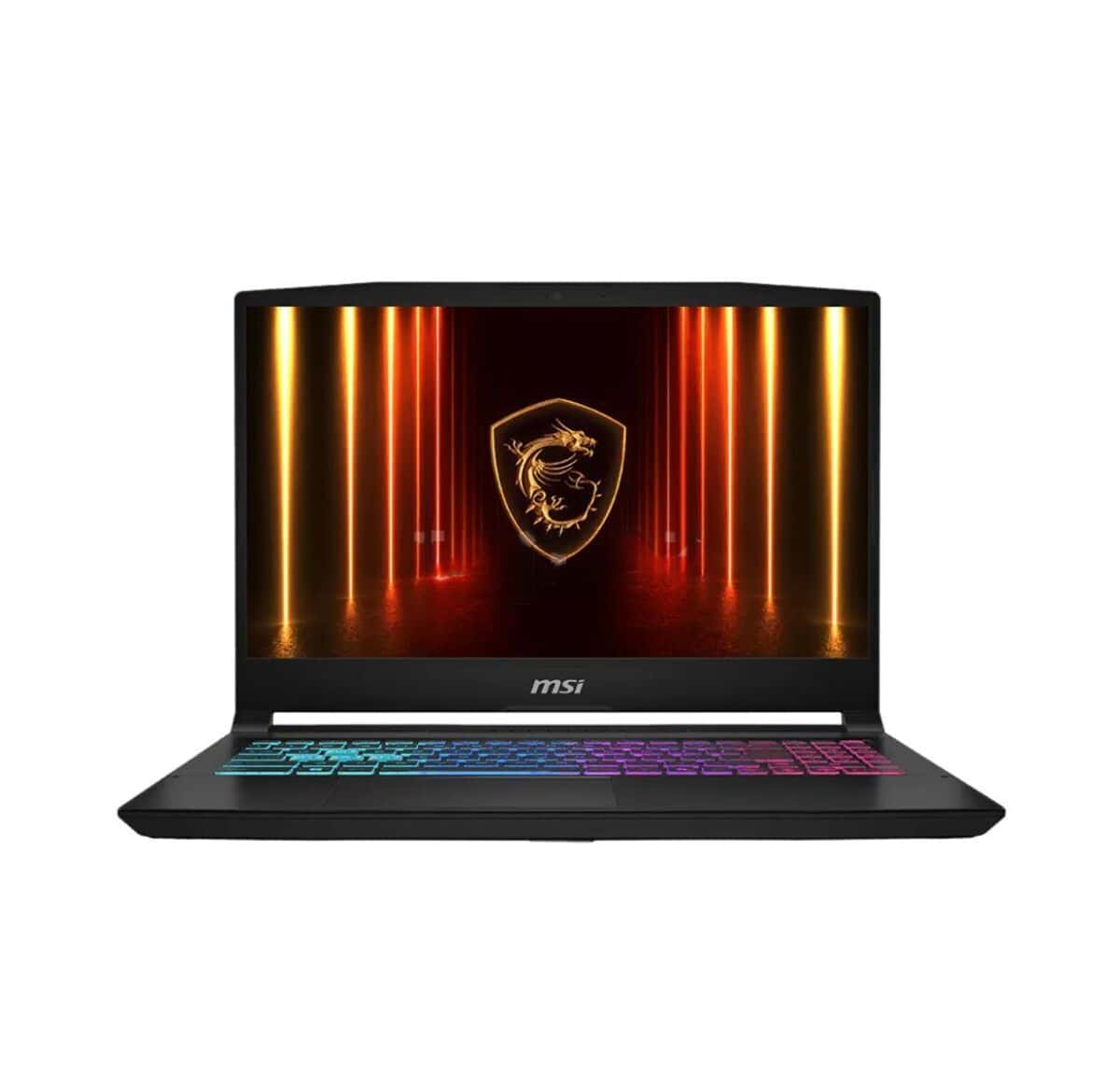
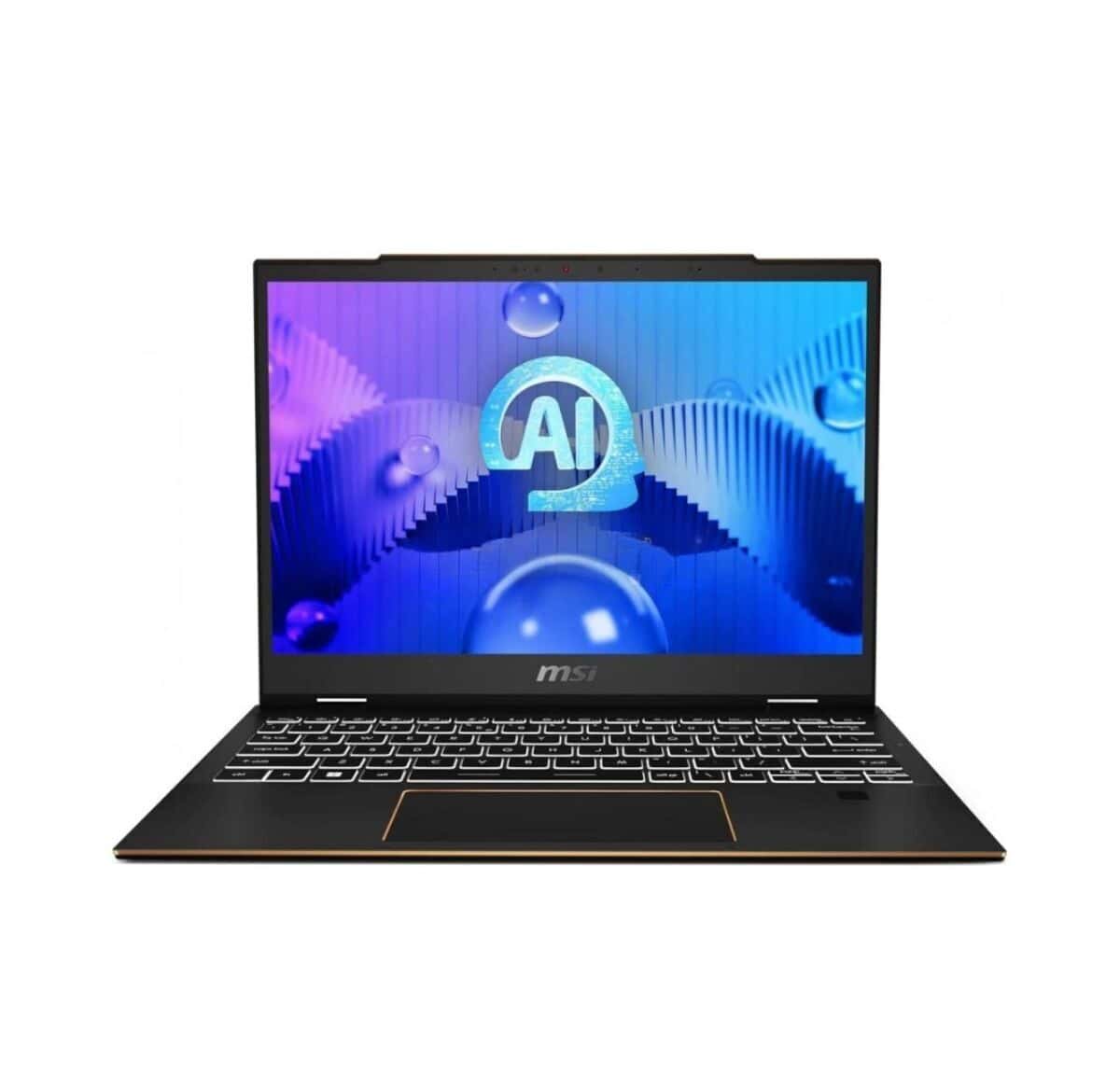
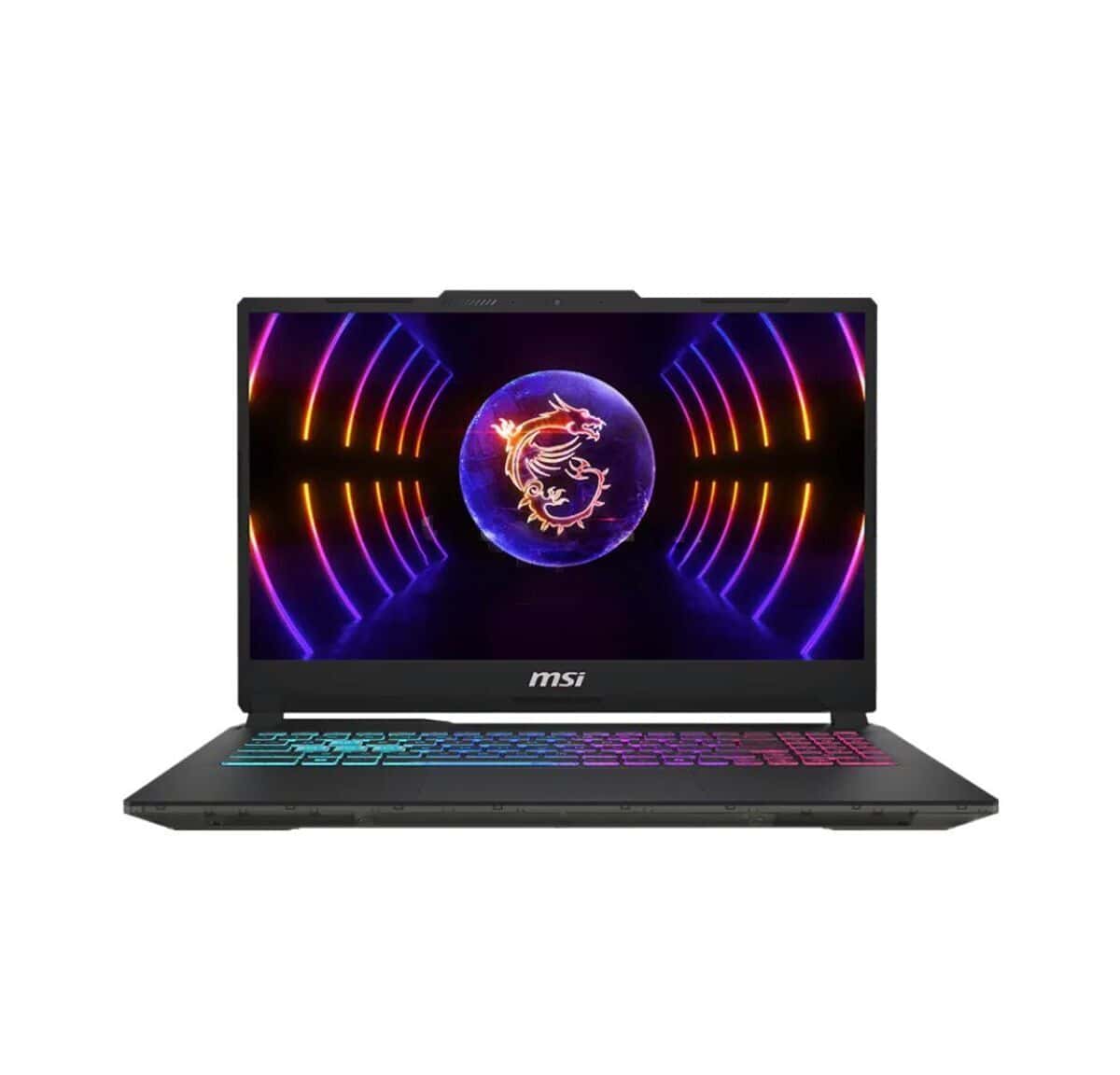
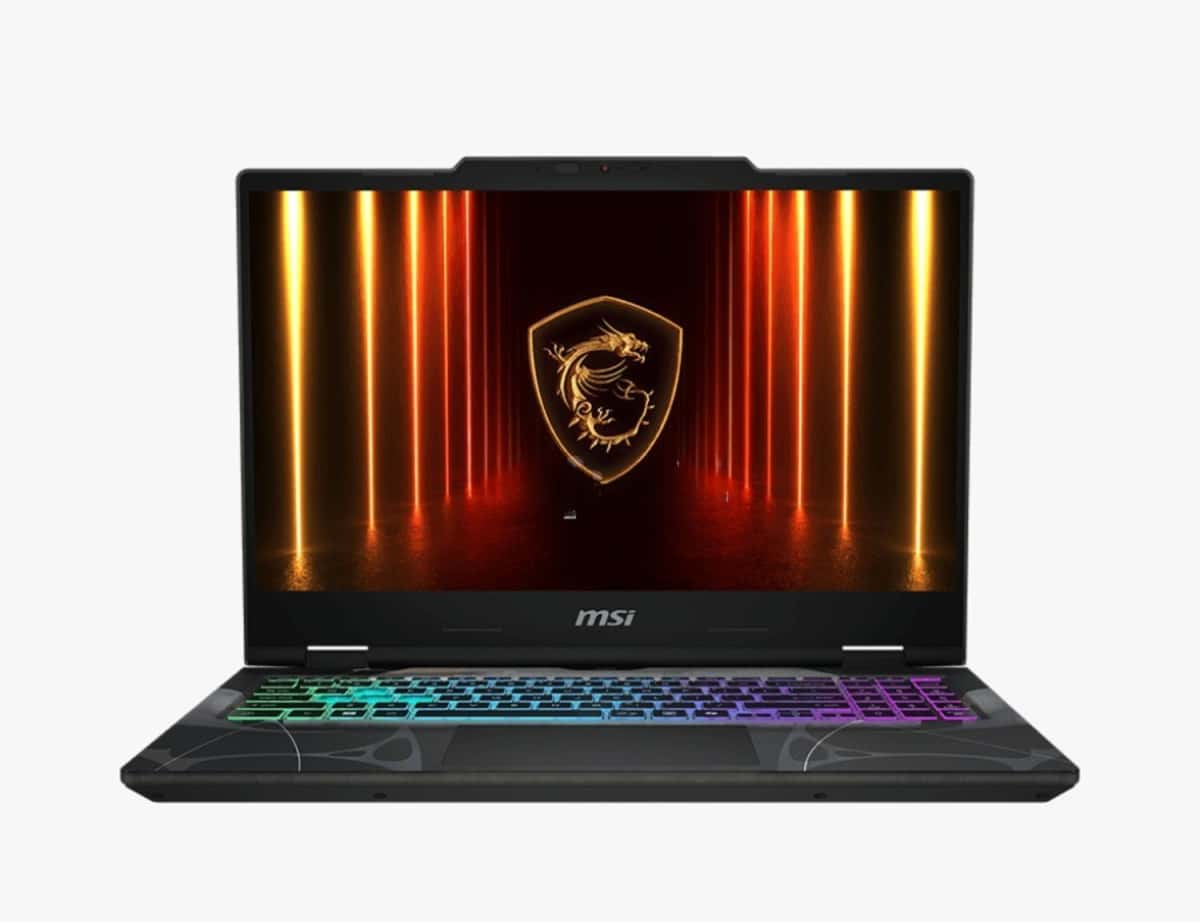
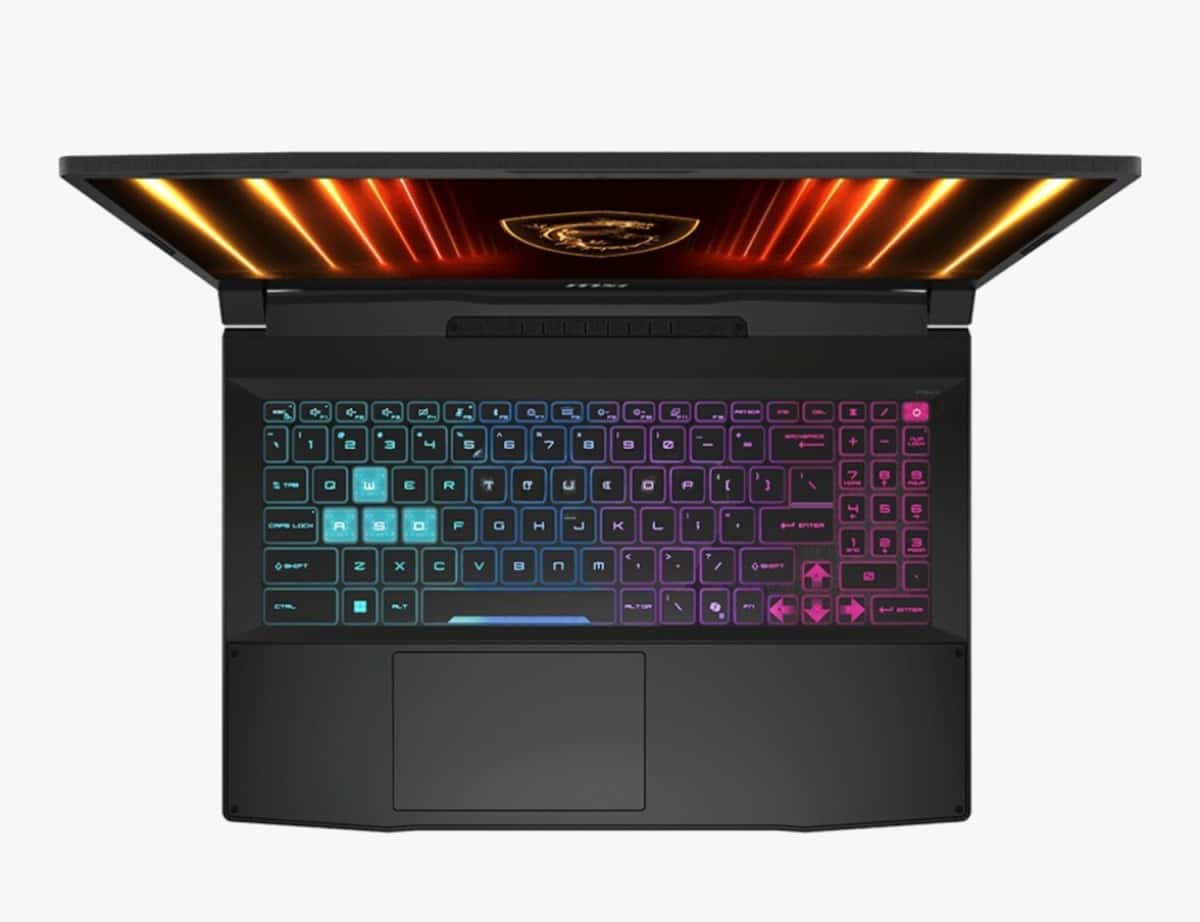
When choosing among MSI laptop listings, it is useful to evaluate the processor, graphics card, RAM, screen refresh rate, and cooling capabilities together. The configuration required for gaming, design, and daily work may not be the same.
Found: 69 listings
MSI laptop listings should be researched by first determining what tasks the device will be used for. There can be a significant difference between the technical specifications required for a laptop chosen for gaming and graphic design versus one for simple daily use.
In addition to the processor and RAM, the graphics card, screen, and cooling system should also be considered during selection. This makes it easier to find a model that fits your budget while providing the required performance.
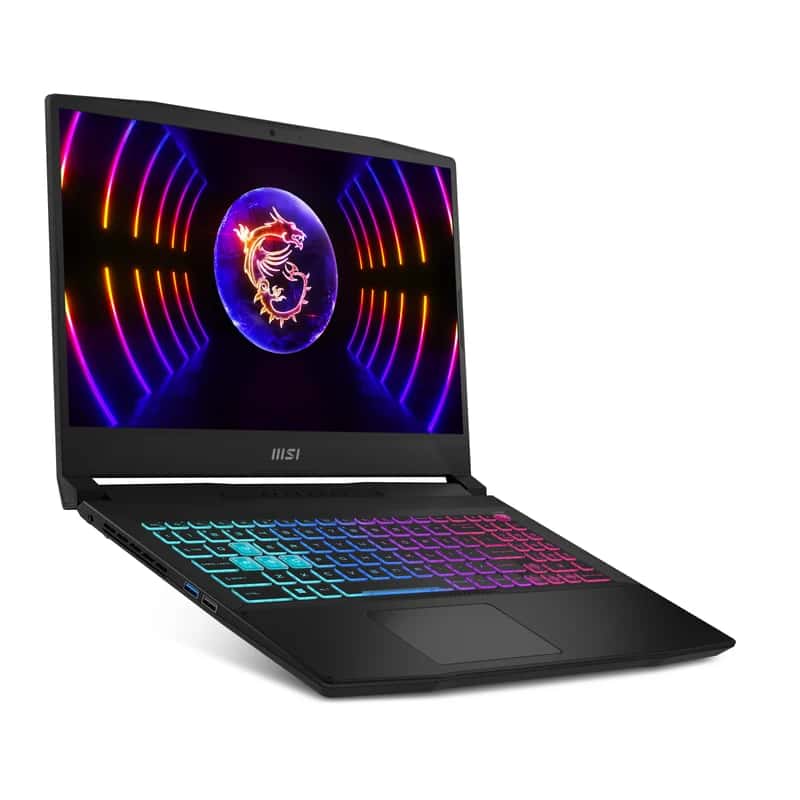
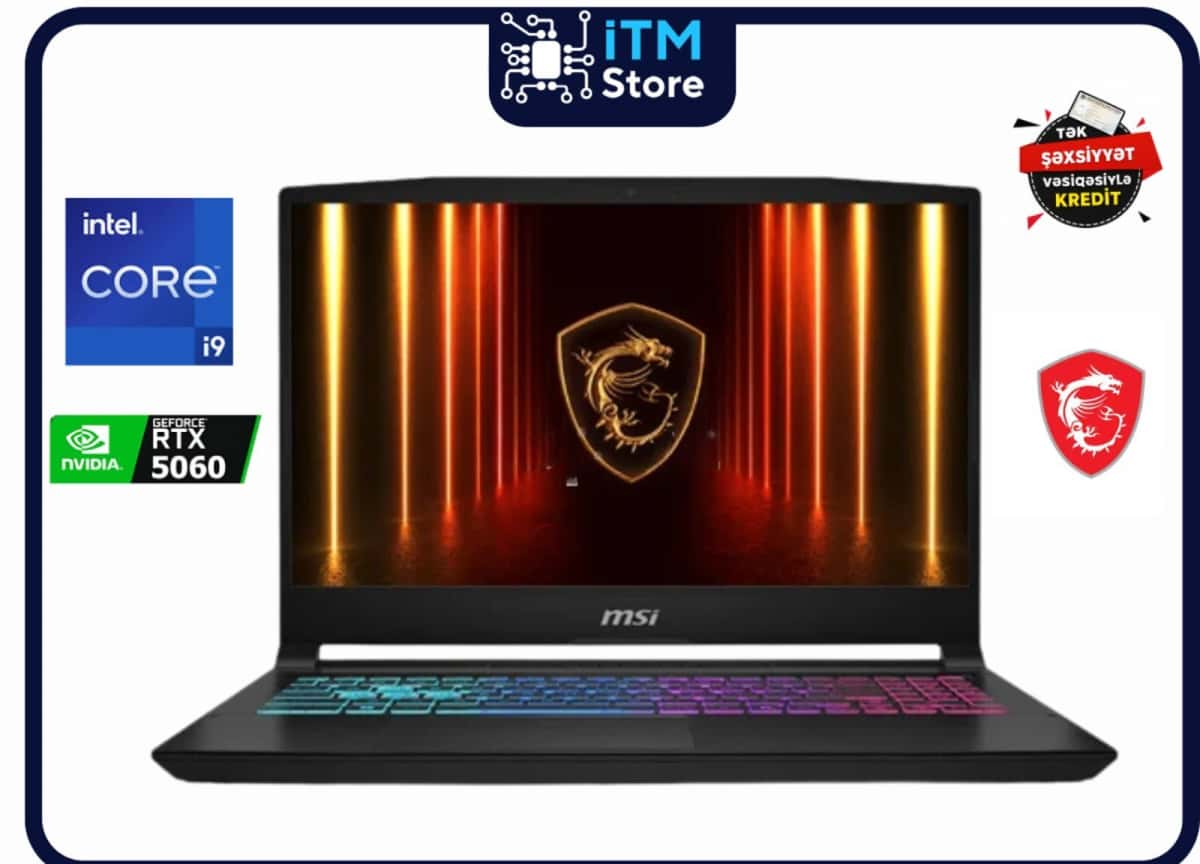
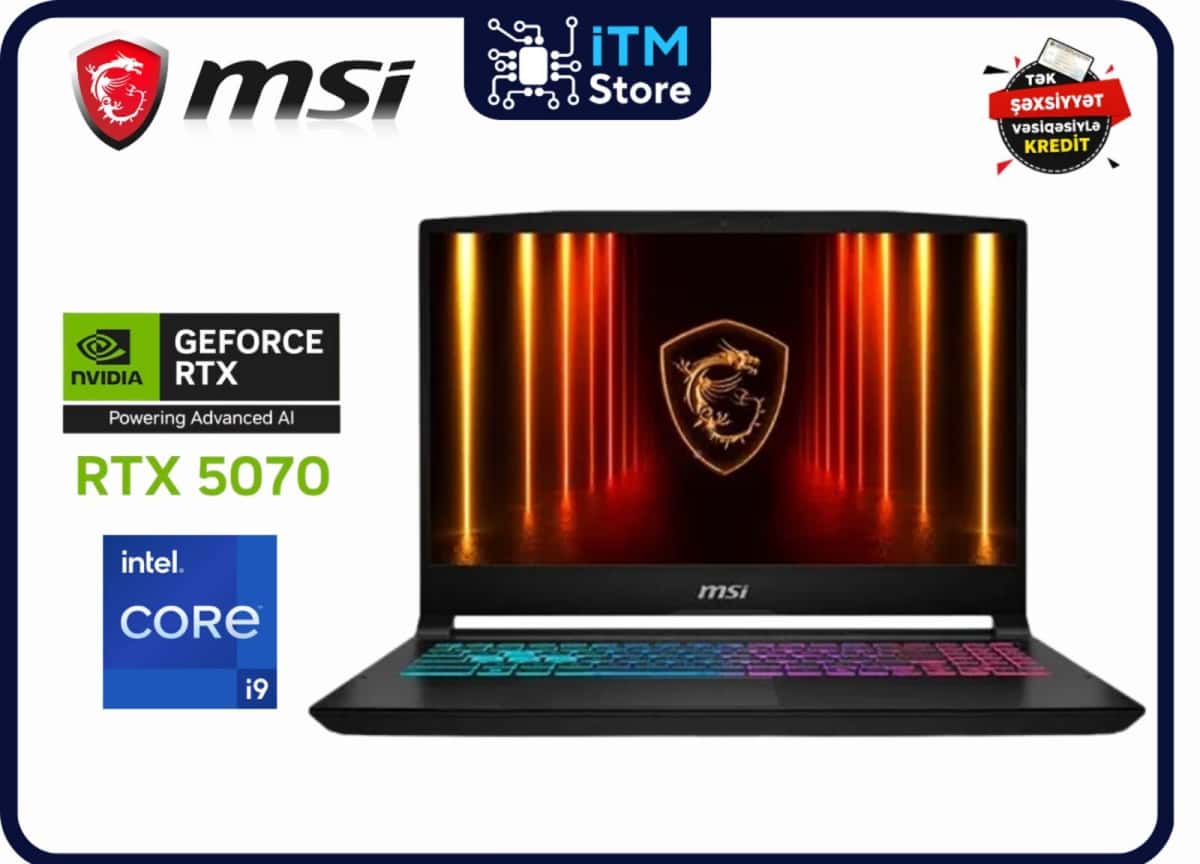
If an MSI notebook is being purchased for gaming, the graphics card and processor are among the key indicators. RAM capacity, SSD storage, and the screen's refresh rate can also affect the gaming experience.
Instead of just choosing the most powerful configuration, it is more appropriate to identify a device that meets the system requirements of the games you intend to play.
When choosing an MSI laptop, in addition to screen size, the refresh rate and display features can also be important. Especially in fast-paced games, a higher refresh rate can provide a smoother visual experience.
If it will be used for design and visual work, it is also useful to pay attention to the screen's color reproduction capabilities.
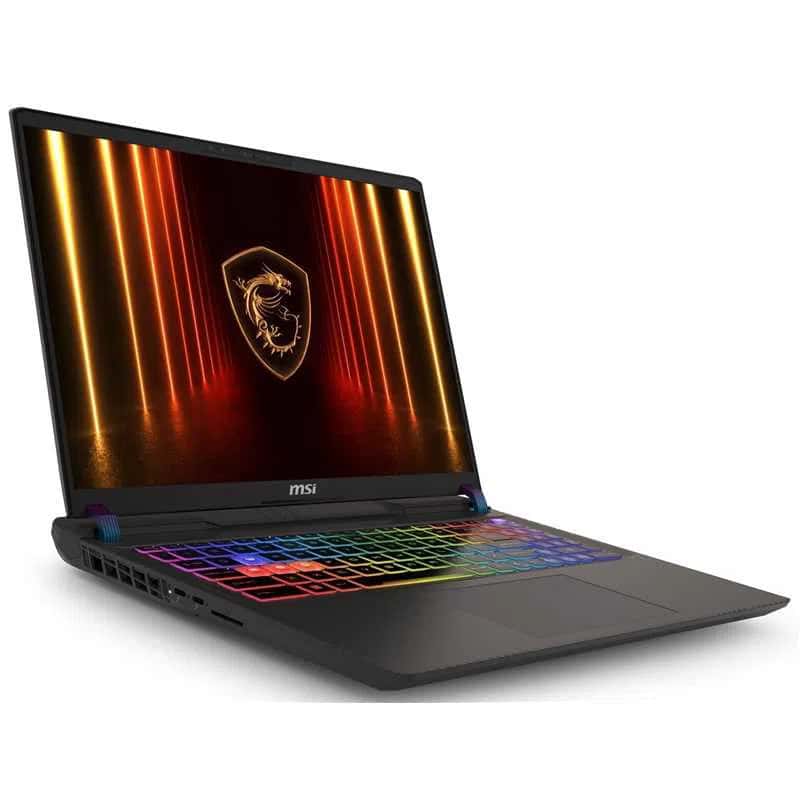
MSI laptops can generate more heat during programs and games that require high performance. Therefore, the device's cooling system plays an important role in long-term use.
When choosing a model, the placement of air vents and how the device manages temperature under heavy load should also be considered.
When choosing an MSI computer, RAM and SSD serve different purposes. RAM affects the smoothness of parallel running programs, while SSD affects the speed at which the system and files open.
For users working with gaming, editing, and large projects, having more memory capacity can be more practical for future use.
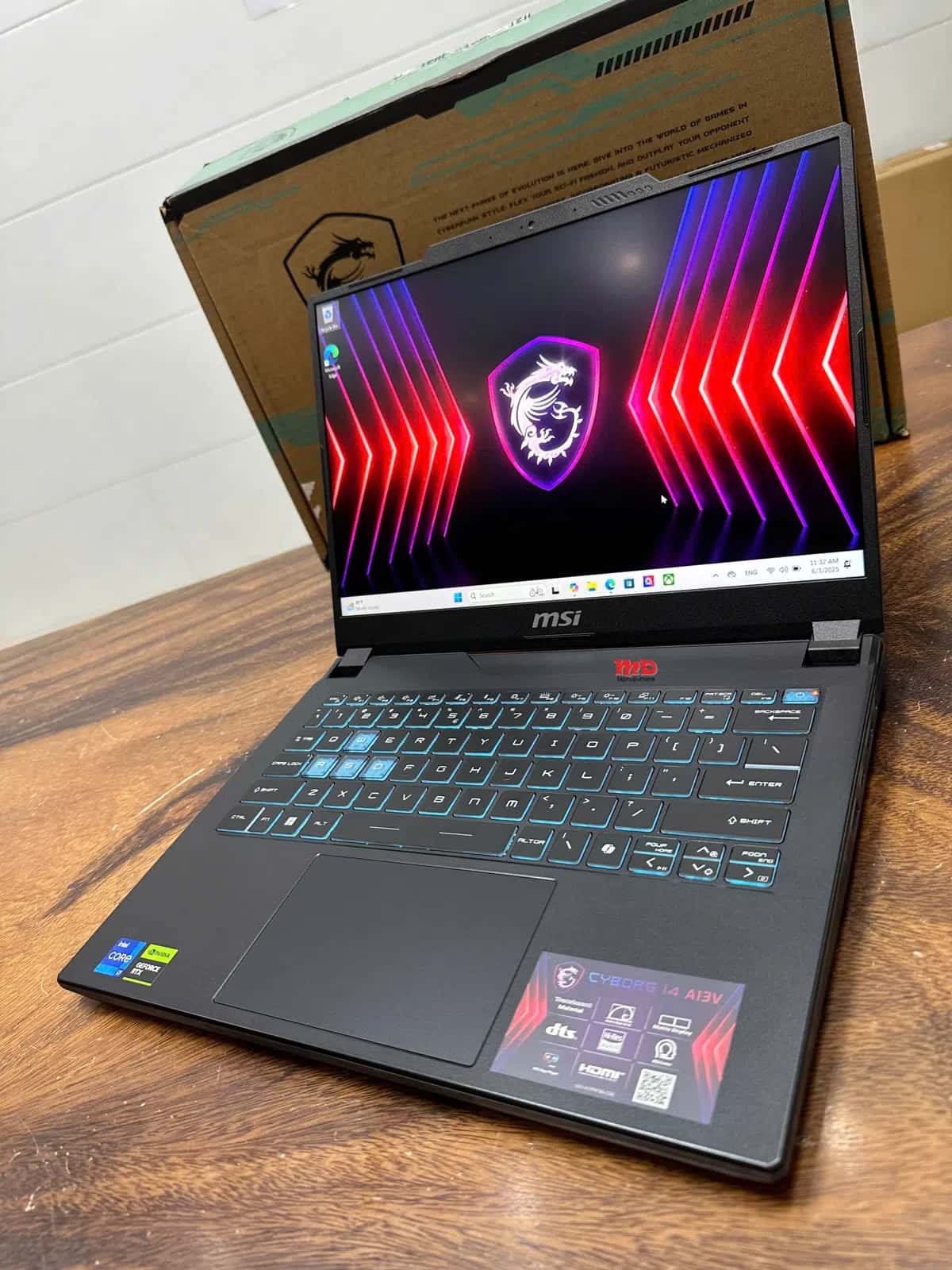
If a second-hand device is chosen from MSI laptop listings, looking only at technical specifications is not enough. In addition to the screen, keyboard, battery, and ports, it is useful to check how the device performs under heavy load.
For laptops used for gaming, temperature, fan noise, and overall performance should be evaluated separately before purchase.
Comparing the video card, processor, RAM, and screen specifications with the requirements of the games to be played helps in making a more accurate choice.
Models with appropriate configurations can be used for video editing, 3D, programming, and other demanding software.
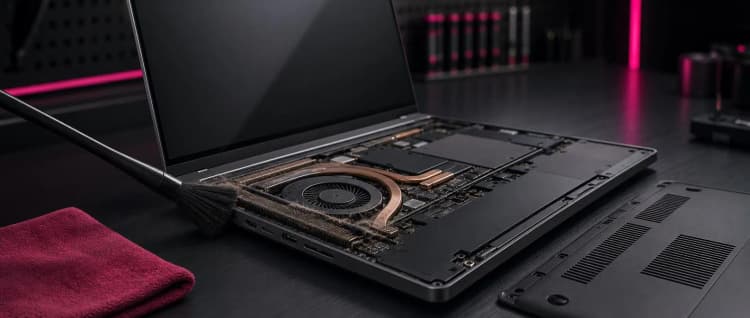
High-performance components can generate more heat while operating. Effective cooling helps the device work stably under heavy loads.
Along with technical specifications, temperature, fan noise, battery, screen, and keyboard condition should also be checked.
No. Depending on the model, they can also be used for programming, design, video editing, and other tasks that require high performance.
When choosing laptops for programming, it is not enough to just look at
The MacBook vs Windows comparison is one of the most common
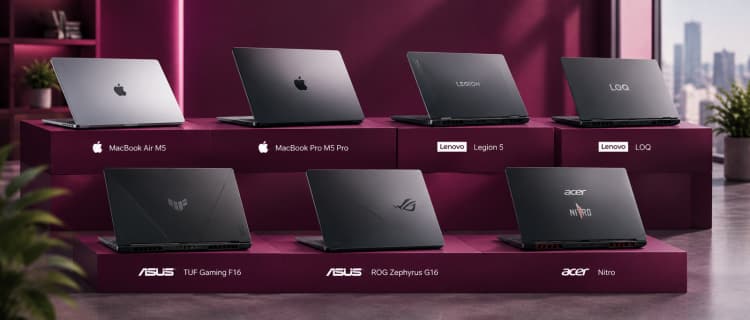
helps compare suitable models for different
...
...
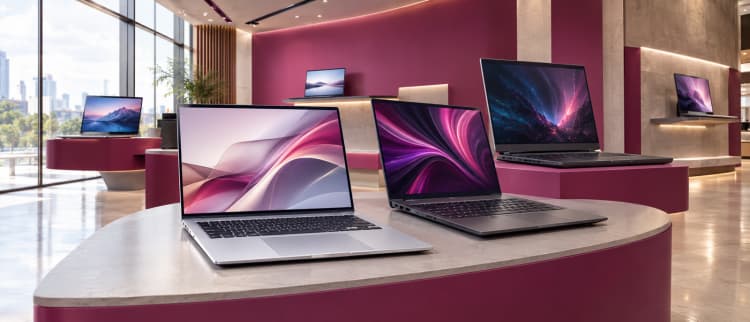
A complete guide to laptops helps you choose the right device for various purposes, compare technical
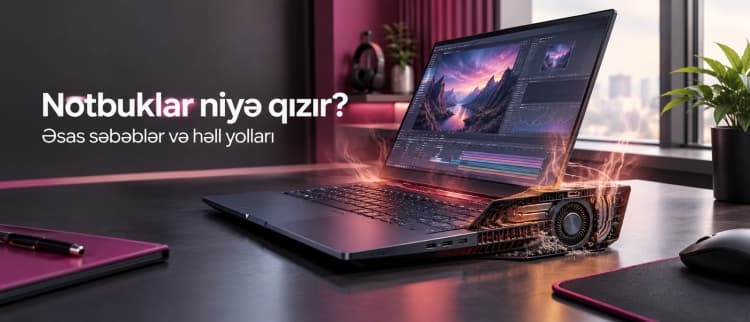
Why do laptops overheat? It is normal for laptops to warm up