

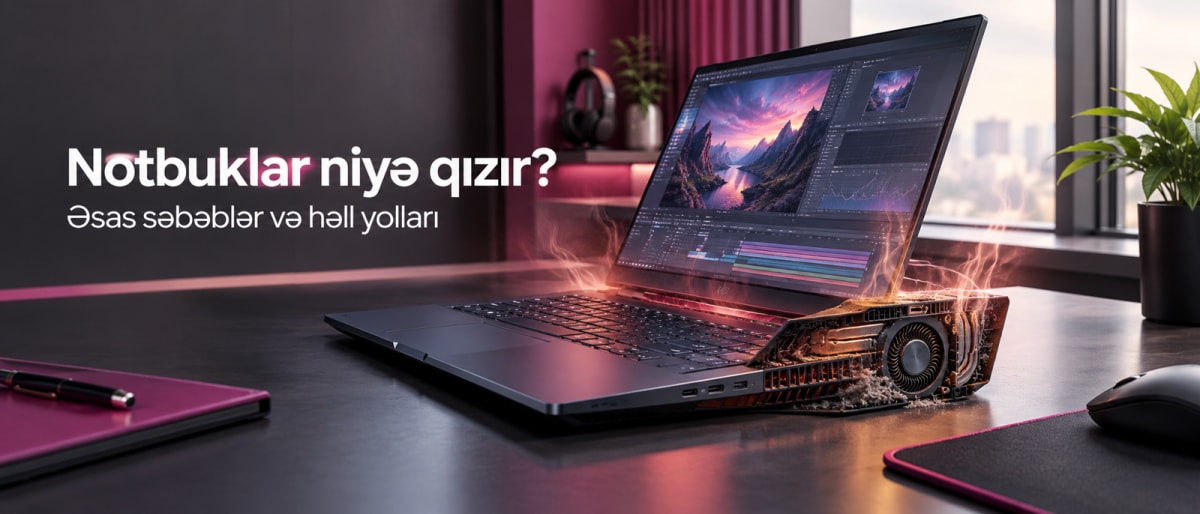
Why do laptops overheat? Main causes and solutions
Why do laptops overheat? It is normal for laptops to warm up to a certain extent while working. As the processor, graphics card, and other components operate, heat is generated, and the cooling system helps dissipate this heat from the device. However, if the laptop is overheating excessively, the fan is running loudly, and the device's performance is decreasing, it is necessary to investigate the cause of the problem.
Laptop overheating can be caused by dust accumulation, blocked ventilation holes, high system load, fan malfunction, and improper usage conditions. Identifying the cause of the problem in time helps the device work more stably and prevents potential technical issues.
What are the main causes of laptop overheating?
There can be several reasons for laptop overheating. The most common problems are weakened cooling systems, dust accumulation, high processor and graphics card load, blocked ventilation holes, and fan-related malfunctions.
Additionally, using the laptop in a hot environment and placing the device on a soft surface can make it harder for heat to dissipate. Therefore, to solve the overheating problem, it is necessary to focus not only on reducing the temperature but also on identifying its root cause.
How does dust affect laptop overheating?
When a laptop is used for a long time, dust can accumulate in the fan, radiator, and air channels. When a layer of dust weakens the airflow, it becomes difficult for hot air to be expelled from the device.
As a result, the cooling system has to work harder, and the temperature of internal components can rise. Especially if the fan noise is louder than usual and the device overheats frequently, the cooling system may need cleaning.
Why should ventilation holes not be blocked?
A laptop's ventilation holes play a crucial role in the proper functioning of the cooling system. When these holes are blocked, air circulation weakens, and it becomes difficult to expel the generated heat.
For this reason, it is not recommended to use the laptop on beds, blankets, sofas, or other soft surfaces. Placing the device on a hard and flat surface helps keep air intakes open and allows the cooling system to work more effectively.
Why does the fan run at high speed?
The fan running at high speed is often related to the processor and graphics card working under high load. When the temperature of the components rises, the cooling system may increase the fan speed to reduce the heat.
However, if the fan runs continuously at high speed even when performing simple tasks, the cause could be resource-intensive background programs, dust, poor airflow, or a technical problem with the fan.
Why does a laptop overheat during gaming?
Since games require high performance from the processor and graphics card, a laptop can generate more heat during gaming. Especially playing games for a long time with high graphics settings causes components to work more intensively.
In this case, the effective operation of the cooling system becomes even more important. If the laptop's ventilation holes are blocked or dust has accumulated inside the device, the heat generated during gaming may be harder to expel.
How does high system load cause overheating?
When resource-intensive programs are running, the processor and graphics card work under higher load. Games, video editing software, 3D modeling applications, and other heavy programs can create high system load for long periods.
Sometimes, even if no heavy programs appear to be open to the user, the laptop can get very hot. In such a situation, it is useful to check background programs and the level of system resource usage.
Does thermal paste affect overheating?
Thermal paste is a material that helps transfer heat between the processor and the cooling system. Over time, its properties can weaken, and the efficiency of heat transfer can decrease.
However, it is not correct to directly attribute laptop overheating to thermal paste. First, other factors such as dust, ventilation, fan operation, and system load should be checked. It is more accurate to determine whether thermal paste needs to be replaced based on the technical condition of the device.
How to know if a laptop is overheating?
It is not possible to determine if a laptop is overheating only by the warmth of the chassis. Changes in the device's operating behavior can also be an indicator of an overheating problem.
Main signs include the fan running continuously at high volume, programs opening slowly, decreased performance in games, system freezing, and the device shutting down unexpectedly.
If these signs are observed consistently, it is necessary to check the laptop's cooling system and system load.
How does overheating affect laptop performance?
At high temperatures, a laptop may automatically reduce the operating speed of its internal components to protect them. This situation is called thermal throttling and can cause performance to drop under high load.
As a result, frame rates in games may decrease, programs may run slower, and the device may react more slowly during use. Performance loss due to continuous overheating is felt more clearly, especially when using games and resource-intensive programs.
What to do if the laptop is overheating?
If the laptop is overheating, first of all, it is necessary to check the usage conditions of the device. Placing the laptop on a hard and flat surface, keeping ventilation holes open, and checking for programs that create high system load can be initial steps.
Then, it is necessary to check if there is dust in the device's cooling system and whether the fan is working normally. If the problem persists after these measures, it is advisable to have a technical inspection.
What mistakes should be avoided when the laptop overheats?
When a laptop overheats, users may sometimes take wrong steps to solve the problem quickly. For example, interfering with the internal components of the device on your own to reduce the temperature can cause additional malfunctions.
Another wrong approach is to ignore the overheating problem for a long time. If the temperature rise in the laptop is persistent, simply turning the device off and on again does not eliminate the cause of the problem. At the same time, replacing thermal paste or using various cooling tools without identifying the technical cause is not the right solution in every situation.
The most correct approach is to identify the cause of the overheating and solve the problem according to that cause. If simple usage changes do not yield results, it is more appropriate to have a technical inspection.
How to cool the laptop better?
If the laptop is already overheating, first of all, it is necessary to create conditions for heat to be expelled from the device more effectively. For this, it is useful to place the laptop on a hard and flat surface, ensure there are no obstacles in front of the ventilation holes, and reduce programs that create high system load.
Closing programs that run in the background and use a lot of system resources can help reduce the load on the processor and graphics card. If there is dust in the cooling system, cleaning it also helps improve airflow.
It is also possible to use a cooling pad for additional cooling in laptops working under high load. However, if the device continues to overheat excessively, the technical cause of the problem should be identified instead of relying solely on additional cooling tools.
Does a cooling pad help the laptop?
A cooling pad can support the cooling process by improving air circulation in some laptops. Such an accessory can be useful, especially in models with air intakes at the bottom of the device.
However, a cooling pad does not replace a dusty cooling system or a faulty fan. If the laptop is overheating excessively, the root cause of the problem must first be identified.
How to prevent laptop overheating?
To prevent laptop overheating, the main goal is to create continuous conditions for the cooling system to work normally. Not keeping the device in a hot environment for a long time and keeping enough space around the ventilation parts is important in this regard.
In addition, it is necessary to pay regular attention to the cleanliness of the cooling system and investigate the problem in time if sounds different from before are observed in the fan's operation. People who use the laptop under high load for a long time should monitor changes in the device's performance and temperature.
These measures can help reduce possible risks before the overheating problem occurs and help the laptop work more stably.
How to look at the cooling system when choosing a laptop?
When choosing a laptop, it is important to consider whether the cooling system is suitable for the device's purpose. The cooling requirements for models used for simple office and educational work are not the same as for laptops intended for gaming, video editing, and other heavy tasks.
When choosing a high-performance laptop, in addition to the power of the processor and graphics card, it is necessary to look at how the heat generated by those components is managed. It is useful to pay attention to features such as the cooling structure, the number of fans, and the organization of airflow in the model's technical specifications.
When choosing a second-hand laptop, it is more important to evaluate the real operating condition of the cooling system. Testing the device under high load, observing the fan's behavior, and considering whether performance remains stable during long-term use can create a more complete idea about the condition of the laptop.
When should a laptop be technically inspected?
If the laptop overheats excessively even during normal use, the fan runs continuously at high volume, and the device's performance decreases significantly, it is advisable to have a technical inspection.
Especially if the laptop freezes frequently, shuts down suddenly, or continues to overheat despite cleaning, the condition of the cooling system and other components should be checked by a specialist.
Frequently asked questions about laptop overheating
Is it normal for a laptop to overheat?
It is normal for a laptop to warm up while working. However, cases such as excessive overheating, continuous high fan noise, performance loss, and sudden shutdown should be investigated.
Why does a laptop overheat more when used on a bed?
Beds, blankets, and other soft surfaces can block the laptop's ventilation holes. This can weaken air circulation and cause the device to warm up more.
Can a laptop shut down automatically because it overheats?
Excessive temperature can cause the laptop to shut down automatically in some cases to protect itself. If this happens repeatedly, the device's cooling system should be checked.
When should thermal paste be replaced?
There is no uniform period for all laptops to replace thermal paste. The device's temperature, usage intensity, and technical condition should be taken into account.
If the laptop is overheating, should I use a cooling pad?
A cooling pad can help with additional cooling. However, using only a pad without identifying the main cause of the laptop's excessive overheating may not fully solve the problem.
Conclusion
Although it is normal for laptops to warm up while working, excessive overheating is a problem that requires attention. Dust accumulation, blocked ventilation holes, high system load, fan problems, and decreased cooling system efficiency are among the main causes of overheating.
If the laptop is overheating, first check the usage conditions and system load, then evaluate the condition of the cooling system. If the problem persists, a technical inspection is the more correct approach.
Proper use, good air circulation, and timely technical maintenance can help laptops work more stably and reduce problems related to overheating.
Comments0
Be the first to comment
Share your thoughts on this article