


What are the best laptops for programming?
When choosing laptops for programming, it is not enough to just look at
Laptops
07.10.2026
1300
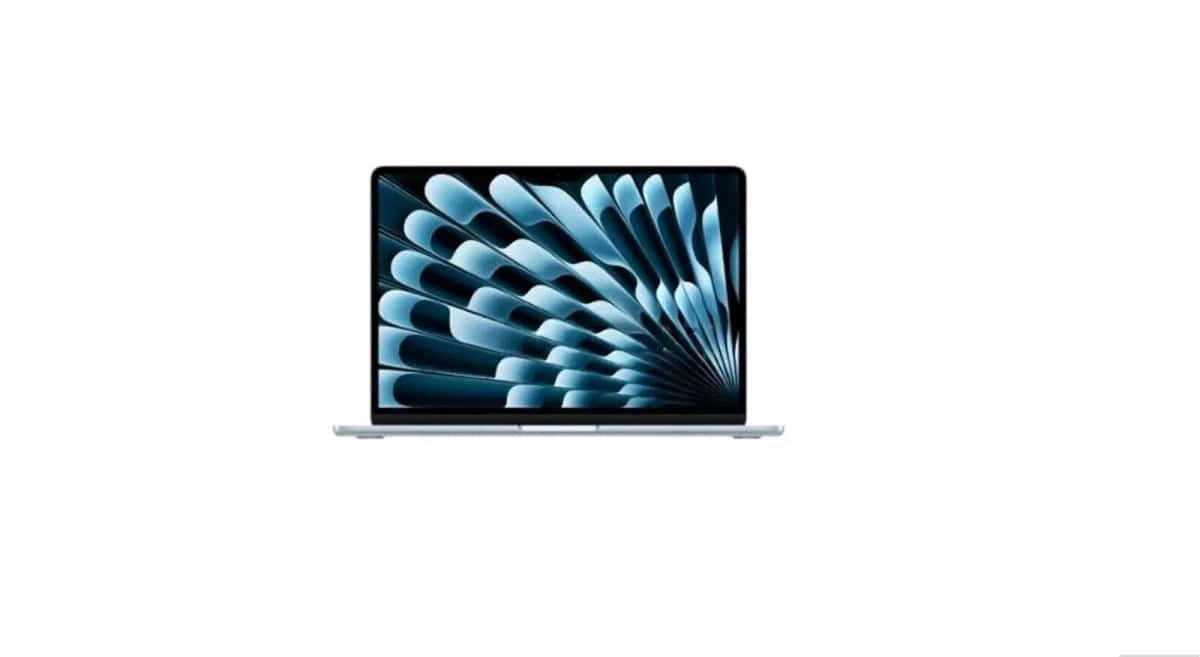
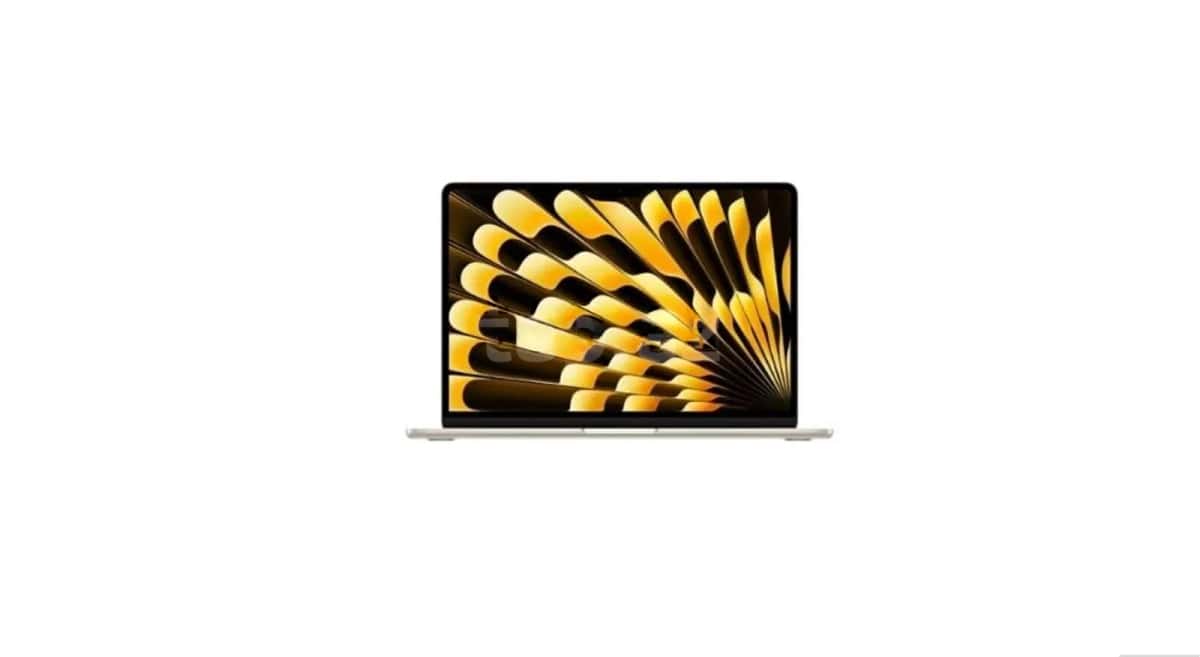
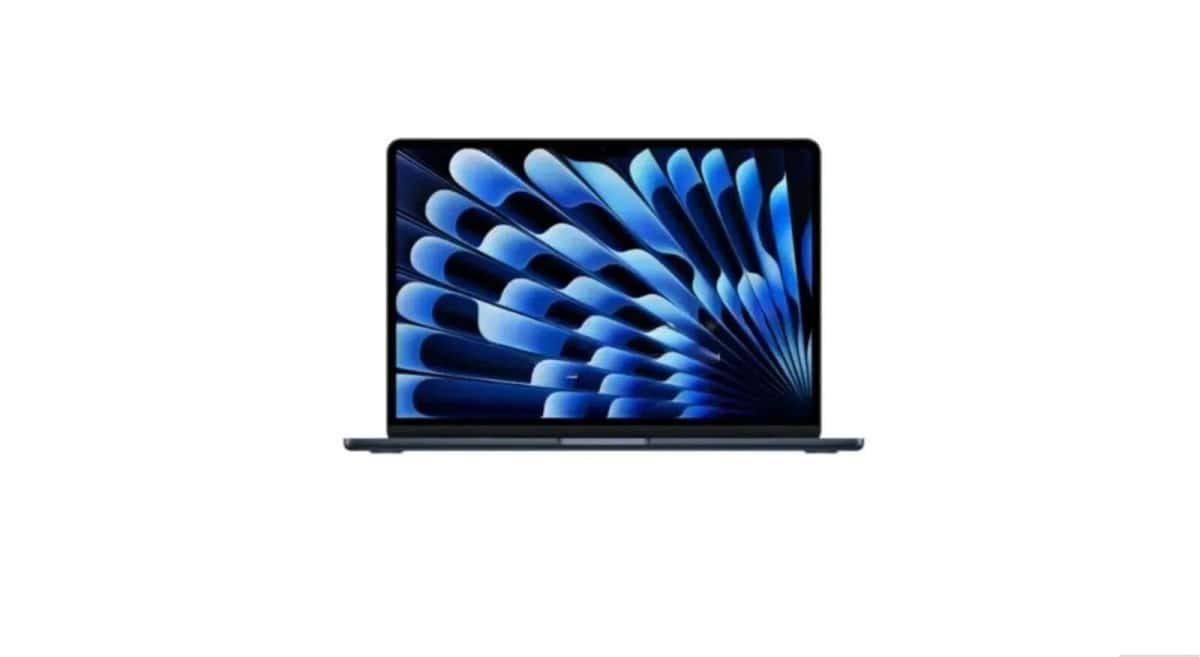
MacBook Air prices may vary depending on processor generation, storage, RAM, screen size, and configuration. You can compare M1, M2, M3, and M4 models to choose the MacBook Air that suits your budget and usage purpose.
Found: 141 listings
MacBook Air prices are not just about looking at the generation difference of the device. RAM, storage capacity, screen size, and the programs to be used also affect the choice of the appropriate model.
Since the performance required for programming, design, and long-term work use is not the same as for simpler daily tasks, it is more appropriate to choose the model based on real needs.
Apple MacBook Air can be chosen in different configurations for education, office work, programming, online meetings, and daily multimedia use.
If the device is to be carried frequently, size and weight may also be important. Users working with more intensive programs should pay more attention to RAM and storage selection.
Apple MacBook Air price can vary depending on the processor generation, RAM, SSD storage, and screen configuration. Even within the same generation, the choice of storage and RAM can make a difference in price.
For this reason, when comparing MacBook Air prices, it is more accurate to look at devices with the same configuration as much as possible.
MacBook Air M1 price may attract users looking for a more affordable MacBook Air. The suitability of the device for daily needs depends on the programs to be used.
If a second-hand M1 model is chosen, it is especially important to check the battery status, screen, keyboard, and overall operating condition.
MacBook Air M2 price can be compared for users choosing between M1 and newer generations. Here, it is necessary to look not only at the price difference but also at storage, RAM, and daily performance needs.
If the device is being purchased for work and education, it is useful to consider the long-term usage plan.
MacBook Air M3 price should be evaluated by considering whether the price difference with M2 and M4 variants is worth the additional features offered to you.
For those using more demanding programs, performance may be the main criterion, while for the daily user, the balance of price and storage may be more important.
MacBook Air M4 price is one of the main comparison points for users looking for a newer generation MacBook Air. When purchasing, it is necessary to look not only at it being a new generation but also at the selected RAM and storage configuration.
It is more logical to evaluate the price difference between M4 and previous generations based on the programs you will use and how many years you plan to keep the device.
Processor generation, RAM, SSD storage, screen size, and whether the device is new or second-hand can affect the price difference.
When the right configuration is chosen, it can be used for lessons, documents, browser, presentations, and other daily educational tasks.
Battery status, screen, keyboard, ports, casing, and the account status of the device should be checked. The compliance of technical specifications with the information in the ad must also be verified.
Especially for second-hand devices, the battery condition can affect the price. It is useful to check the battery's operating status before purchasing.
It can be used for programming if the appropriate configuration is selected. The development tools to be used and the complexity of the projects should influence the choice of RAM and storage.
When choosing laptops for programming, it is not enough to just look at

The MacBook vs Windows comparison is one of the most common

helps compare suitable models for different

...

...

A complete guide to laptops helps you choose the right device for various purposes, compare technical

Why do laptops overheat? It is normal for laptops to warm up