









What are the best laptops for programming?
When choosing laptops for programming, it is not enough to just look at
Laptops
07.10.2026
1300
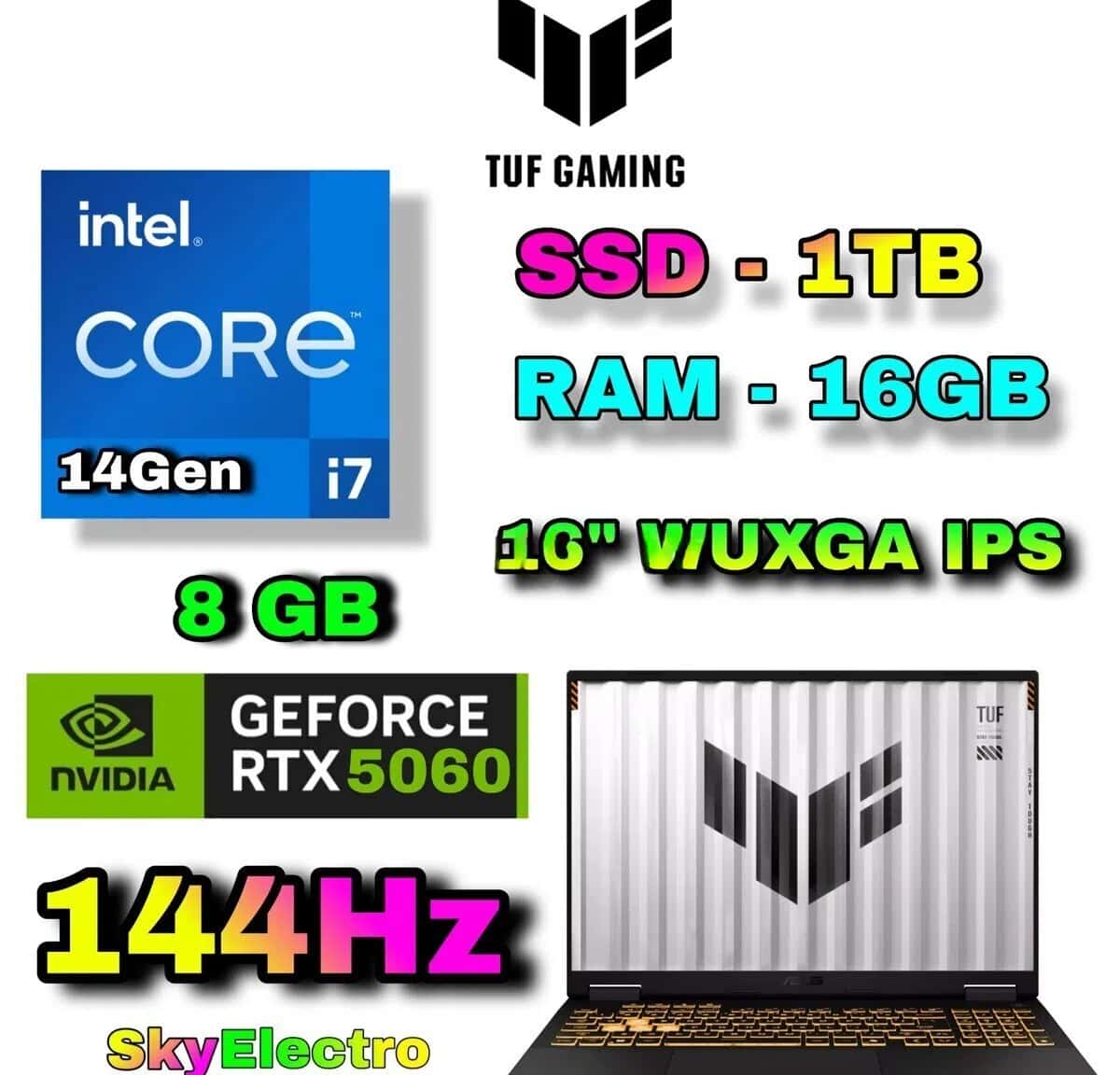
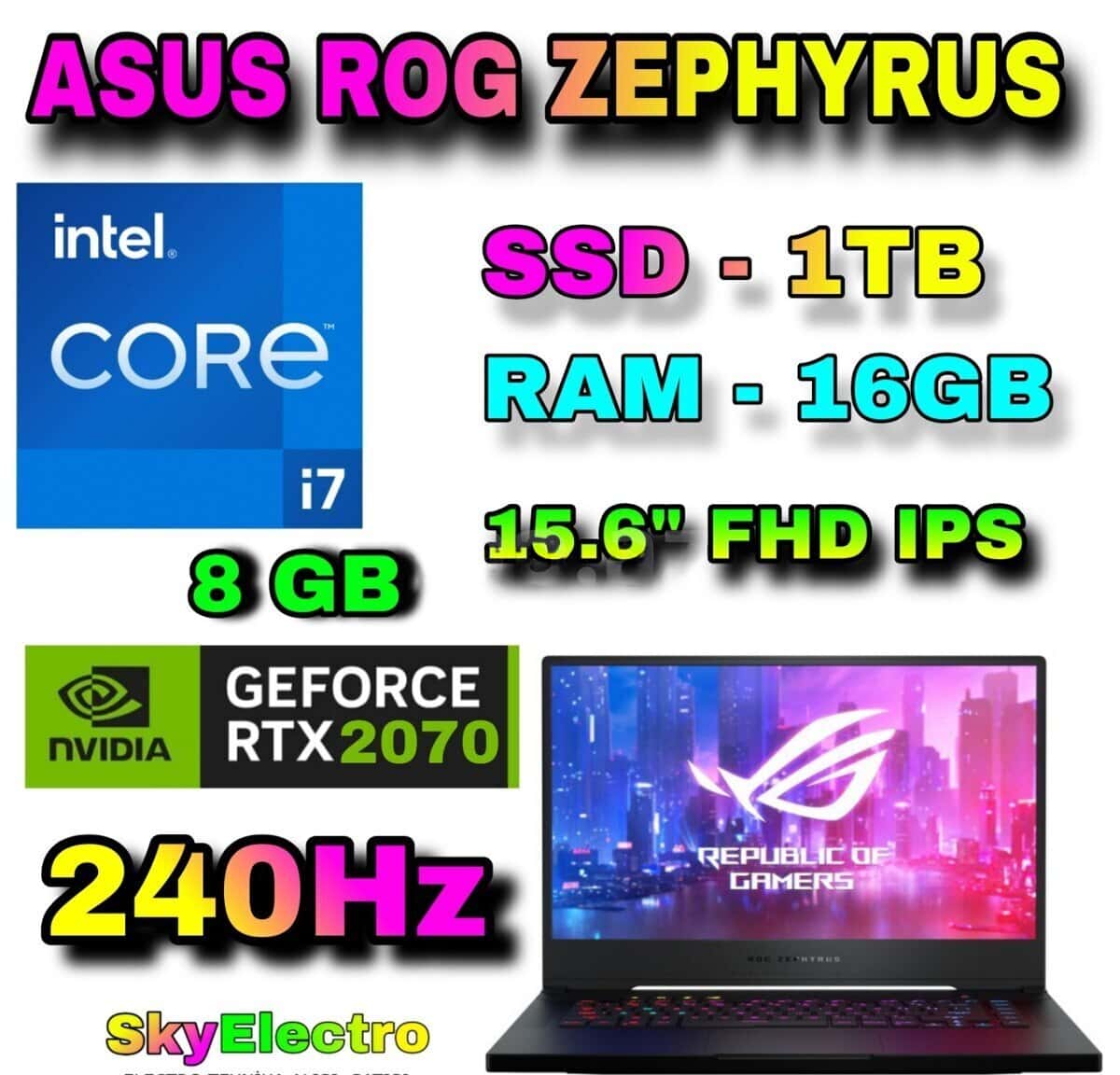
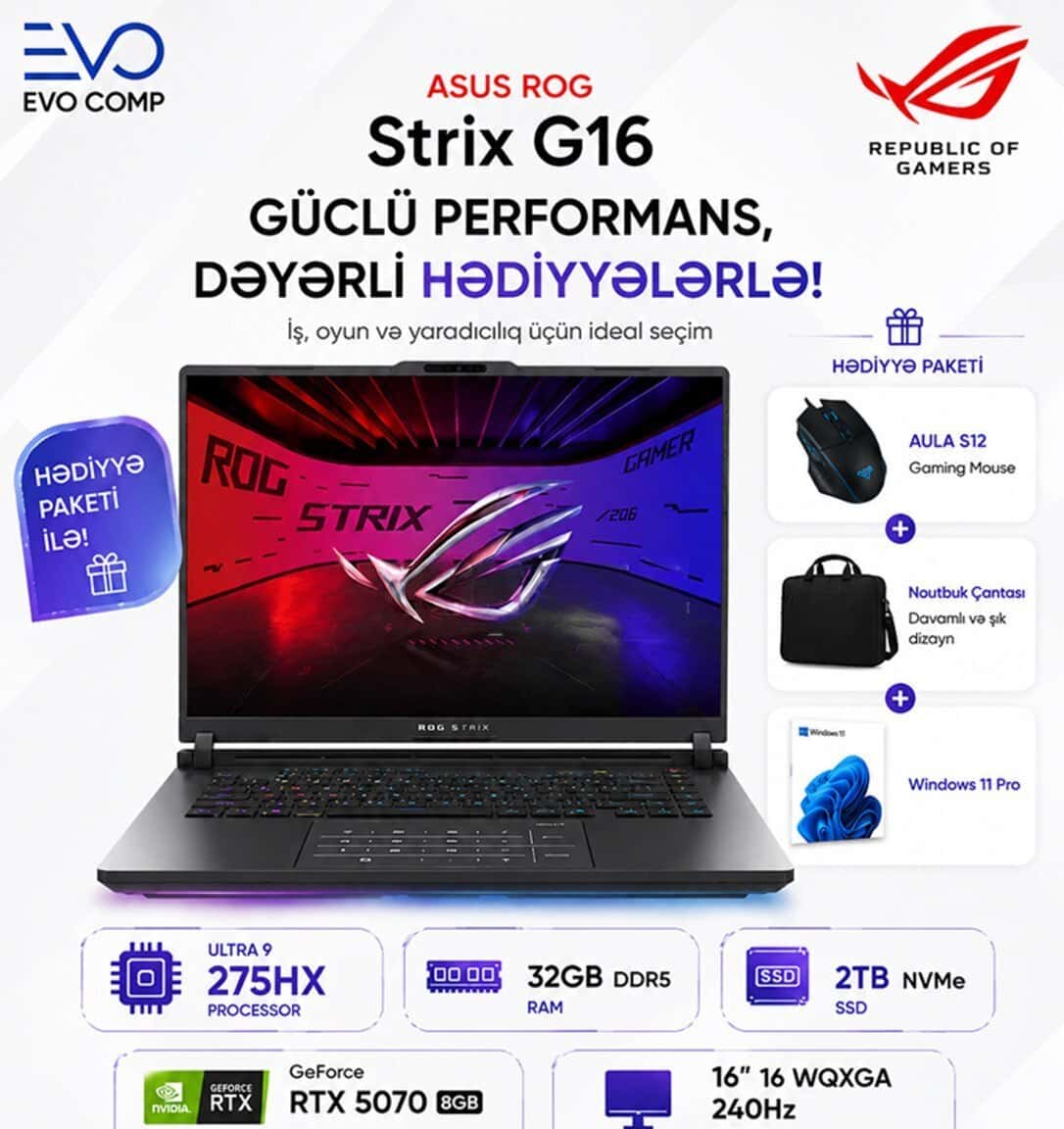
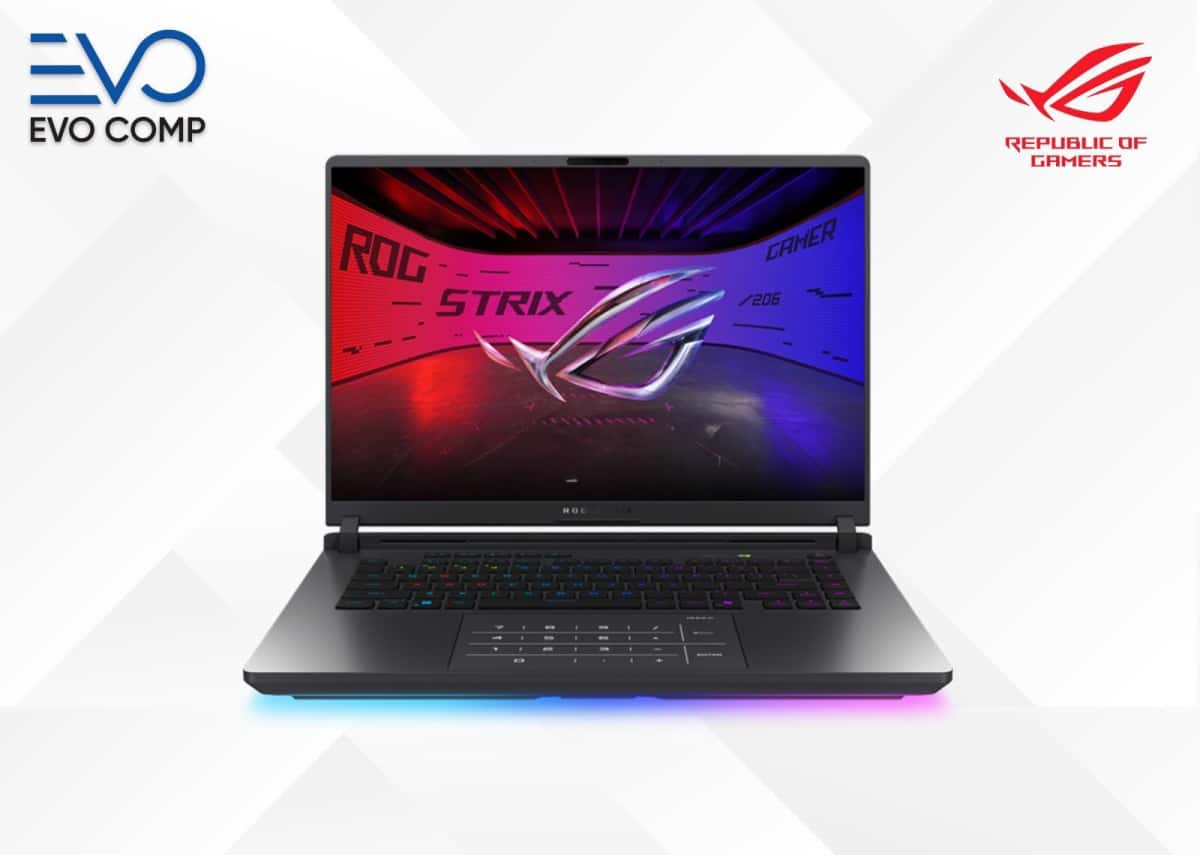
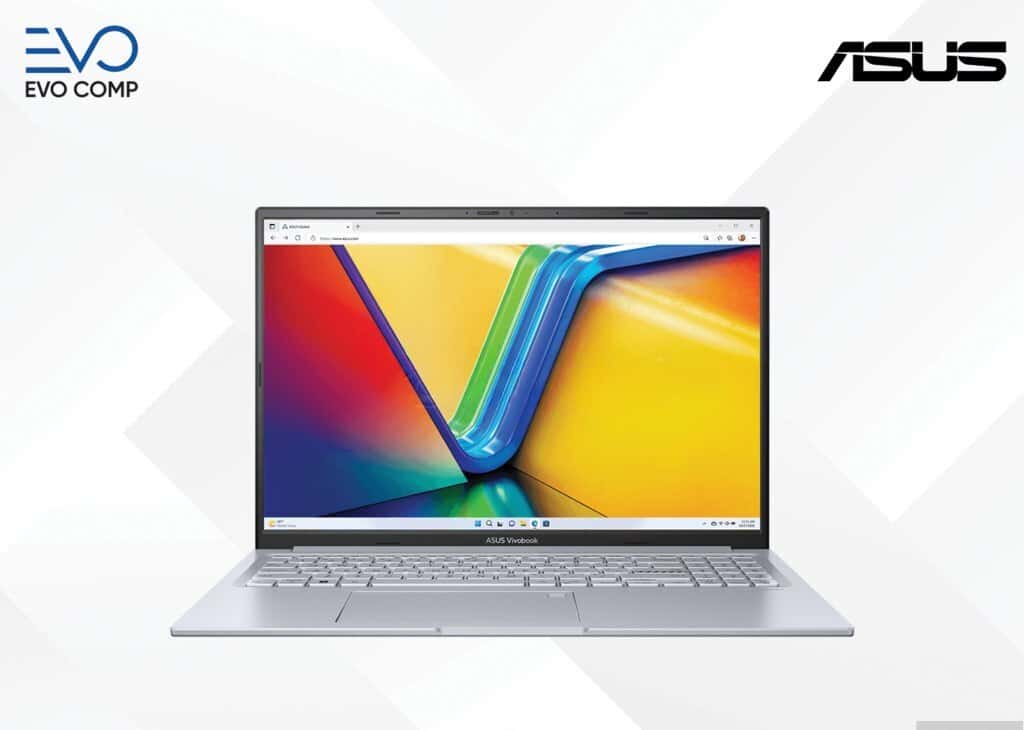
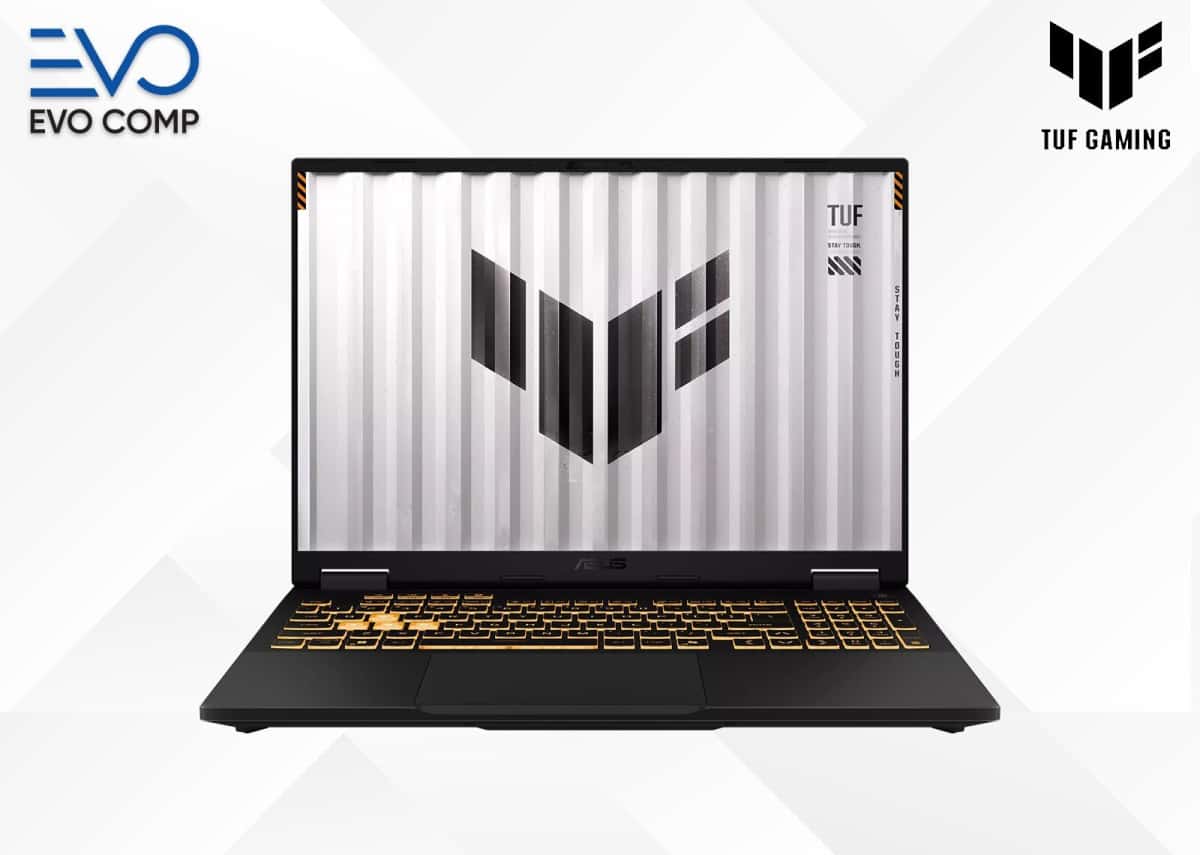
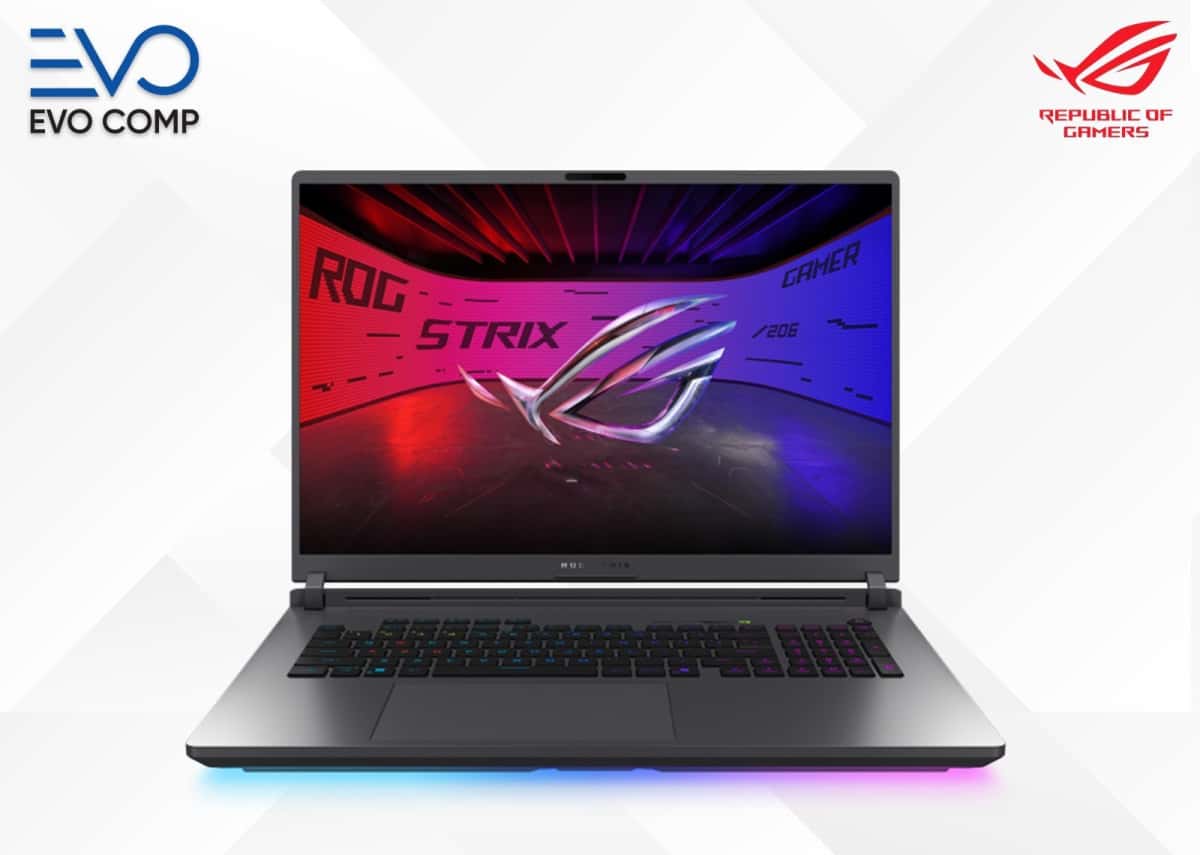
When choosing among ASUS laptop ads, it is necessary to consider not only the price of the device, but also its intended use, processor, RAM and SSD capacity, screen, and portability.
Found: 269 listings
When researching ASUS laptop listings, you must first determine the purpose for which the laptop will be purchased. Technical requirements for education, office work, programming, design, and gaming can vary.
To find the right device, it is useful to consider the processor and RAM, as well as the SSD, screen features, and the weight of the device.
ASUS laptop prices can vary depending on the processor level, RAM, SSD, graphics capabilities, and screen features of the device. It is possible to encounter models aimed at different purposes within the same price range.
For this reason, instead of just choosing the lowest price, it is more beneficial to compare what technical capabilities are offered within that budget.
When choosing an ASUS laptop, it is useful to pay attention not only to performance but also to the weight and portability of the device.
If the device is mainly to be used on a desk, a larger screen and additional connection ports can increase daily work comfort.
When choosing an ASUS notebook, the screen should not be evaluated only by size. Screen requirements for working with documents, watching movies, and preparing visual projects can be different.
While image quality is more important in design and multimedia work, comfort and screen size may come to the fore in daily office use.
When choosing between ASUS laptops, it is useful to consider the system requirements of the programs to be used. The performance required for browsers and office programs is not the same as the power required for editing and gaming.
In cases where several programs will be used in parallel, RAM plays a bigger role, while for heavier tasks, the processor and graphics capabilities play a larger role.
When researching ASUS computer prices, it is necessary to look at the technical configuration and usage capabilities of the device in addition to the price. Two models at a similar price can be offered with different processors and memory.
When choosing an ASUS computer laptop, creating a balance between budget and performance helps to avoid spending extra on power that is not needed.
First, you need to determine the purpose of use and the budget. Then, you can compare the models in that range based on processor, RAM, SSD, and screen specifications.
A balanced processor, sufficient RAM, and SSD storage for office applications and internet usage are among the key indicators for comfortable use.
A model with a suitable screen and performance can be used for design software. When choosing, it is useful to look at screen specifications, RAM, and graphics capabilities.
For gaming, the video card, processor, RAM, and cooling capabilities should be evaluated together. The requirements of the games to be played affect the choice.
The battery, screen, keyboard, charging port, ports, and the overall operating condition of the device should be checked.
When choosing laptops for programming, it is not enough to just look at

The MacBook vs Windows comparison is one of the most common

helps compare suitable models for different

...

...

A complete guide to laptops helps you choose the right device for various purposes, compare technical

Why do laptops overheat? It is normal for laptops to warm up