
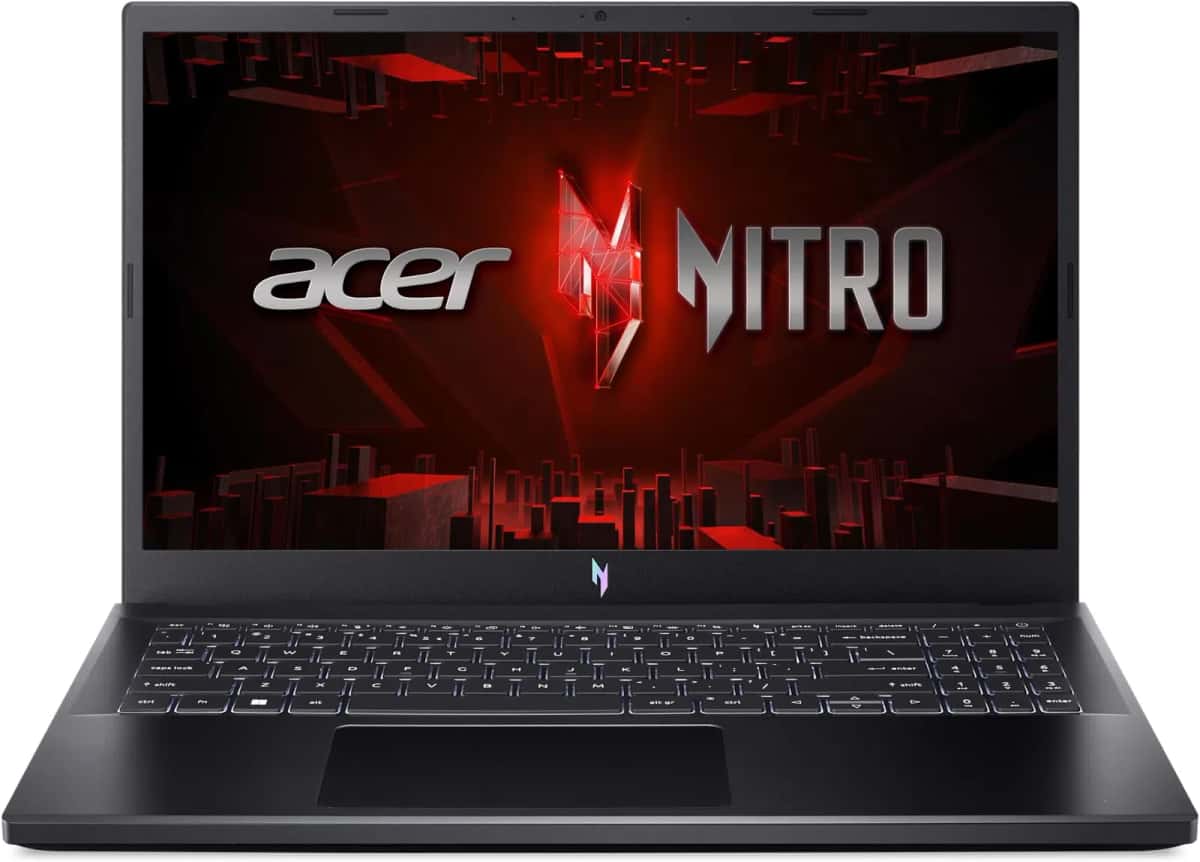
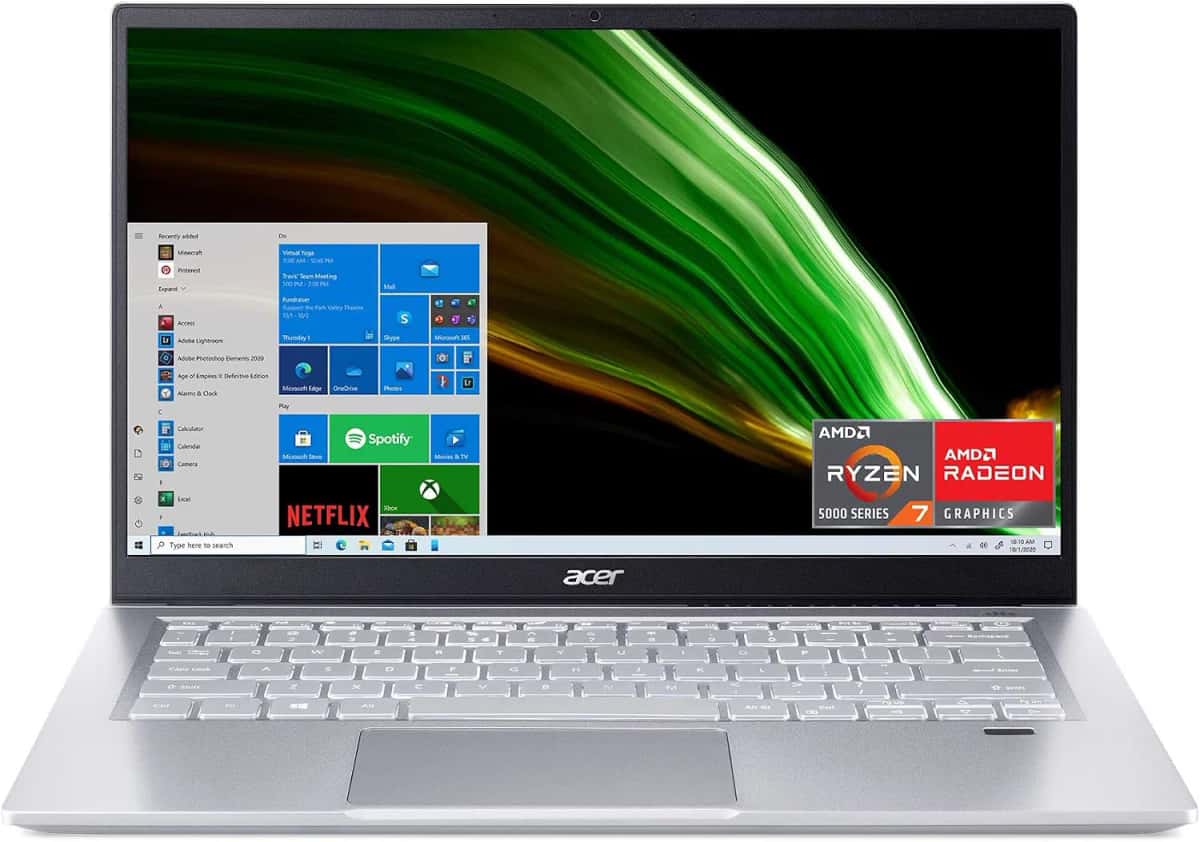
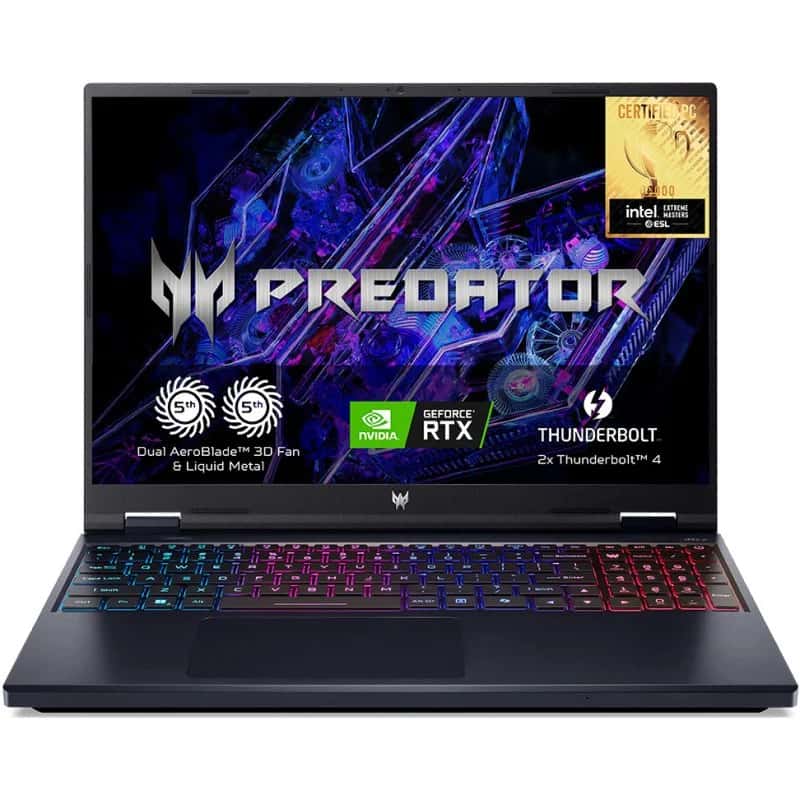

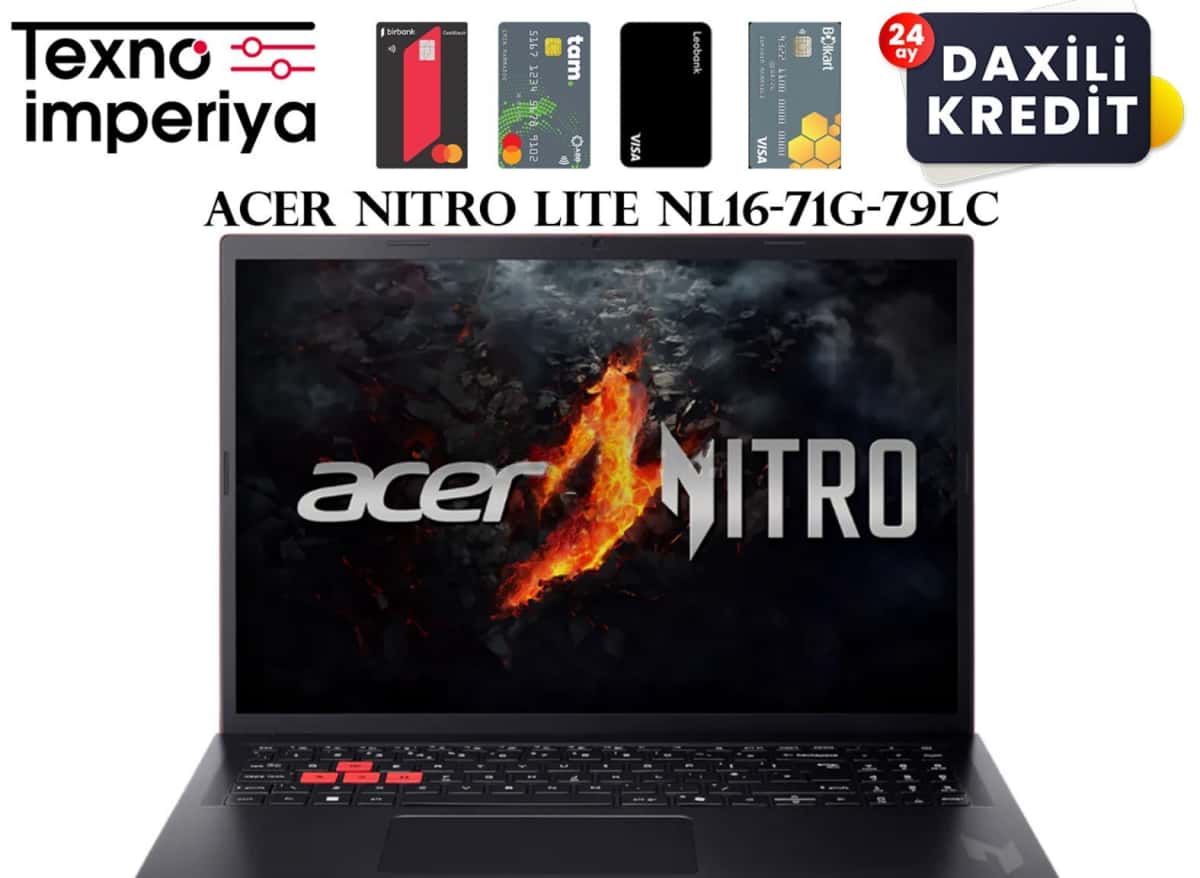
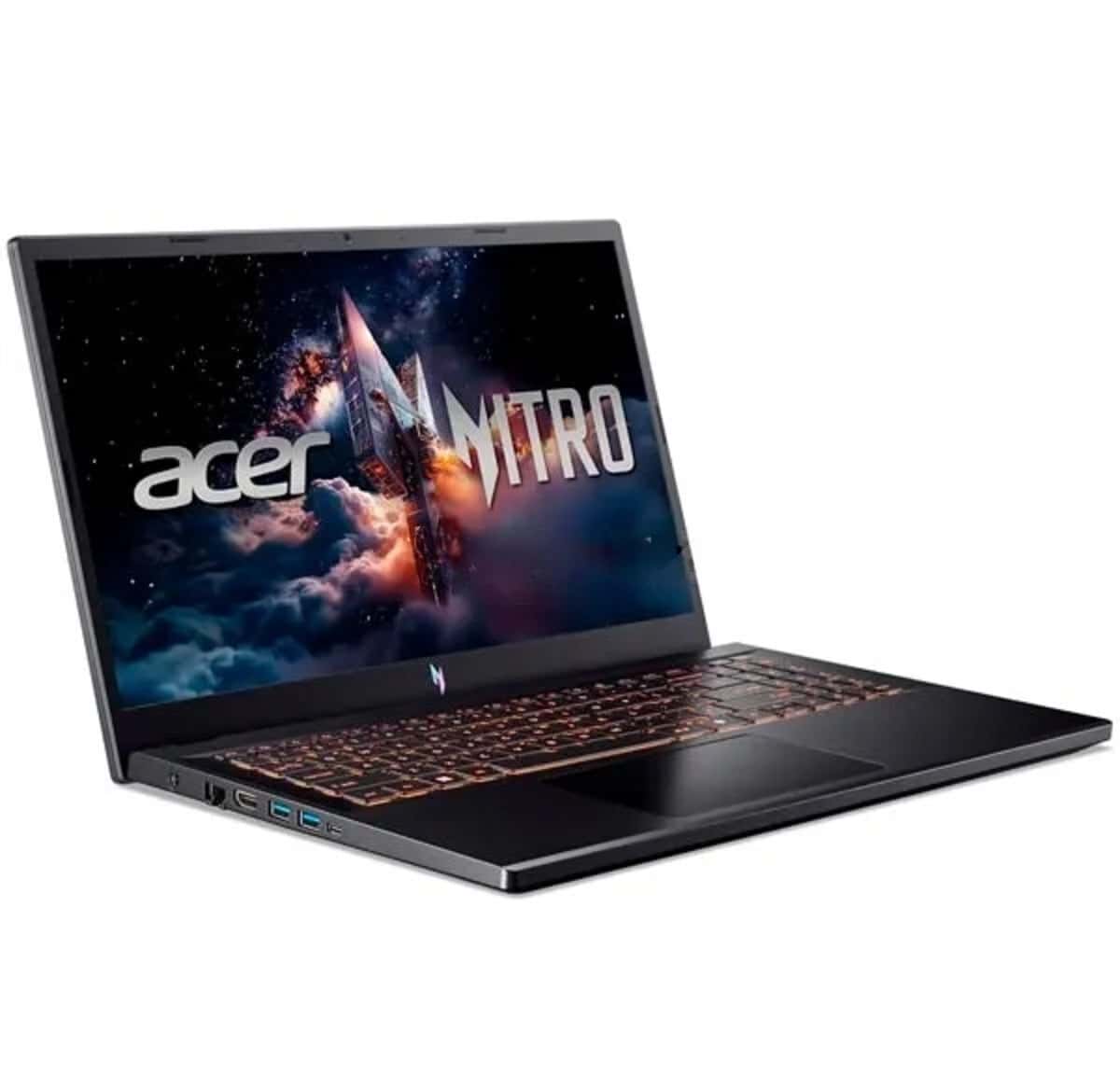
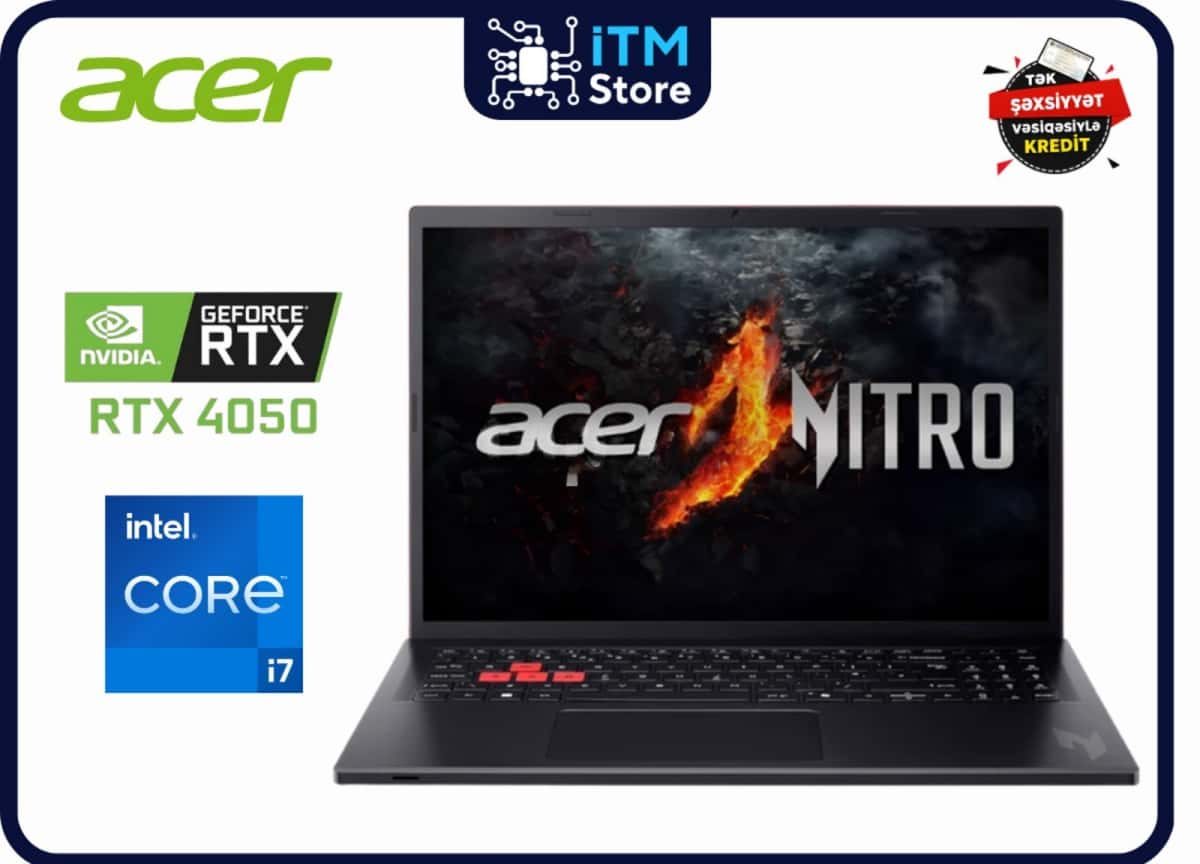
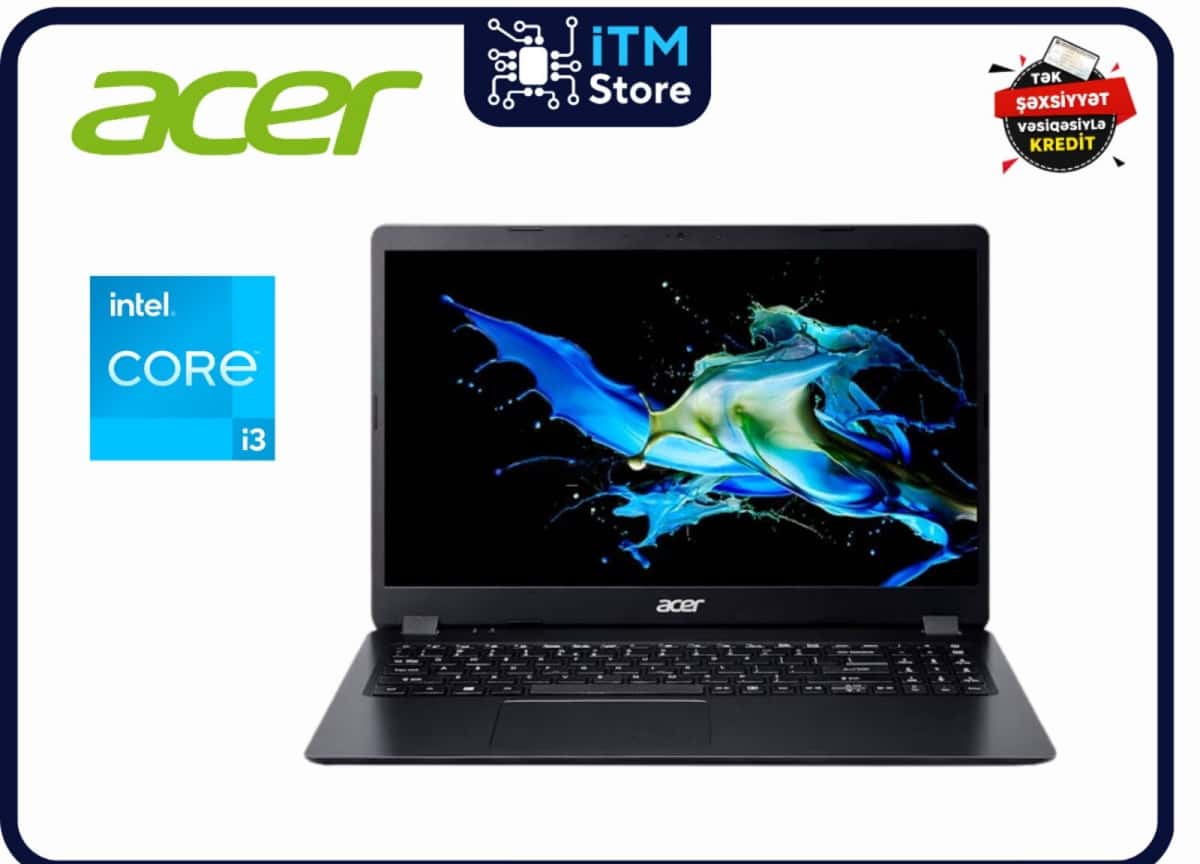
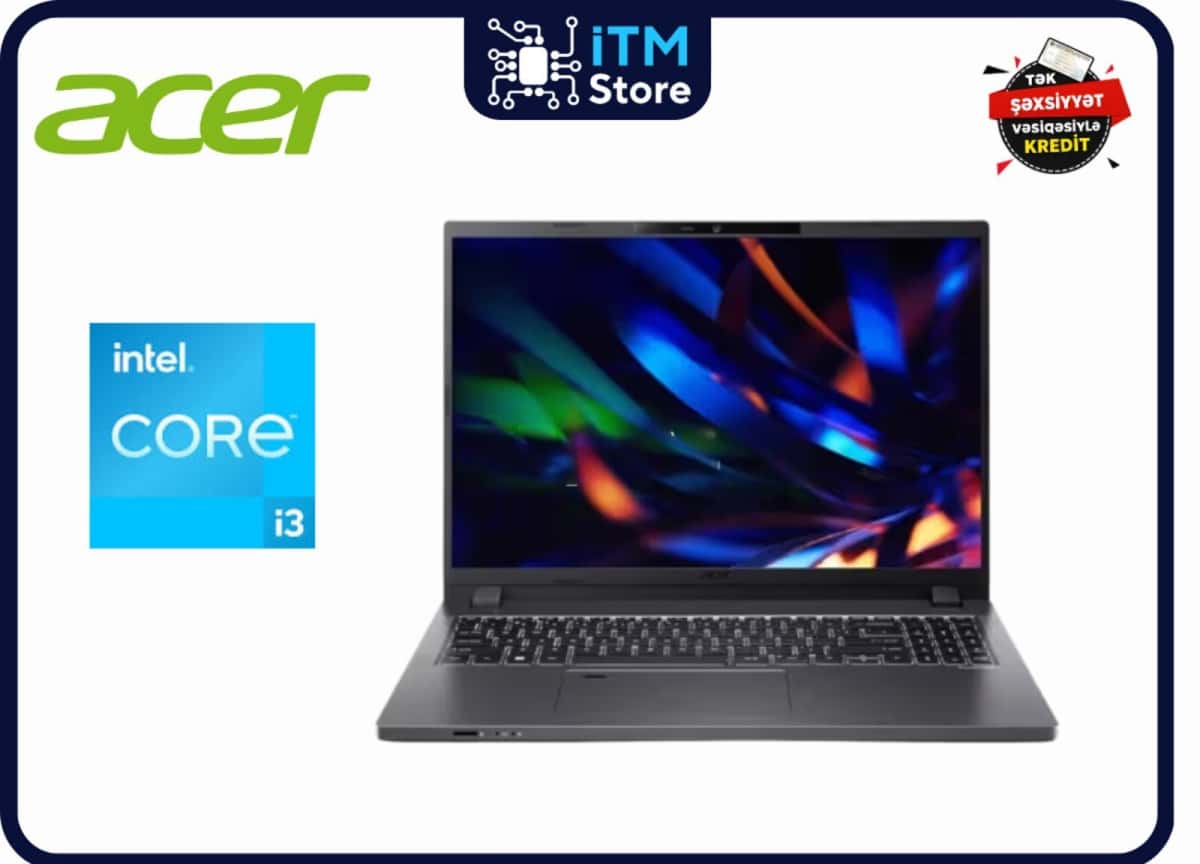
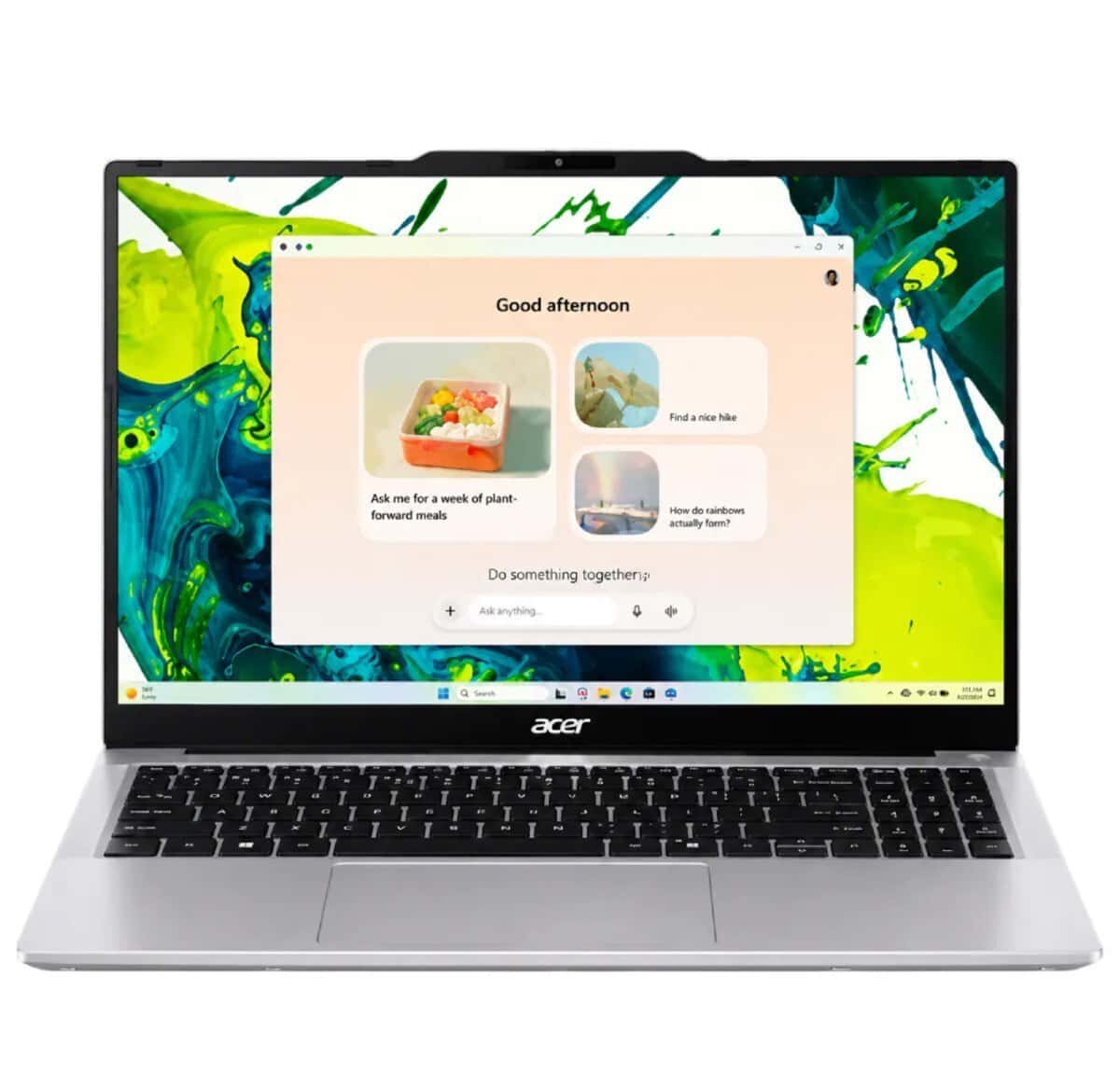

What are the best laptops for programming?
When choosing laptops for programming, it is not enough to just look at
Laptops
07.10.2026
1300
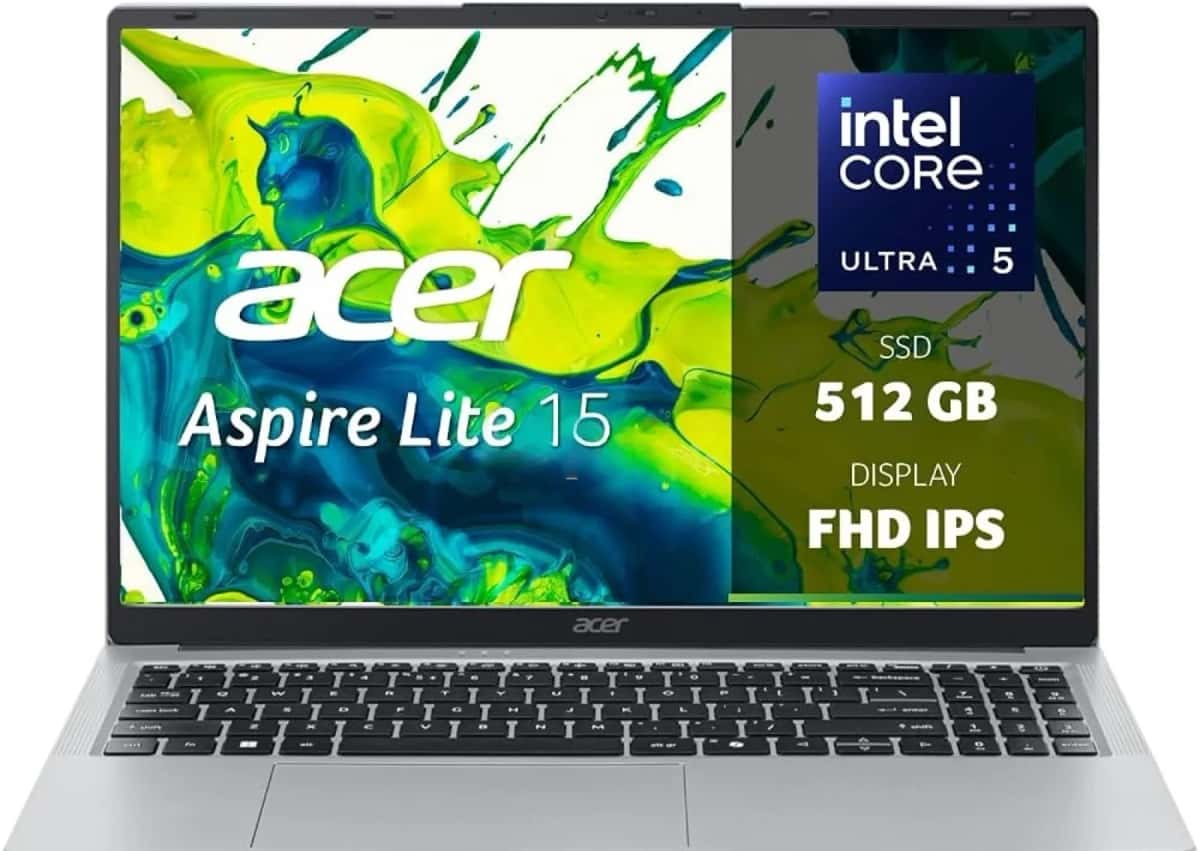
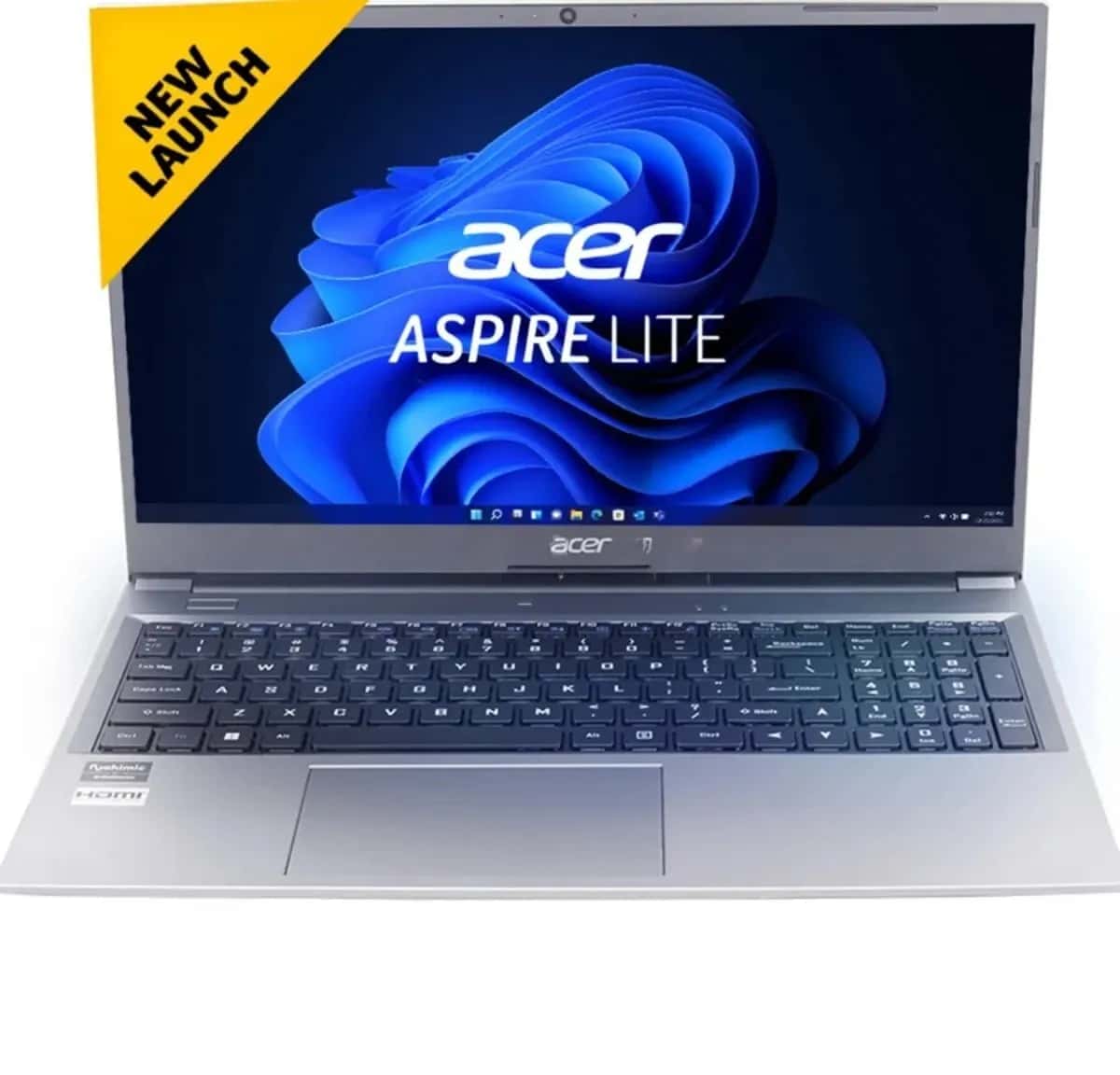
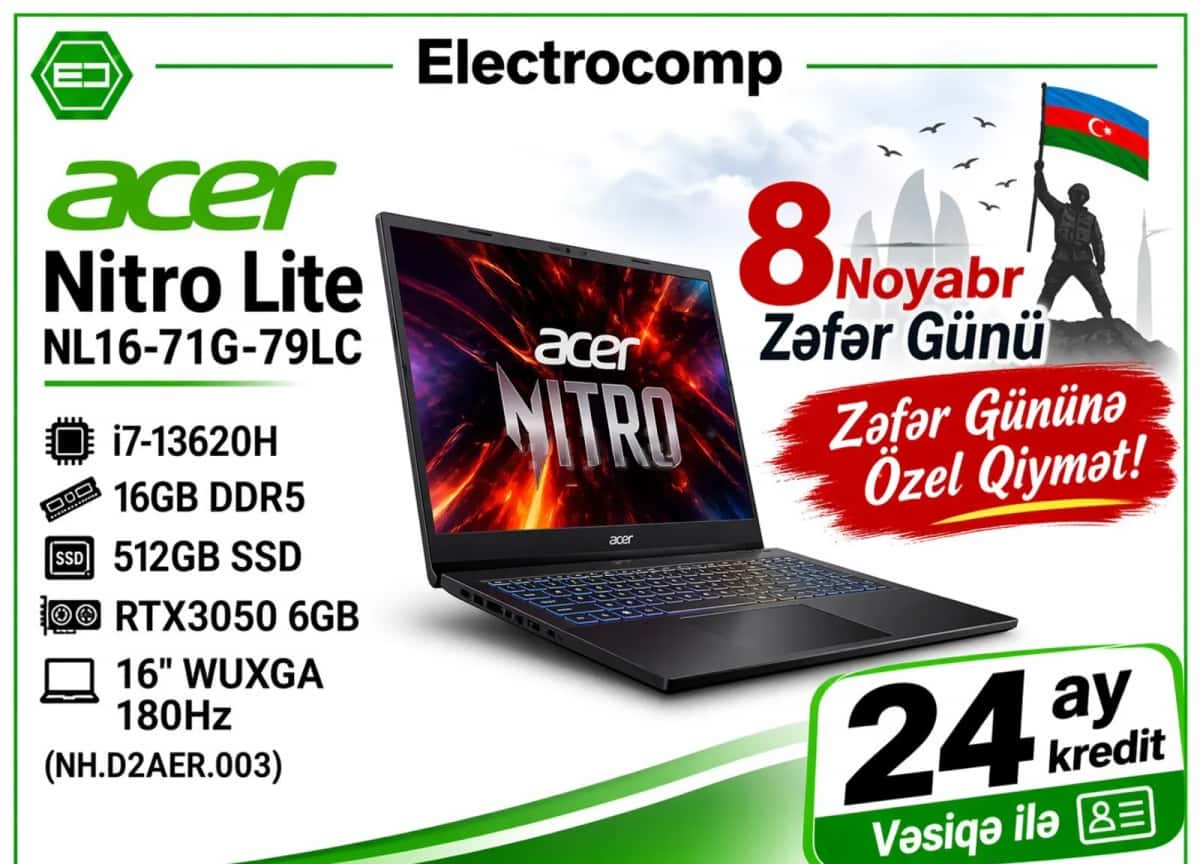
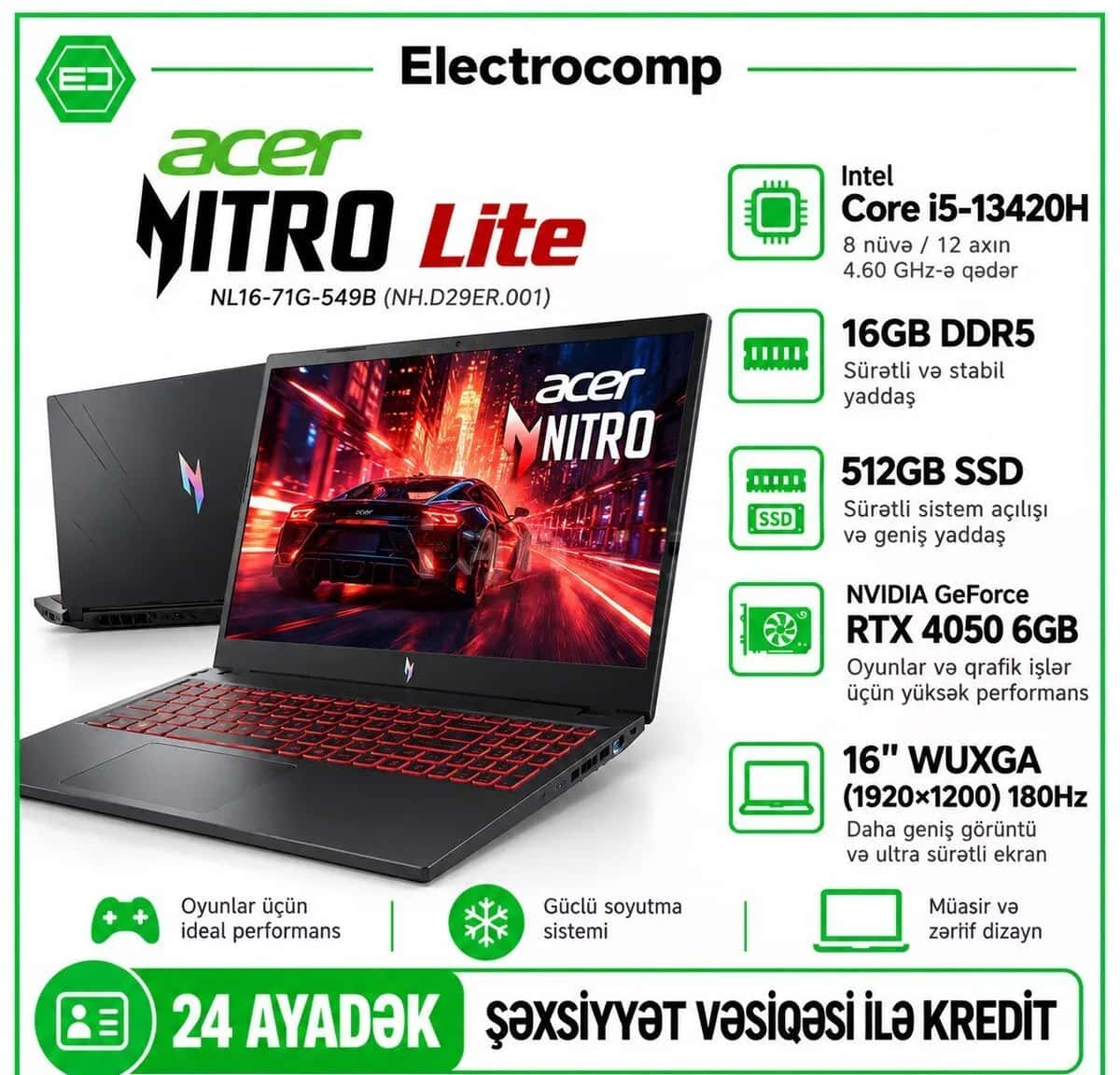
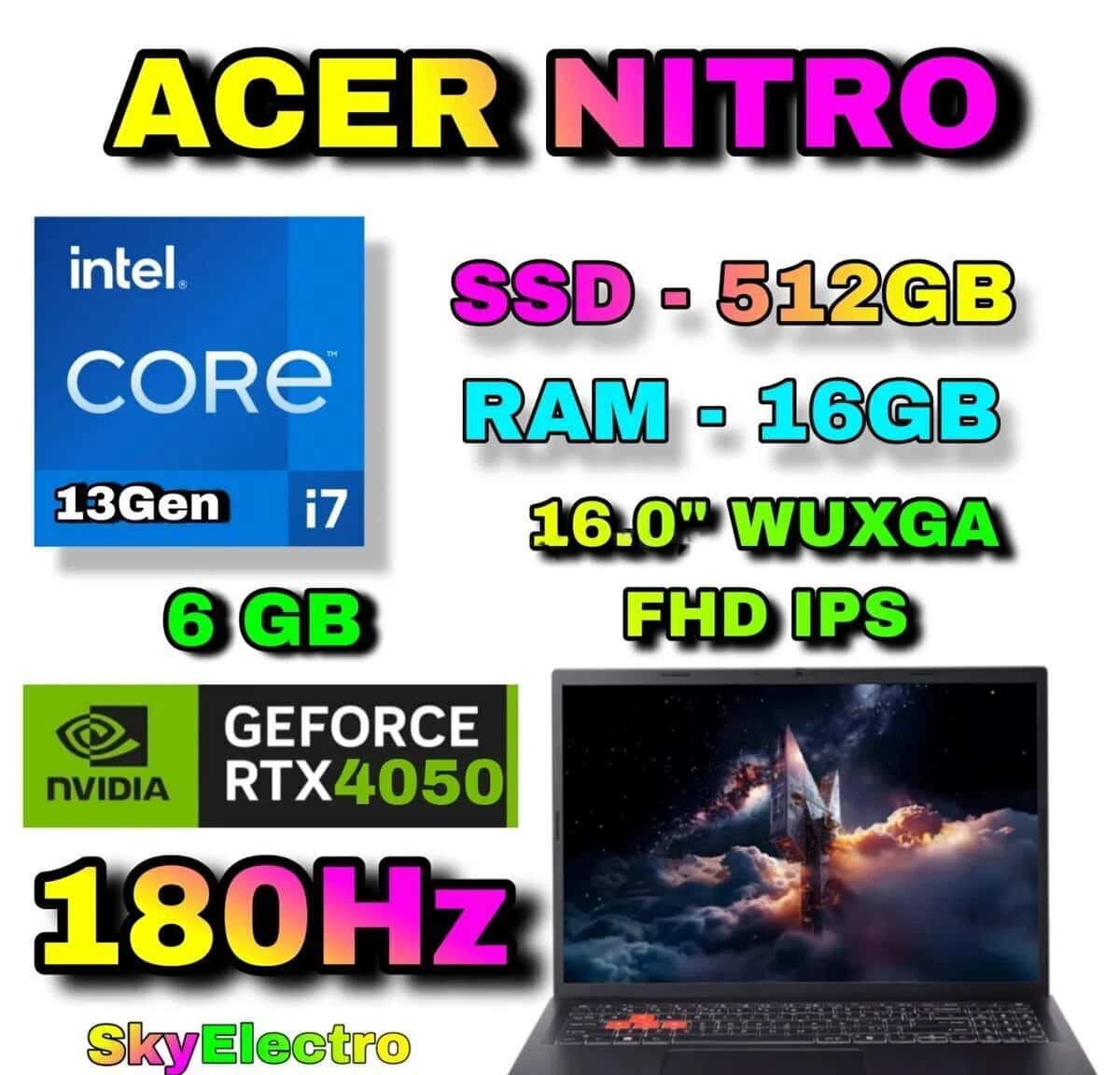
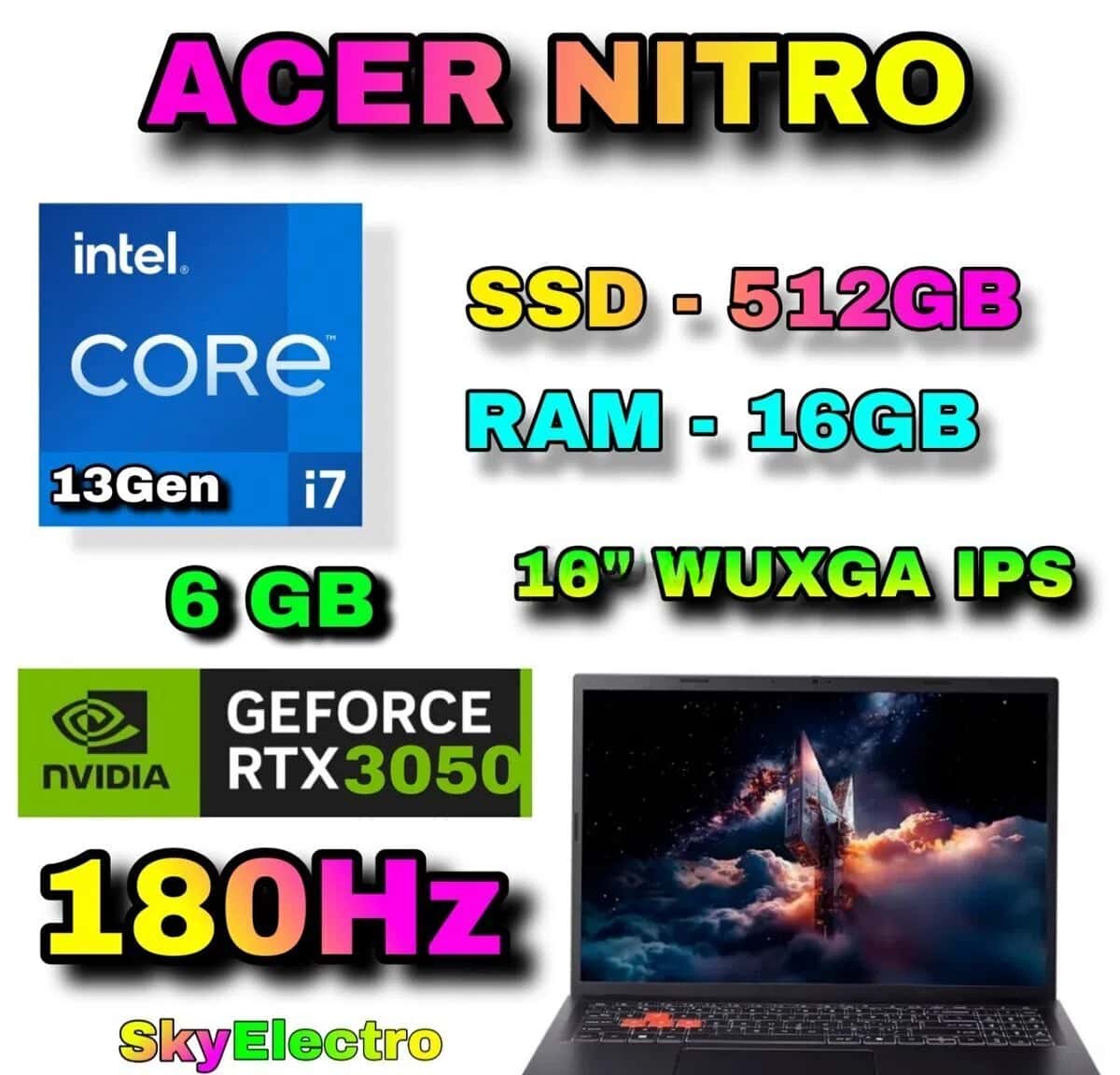
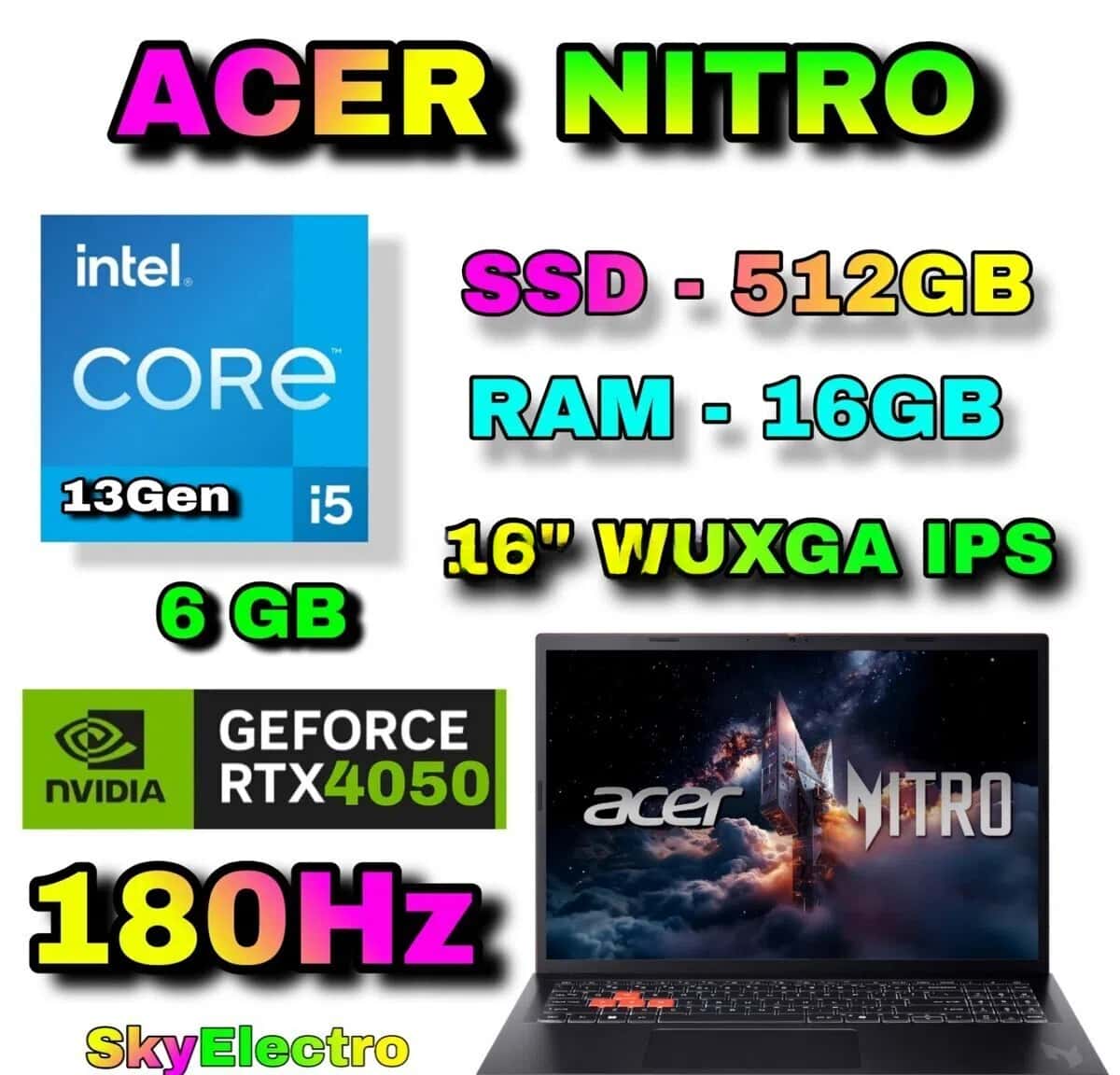
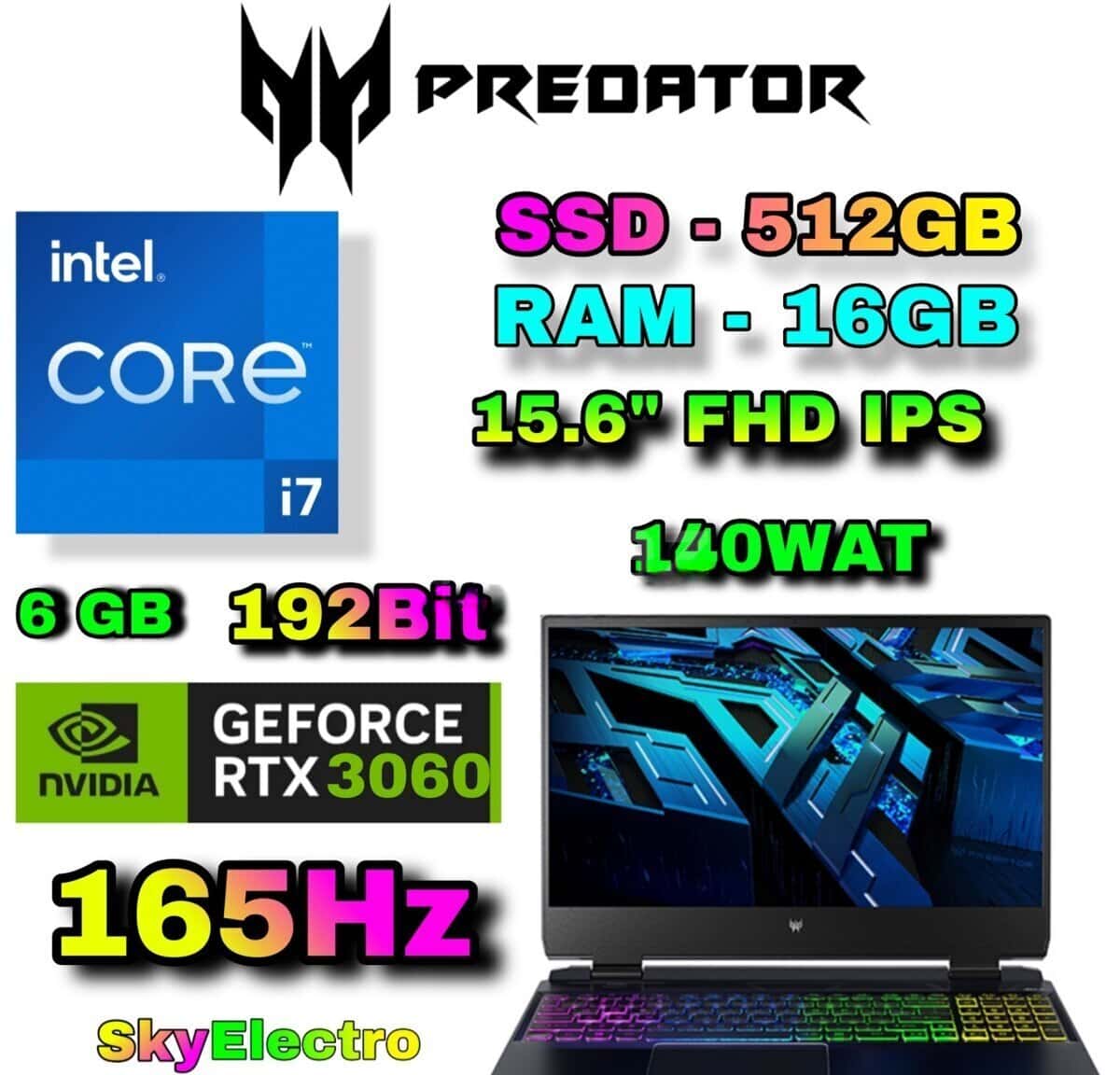
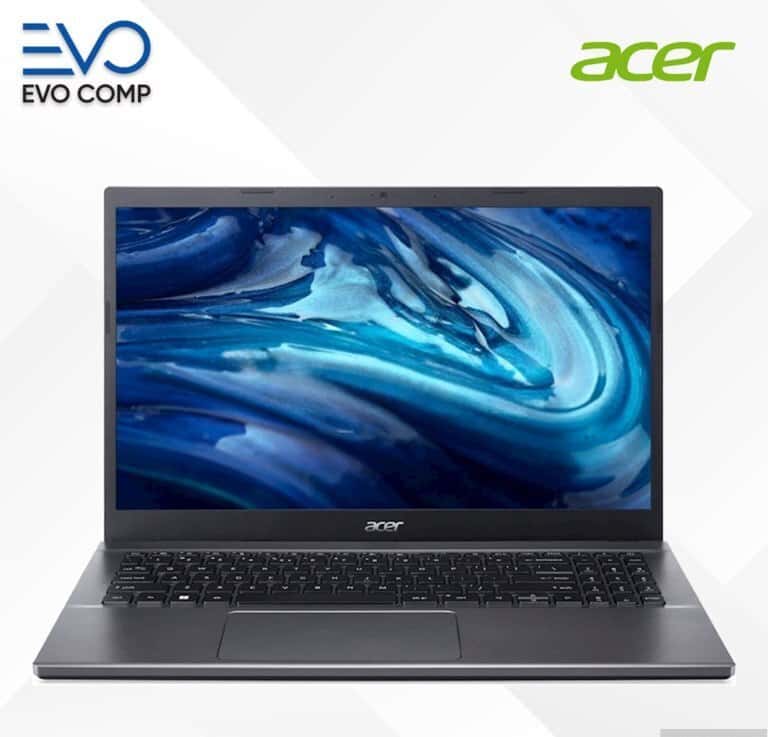
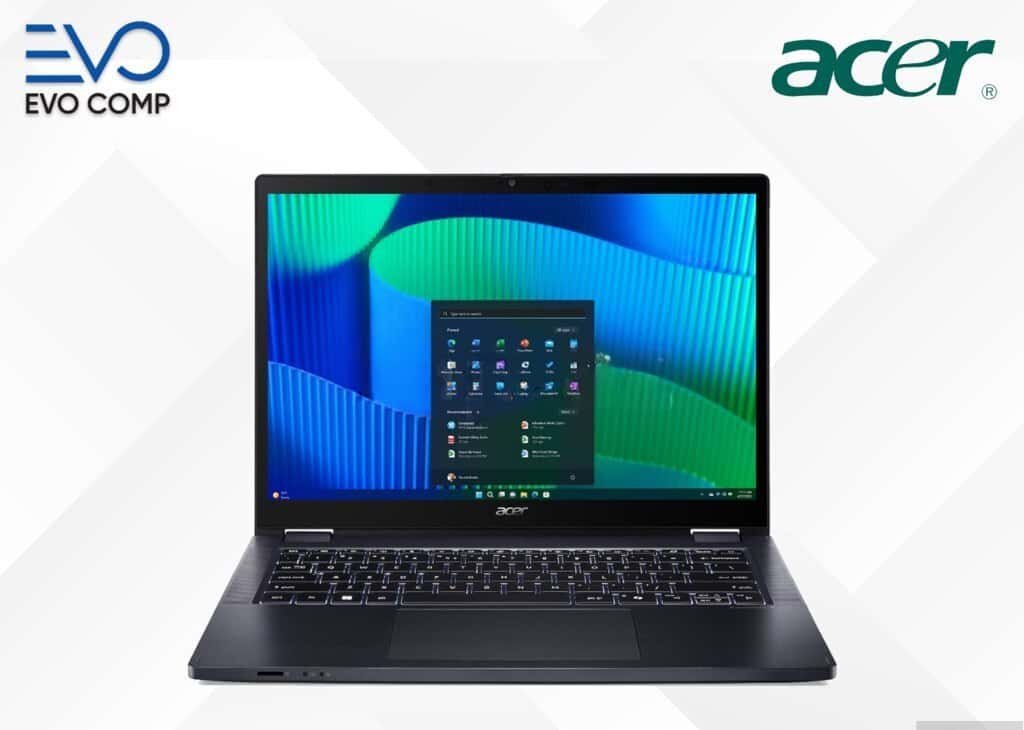
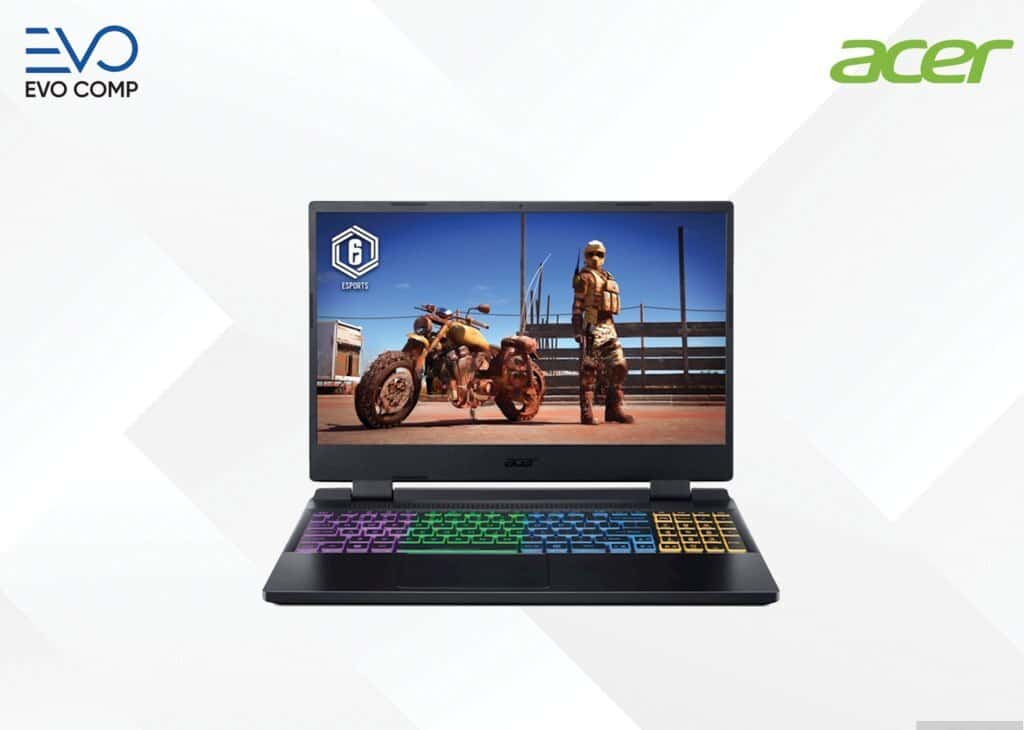
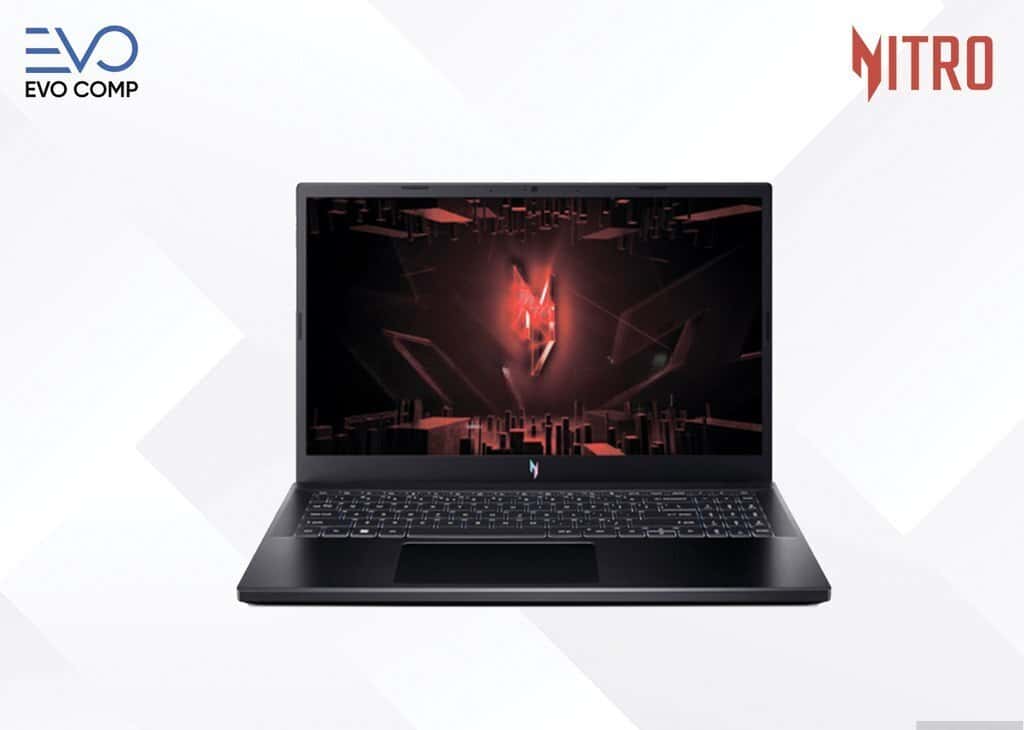
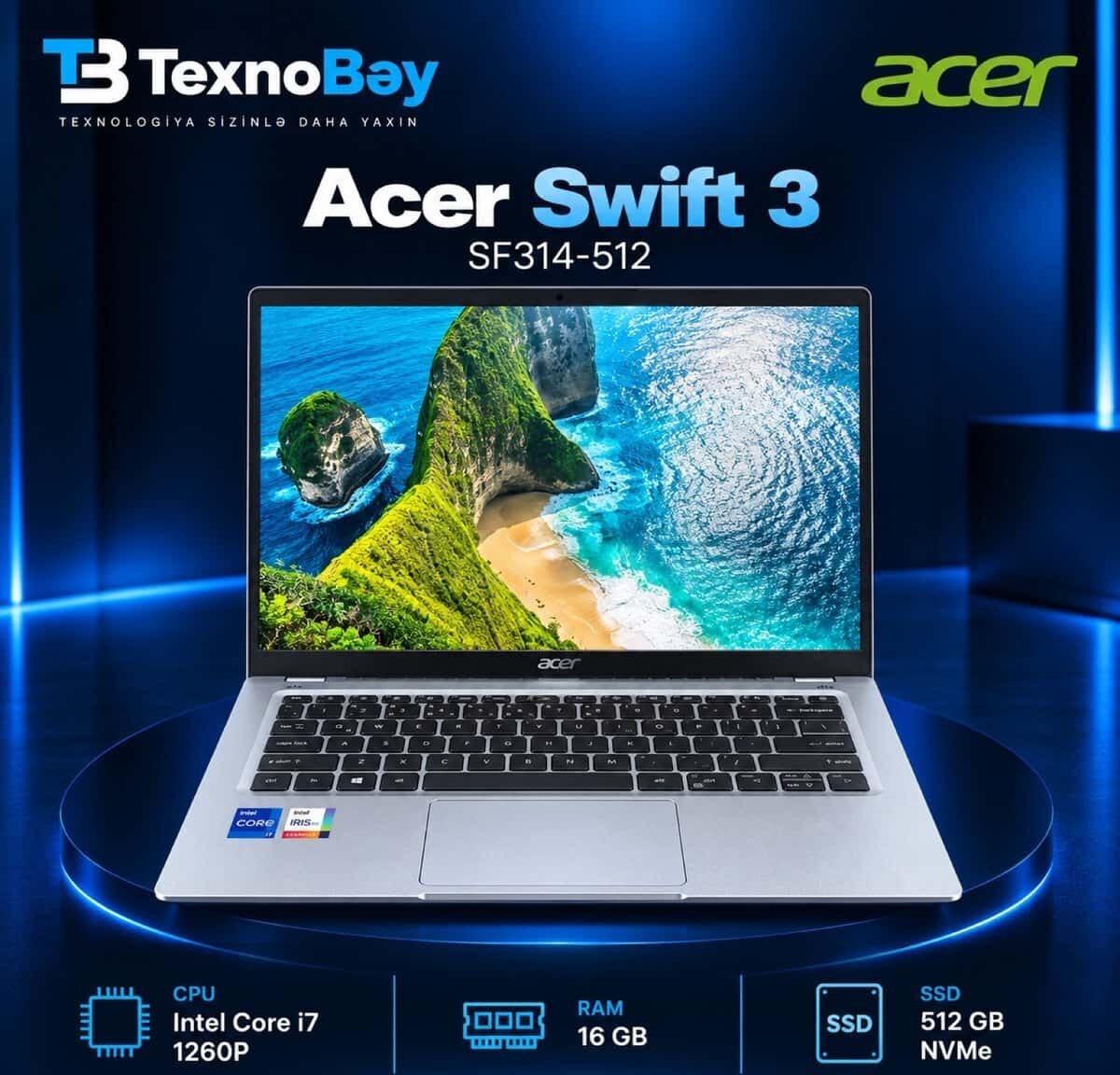
When choosing an Acer laptop, processor, RAM, SSD storage, screen, and purpose of use should be among the main criteria. Technical specifications required for education, work, and daily use may vary.
Found: 138 listings
When choosing an Acer laptop, it is useful to determine the main purpose for which the device will be used. The technical specifications required for simple office work and education are not the same as the performance required for programming, design, and gaming.
Choosing processor, RAM, SSD storage, and screen specifications according to the intended use helps both in planning the budget correctly and in using the device more comfortably.
Acer laptop prices can vary depending on the processor series, RAM capacity, SSD capacity, graphics card, and screen specifications. Price differences can also arise between different configurations of models belonging to the same series.
When comparing, looking at the technical specifications of the specific device rather than just the model name allows for a more accurate choice.
If an Acer laptop is to be used for office programs, browsers, video meetings, and study materials, a configuration that handles daily tasks comfortably may be sufficient.
If working with heavier programs is planned, more attention should be paid to processor and RAM capabilities. The battery life and weight of the device can also be important for a laptop that will be carried frequently.
When choosing an Acer laptop, RAM and SSD storage should be evaluated separately. RAM affects the simultaneous operation of many programs, while SSD affects the faster opening of the system and programs.
If many files and programs are to be stored, it is more practical to choose the storage capacity according to future needs, not just today's.
When comparing Acer computer prices, it is necessary to look at devices with similar processor, RAM, storage, and screen specifications. Comparing models with different technical specifications based solely on the selling price may not yield accurate results.
If a second-hand device is being chosen, the technical condition and battery performance should also be considered along with the price.
When choosing an Acer computer, screen size, connection ports, keyboard comfort, and the weight of the device can also affect the user experience.
If the laptop will be carried frequently, a lighter model may be practical. If it will be used mainly on a desk, a larger screen and additional connection options may provide an advantage.
Processor, RAM, SSD, video card, screen, and model series can affect the price difference. Within the same brand, different configurations are offered at different prices.
Yes. When a suitable configuration is chosen, it can be used for working with documents, online meetings, programming, and other work tasks.
RAM affects the simultaneous operation of multiple programs. For those using heavier software, a higher RAM capacity can provide a more comfortable working experience.
The screen, keyboard, battery, charging port, memory, and overall physical condition should be checked. It is also useful to pay attention to the device's operating speed.
SSD helps the system and programs run faster. If you are going to store large files, the total storage capacity should also be considered separately.
When choosing laptops for programming, it is not enough to just look at

The MacBook vs Windows comparison is one of the most common

helps compare suitable models for different
...

...
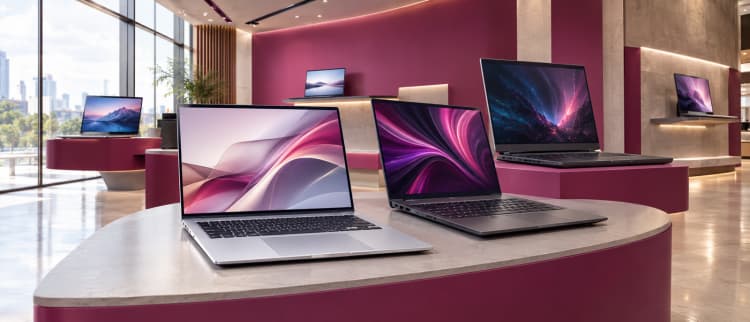
A complete guide to laptops helps you choose the right device for various purposes, compare technical
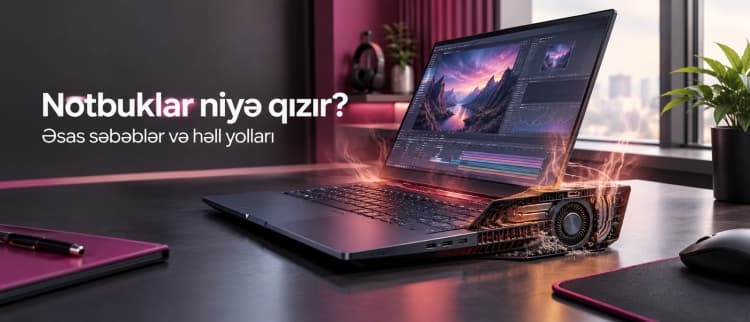
Why do laptops overheat? It is normal for laptops to warm up