
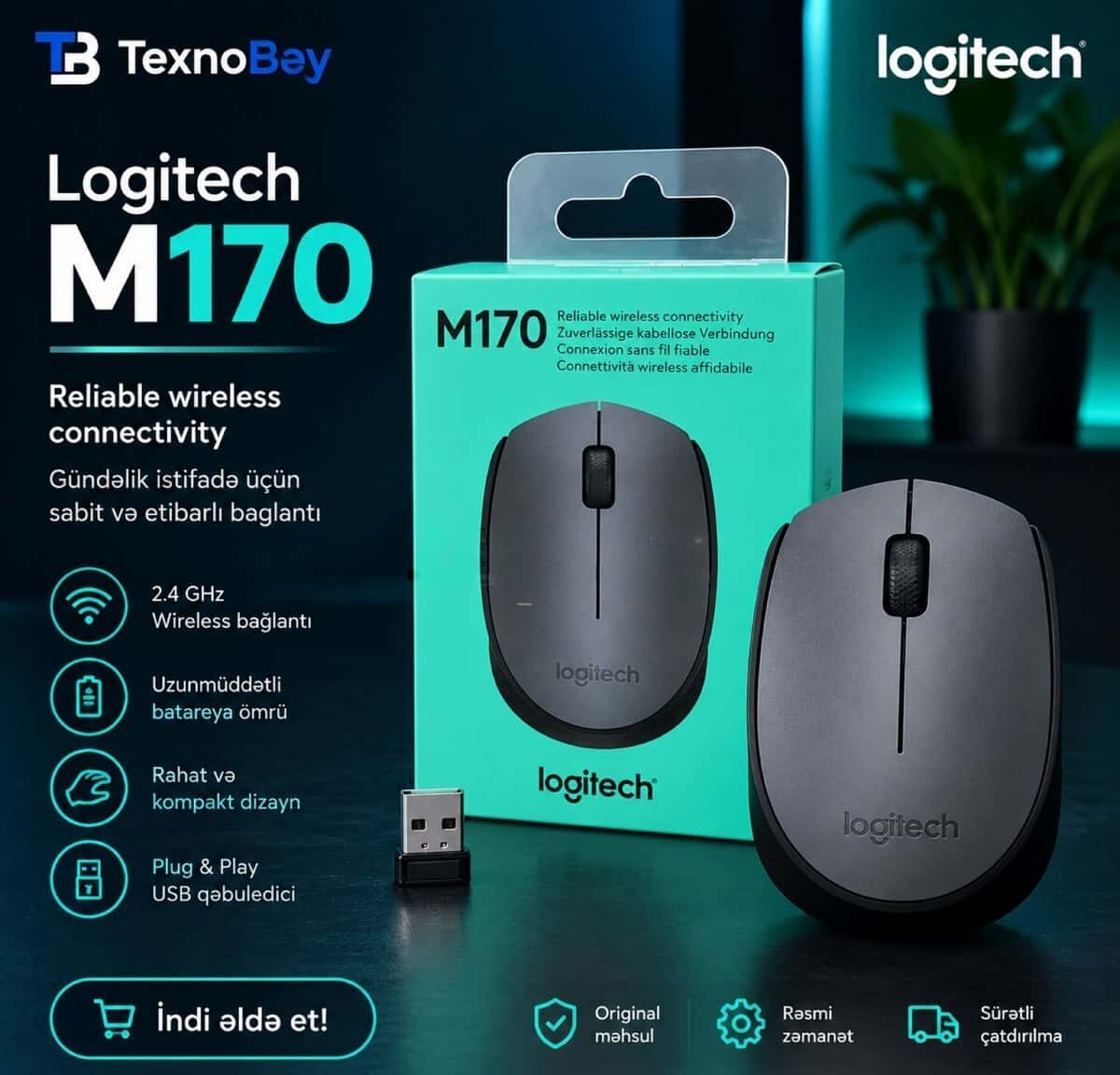
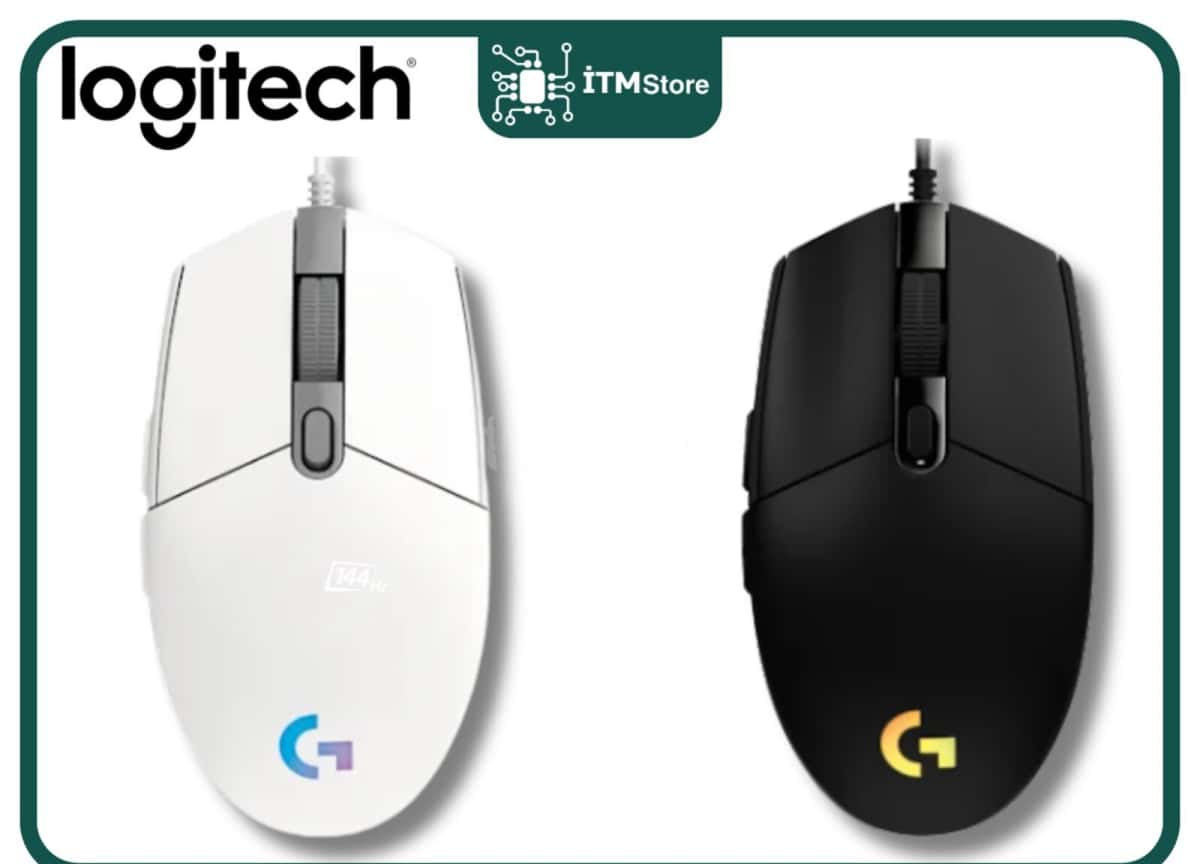
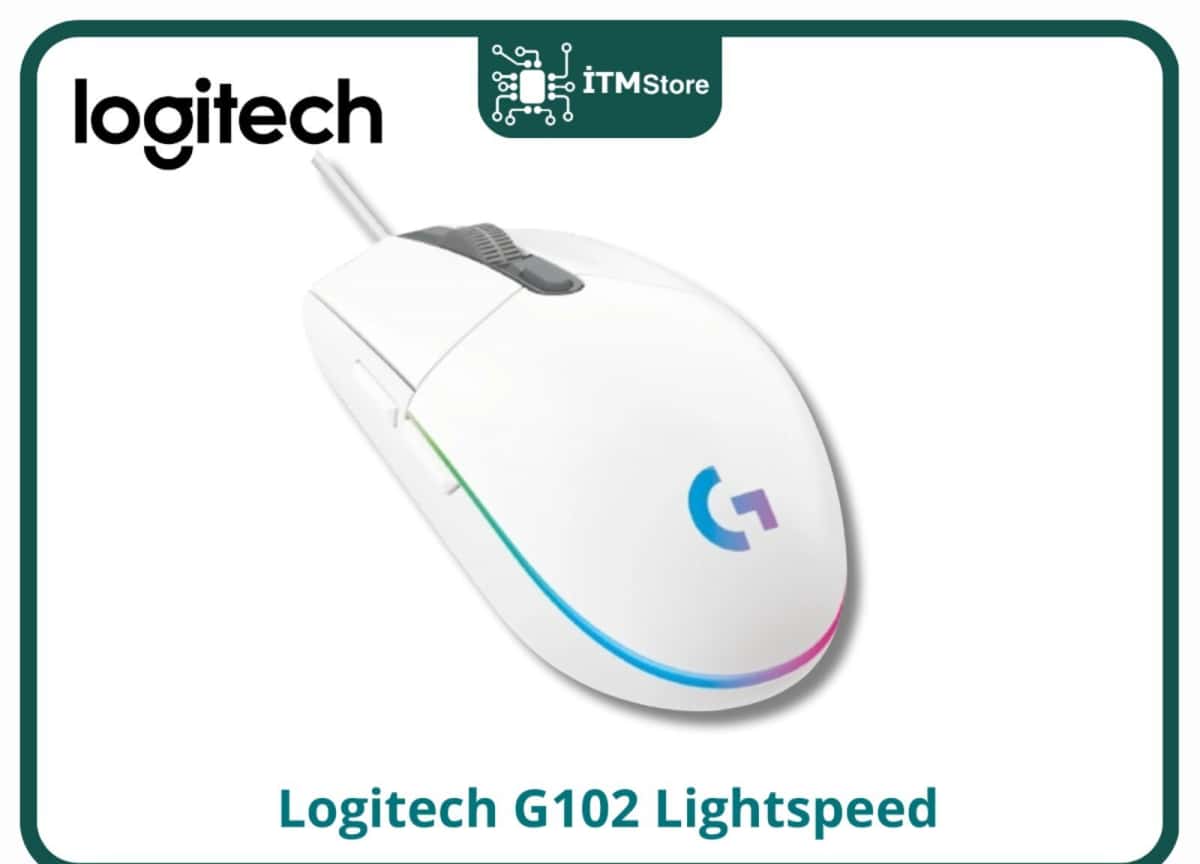
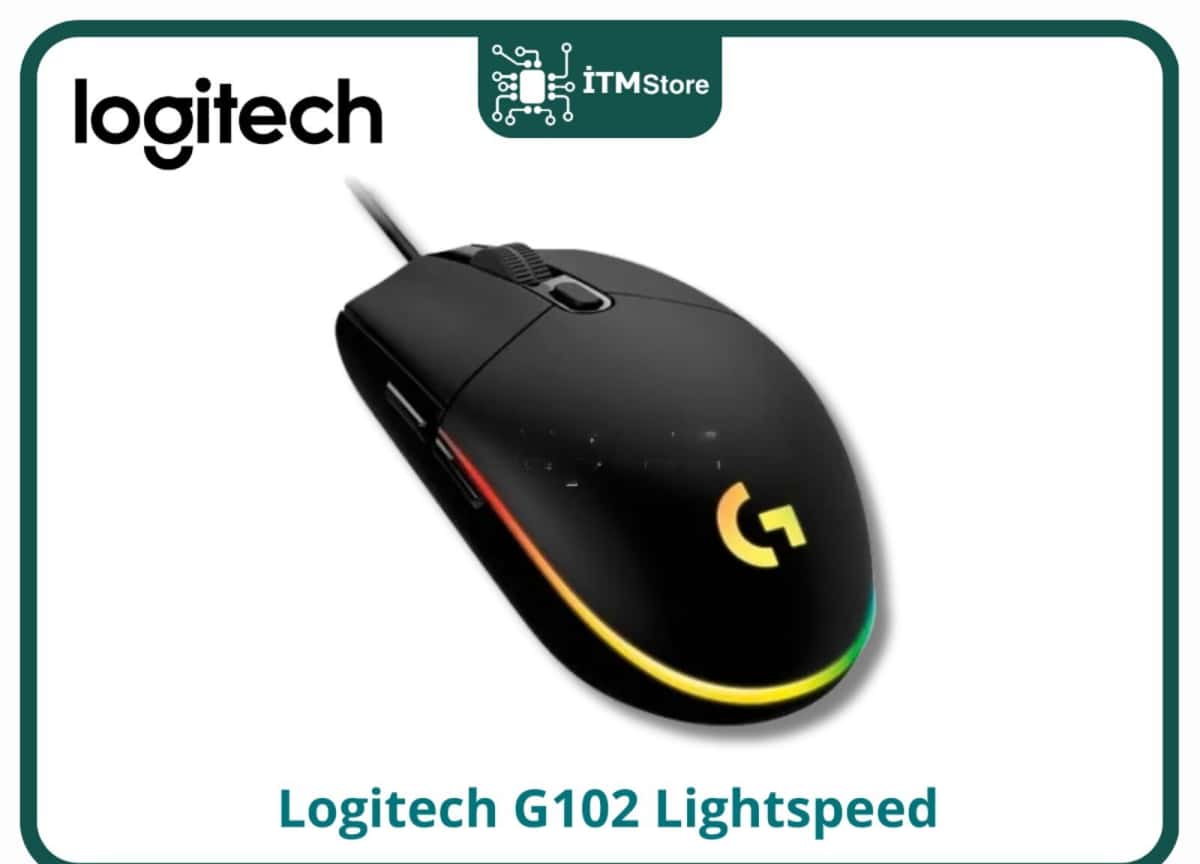
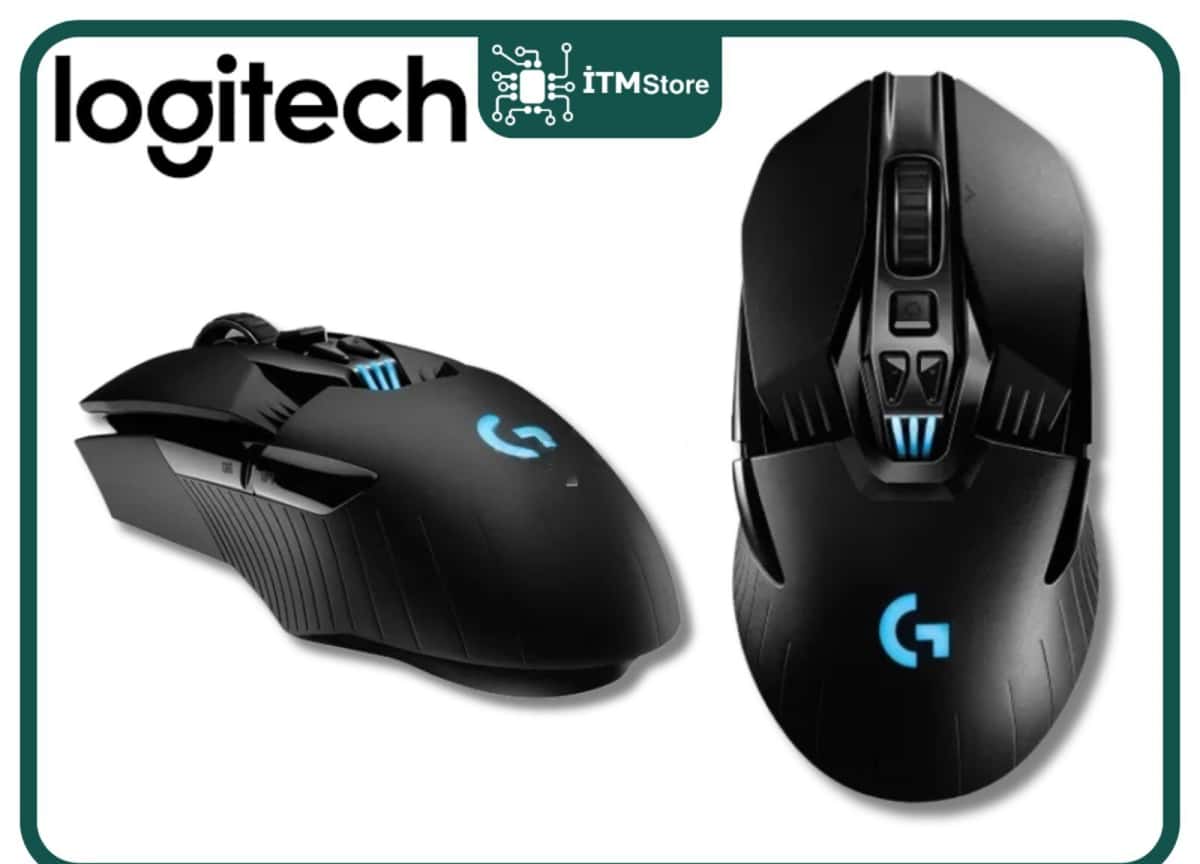
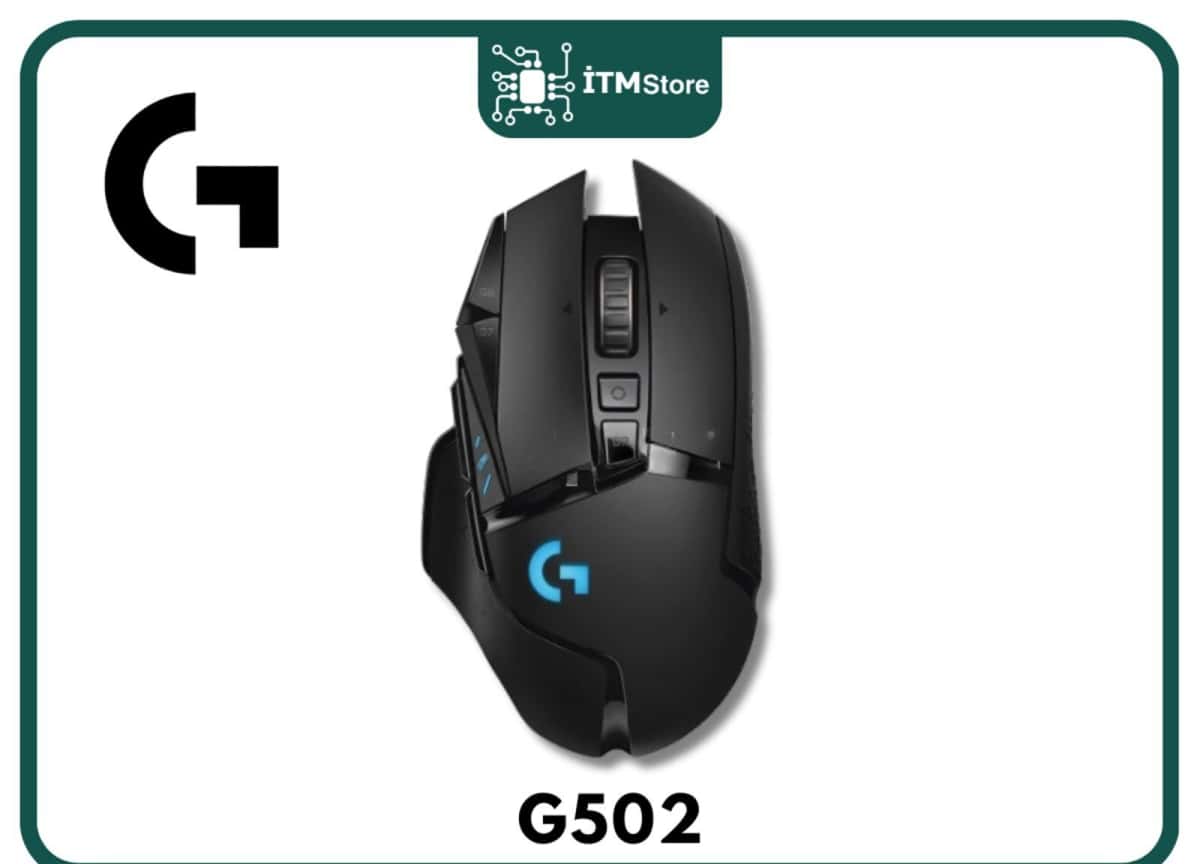
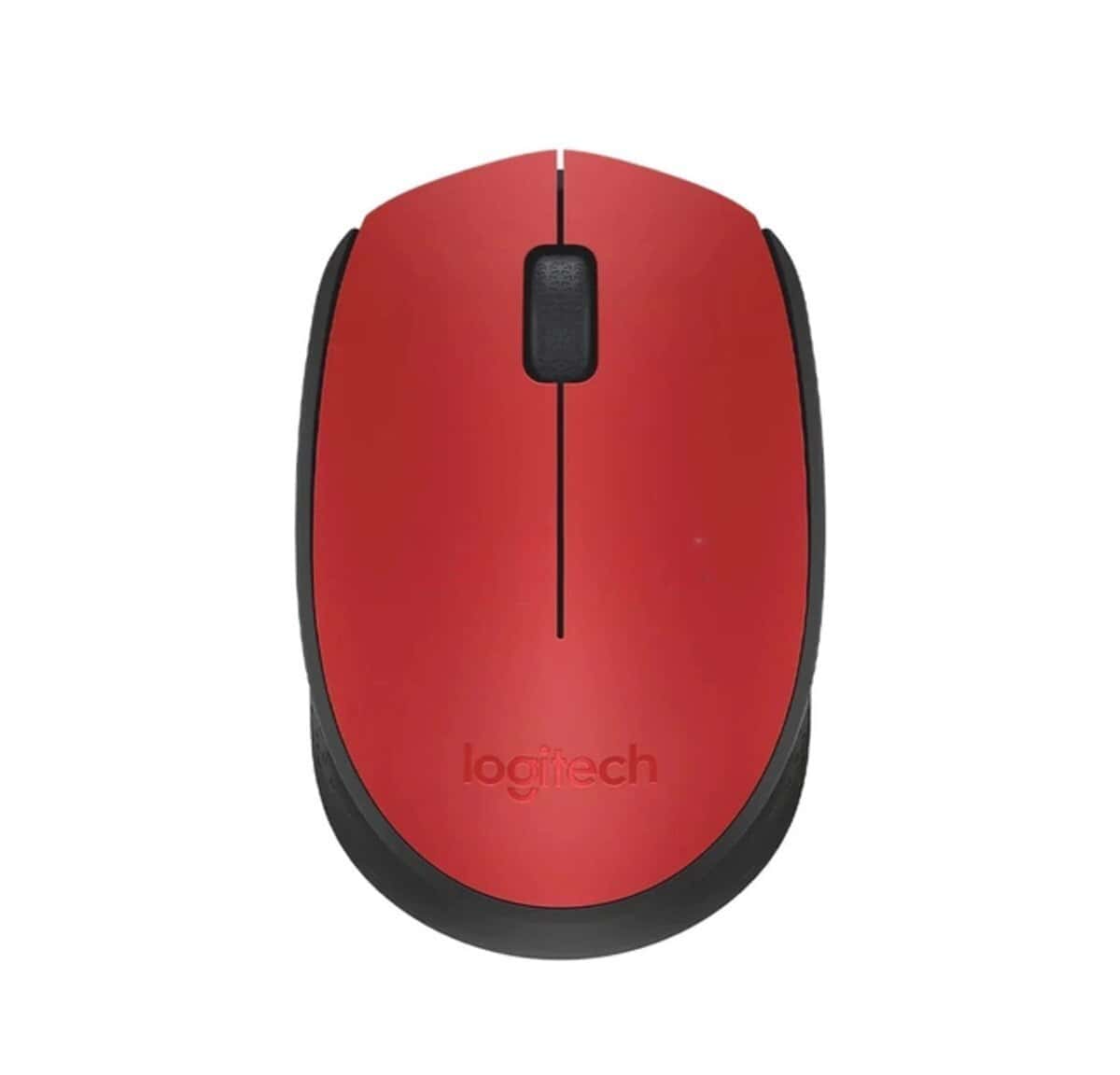
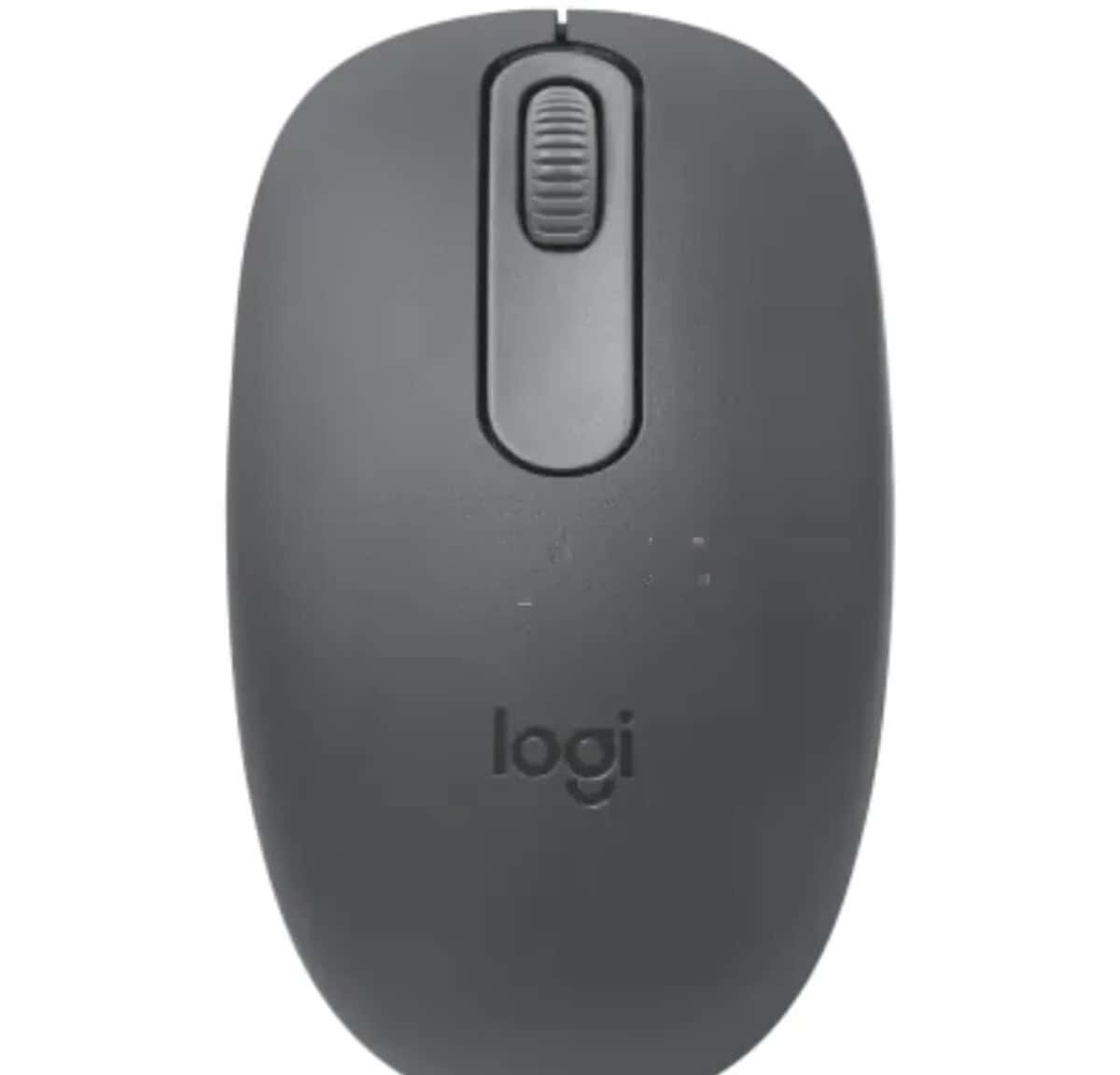
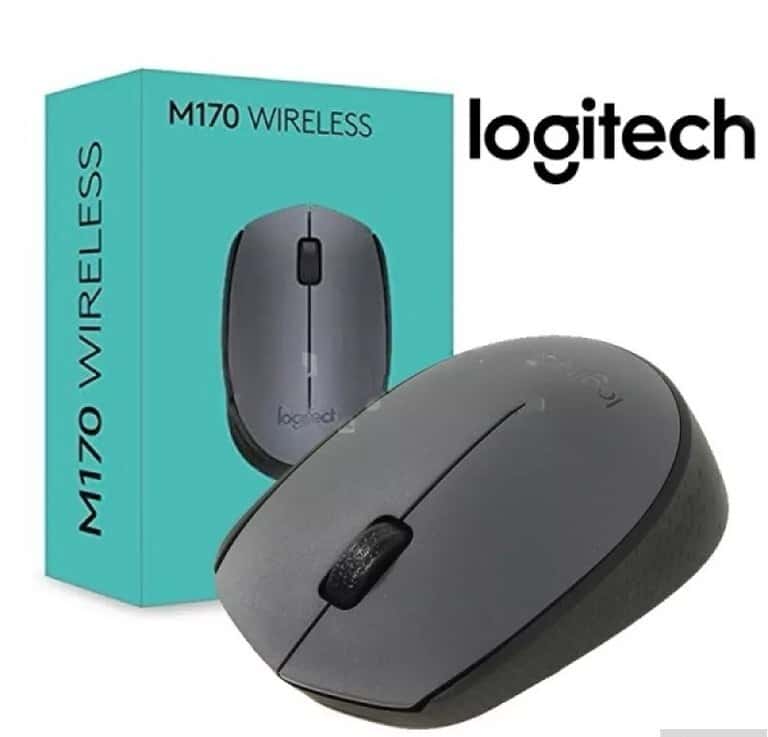
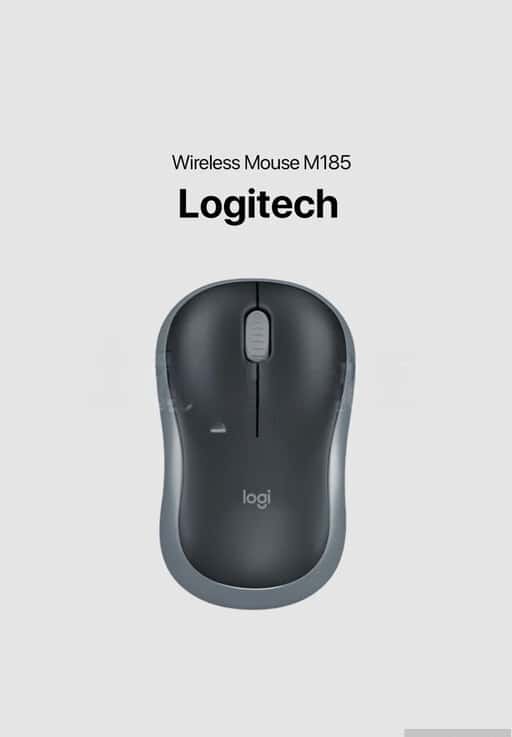
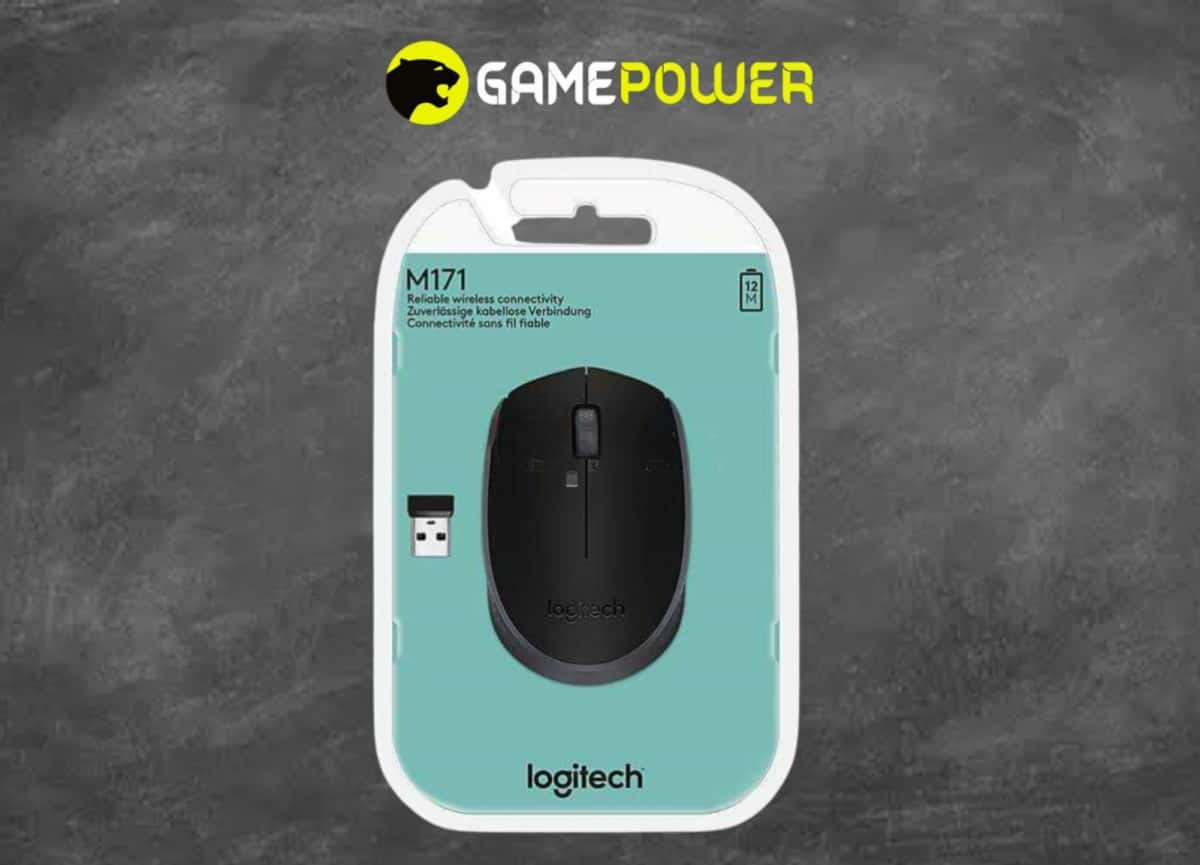
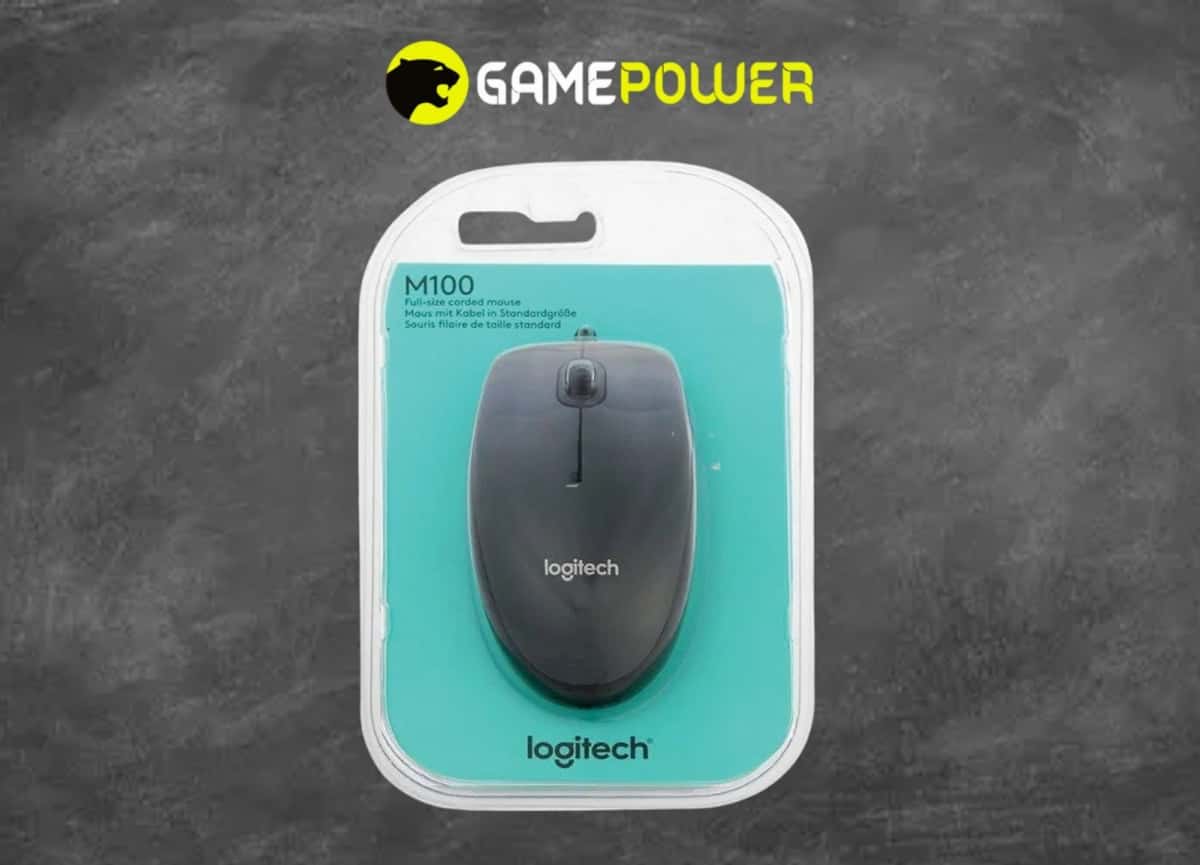

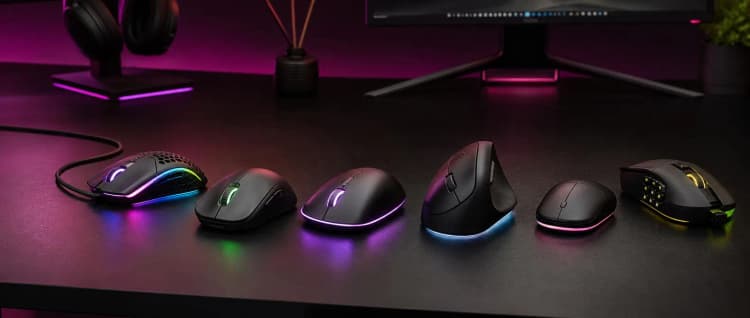
Detailed information about computer mice
Computer mice are one of the most commonly used input devices when working with desktop
Computer mouse
07.10.2026
2170
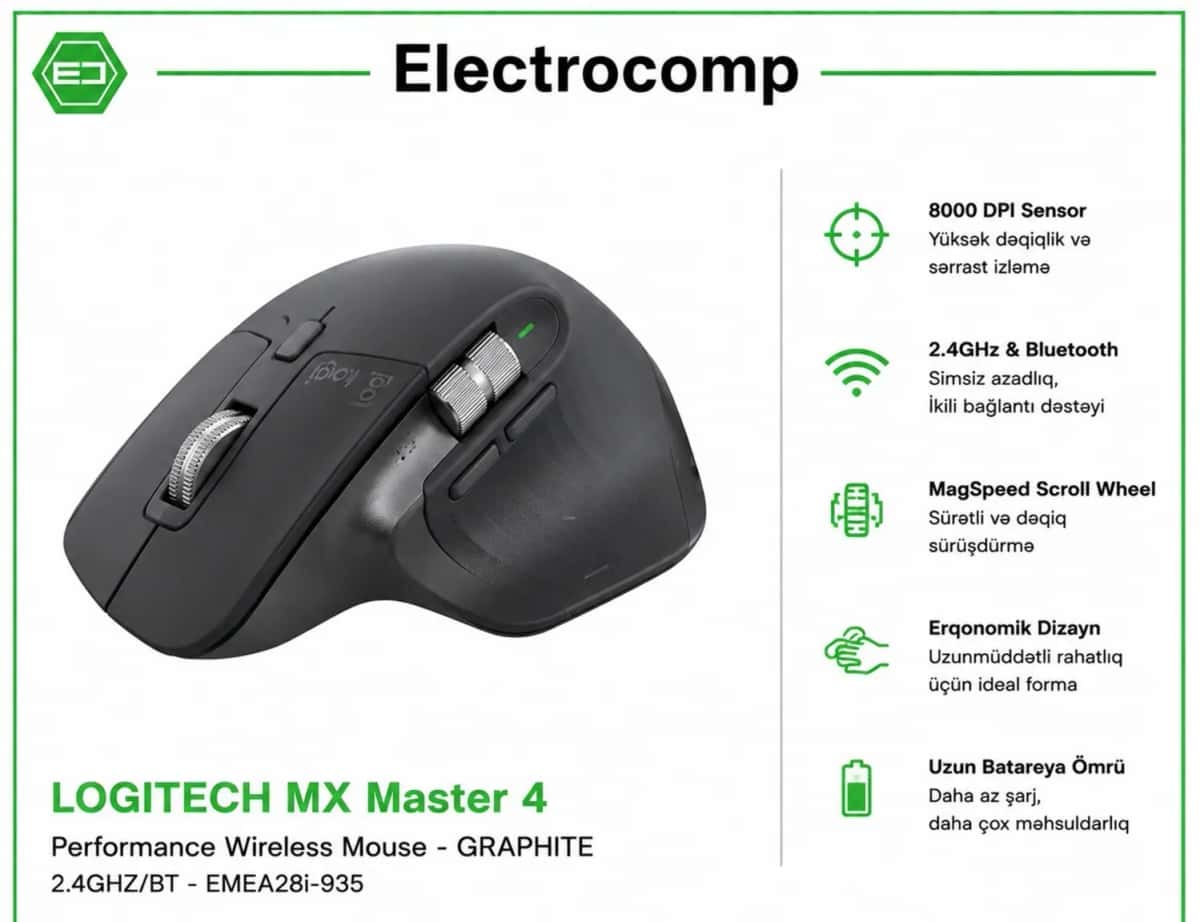
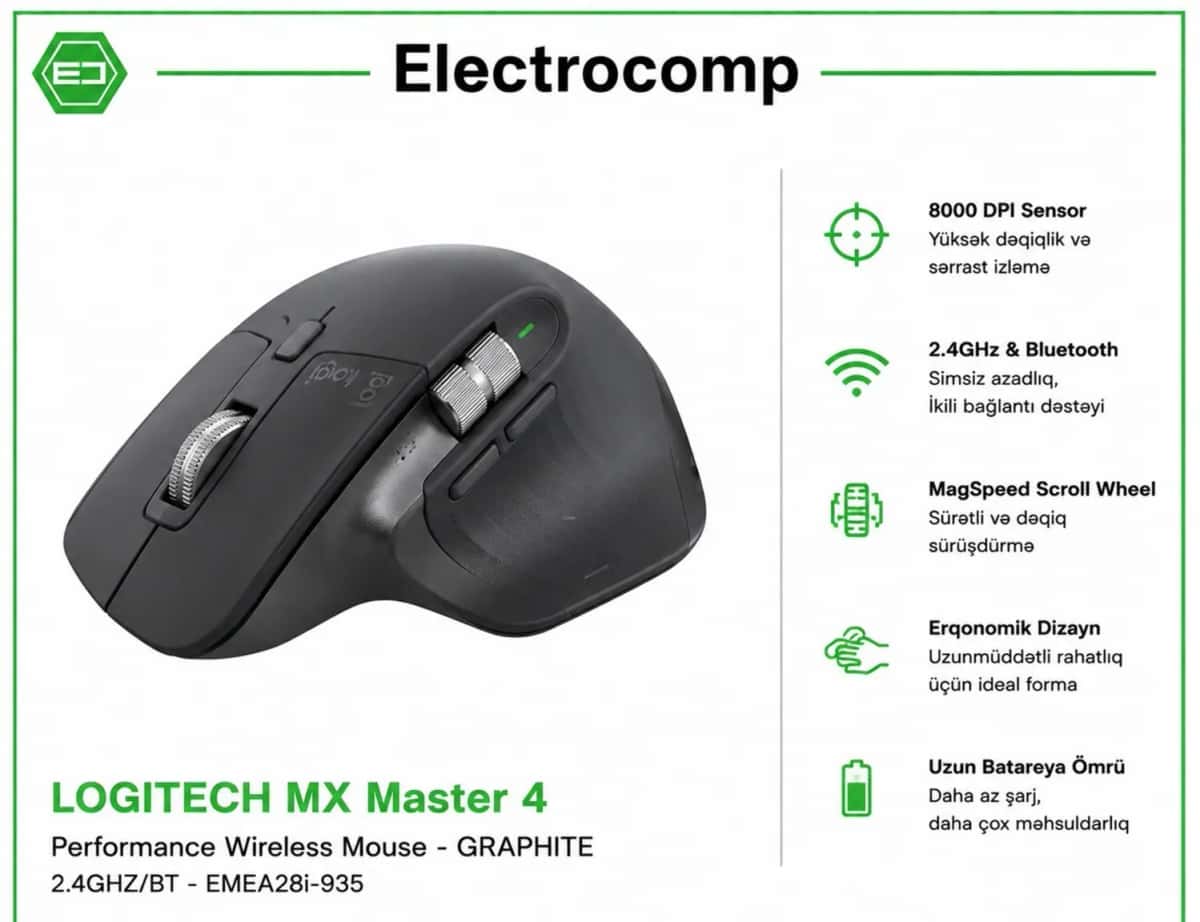
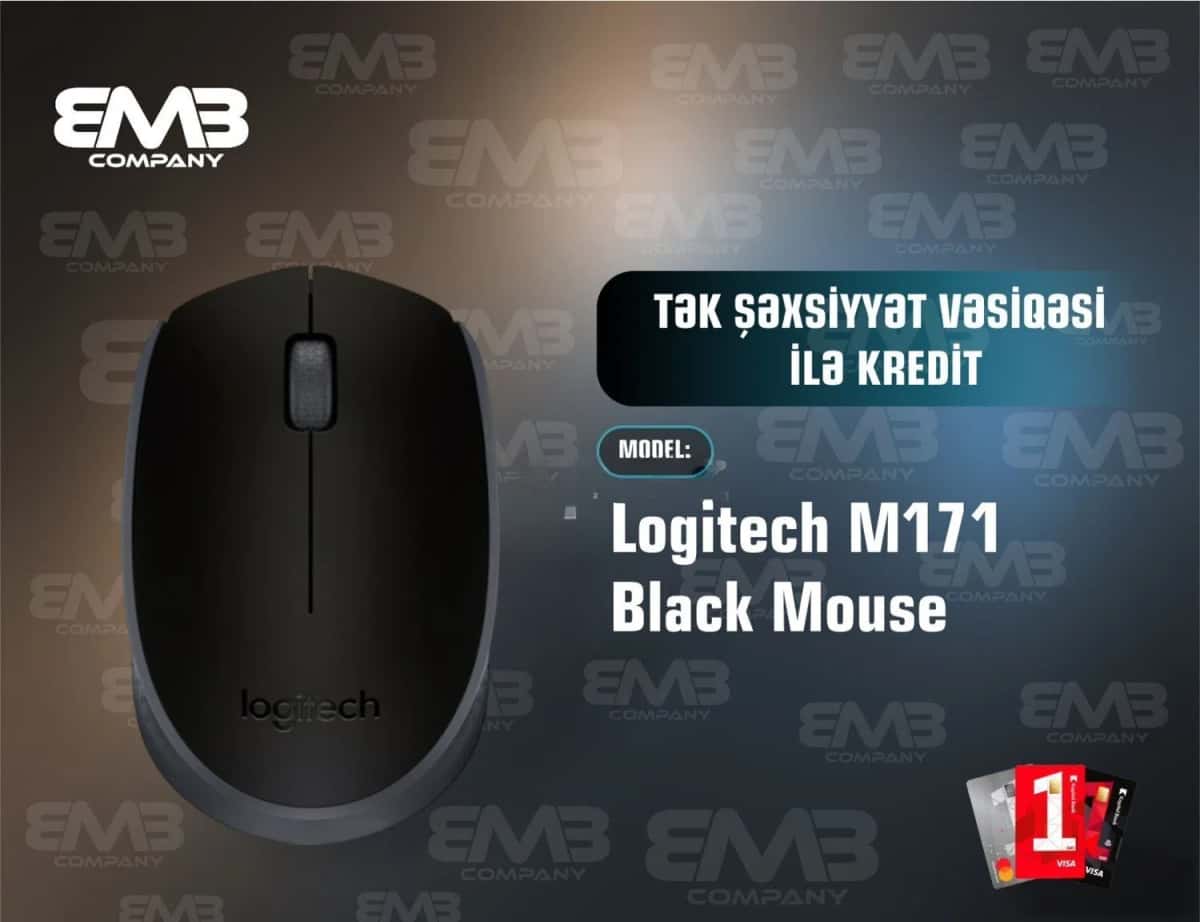
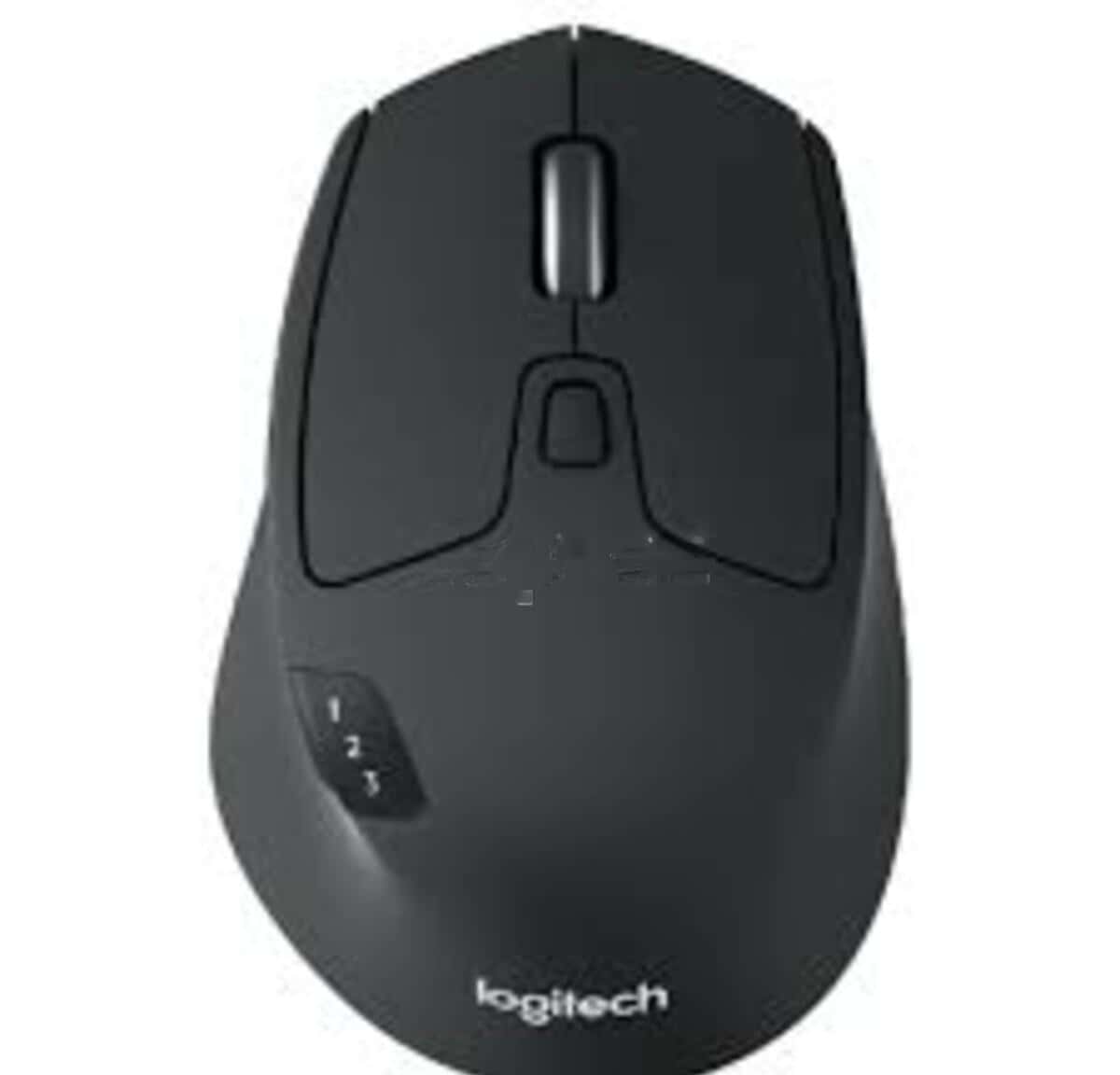
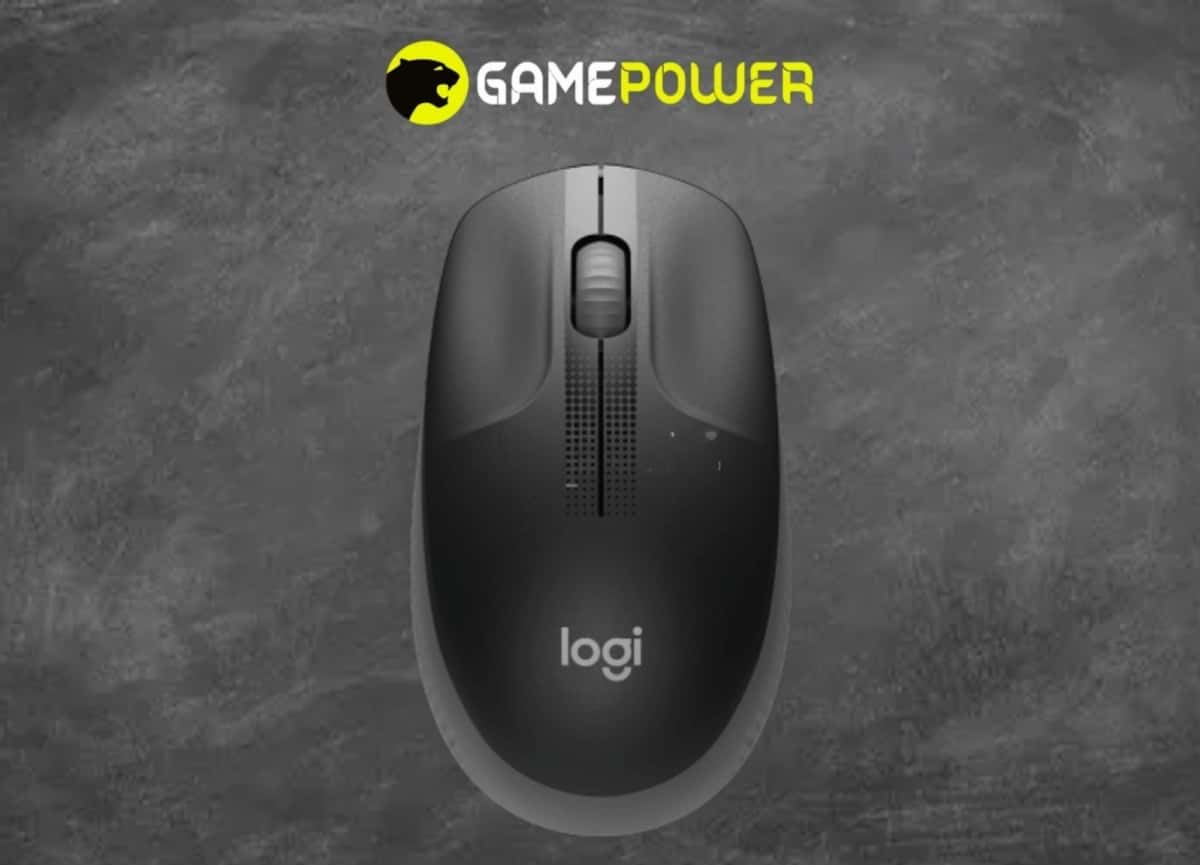
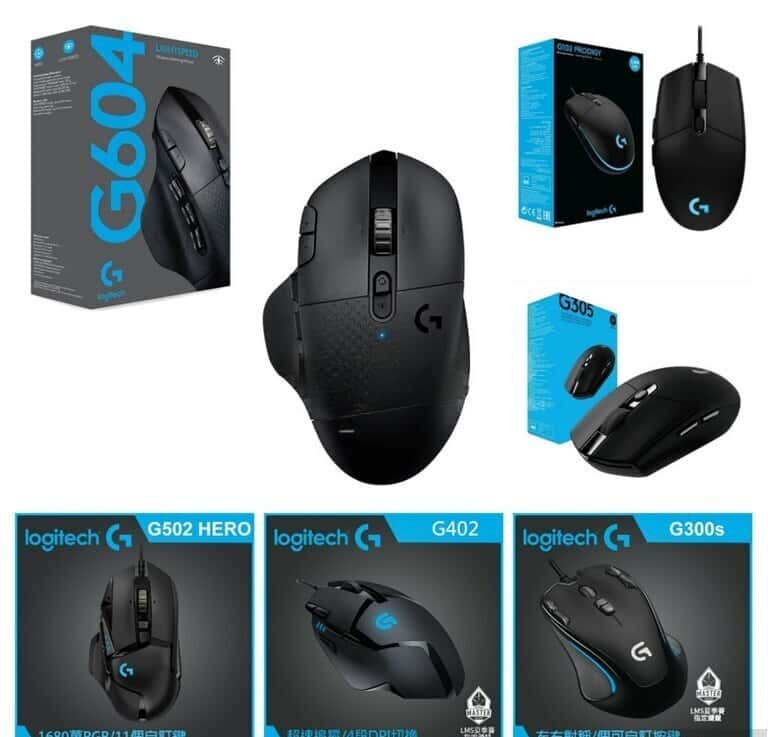
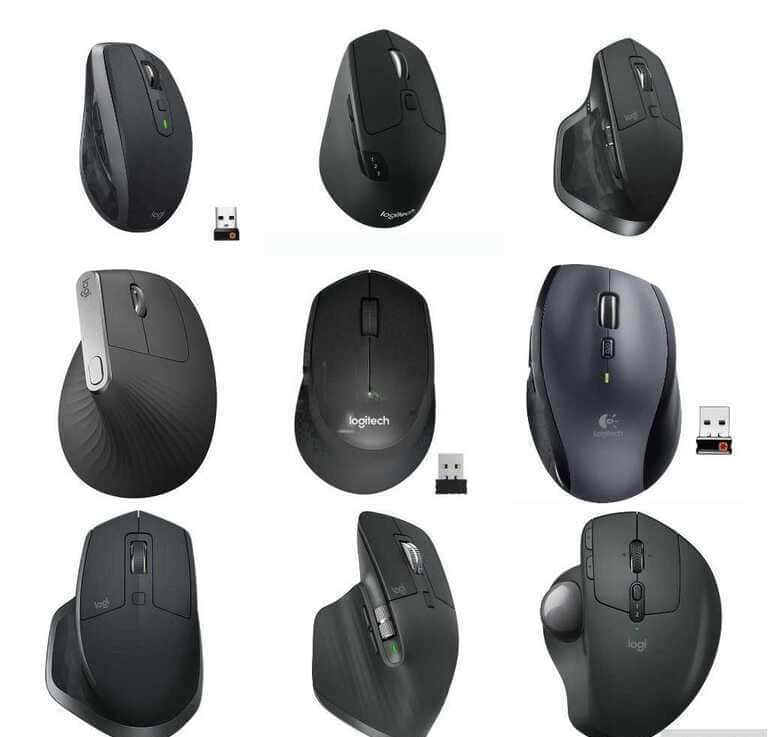
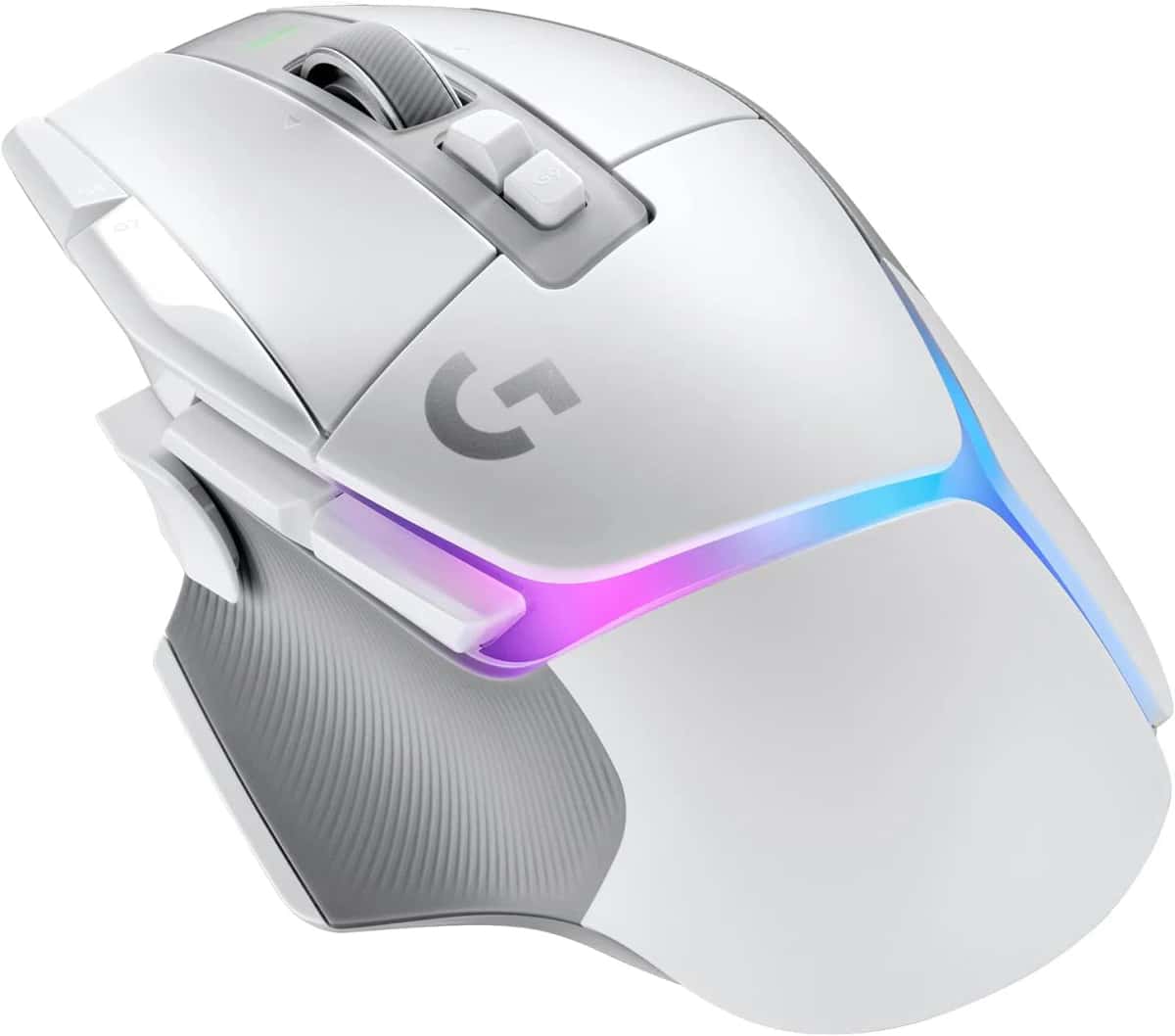
The price of a Logitech mouse can vary depending on the model's features and intended use. When choosing a mouse for work and daily computer use, connectivity options and ease of control should be considered.
Found: 32 listings
When researching Logitech mouse price, it is necessary to pay attention not only to the appearance of the device but also to the comfort it provides in the daily work process. For users working with different devices, connectivity options and fast switching functions can be particularly useful.
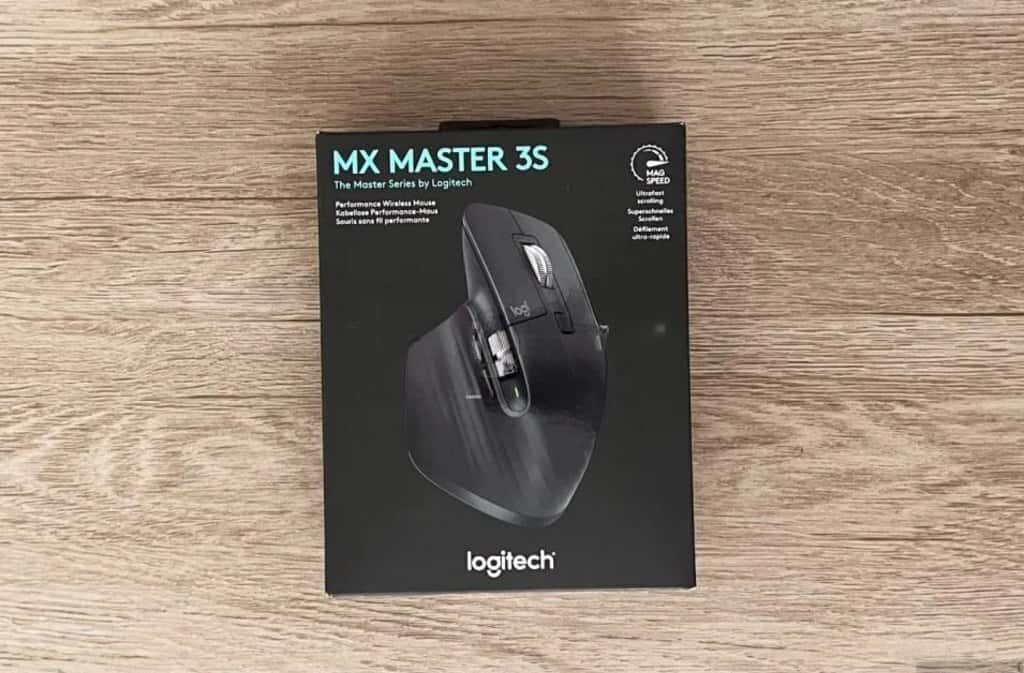
For those working with documents and long web pages, the scroll system and the use of additional buttons also play an important role in model selection.
For users working between several computers or compatible devices, the easy switching function between devices can speed up the work process.
When comparing prices, it is useful to check how many devices the mouse can work with and how the switching is performed. This feature can be practical, especially for those who use multiple devices during work.
For users working with long documents and web pages, the movement of the scroll wheel affects daily comfort. Fast and controlled scrolling capabilities can help create more flexible transitions between information.
When choosing a model, it is advisable to consider whether the scroll system suits your working style.
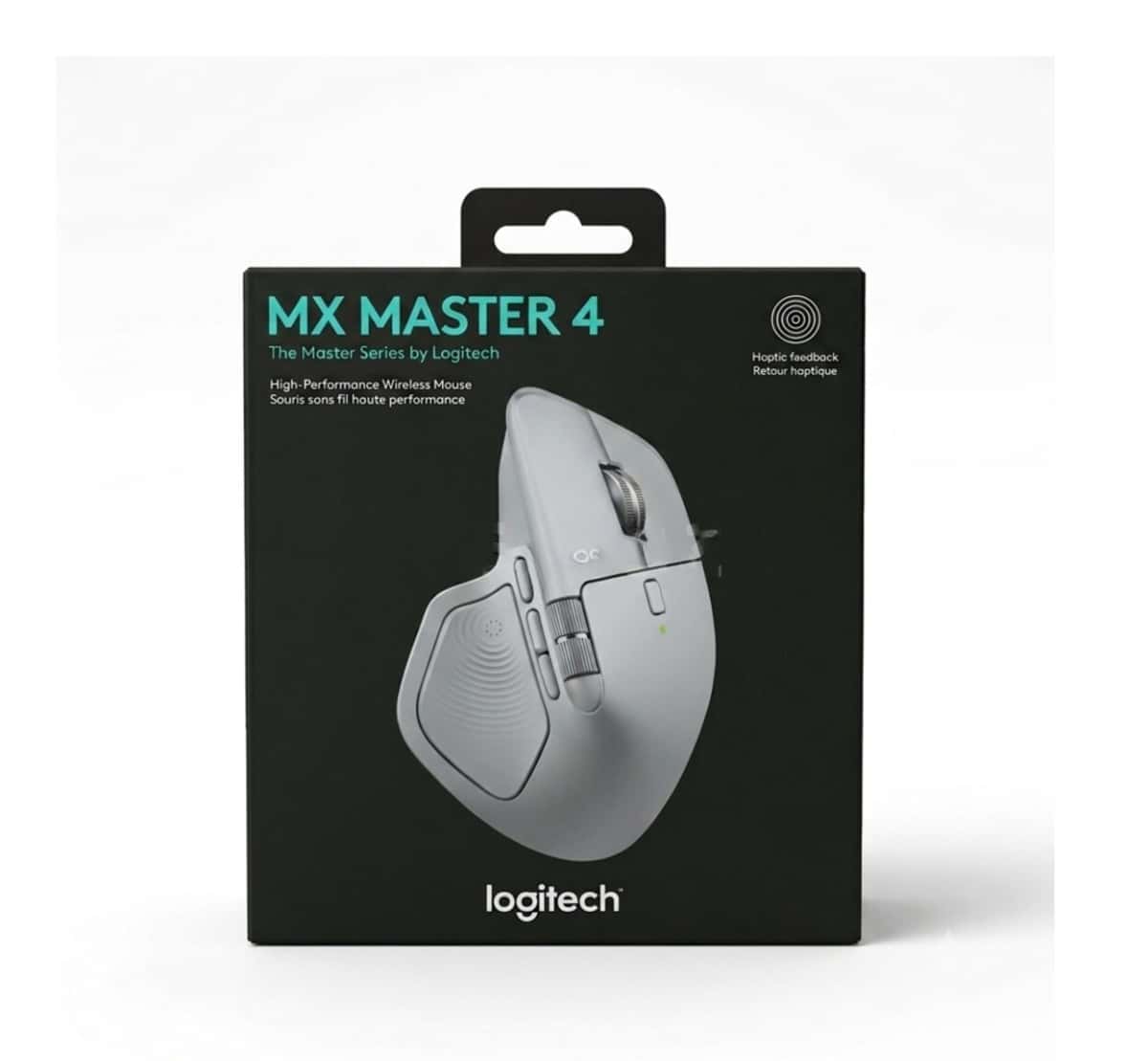
Assigning frequently used commands to additional buttons can make some work processes faster. Browser navigation and shortcuts used within programs are examples of this.
If such functions are needed, it is useful to check which buttons of the mouse can be customized before purchasing.
In an office environment, silent clicks and comfortable scrolling may be more important. For home use, the mouse's ability to work with different devices and its comfortable placement on the desk may come to the fore.
Determining the usage environment in advance helps you eliminate unnecessary functions and choose a more suitable model.
If the mouse is used for a long time during the day, the comfort the body creates in the hand becomes more important. Reaching the buttons comfortably and keeping the wrist in a natural position can affect the daily user experience.
In price comparison, it is useful to look not only at the functions but also at how comfortable the model is for long-term use.
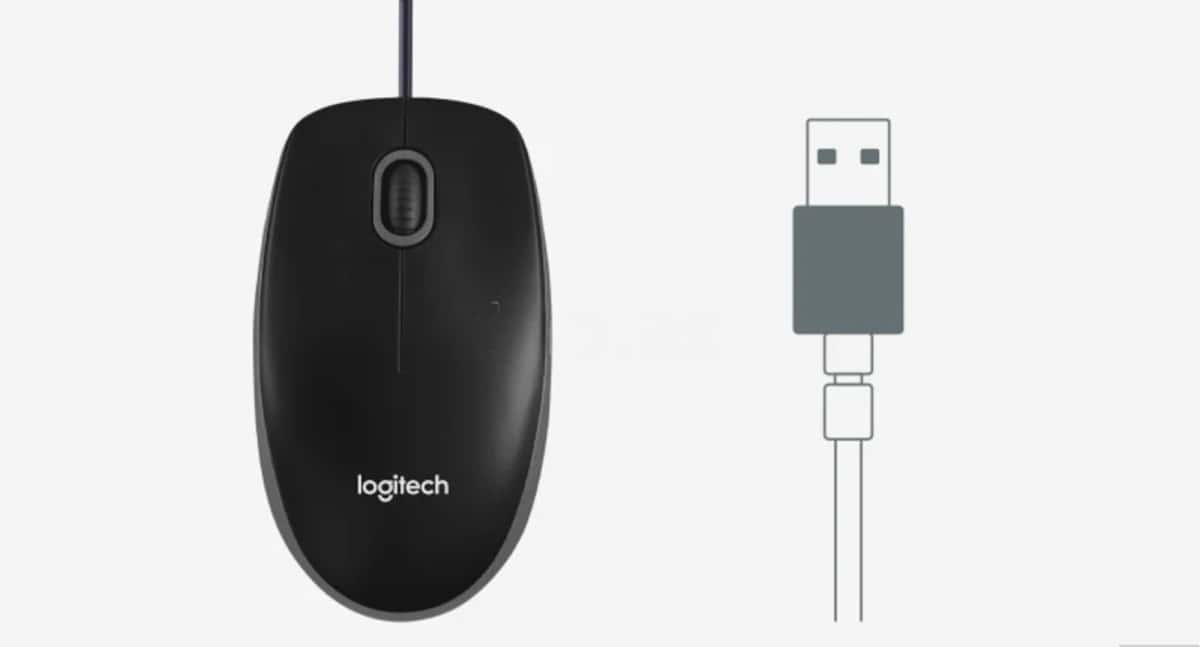
It depends on the connection choice. Some models work with a USB receiver. Others may support Bluetooth connection.
The shape of the body and the placement of the buttons are key criteria. Keeping your hand comfortable on the device is essential for long-term use.
No. Along with connectivity options and features, daily ease of use should also be included in the comparison.
Yes. Compact and wireless models can be more practical for portable use.
Features such as silent operation and comfortable scrolling can be useful for office use. Daily usage time should also be considered.