

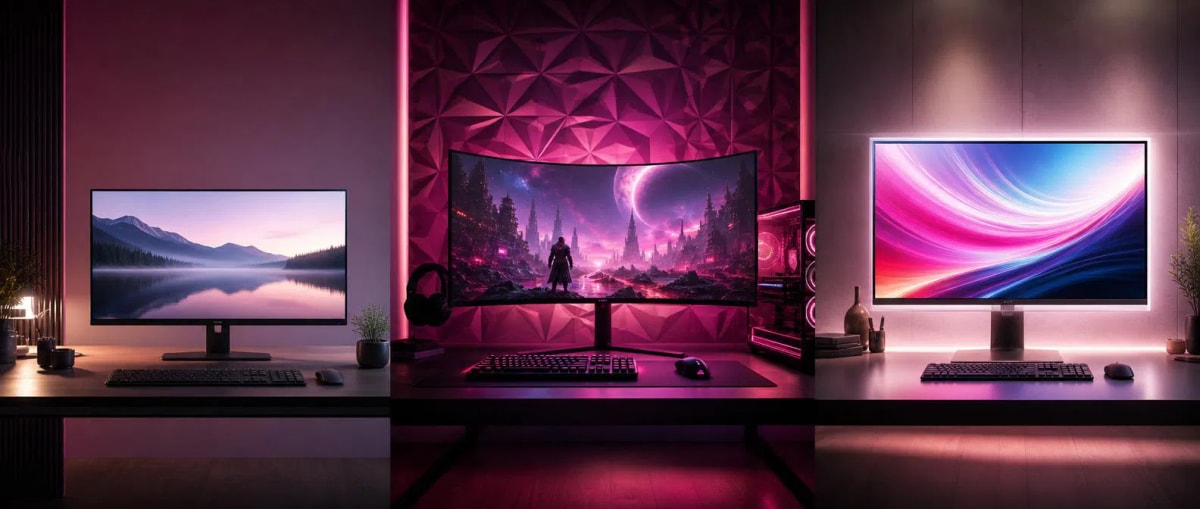
Basic Rules for Making the Right Choice Among Monitors
Making the right choice among monitors is one of the important decisions that directly affects daily ease of use and the overall screen experience. A properly selected monitor not only improves image quality but also contributes to ease of use, productivity, and long-term satisfaction. Therefore, when choosing a monitor, one should not be limited to appearance and screen size; the purpose of use, screen features, and key technical specifications should also be considered.
Monitors offer a wide range of options based on different purposes and technical features, which can sometimes make the decision-making process difficult. In addition to standard models designed for daily use and office work, there are gaming monitors for users requiring high performance and LED monitors known for modern display technologies. Since each category has its own unique advantages, identifying the user's main needs in advance helps in making a more suitable choice and facilitates the purchasing process.
For this reason, when choosing a monitor, the purpose of use, screen features, and long-term comfort should be evaluated together. The right choice increases both the quality of use and makes daily activities more efficient and comfortable. This article provides information on the key points to consider when choosing a monitor and the factors that help in making a more informed decision.
What features are considered in monitor selection when it comes to image quality?
Image quality is not just about resolution; color accuracy, contrast ratio, and brightness uniformity are also integral parts of this concept. No matter how impressive a monitor's numbers look on paper, the real-world experience does not always match those numbers. Issues such as room light reflection on the screen, color shift depending on the viewing angle, and even brightness distribution are considered important. If these details are overlooked, even a high-priced monitor may not provide the expected comfort. The panel type also plays a decisive role in this matter, as different panel technologies offer different results in terms of color accuracy and viewing angle. For example, panels with wide viewing angles create a more comfortable experience when viewing the screen as a group, while fast panel types show superiority in moving images. When a user identifies the panel type that suits their main needs, expectations regarding image quality are formed more realistically.
Why does choosing a monitor for gaming require special attention?
Gaming monitors carry special features adapted to the requirements of this field. In models with high refresh rates, movement looks smoother, which is a differentiating factor, especially in genres requiring fast reactions. As the response time shortens, the likelihood of motion blur decreases. In models with adaptive synchronization support, the tearing effect caused by the mismatch between the graphics card and the monitor is eliminated. In addition to all this, most gaming monitors have special modes for image settings, which allow the user to adjust according to different game genres. For users involved in competitive gaming, low input lag is also a significant factor, as minimal delay ensures that actions are reflected on the screen faster. For those involved in casual, low-motion games, these indicators are not as critical as for other user groups, so the choice of monitor according to the gamer profile may differ.
How did LED monitor technology change the screen experience?
After LED monitors hit the market, they brought a radical change compared to previous technologies in terms of energy consumption and screen thinness. Consuming less energy not only saves on electricity costs but also allows internal components to operate more stably due to less heat emission. Along with this, brightness and contrast indicators have increased, making it possible to obtain a readable image in both daylight and dark environments. It has found a wide range of applications, from industrial desktop monitors to televisions and mobile screens. The development of this technology has also allowed screens to become thinner and lighter, which offers practical advantages such as portability and wall mounting. Among modern LED monitors, there are models with local dimming control, which help to achieve deeper dark tones by allowing the brightness to be adjusted separately in different parts of the screen.
What realities should be considered regarding screen size when choosing a monitor?
People often think that a larger screen is always better, but this idea is not true in all cases. A large screen chosen without considering limited space in the room, viewing distance, and viewing angle, on the contrary, causes fatigue by forcing the eye to move constantly. For a user working on a small desk, a medium-sized but high-resolution monitor often gives a more practical result. In a large room, when used from a distance, a large screen shows its advantage. Therefore, room layout is an issue that should be evaluated before screen size. Curved monitors can also be considered as an alternative solution in this regard, as these models present the large screen area to the user in a closer and more immersive form. For users working with multiple tasks, the combination of two medium-sized monitors can sometimes give a more functional result than one giant screen.
What are the technical details that are overlooked when buying a monitor?
The type of connection ports is a detail that is often overlooked but causes problems later. If there is no compatible port with the existing computer, console, or laptop, additional adaptation devices are needed. Similarly, the ability to adjust the stand mechanism in terms of height and angle is important for long-term use, as models with fixed stands can create additional strain on the neck and back. The presence of anti-glare coatings is of special importance for those working in bright environments, but this feature is often not highlighted during sales. The quality of built-in speakers can also be important for some users, especially for those who do not want to use additional external devices. In addition, the monitor's energy consumption indicators are also an issue that affects utility costs in long-term use but is rarely considered.
What habits are useful for extending the life of a monitor?
Regular cleaning of the screen, but only with soft and dry materials, is a simple habit that prevents surface damage. Installing the device in a ventilated place helps components operate stably for a longer time by preventing internal heat buildup. Adjusting the brightness level according to the room light prevents both the screen and the eyes from getting tired. Turning off the device completely during long breaks is considered one of the steps that increases the life of the panel in addition to energy saving. Not keeping the same static image on the screen for a long time also allows the panel to wear out evenly, so activating screen saver modes is considered a useful habit. Regular checking of cables and ports also helps prevent image problems caused by poor connection.
How to find a monitor that suits personal needs?
Ultimately, the right choice is not always the same model or the same set of technical specifications, but a combination that suits the user's daily needs. While color accuracy is important for work, speed and response time are more prominent for gaming. Understanding the differences between Monitors, gaming monitors, and LED monitors is the first step to making a purchasing decision in an informed way, not randomly. Budget is also a limiting factor in this process, but the most expensive model does not always mean the most suitable model. Making a decision by considering the user's main purpose, daily usage time, and compatibility with existing equipment gives a healthier result than buying just by looking at technical specifications. With this approach, the selected monitor becomes an investment that meets expectations in terms of both performance and comfort for many years.
Comments0
Be the first to comment
Share your thoughts on this article