
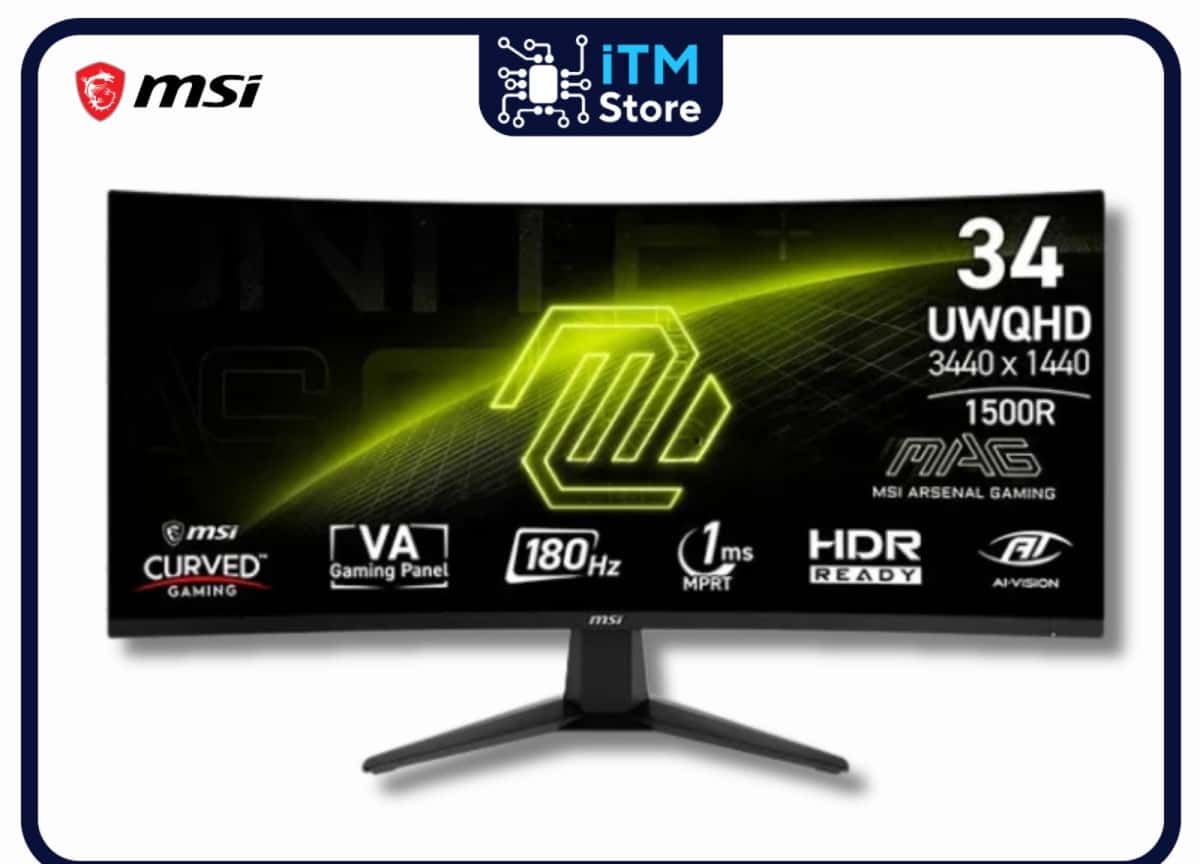
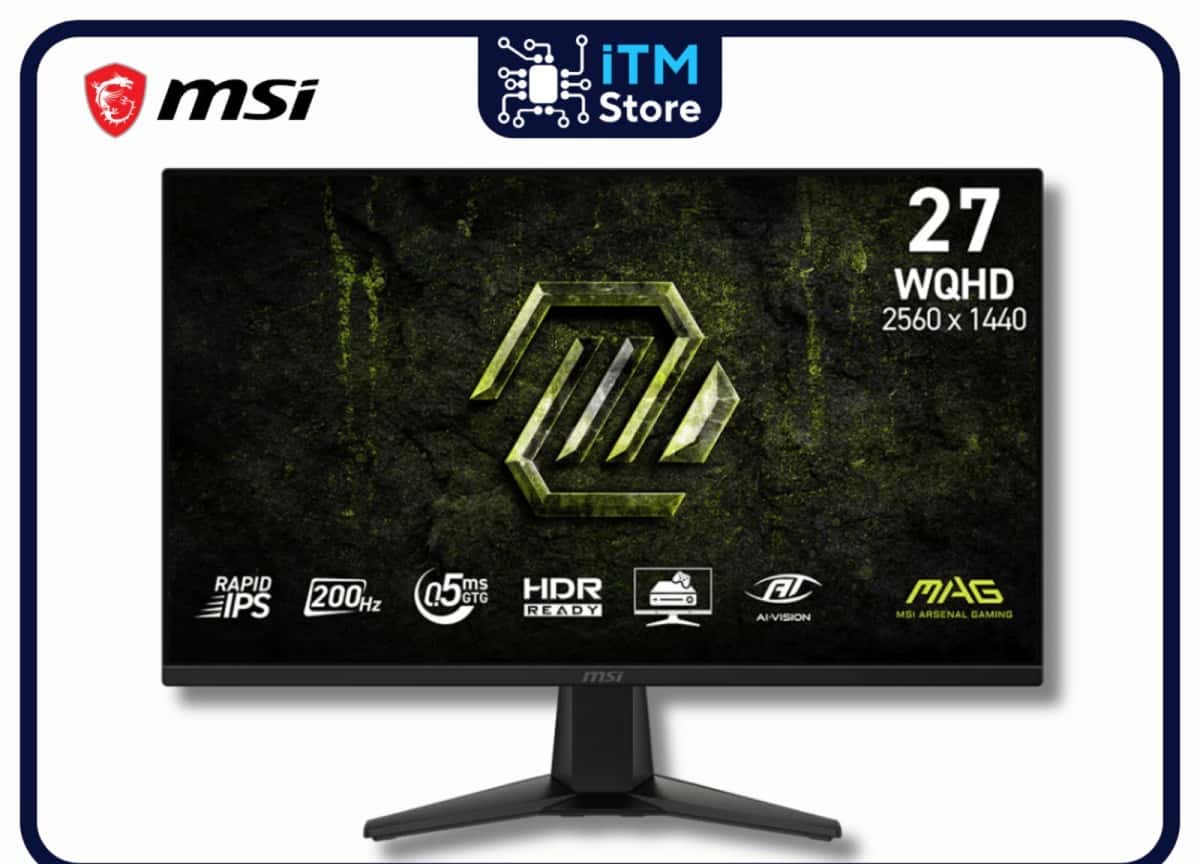
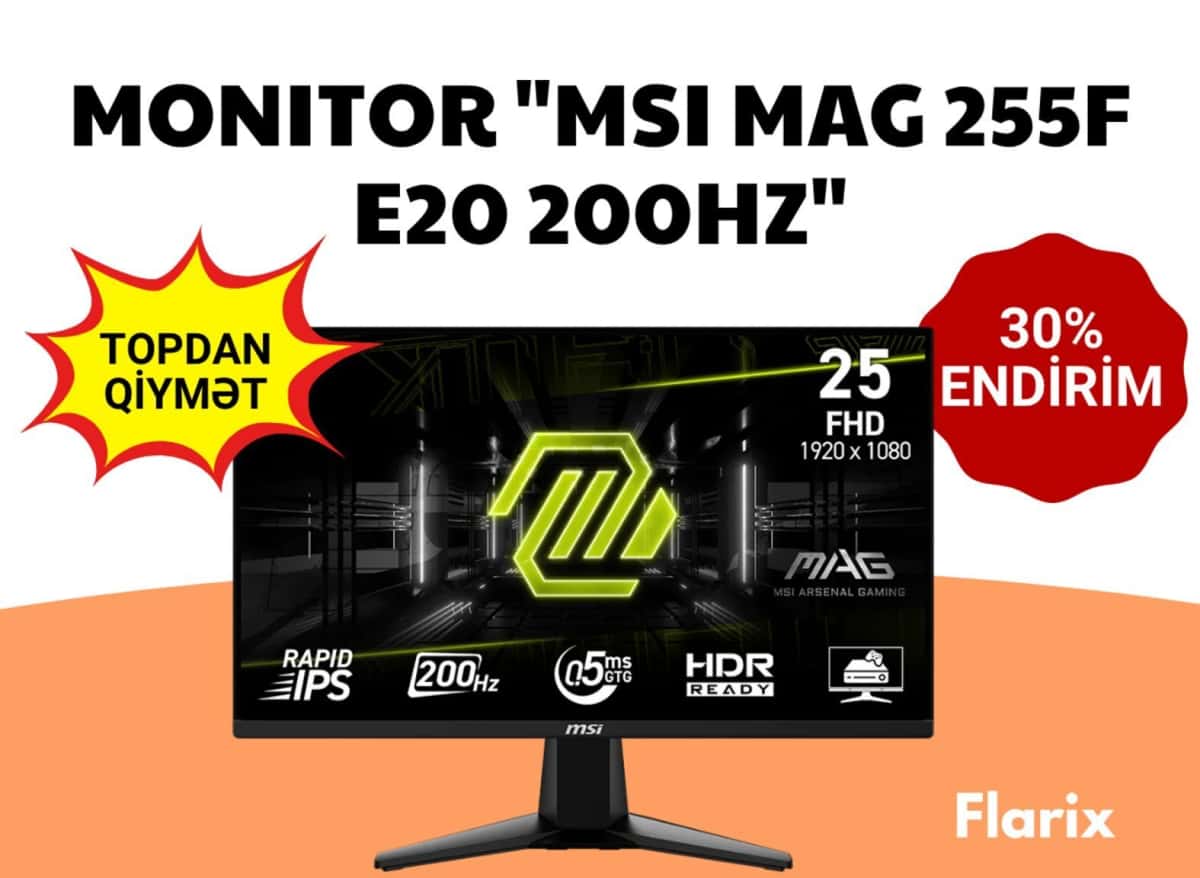
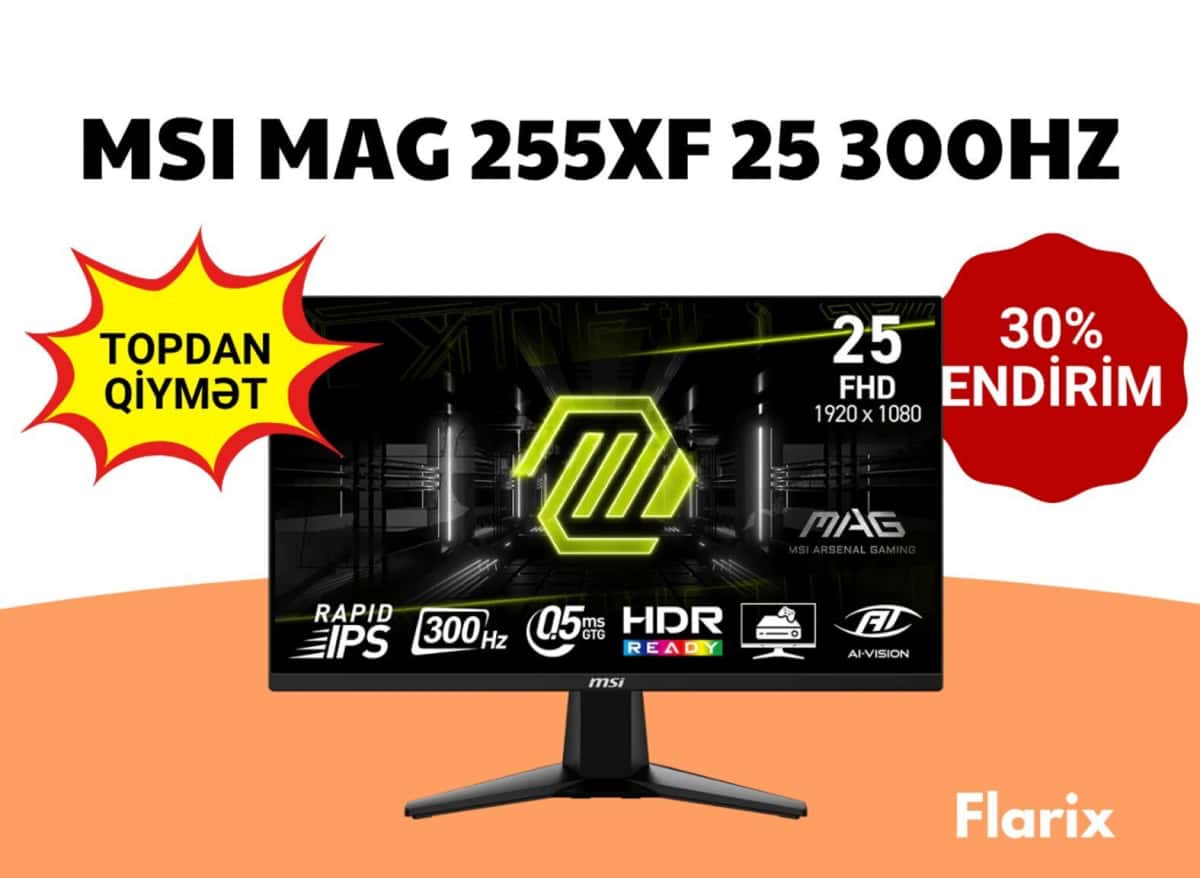


MSI monitors: Refresh Rate and Display Selection
When choosing MSI monitors, in addition to screen size, it is important to consider how smooth and detailed the image is displayed. The main advantages of a monitor chosen for gaming may differ from those suitable for daily office use.
Before choosing a model, it is useful to determine your computer's capabilities and the primary purpose for which you will use the monitor.
How Should MSI Monitors Be Chosen Based on Refresh Rate?
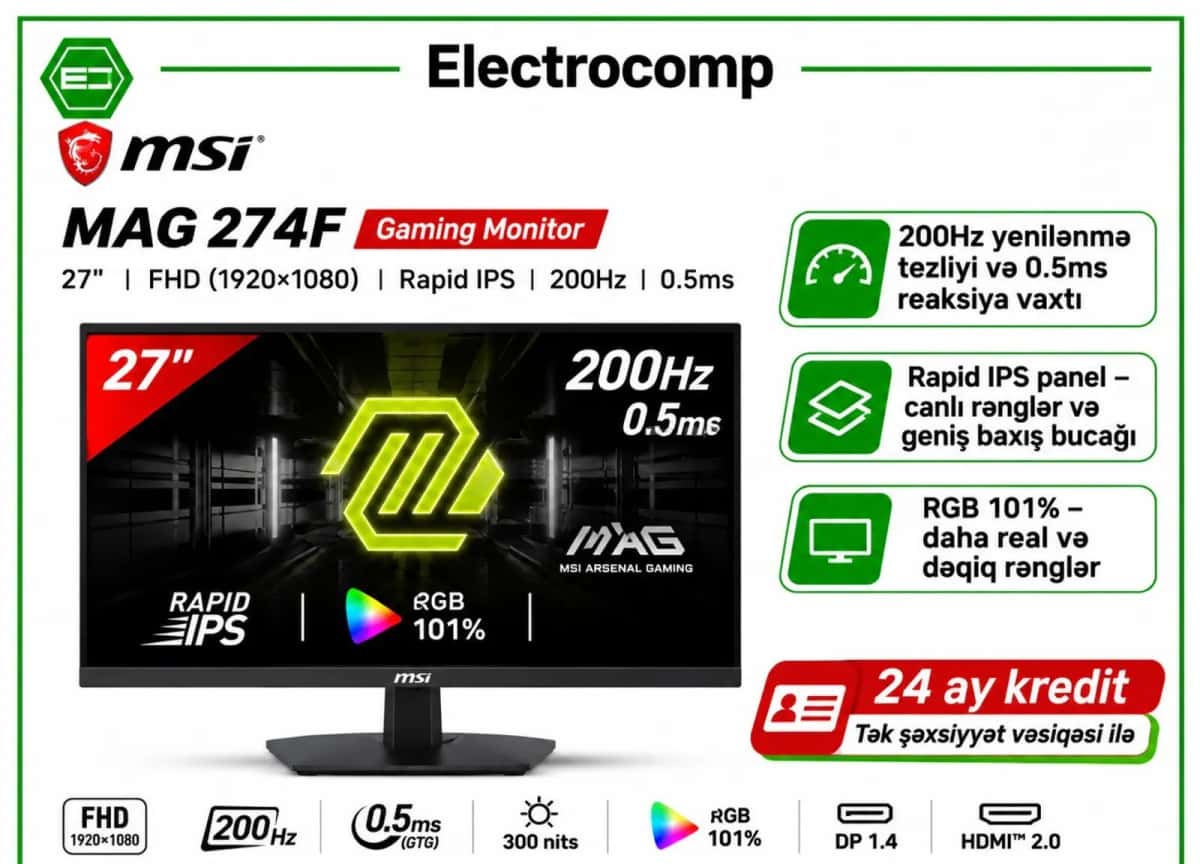
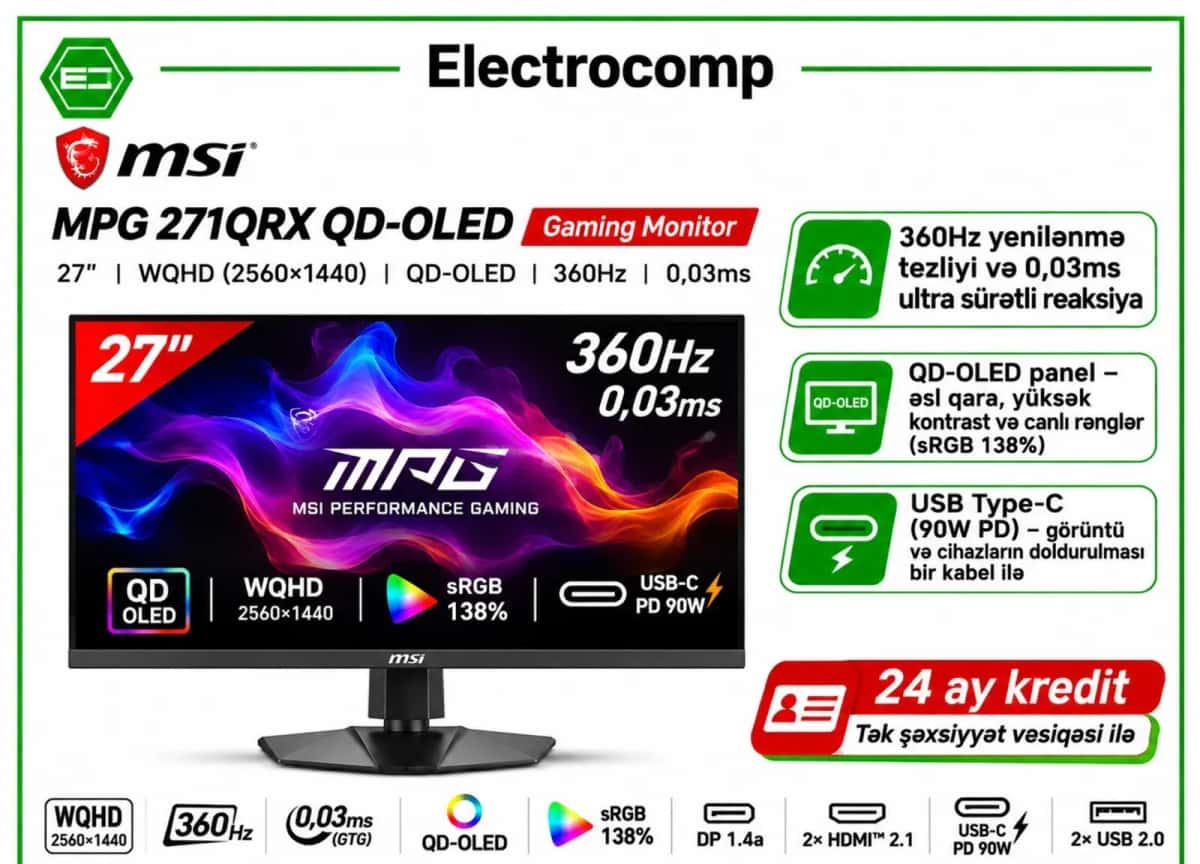
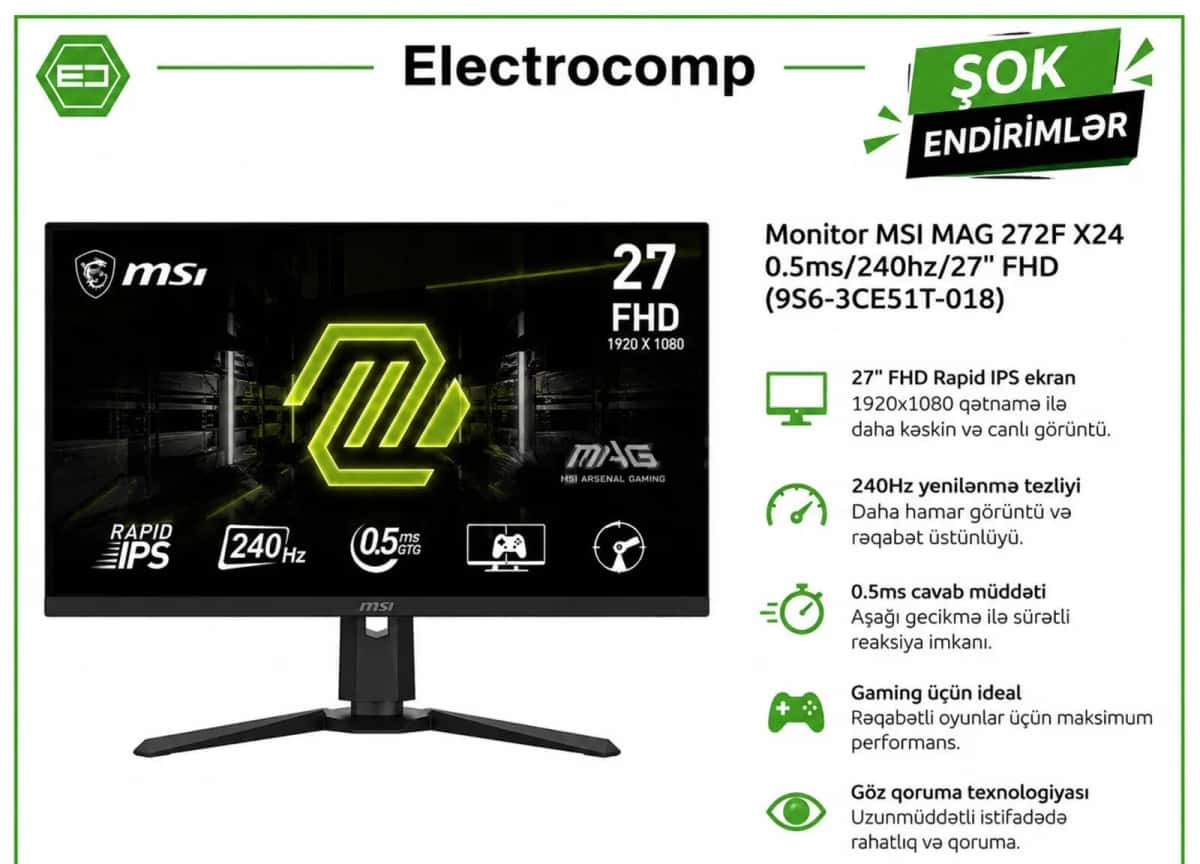
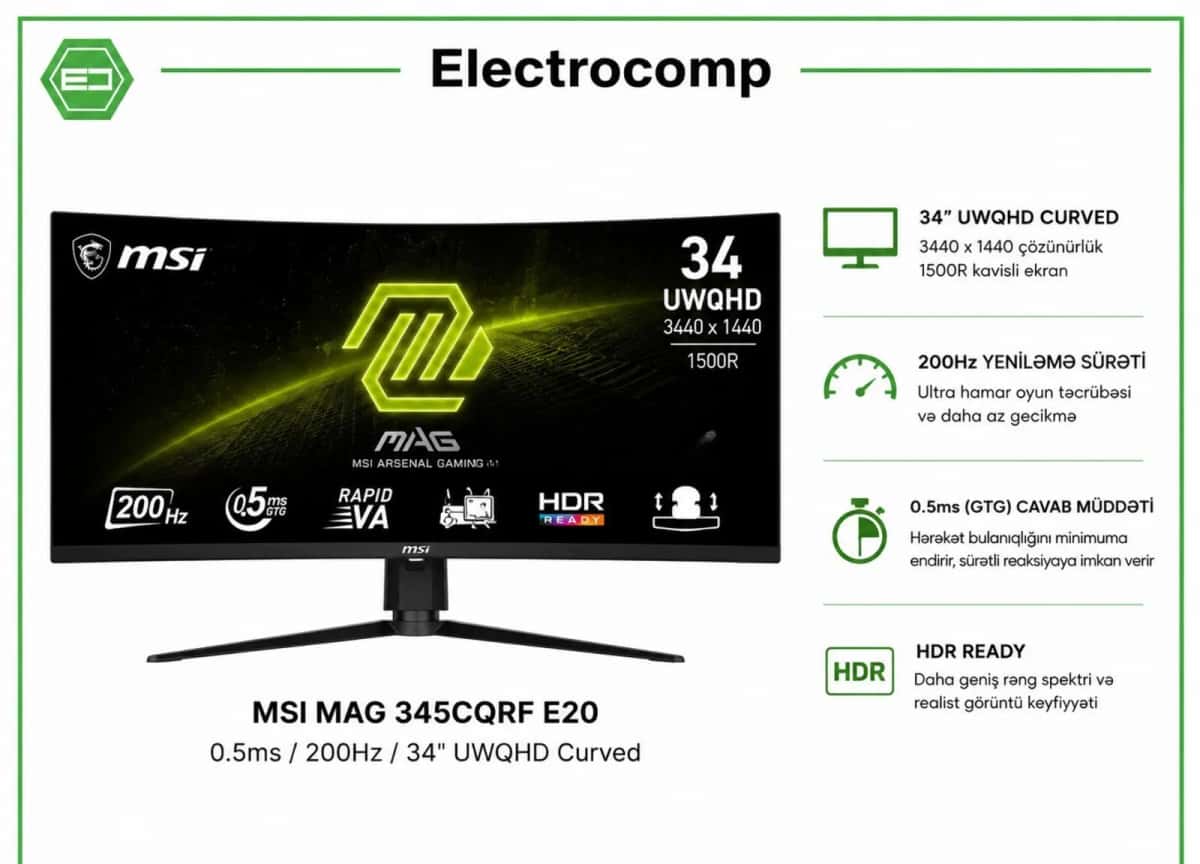
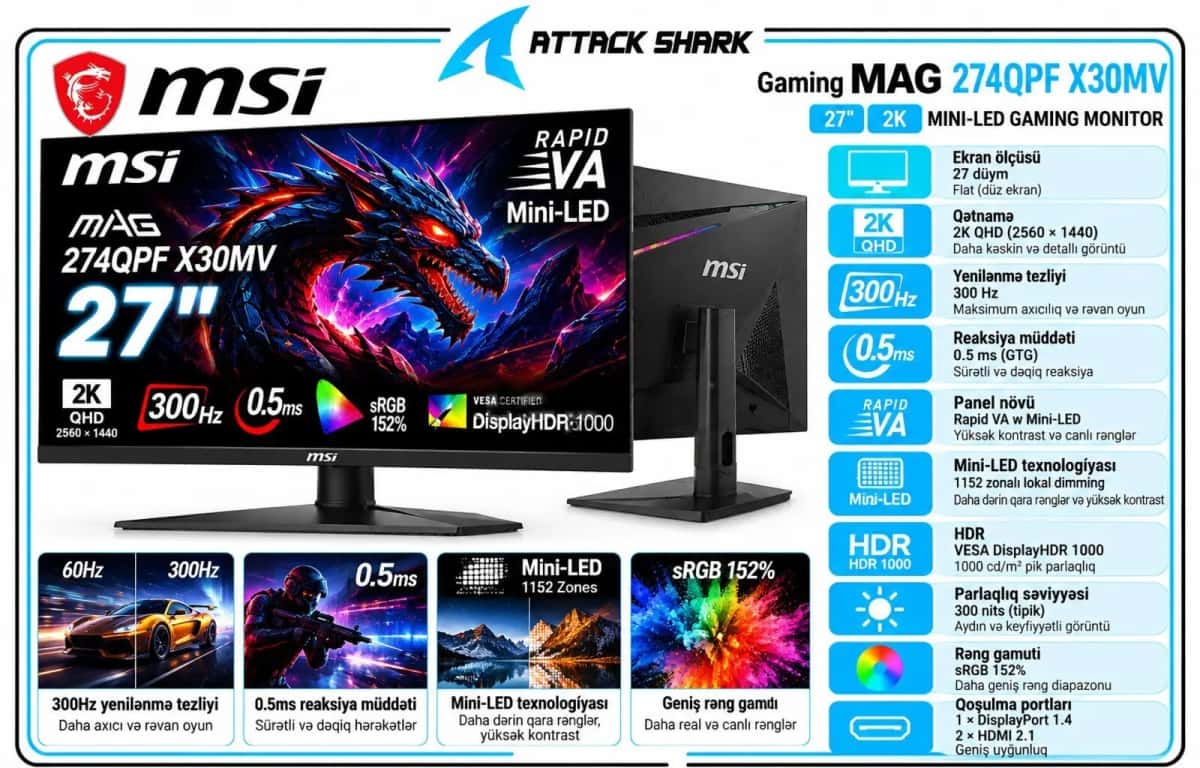
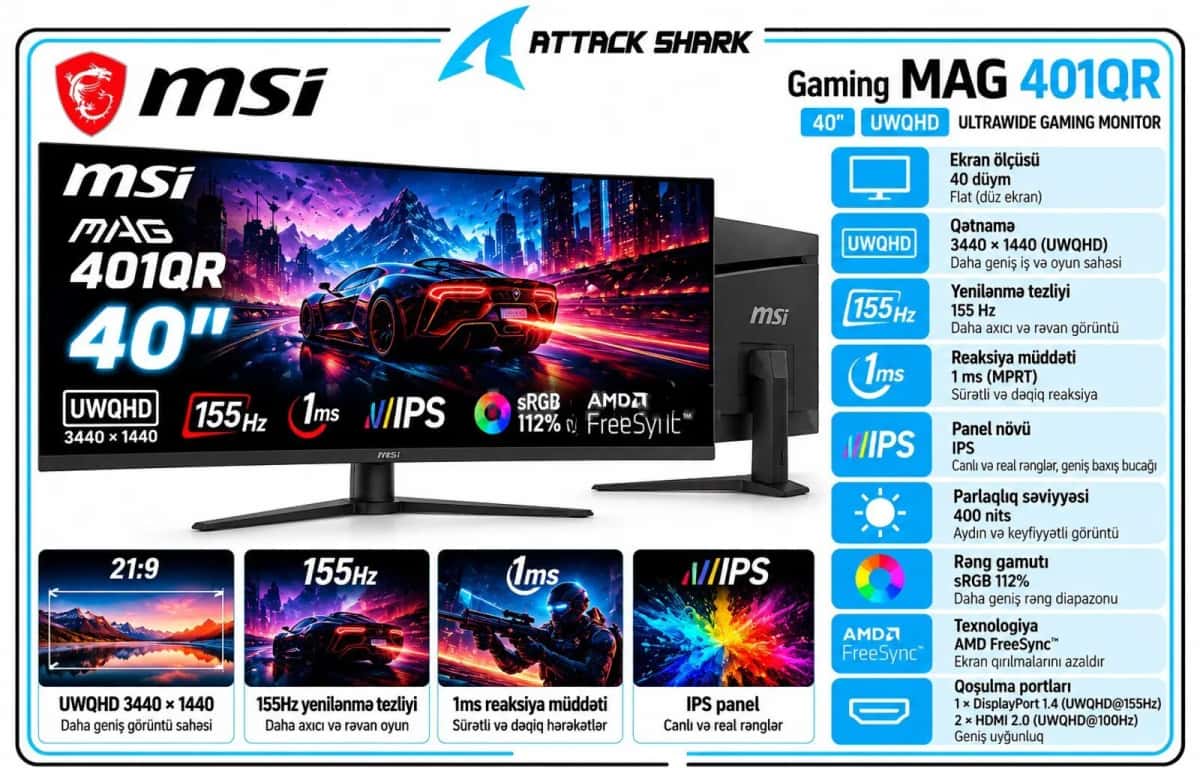
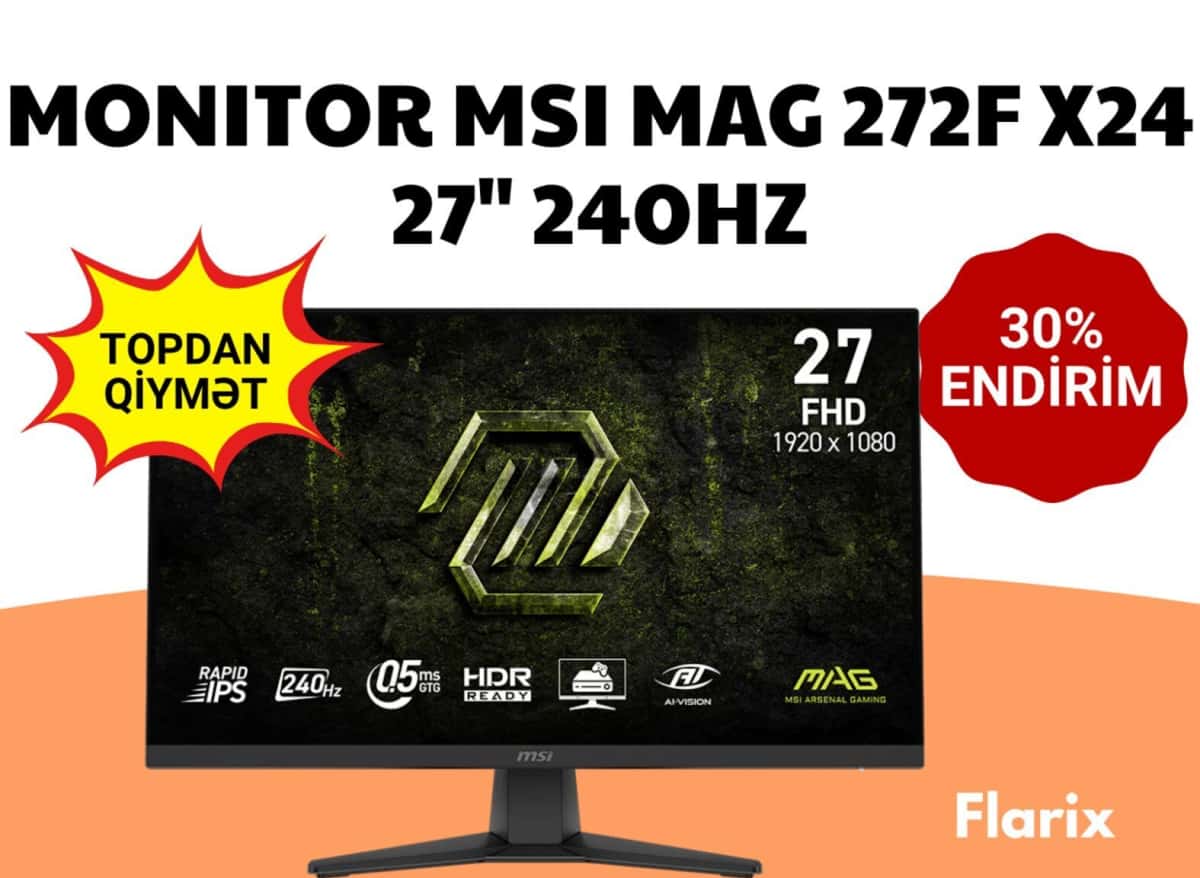
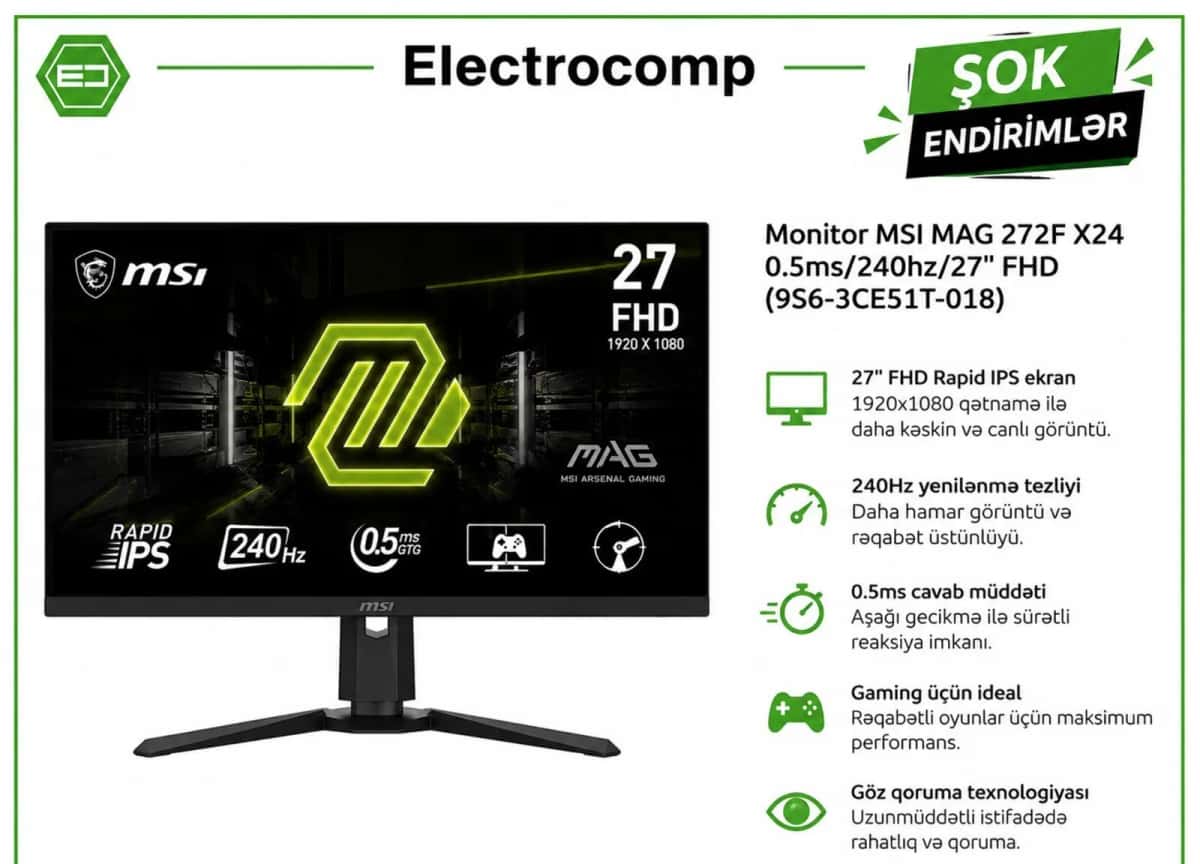
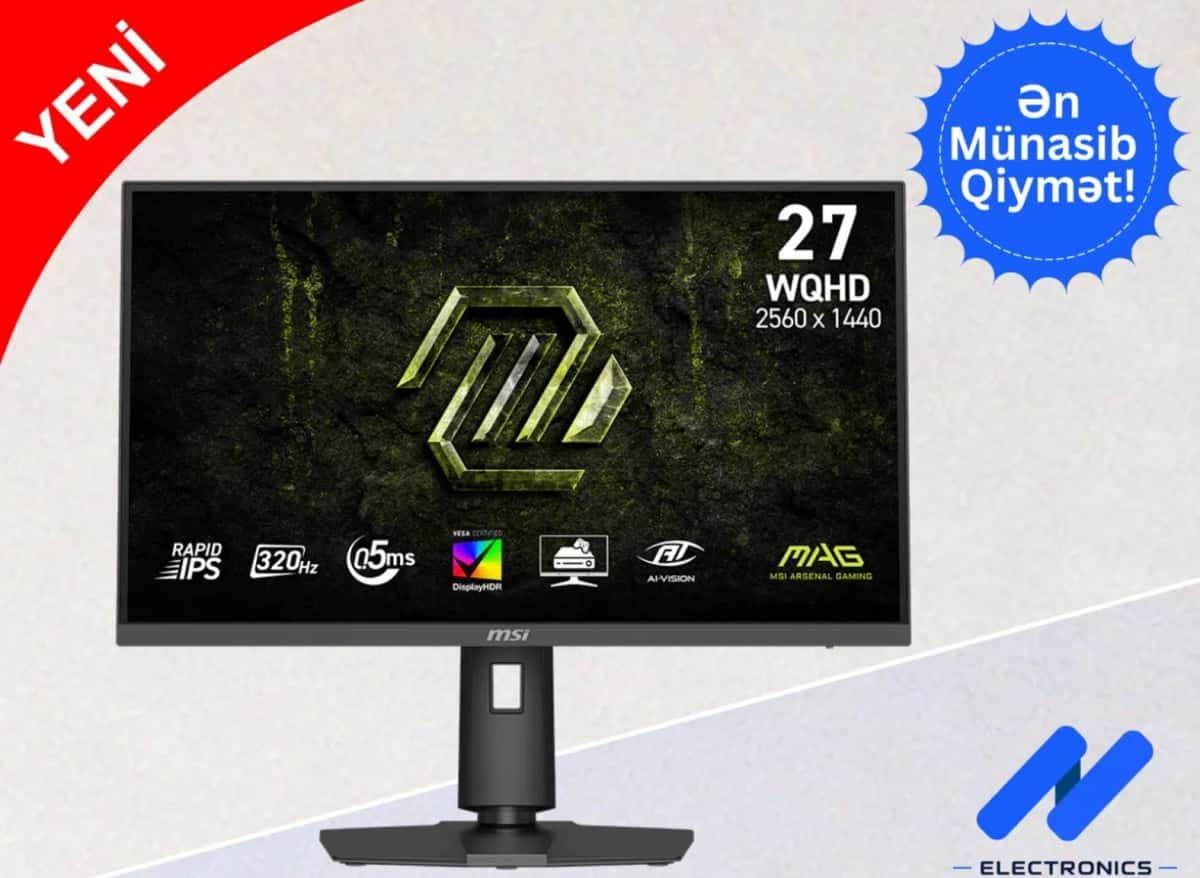
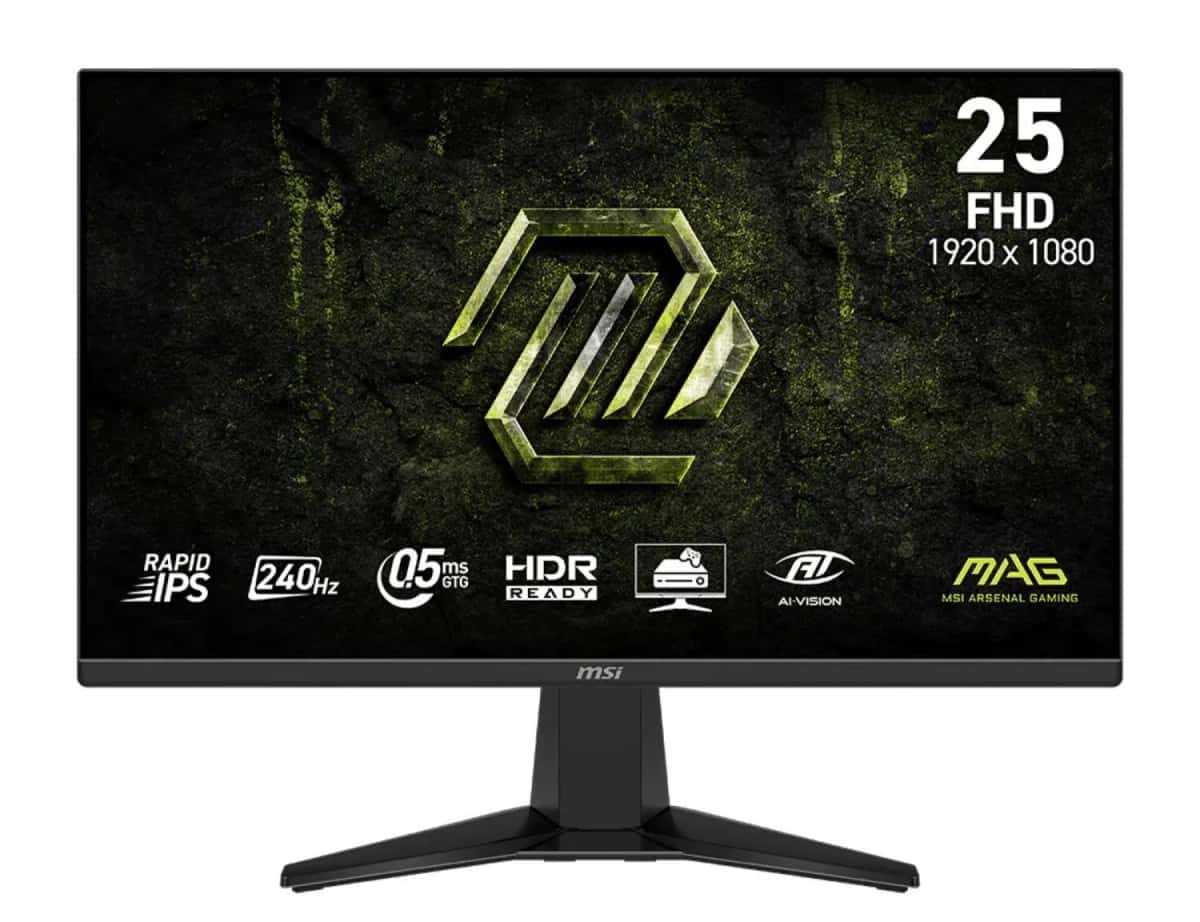
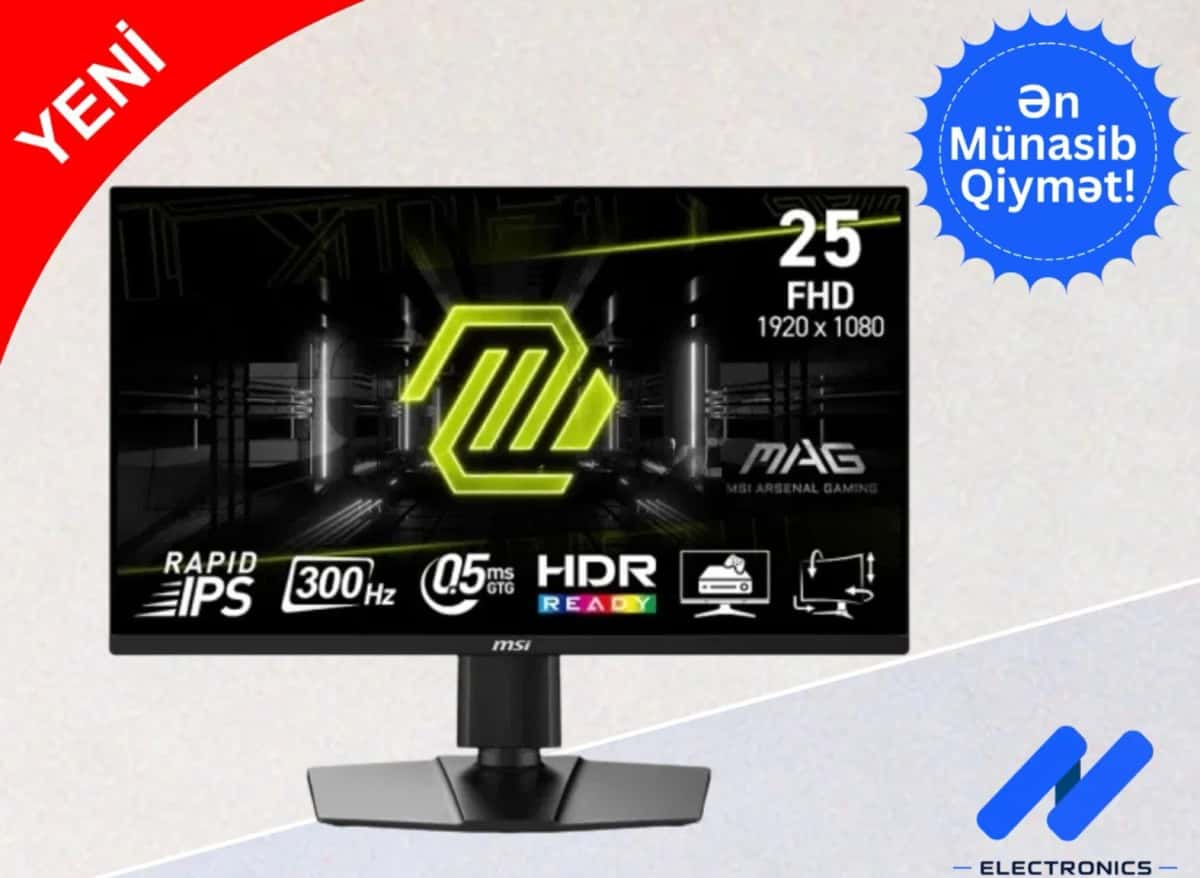
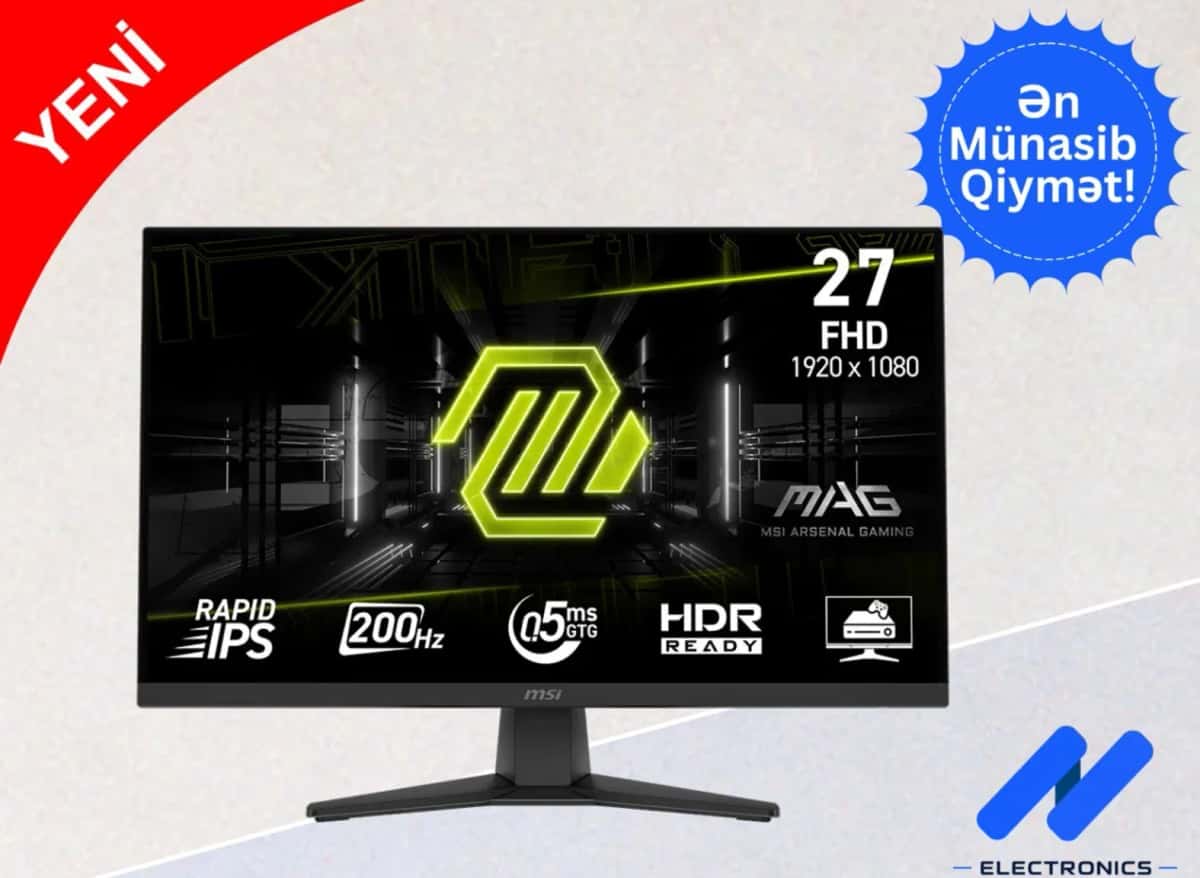
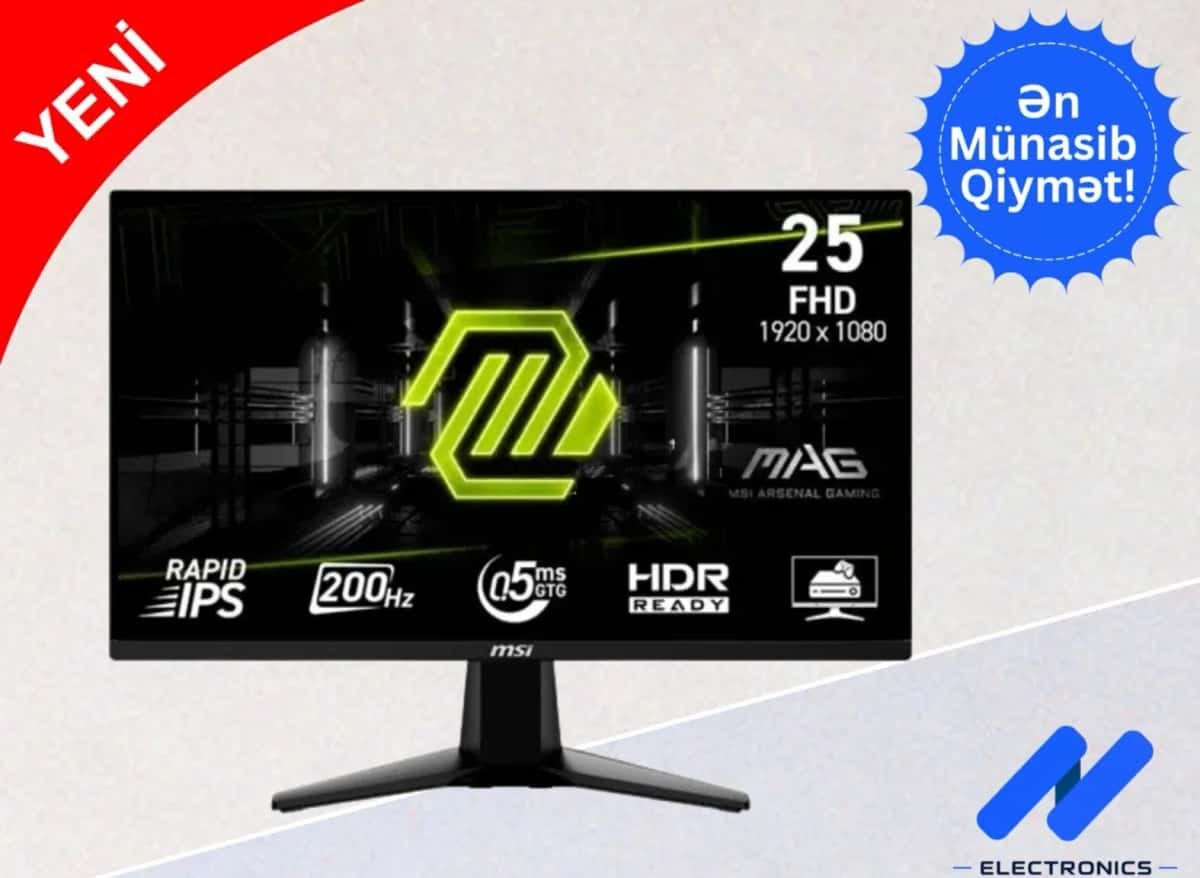
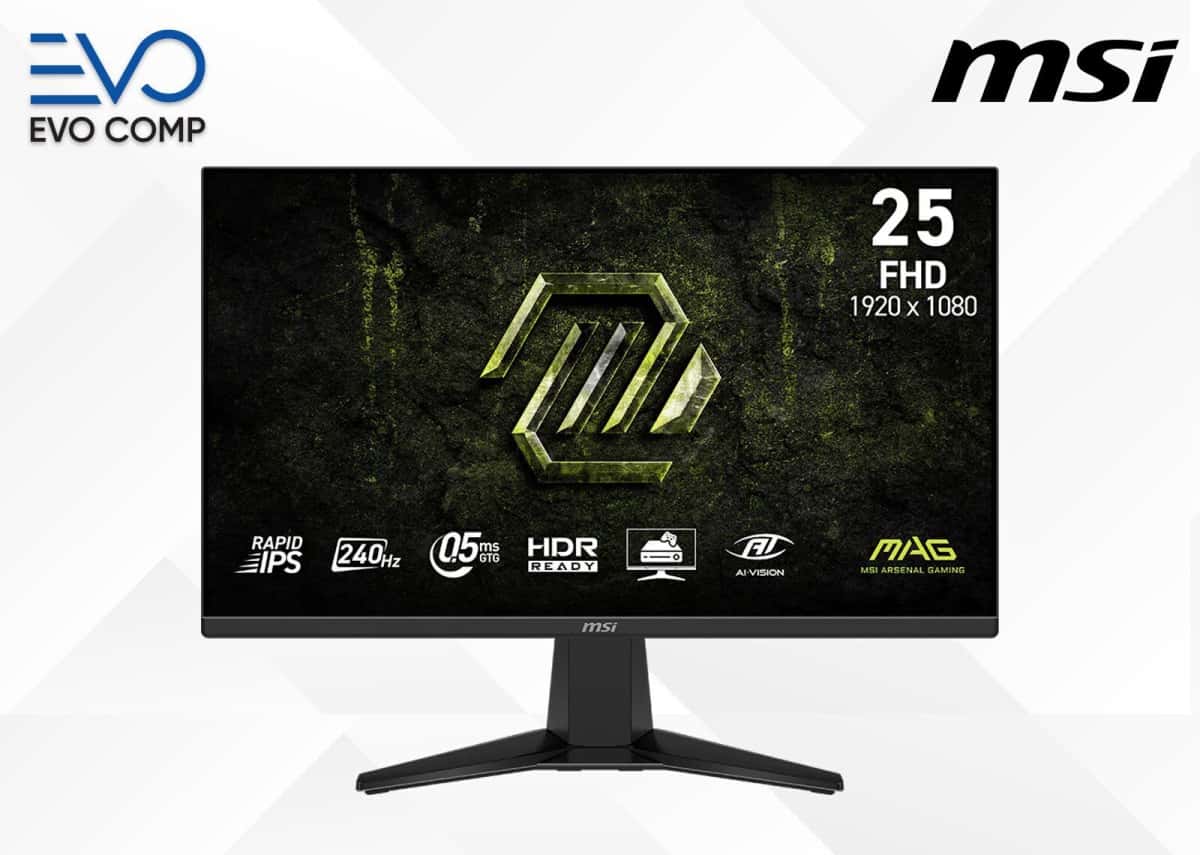
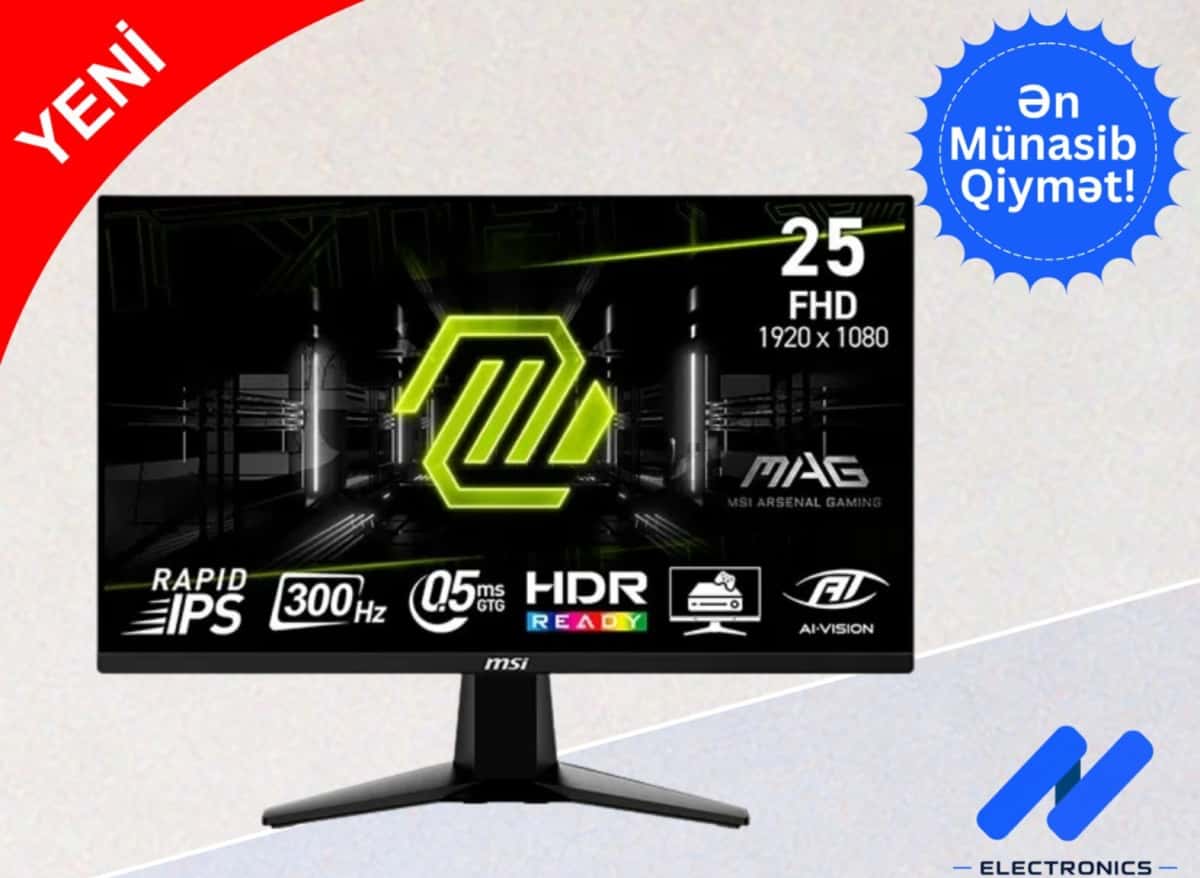
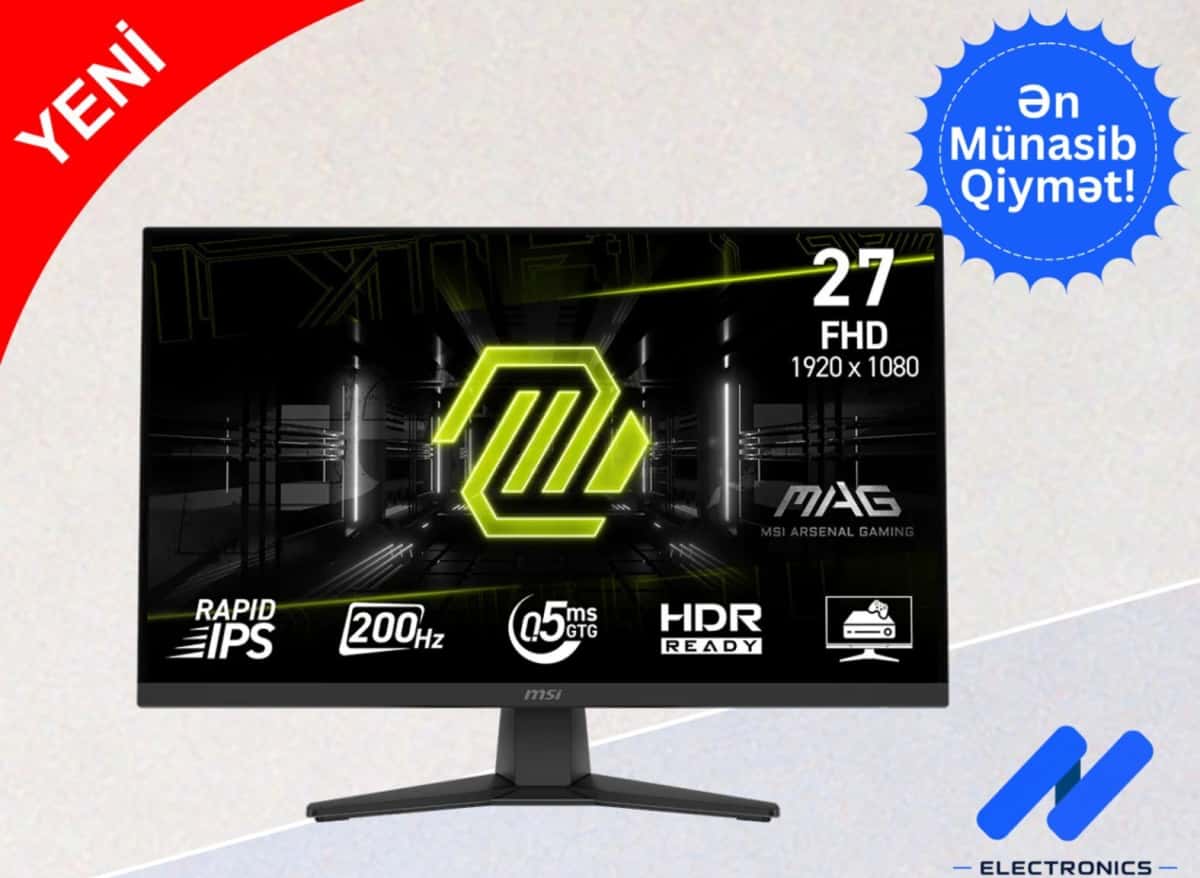
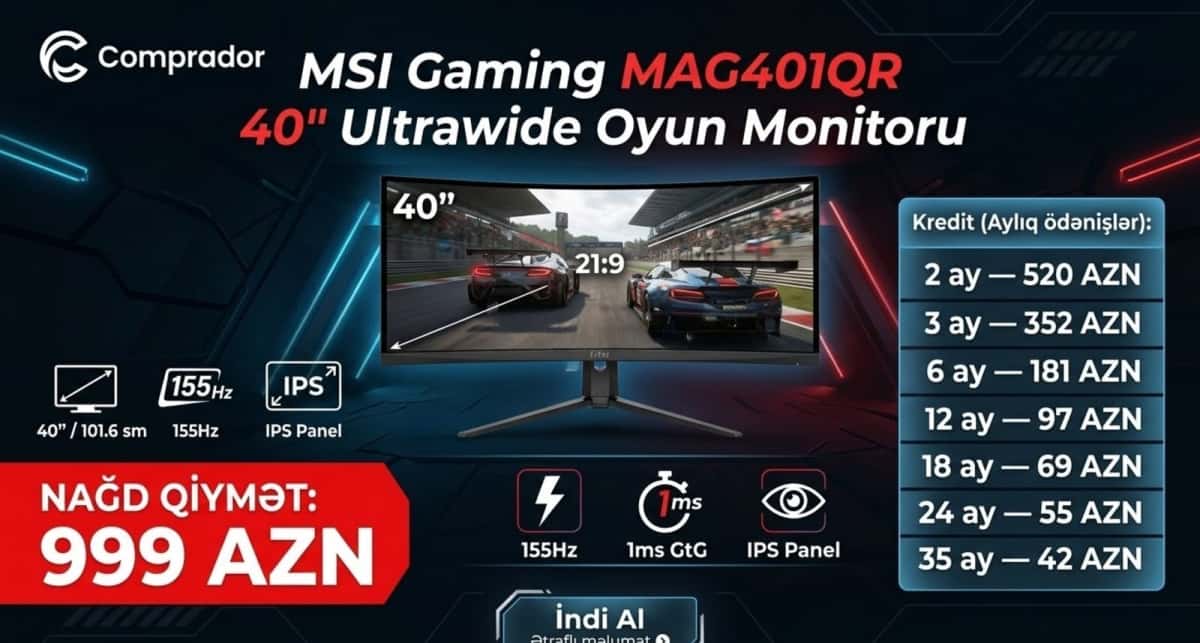
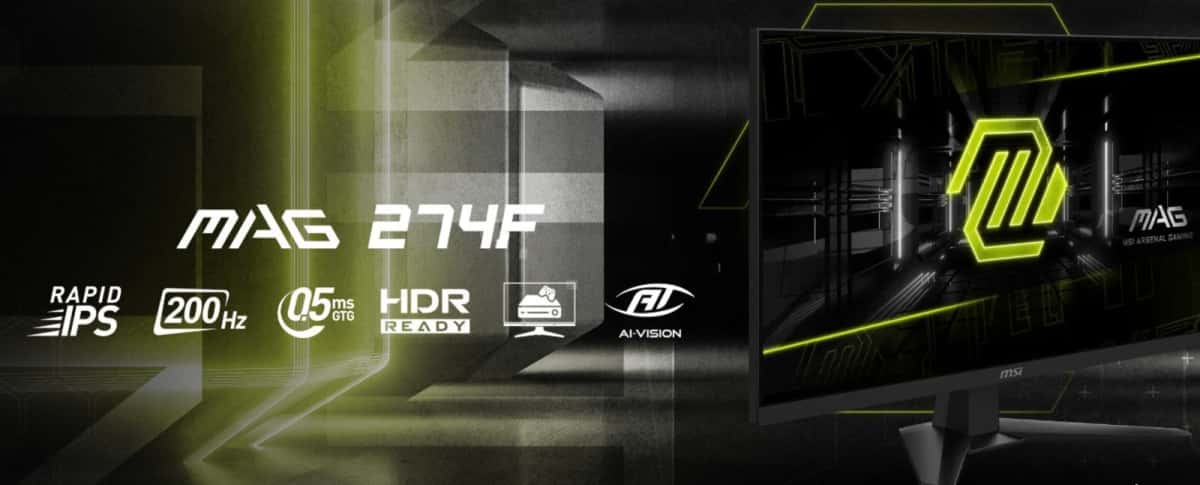
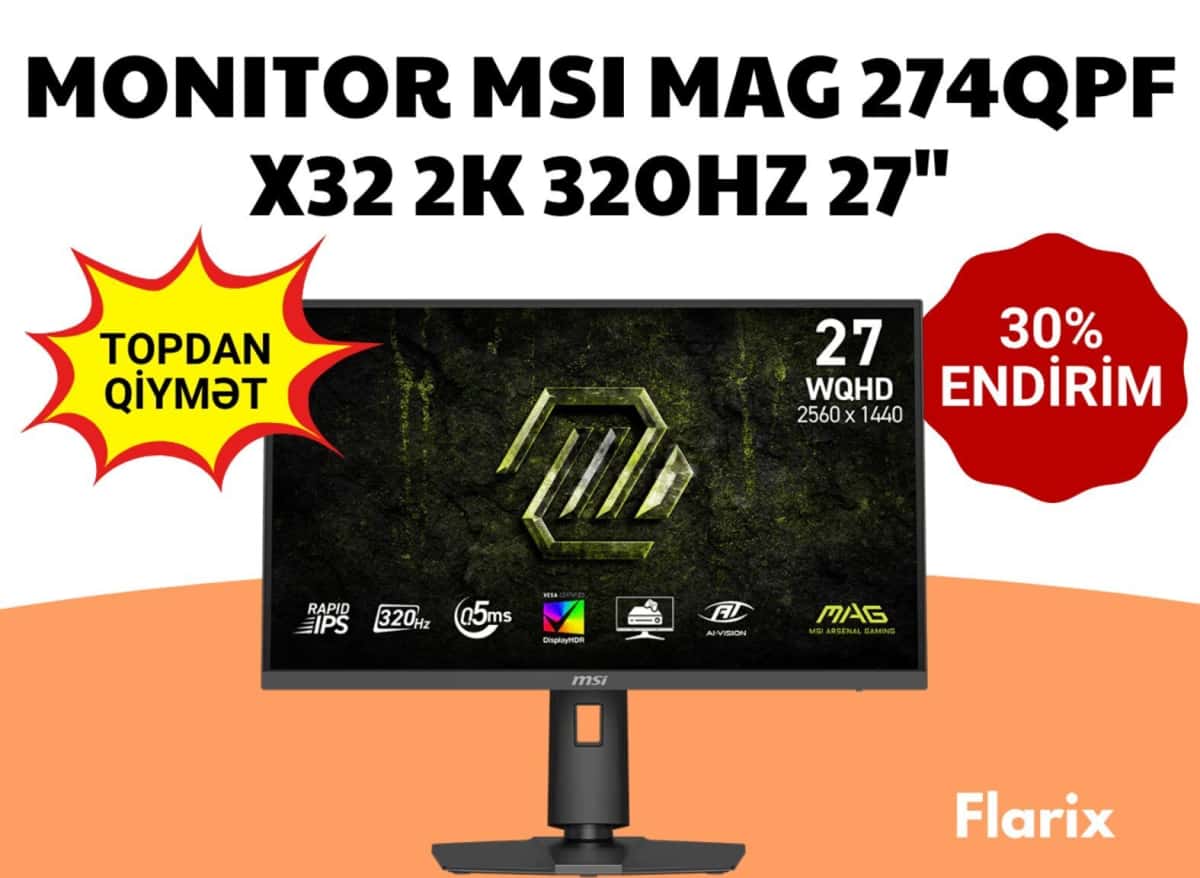
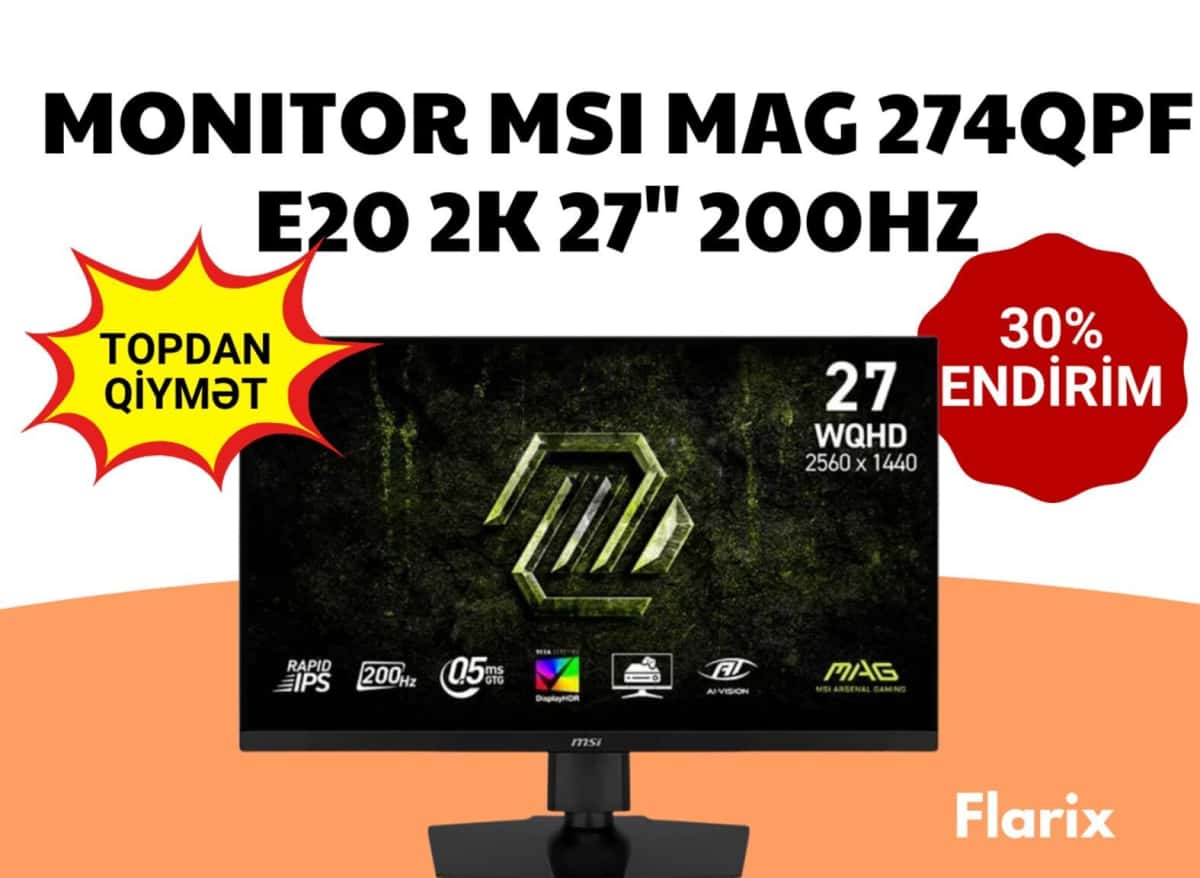
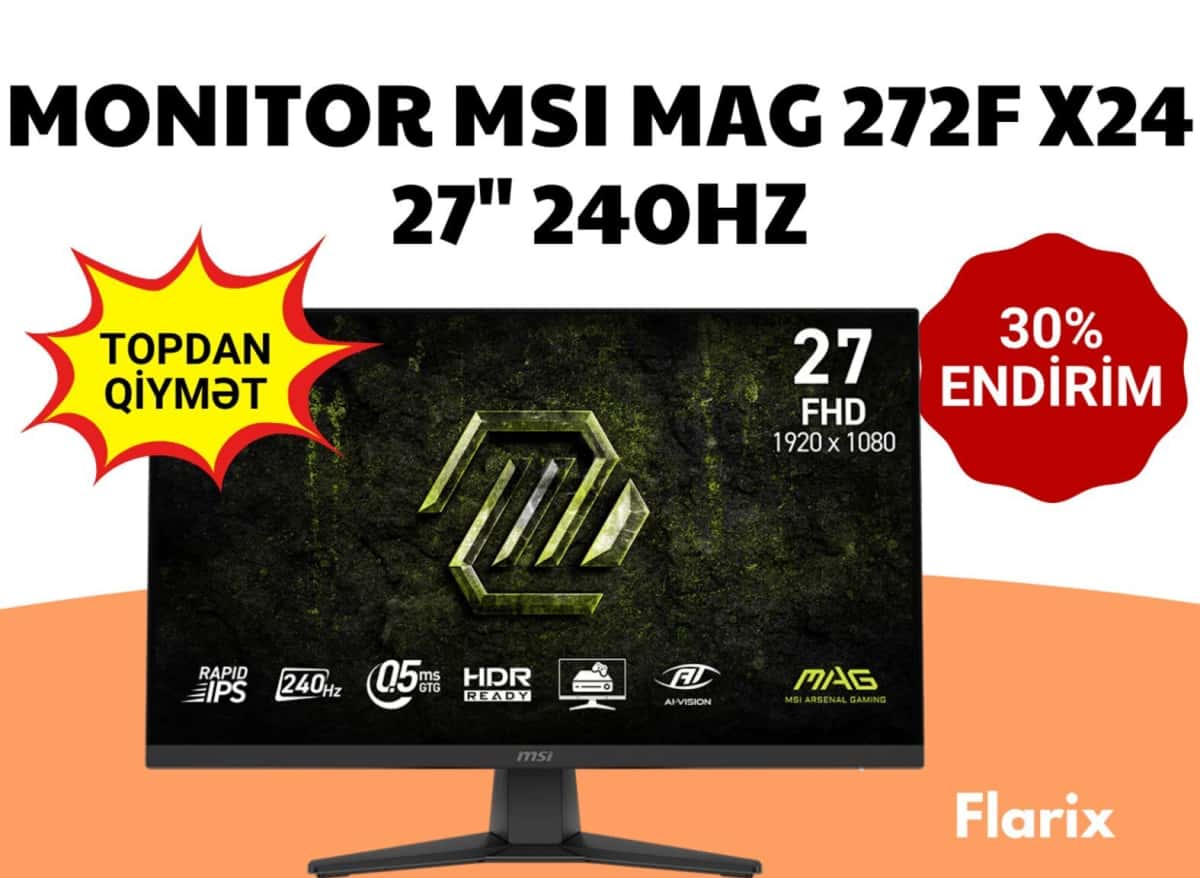
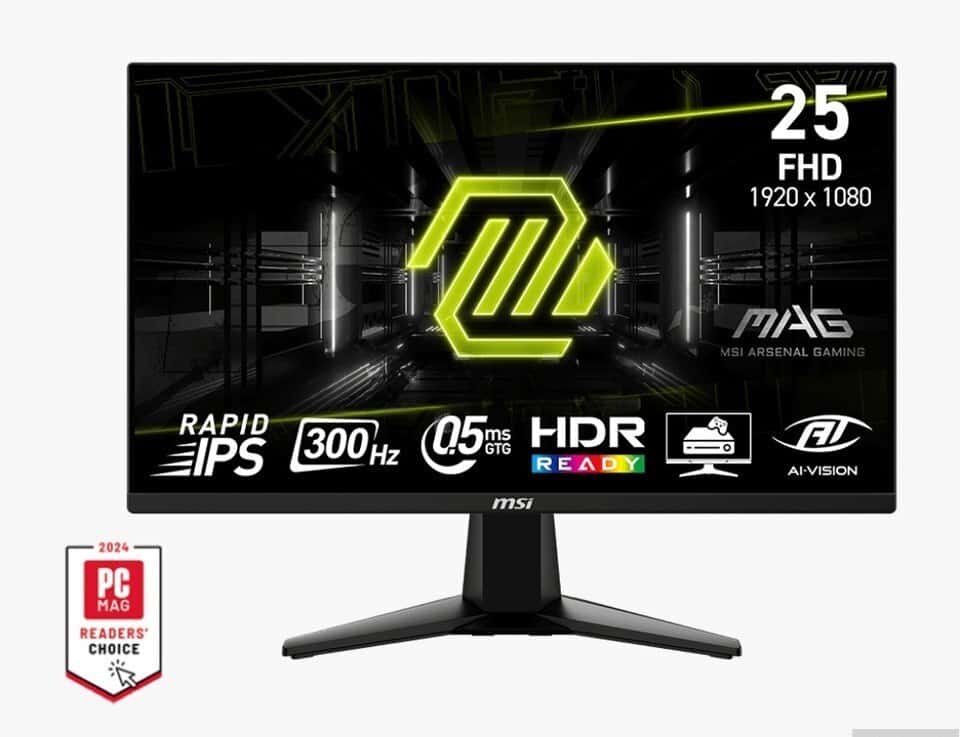
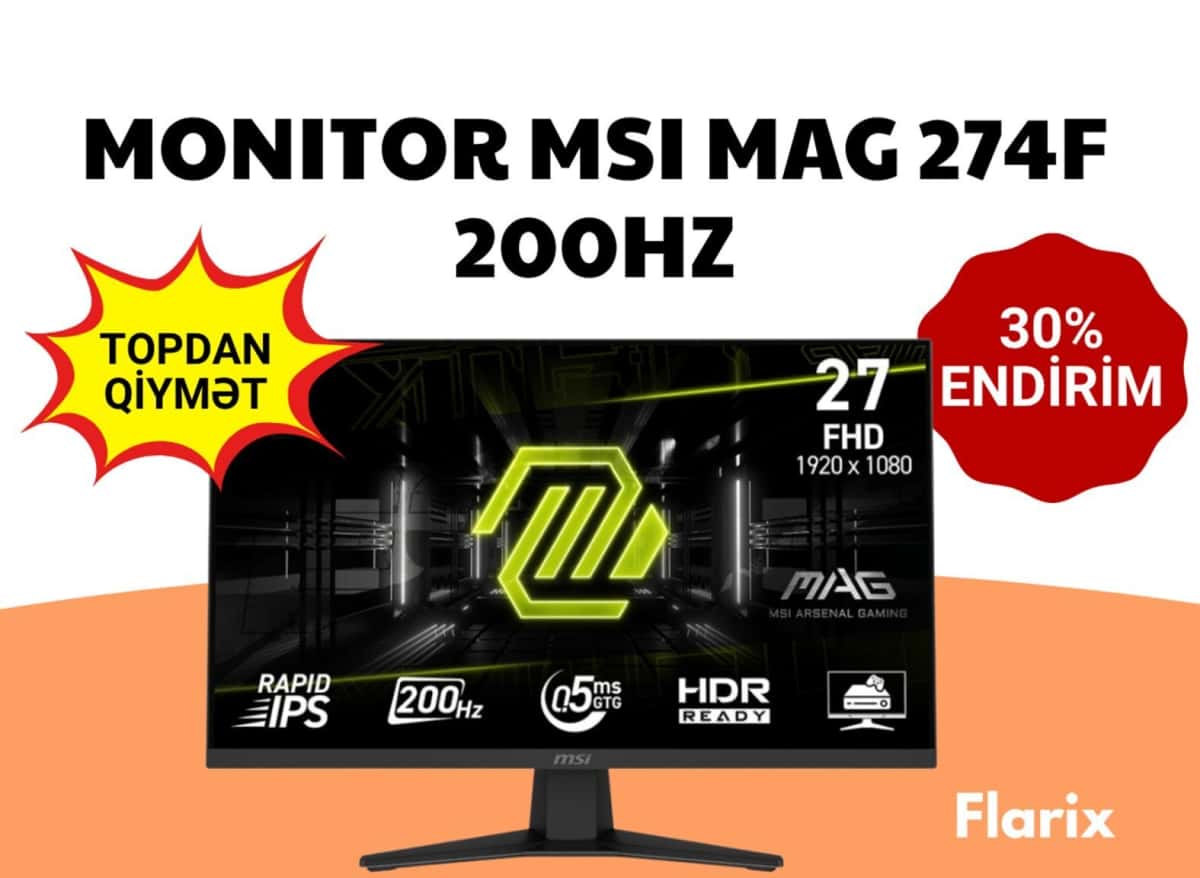
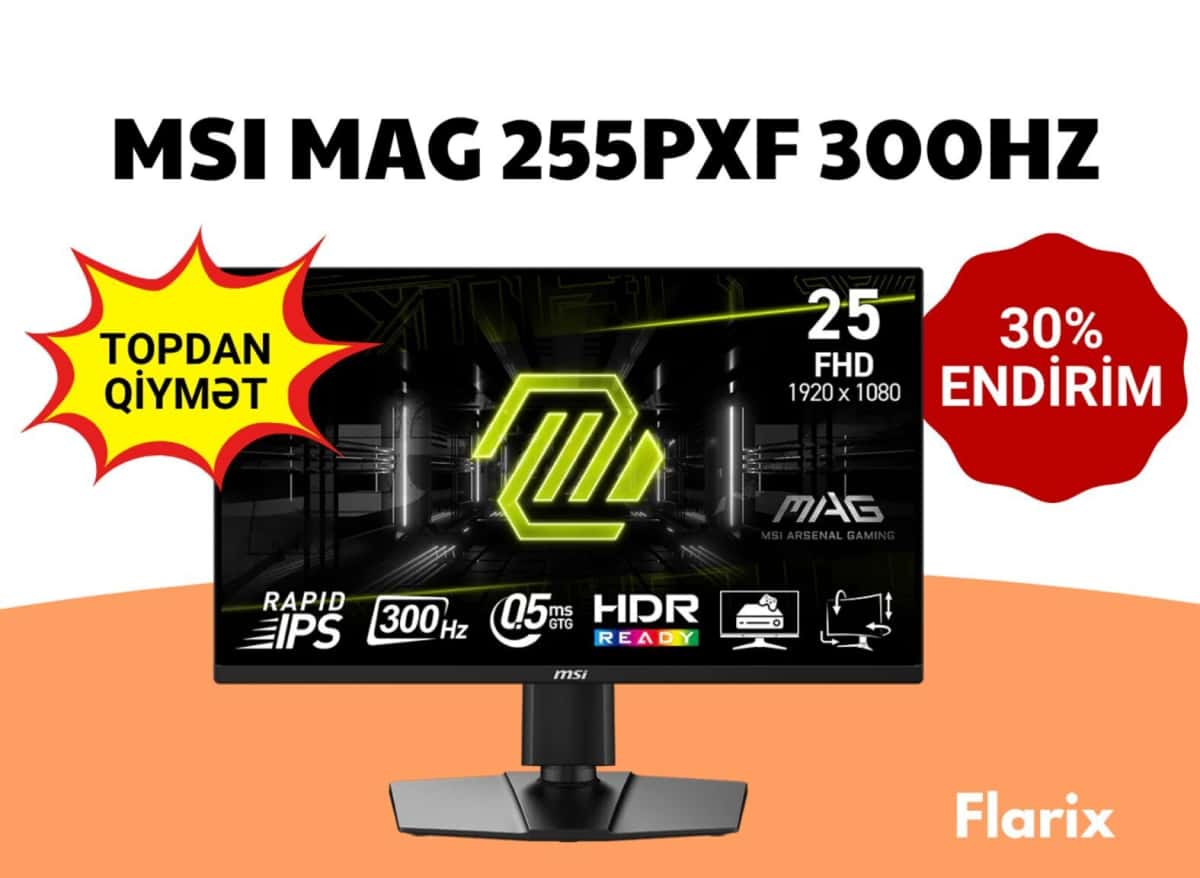
The refresh rate indicates how many times the image on the screen is updated per second. Especially in fast-paced games, a higher refresh rate can help movements appear smoother.
When choosing a monitor, it is important to consider whether your computer can support that frame rate before opting for a high specification.
What Differences Does the MSI Monitor Panel Type Create?
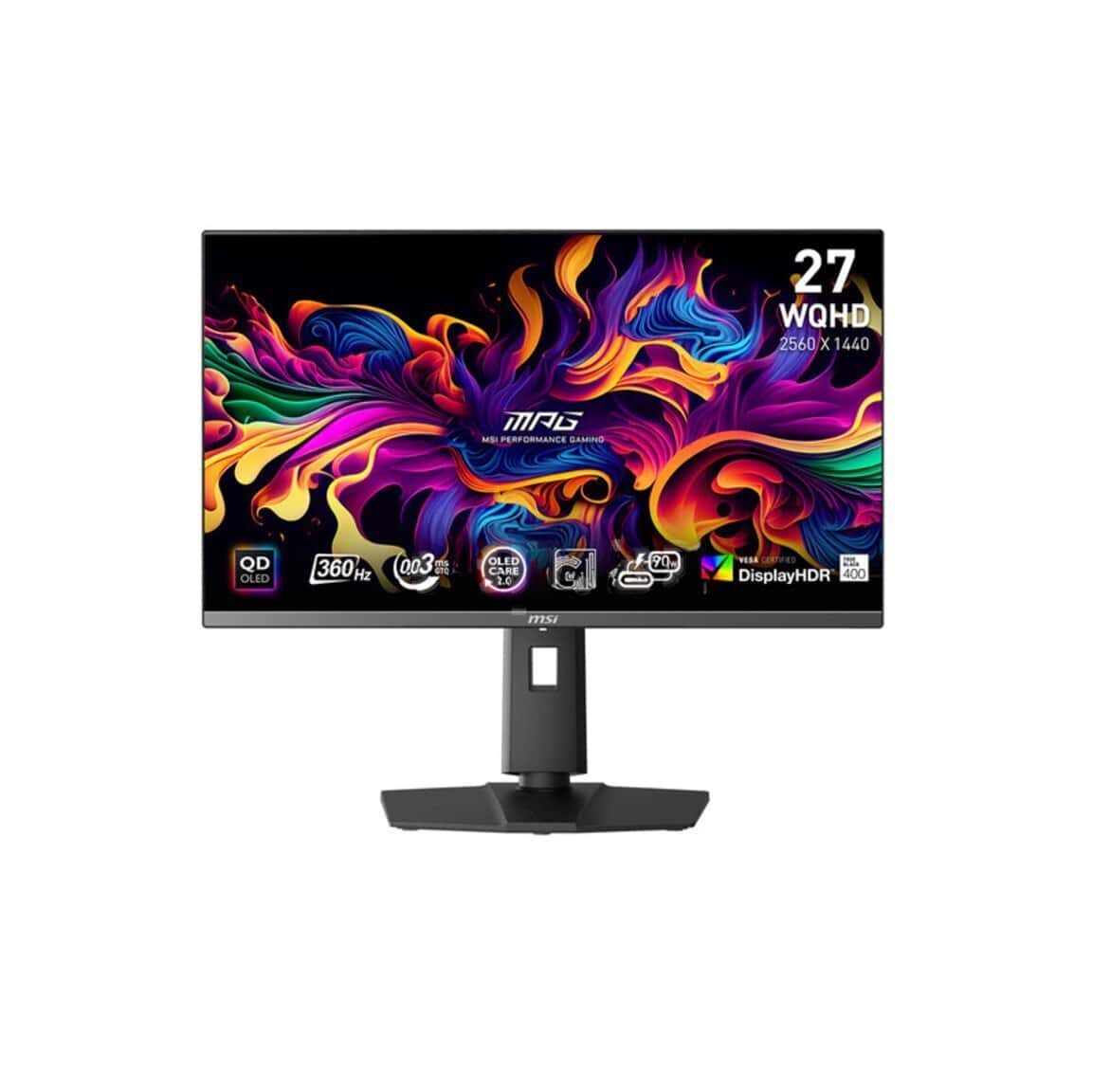
Panel technology can affect color appearance, viewing angles, and response speed. Therefore, the same panel type may not be the optimal choice for every user for gaming, design, and daily use.
Determining the primary use of the monitor makes it easier to choose the appropriate panel.
How Should Resolution Be Chosen for MSI Gaming Monitors?
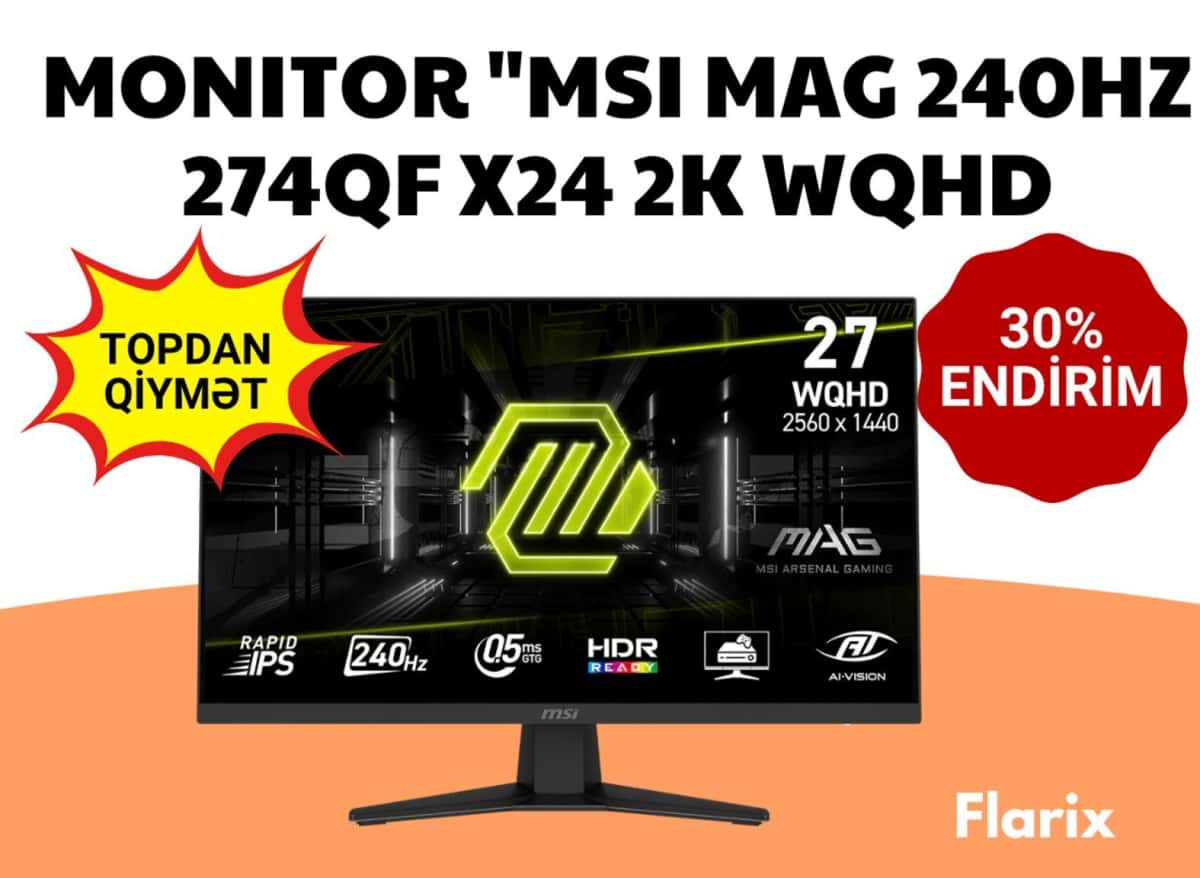
Resolution affects the level of detail in the image on the screen. As the screen size increases, choosing an appropriate resolution can help text and game images appear clearer.
When choosing a higher resolution, it should also be considered whether the graphics card can comfortably handle that image quality in games.
How Does the MSI Monitor Adaptive Sync Function Affect the Gaming Experience?
Adaptive Sync-type technologies can help the monitor's refresh rate work more consistently with the frames coming from the graphics card. This feature serves to reduce screen tearing during gaming.
When choosing a gaming monitor, it is useful to check the compatibility between your computer's graphics system and the technology supported by the monitor.
How Should MSI Monitors Be Chosen Based on Ports and Desk Setup?
Connections like HDMI and DisplayPort determine how the monitor will be used with the computer and other devices. For a user who wants to connect multiple devices, the number of ports may be more important.
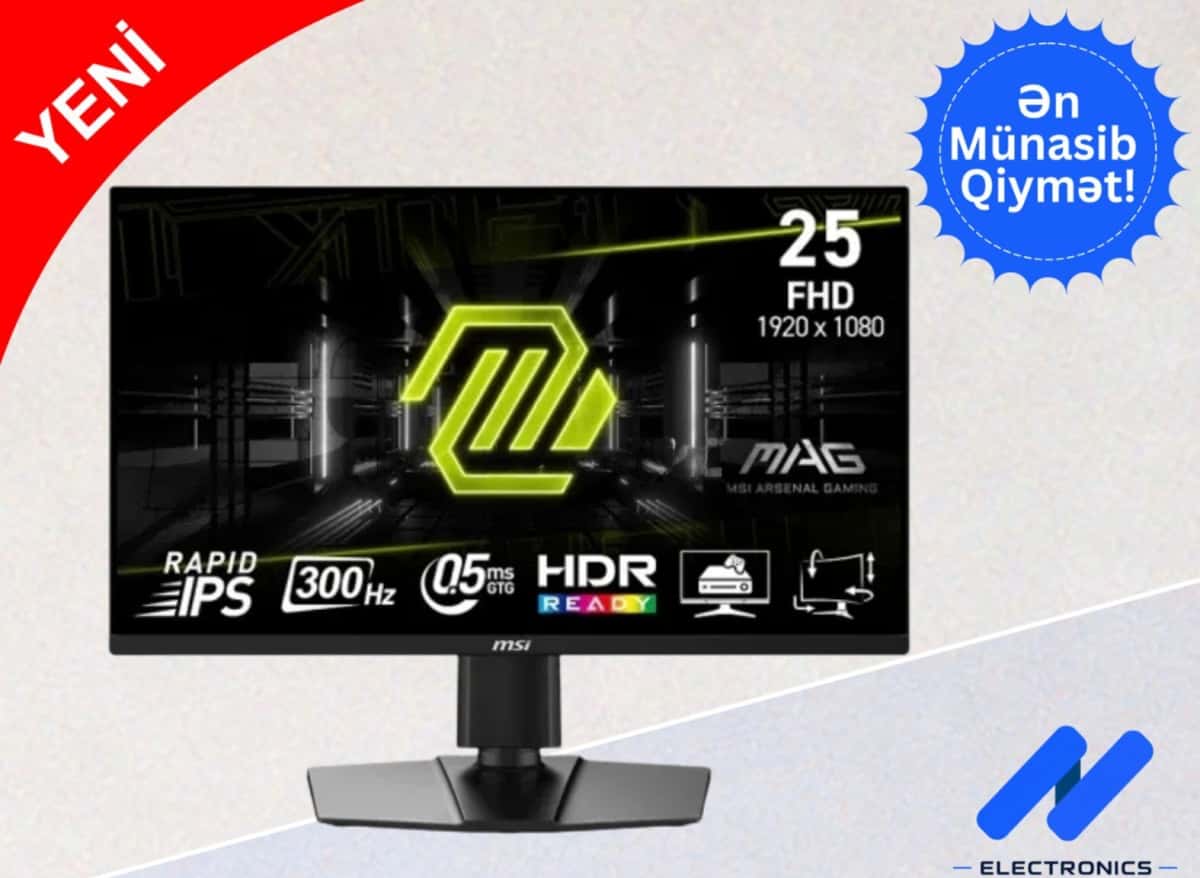
The space occupied by the monitor stand and the placement options of the screen also affect the creation of a comfortable work environment on the desk.