
What you need to know about keyboards
Keyboard is one of the most frequently used input devices when using a
Keyboards
07.10.2026
2160
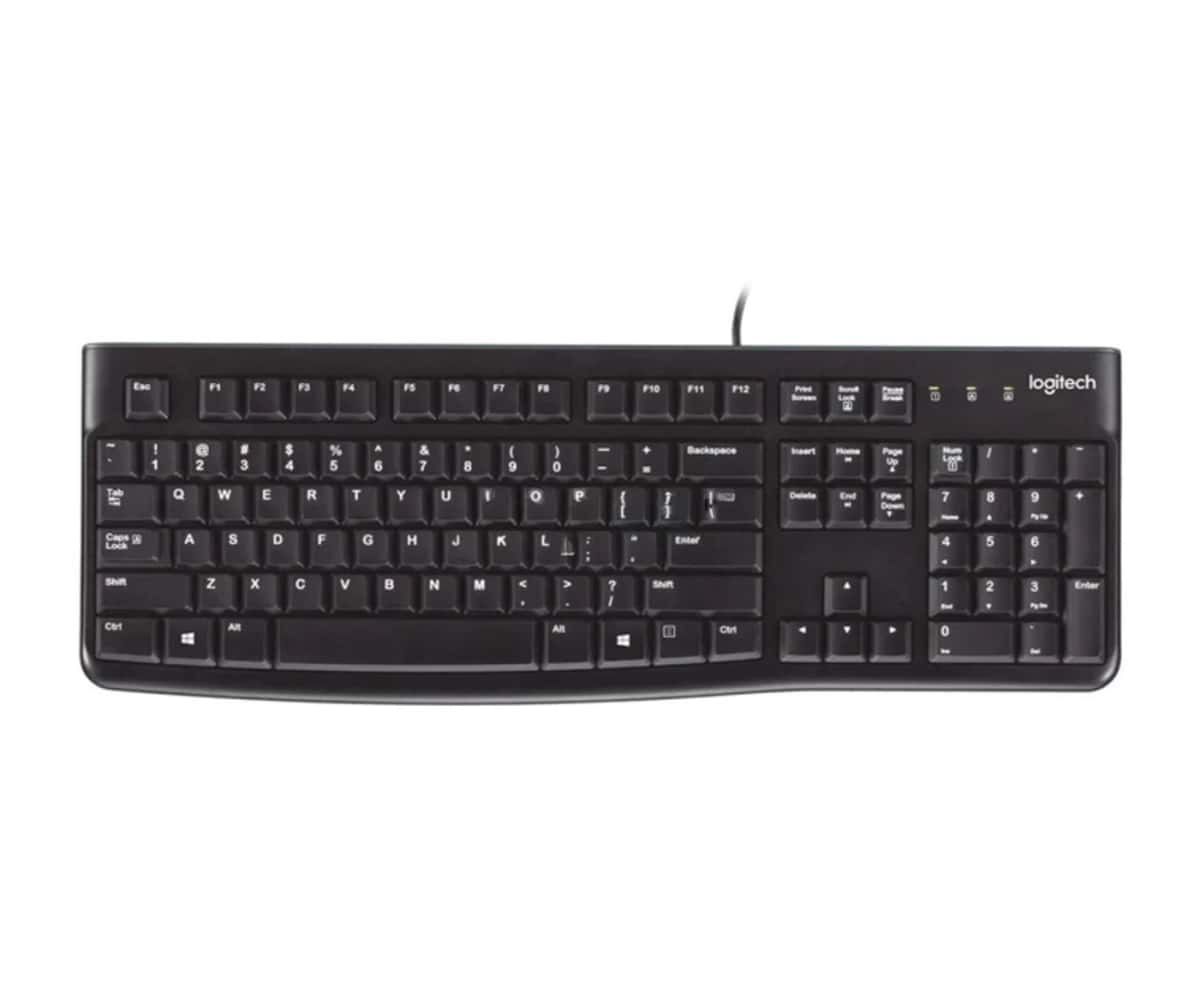
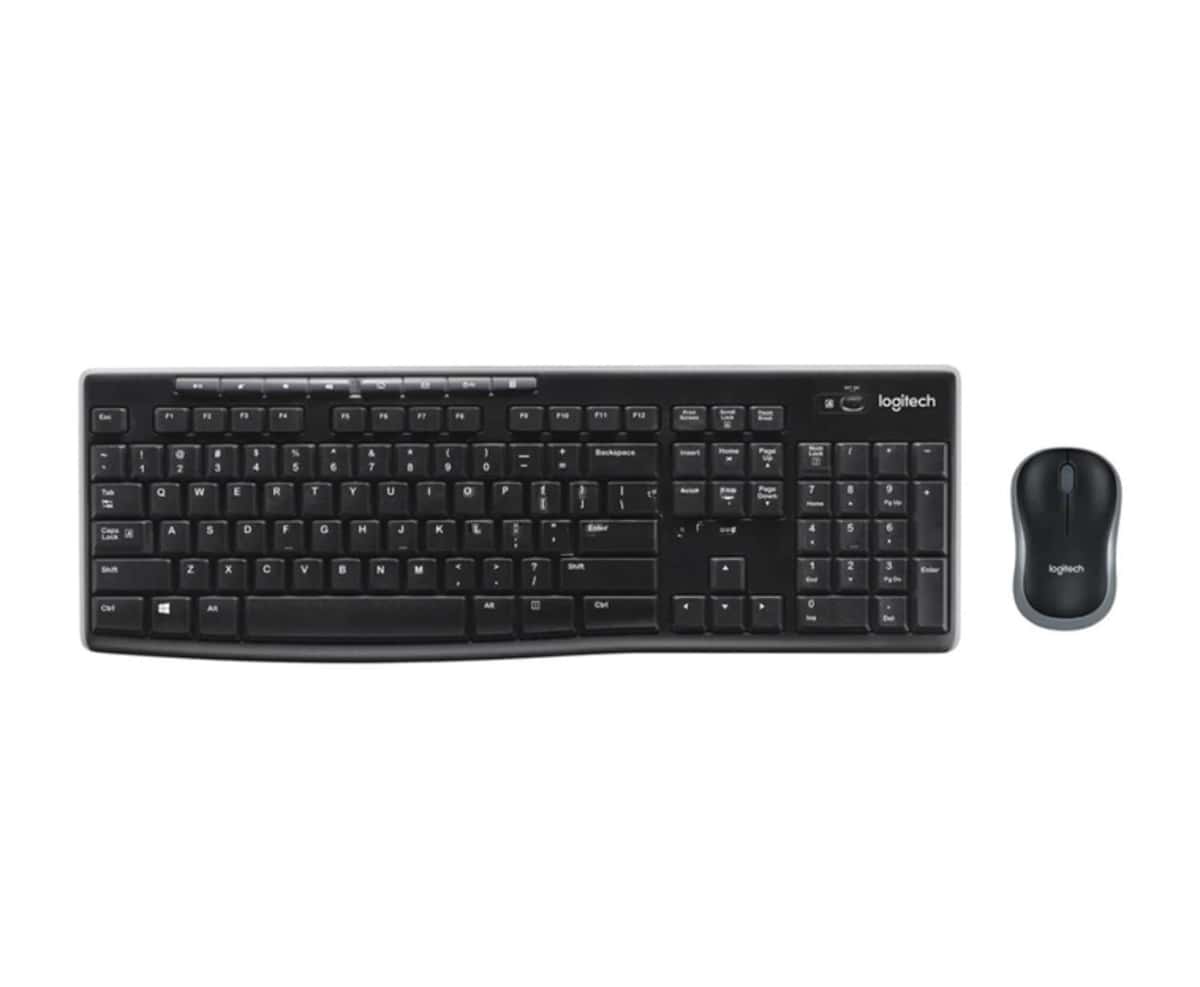
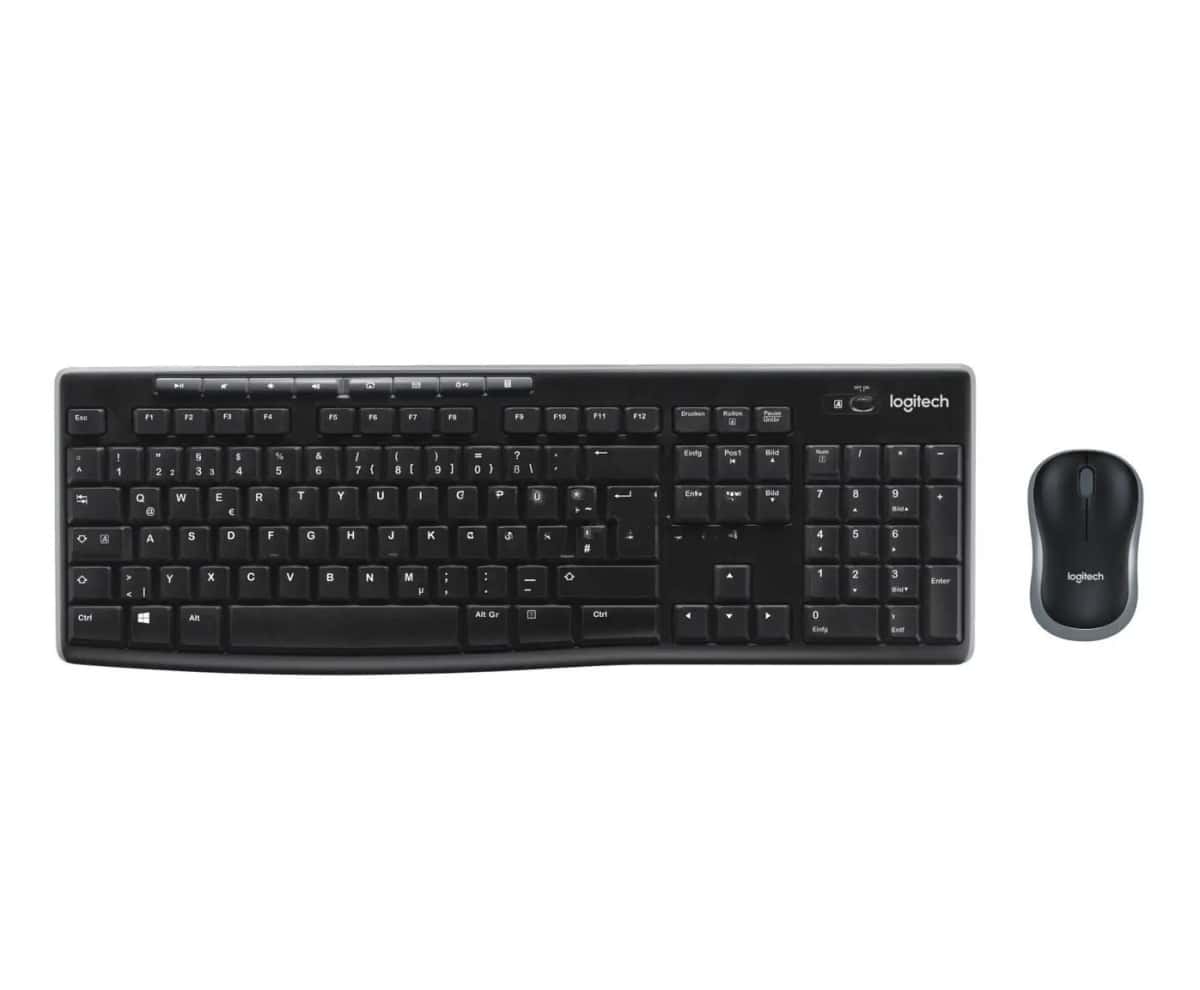
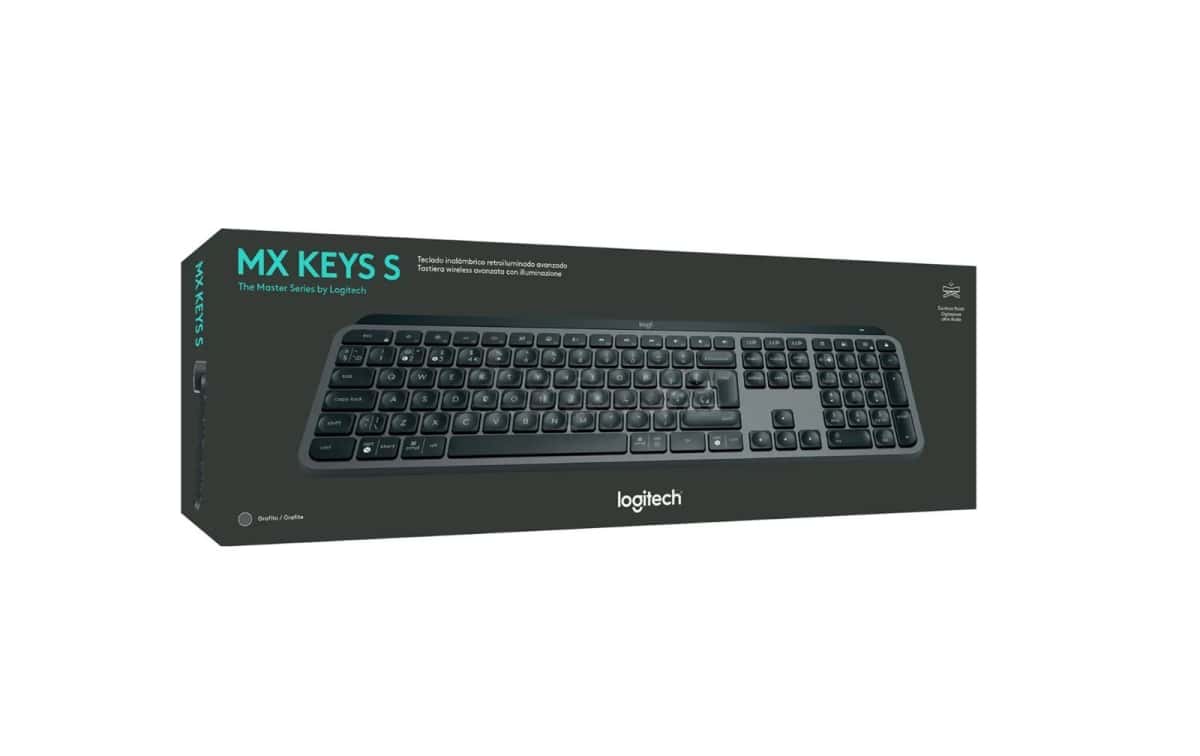
Logitech keyboards are offered with models suitable for various needs, from working at home to daily office use. When choosing a keyboard, in addition to the key layout, compatibility with devices and ease of use should also be considered.
Found: 19 listings
When choosing Logitech keyboards, it is important to consider how much the user uses the keyboard during the day and which devices they work with. The needs of a user who types for long periods may differ from those of someone who uses the keyboard mainly for short daily operations.
The layout of the keys and the space the device occupies on the desk are key details that affect daily comfort.
For users who prepare a lot of text and documents throughout the day, comfortable key presses and keeping hands in a natural position are essential. The keyboard structure can affect comfort during long working hours.
When choosing, it is useful to pay attention not only to the design but also to the distance between the keys and the overall feeling during typing.
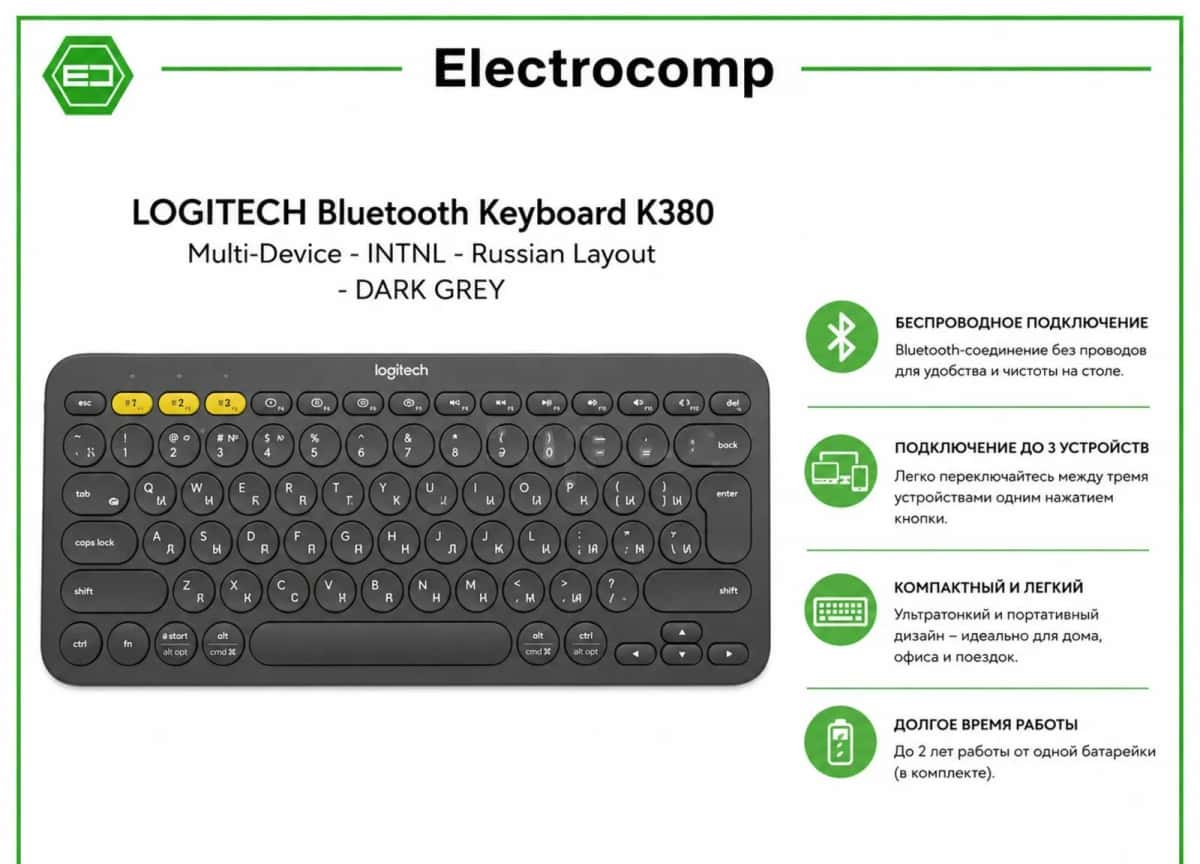
For those who use a computer and other compatible devices at the same time, easy switching between devices can speed up daily work.
If you plan to work with multiple devices, it is advisable to check which connection options a specific keyboard supports before purchasing.
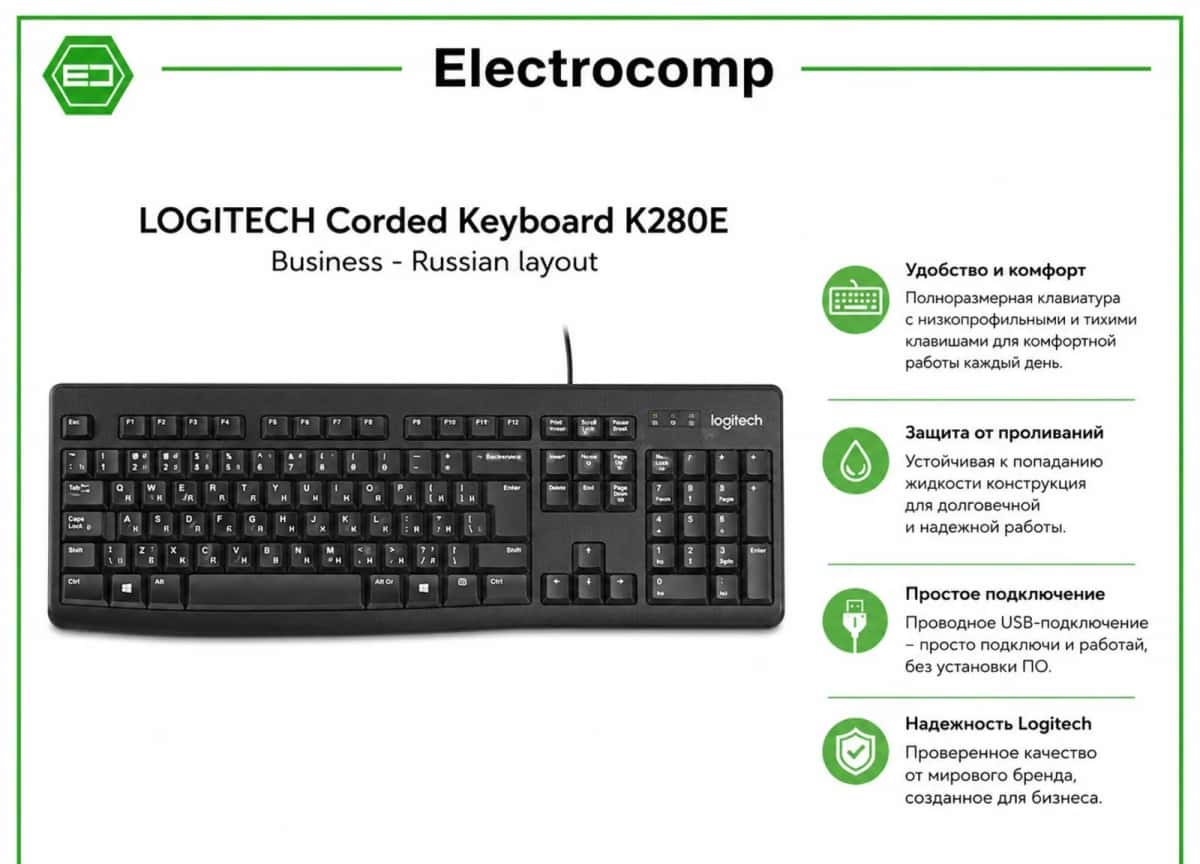
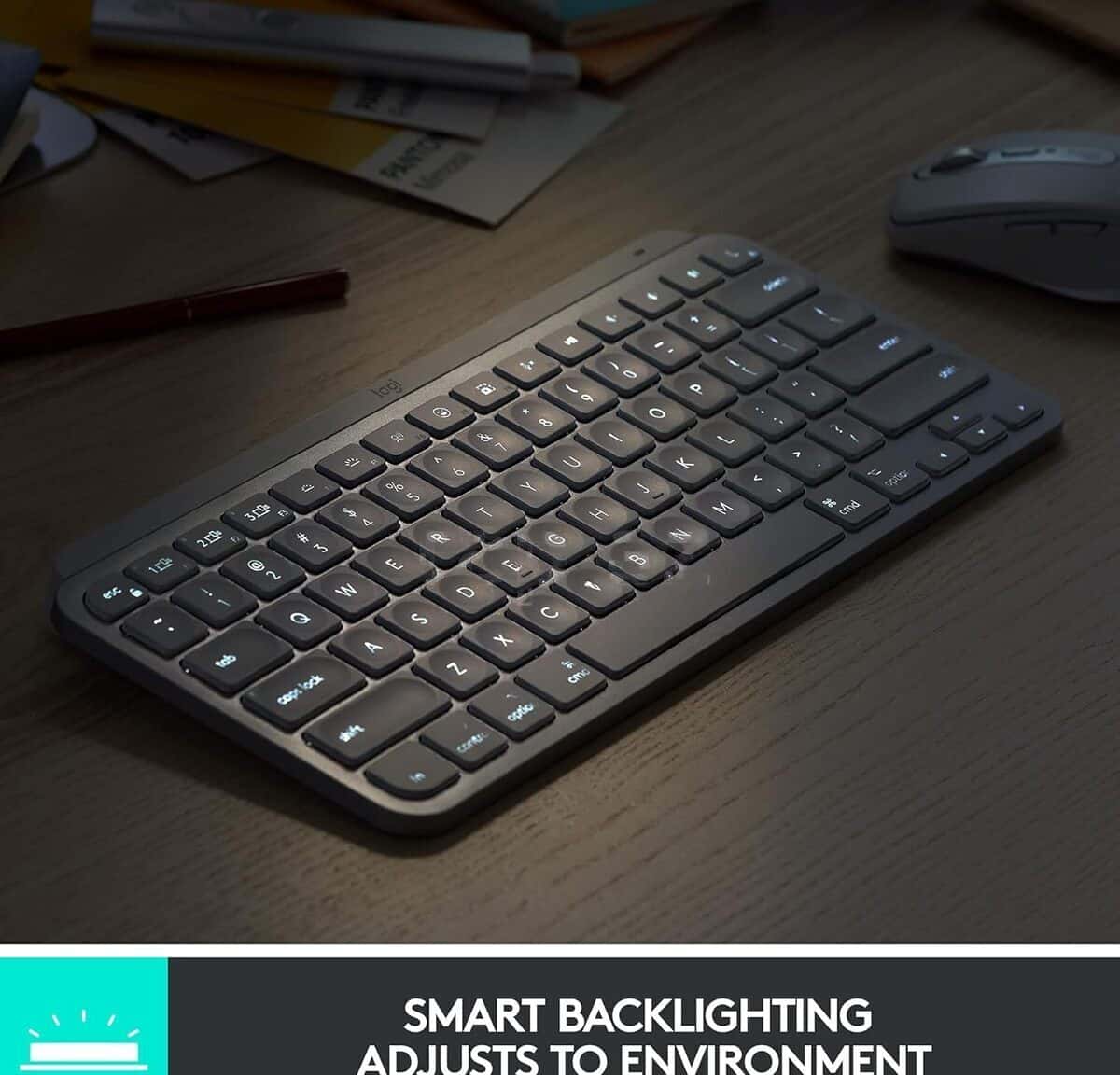
Using a full-size keyboard on a large desk can be comfortable. In a limited space, a more compact model helps save extra room for a mouse and other equipment.
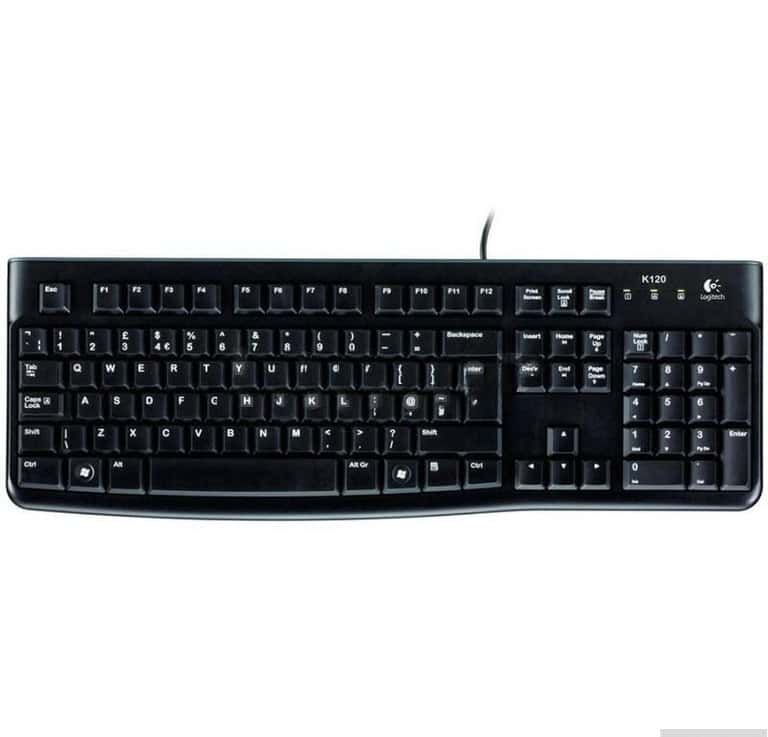
People who frequently use the numeric keypad may prefer a full-size layout. If portability is important, a more compact option can be considered.
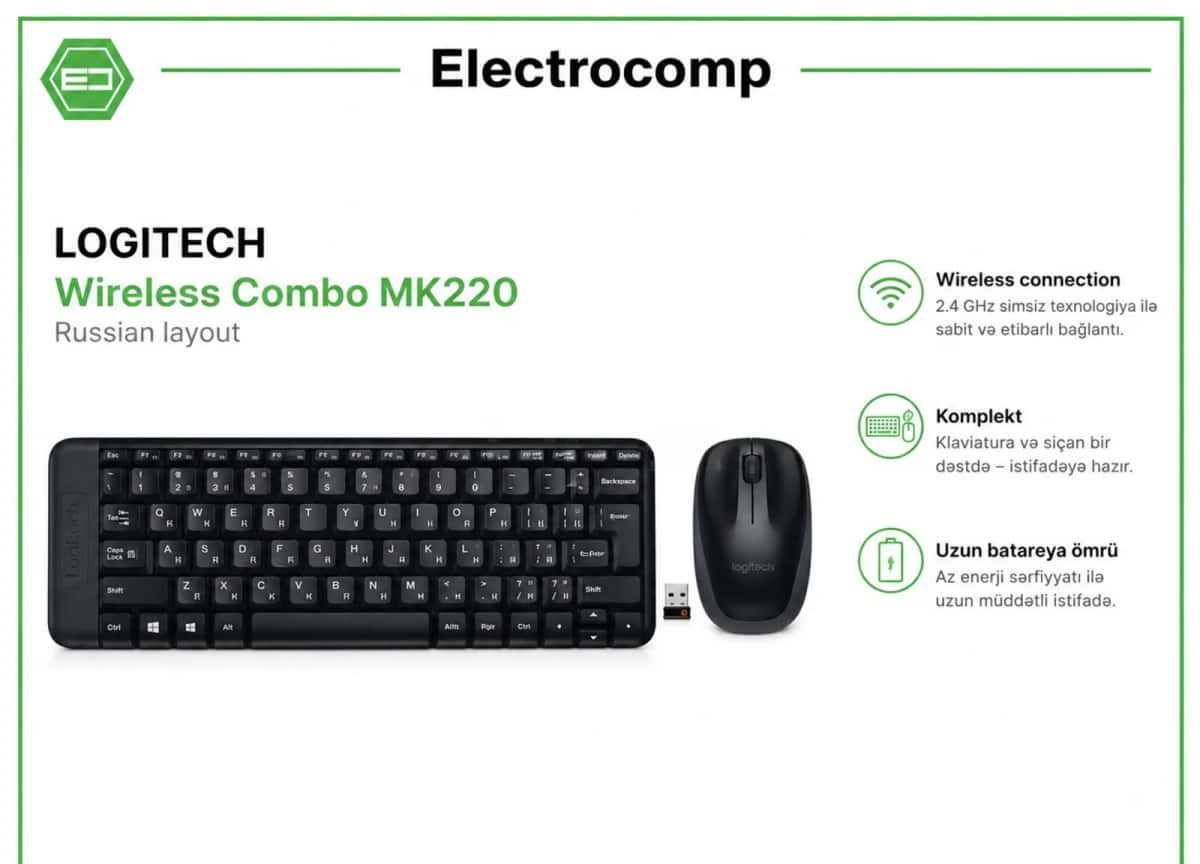
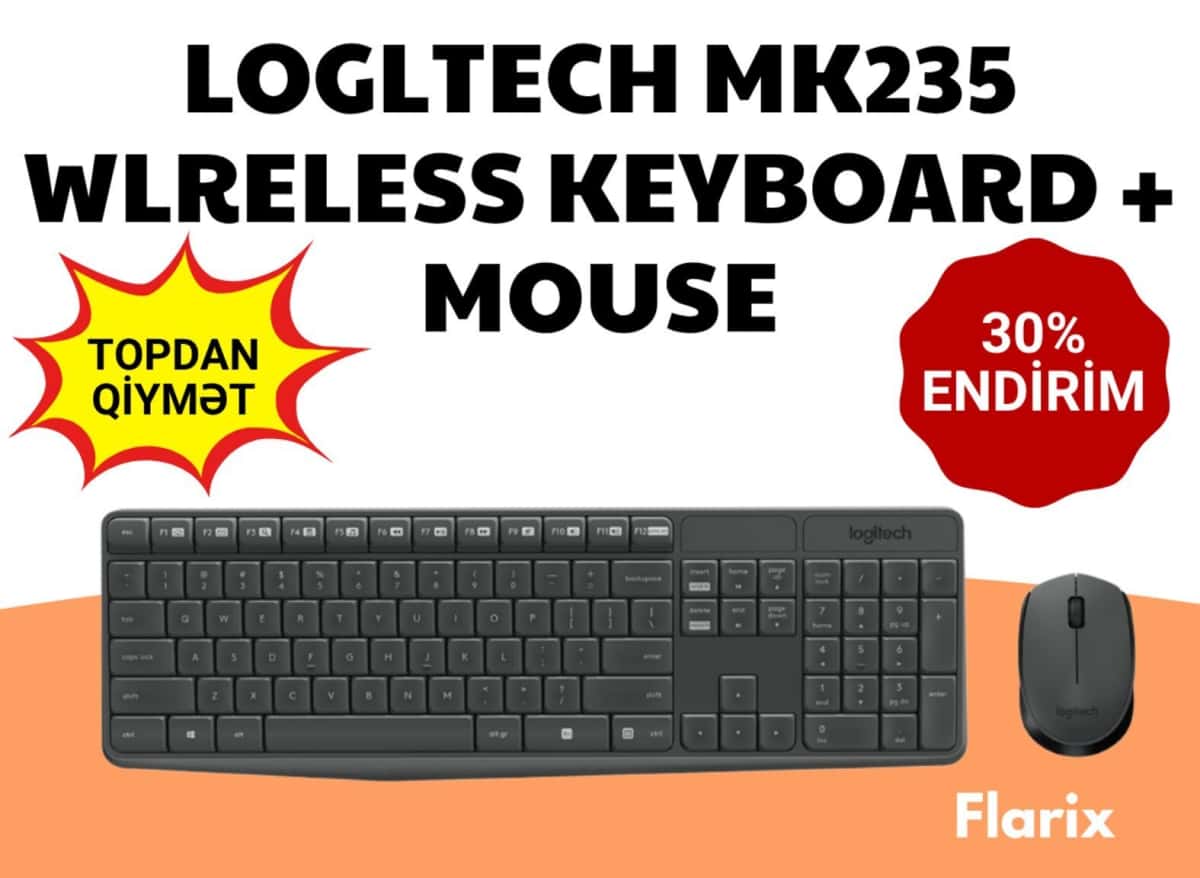
A wireless keyboard can reduce the number of cables on your desk and allow you to place the device more freely. This feature is especially practical for users who prefer an organized desk setup.
When choosing a wireless model, in addition to the connection type, energy usage and the device's suitability for your daily work routine should also be considered.
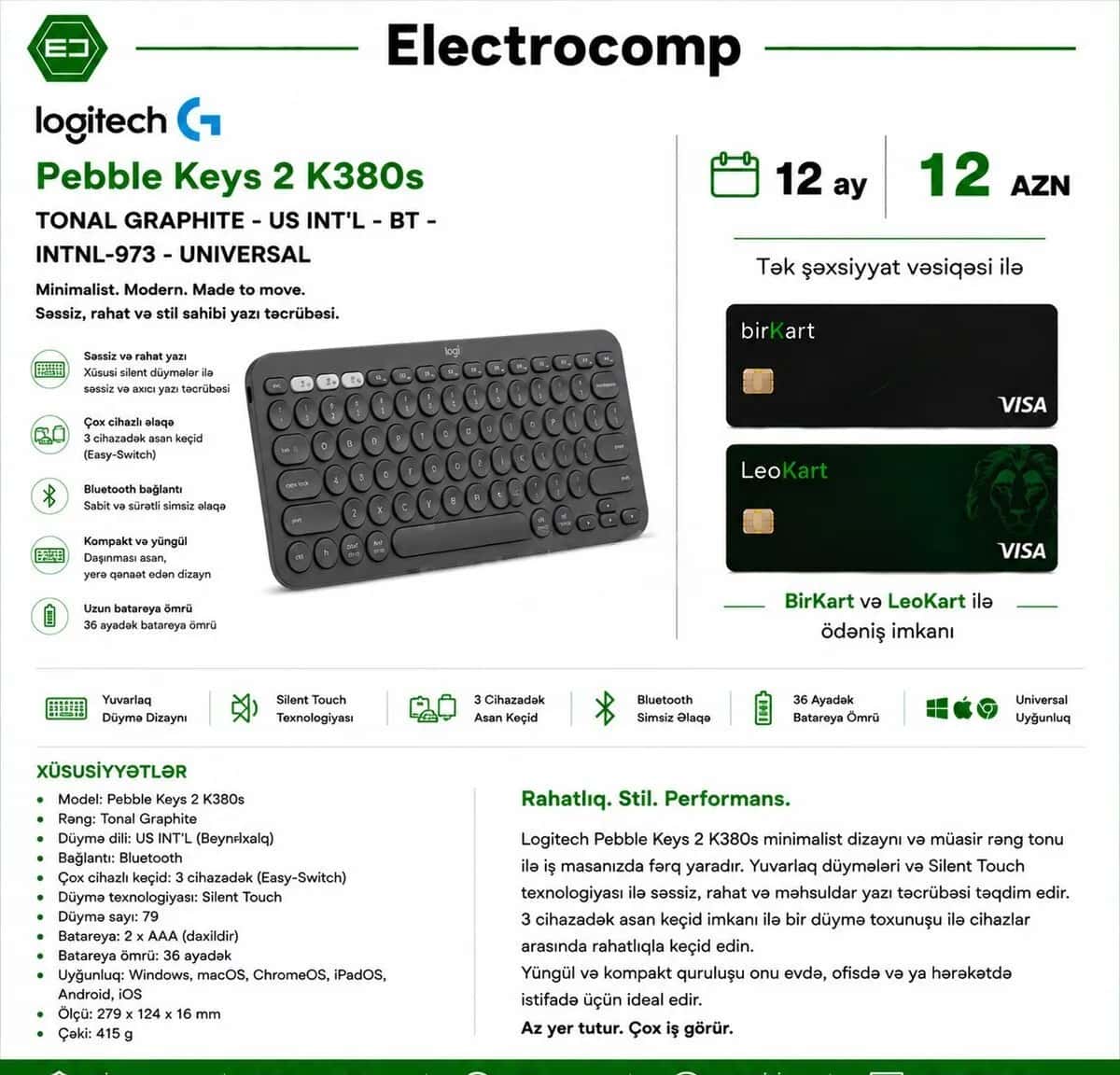
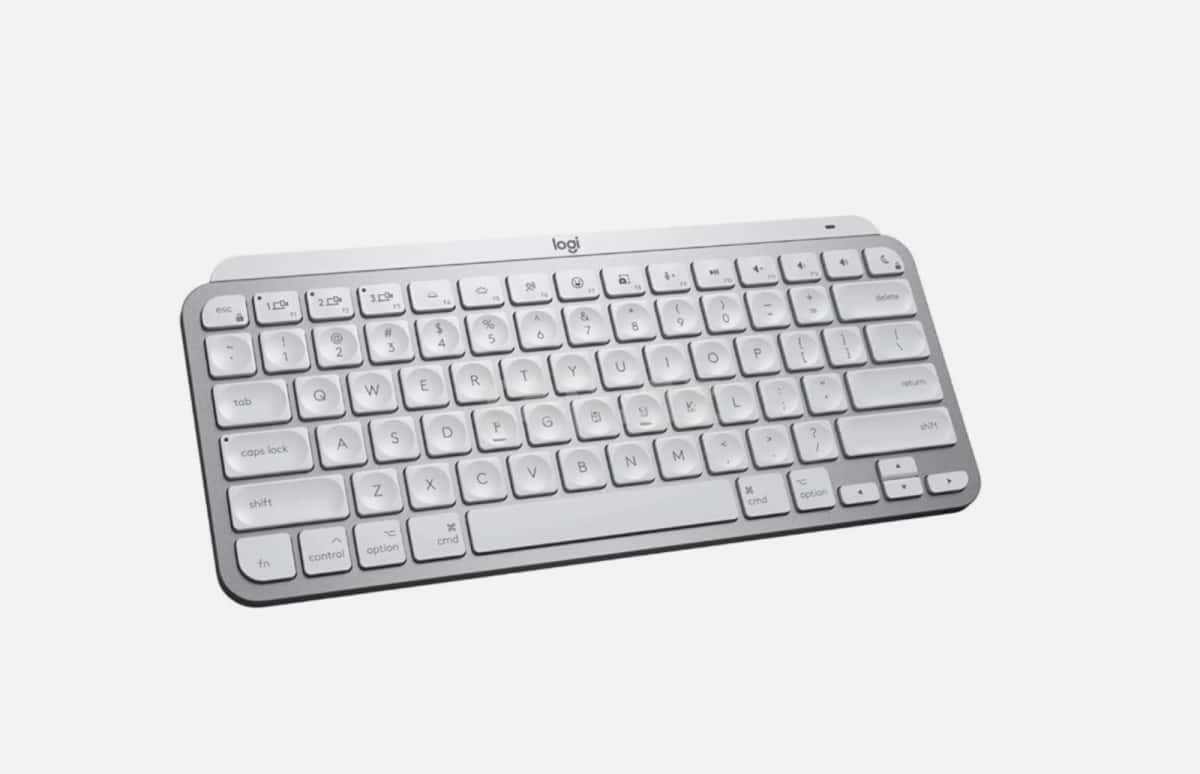
If the keyboard will be frequently transported between home and work, size and weight become more important criteria. A compact structure can take up less space in a bag, making it easier to carry.
When choosing a portable model, it is also necessary to consider whether the small size affects typing comfort. The goal is to create a balance between portability and daily use.
Depending on the model, there are options that work with both operating systems. It is useful to check the compatibility information before purchasing.
Some models support Bluetooth connectivity. If wireless use is planned, it is necessary to check the connection type of the specific model in advance.
Yes. Models with a quieter key structure can be suitable for comfortable use in shared office and home environments.
Some models may be suitable for casual gaming. For more intensive gaming, key response and additional features should be evaluated separately.
For users who code for long periods, key comfort and keyboard layout are important. It is more appropriate to choose a model that suits your usage style.