
Choosing a TV in 2025-2026: Which Brand and Model Is Right for You?
Choosing a TV in 2025-2026 TVs in 2025–2026 are no longer simple household appliances, but multifunctional smart systems that have
Televisions
08.05.2026
3300
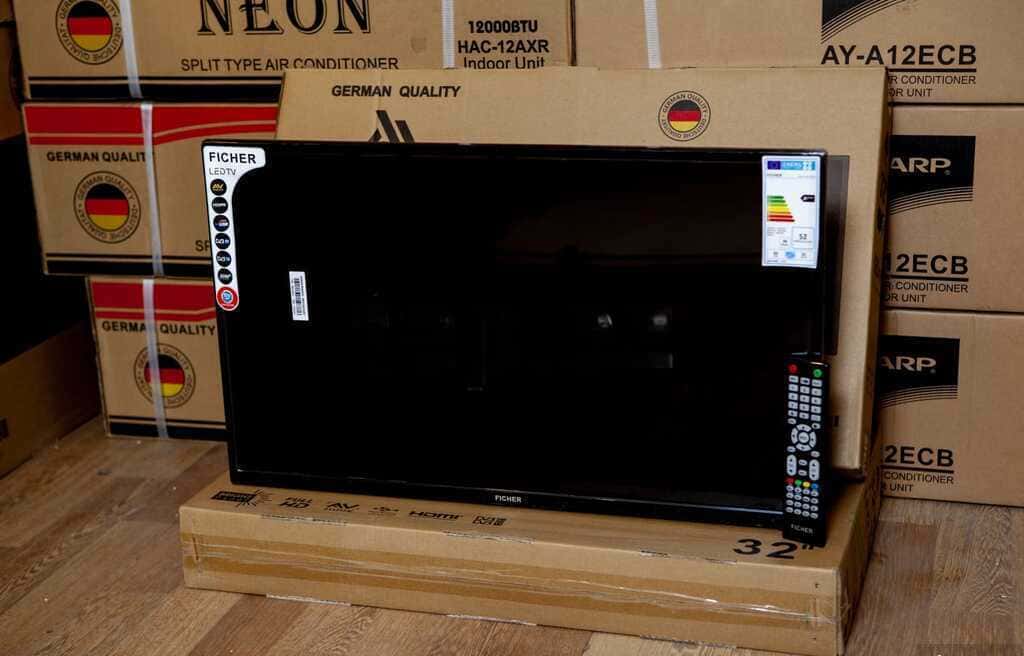
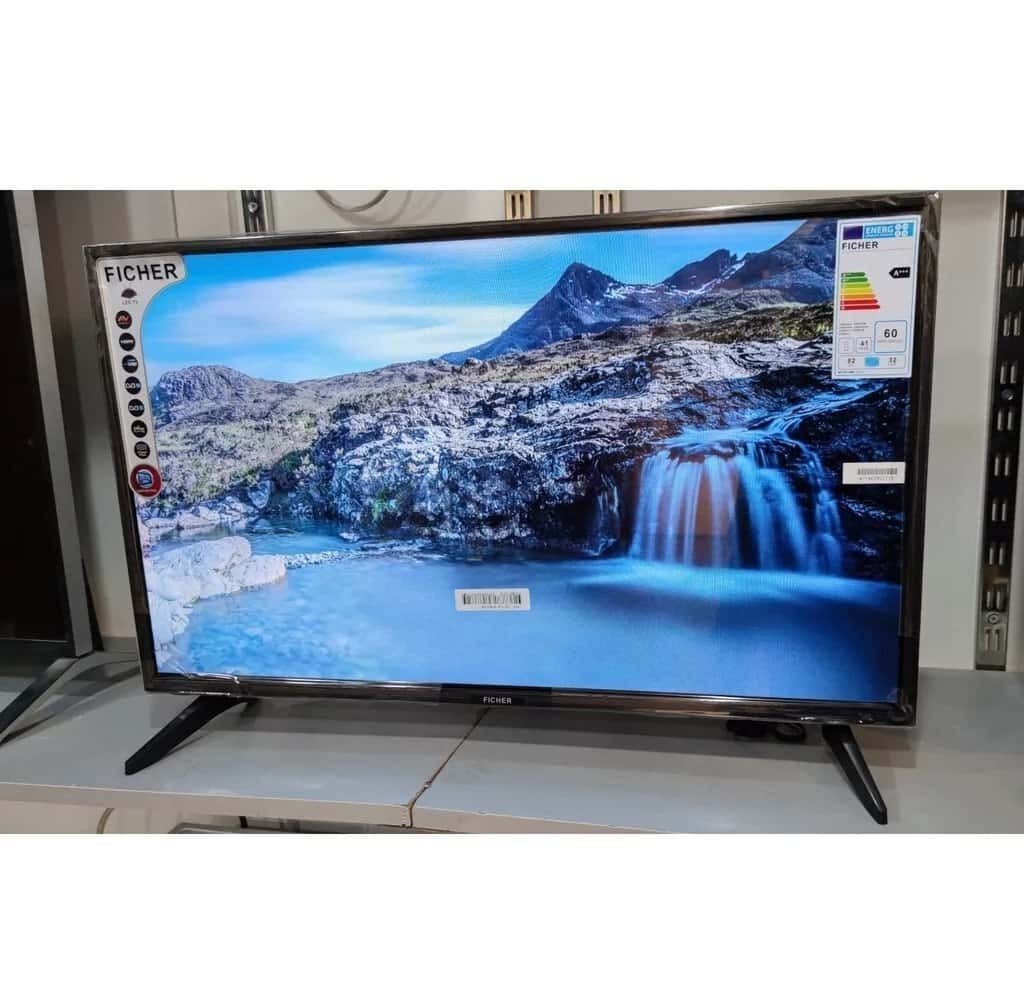
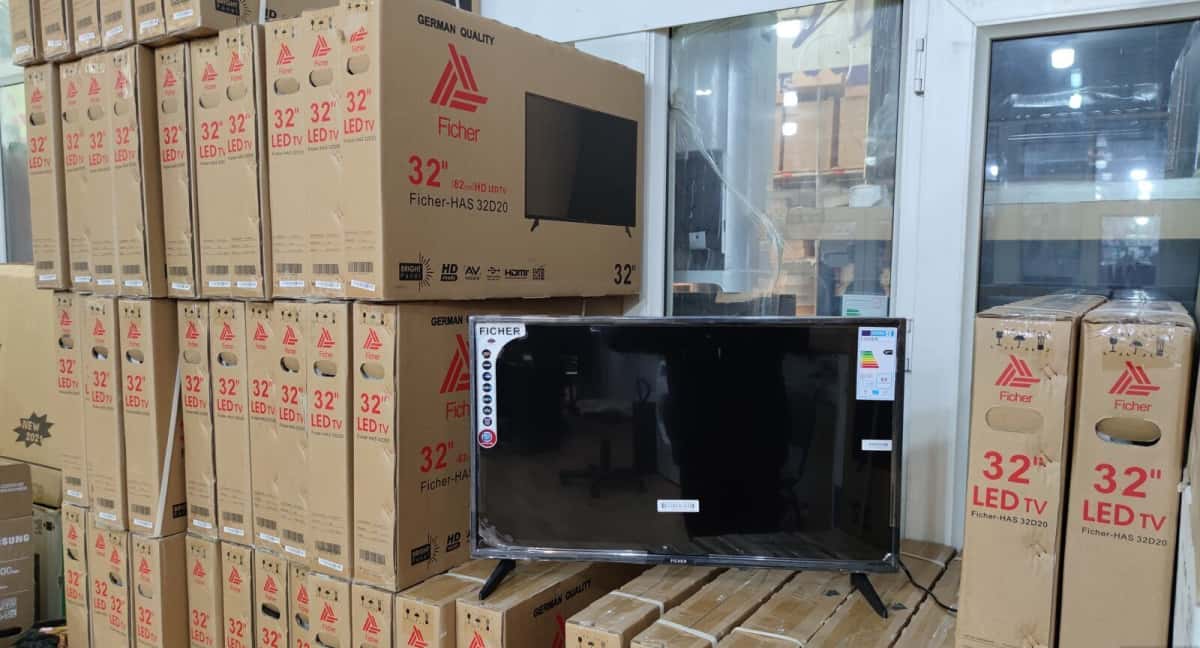
Ficher television can be selected in different screen sizes for daily viewing and home use. When purchasing, it is important to look at connectivity options in addition to display capabilities and Smart features.
Found: 5 listings
For users looking for a Ficher television, comparing screen size alone is not enough. In addition to the difference between Smart and simple models, the operating system and remote control functions are also key topics to research when choosing.
For those who want to buy a Fischer television, it may also be important to know which applications the model supports and whether it has the ability to cast images from a phone. Therefore, checking the functions shown in the ad for the specific model helps in making the right choice.
Ficher television selection is one of the main topics users research, specifically the difference between Smart and simple models.
A Smart model may be more suitable for those who want to use internet connectivity and applications. Those who mainly use the television to watch channels can consider a simple model.
When choosing a model, the availability of the Smart function should be checked separately in the technical details of the ad.
When buying a Fischer television, the operating system directly affects the user experience.
Those who want to use YouTube and other applications should check which system the model runs on. App support and system version may vary depending on the specific model.
For this reason, it is not enough to just rely on the Smart TV label.
When choosing a Ficher television, the type of remote control should also be considered. In some sales offers, in addition to a standard remote, a Smart remote or one with voice control functionality may be provided.
It is useful to check whether the remote is included in the set and whether all buttons work before purchasing.
Especially if buying a second-hand Ficher television, the condition of the remote must be tested separately.
One of the topics that users choosing a Fischer television are interested in is casting the image from a phone to a large screen.
This function may not be the same on all models. Therefore, a user who wants to cast their phone screen to the television should check whether the chosen model has a screen sharing function.
Compatibility between the phone and the television should also be considered.
If a Ficher television is sold as a Smart model, the functionality of the applications to be used should be checked before purchase.
Opening the app on the television is not enough. Starting a video and checking the stability of the internet connection can also be tested.
This check is especially important when buying a second-hand Ficher television.
One of the practical topics sought by Fischer television users is channel searching.
Automatic channel search can be selected from the model's menu. The selection should be made according to the antenna or the television source used.
If channels are not found, the signal source and antenna connection should be checked separately.
In a Smart Ficher television model, software can affect the operation of applications and system functions.
If an update function is available, it is useful to check the software version in the device's menu. The update method may vary depending on the specific model.
Instead of installing unknown software files on the television, it is more appropriate to use the software suitable for the model.
If a Fischer television has sound but no picture while running, the cause of the problem may not just be the screen.
The input source and cable connections should be checked first. If the problem persists, a technical check of the screen backlight and other internal parts may be necessary.
In such a situation, it is better to have a technical inspection done without opening the device yourself.
When choosing between Ficher television ads, it is not correct to base the decision only on the selling price.
It is more useful to check the following information:
Whether it is a Smart or simple model
Operating system
App support
Screen sharing function
Remote type
Resolution
Physical condition of the screen
Included accessories
Warranty terms
This information can help to compare different Ficher television offers more accurately.
A Smart Ficher TV can support internet and application functions. A simple model may be focused on basic television usage.
When choosing a Smart Fischer TV, YouTube support should be checked for the specific model. It is useful to test the application's functionality before purchasing.
It may be possible to transmit images from a phone on Fischer TV models with screen sharing functionality. Compatibility depends on the model and the phone.
If the Smart Ficher TV does not establish a Wi-Fi connection, the network password and router connection should be checked. Resetting the TV's network settings may also help.
When buying a second-hand Fischer TV, in addition to the screen and sound system, Smart functions and the remote control should also be checked. It is also useful to test the functionality of the ports.