
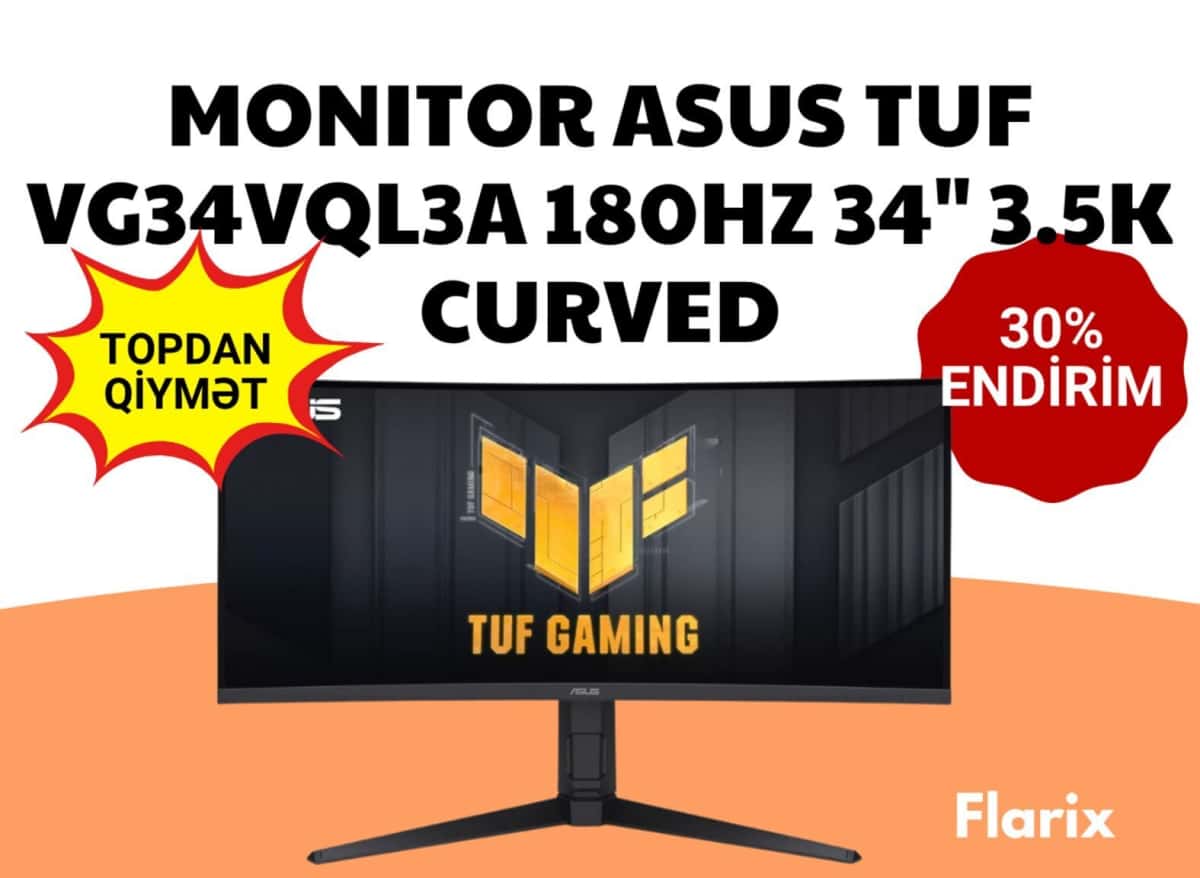
ASUS Monitors: Image Quality and Ease of Use
When choosing ASUS monitors, it is not enough to just pay attention to the screen size. The time spent in front of the monitor, the type of work being done, and expectations from the image can directly affect the choice.
A screen that looks comfortable for daily use may not have the same features as a monitor suitable for photo and graphic work.
How to Choose ASUS Monitors Based on Color Accuracy?
For users working on photo editing, graphic design, and visual content, accurate color representation is essential. The screen's color rendering can directly affect the result of the work.
When choosing a monitor, it is useful to consider the programs you use and how important color accuracy is to your work.
How to Evaluate ASUS Monitor Listings for Long-Term Use?
For users who work long hours in front of a monitor, screen comfort is one of the main selection criteria. Proper adjustment of brightness levels and ensuring the image does not strain the eyes can be more important in daily use.
When looking at listings, it is necessary to pay attention not only to technical specifications but also to the comfort features the monitor offers for long-term use.
What Differences Do ASUS Monitors Create Based on Screen Surface?
The surface of the screen can affect light reflection and how the image appears in different environments. This feature is more noticeable on monitors used near a window or a strong light source.
Considering the lighting of the room where the monitor will be placed helps in choosing a more comfortable screen for daily use.
How to Choose ASUS Monitor Listings Based on Ergonomic Structure?
Placing the monitor at the correct height and viewing angle is essential for long-term work comfort. The ability to adjust the screen position to suit the user can help organize the desk more comfortably.
When buying a monitor, considering your desk size and seating position allows for a more practical choice.
How to Choose ASUS Monitors for Multi-Window Work?
For users who keep several programs open at the same time, screen space can be more important. When working in parallel with spreadsheets, browsers, text editors, and other programs, a suitable screen size can facilitate the workflow.
When choosing a monitor, it is useful to determine in advance which programs you mainly work with and how much workspace you need on the screen.