
What you need to know about keyboards
Keyboard is one of the most frequently used input devices when using a
Keyboards
07.10.2026
2160
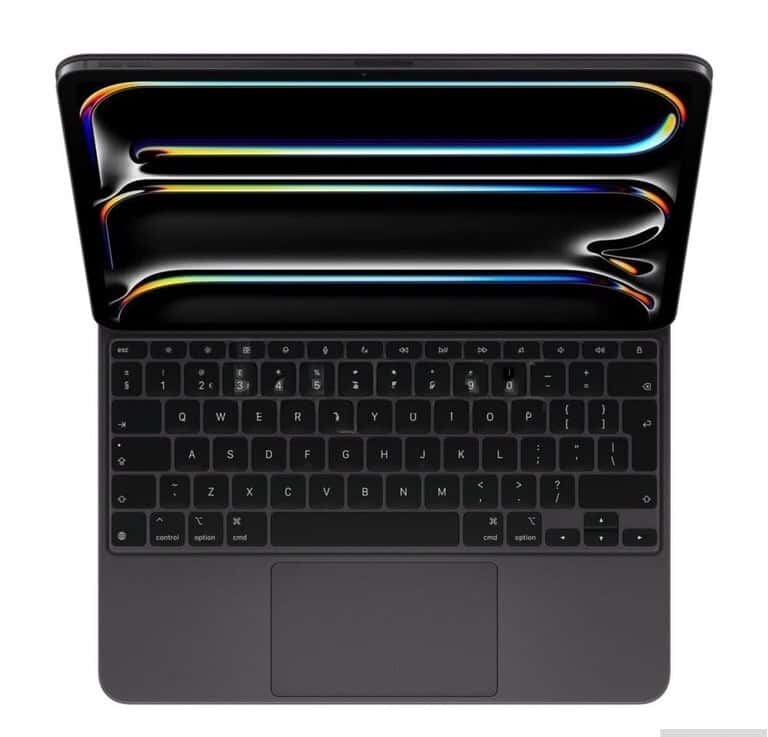
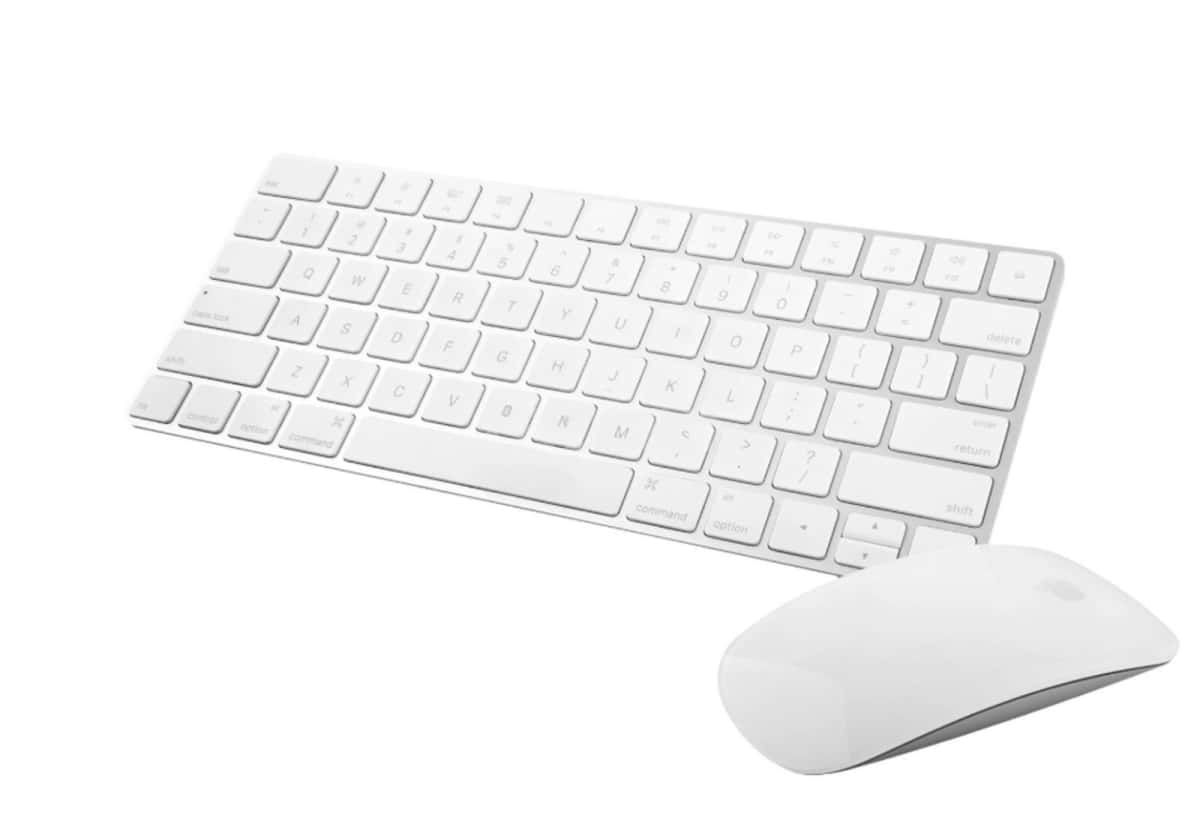
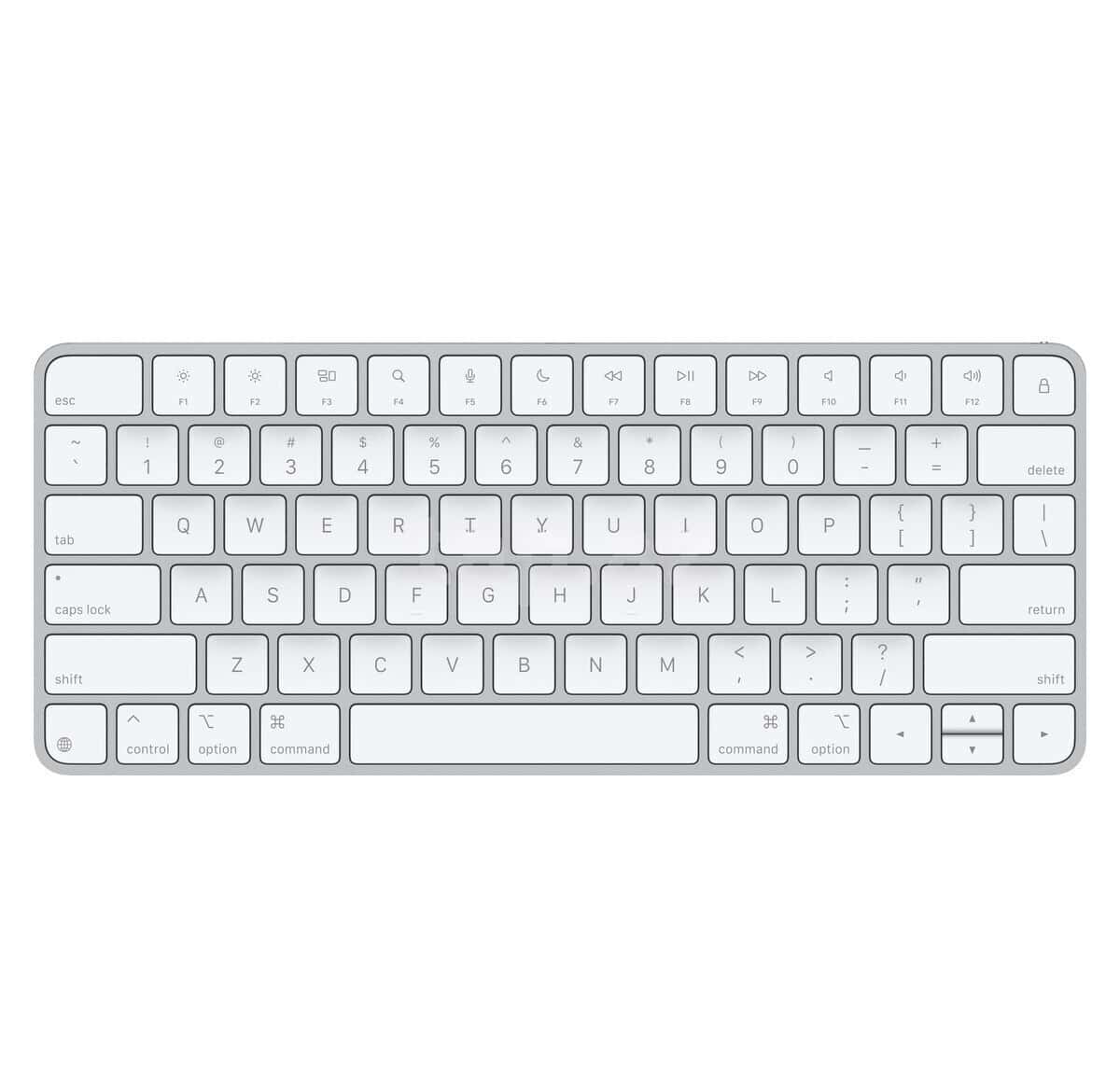
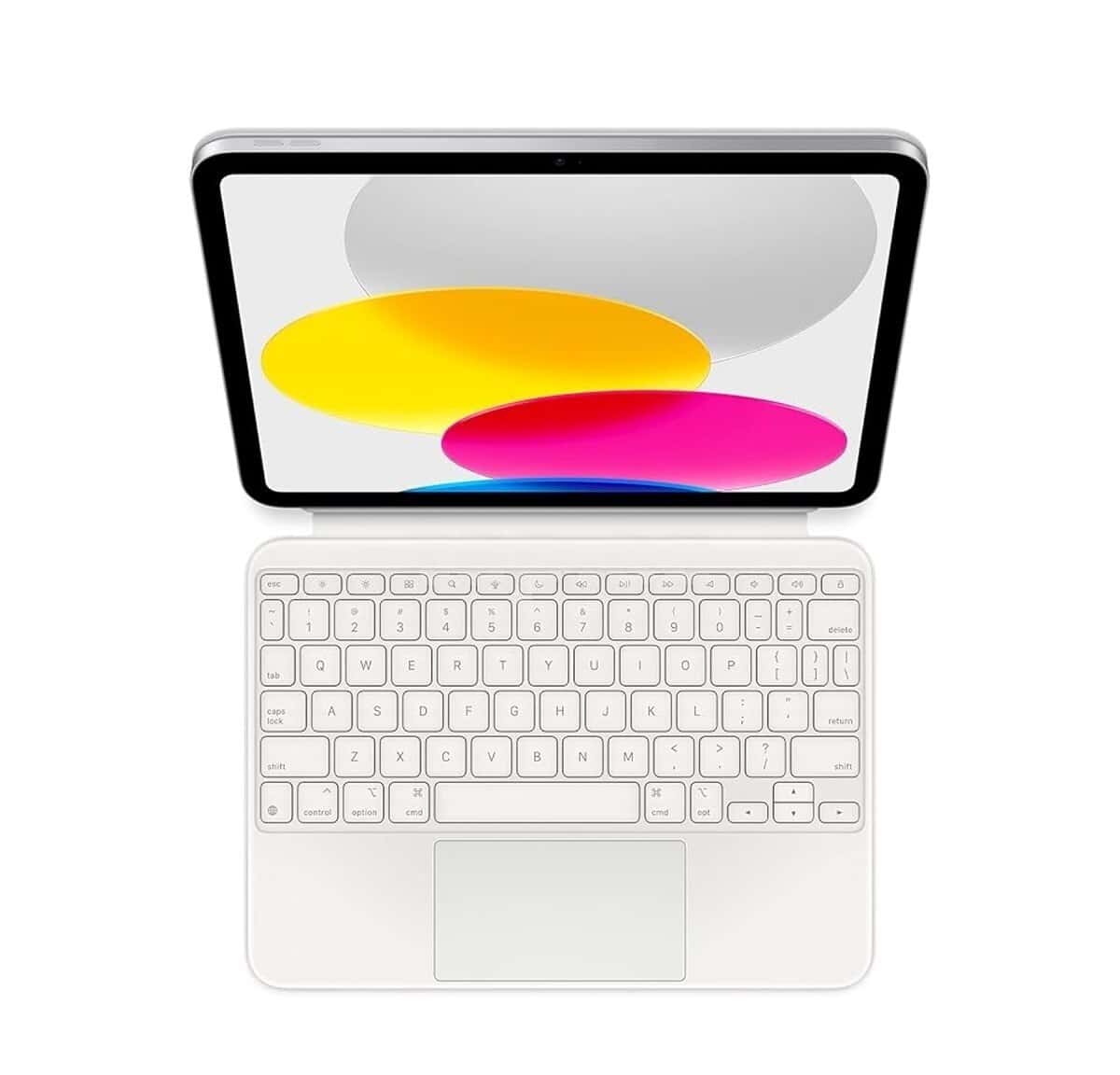
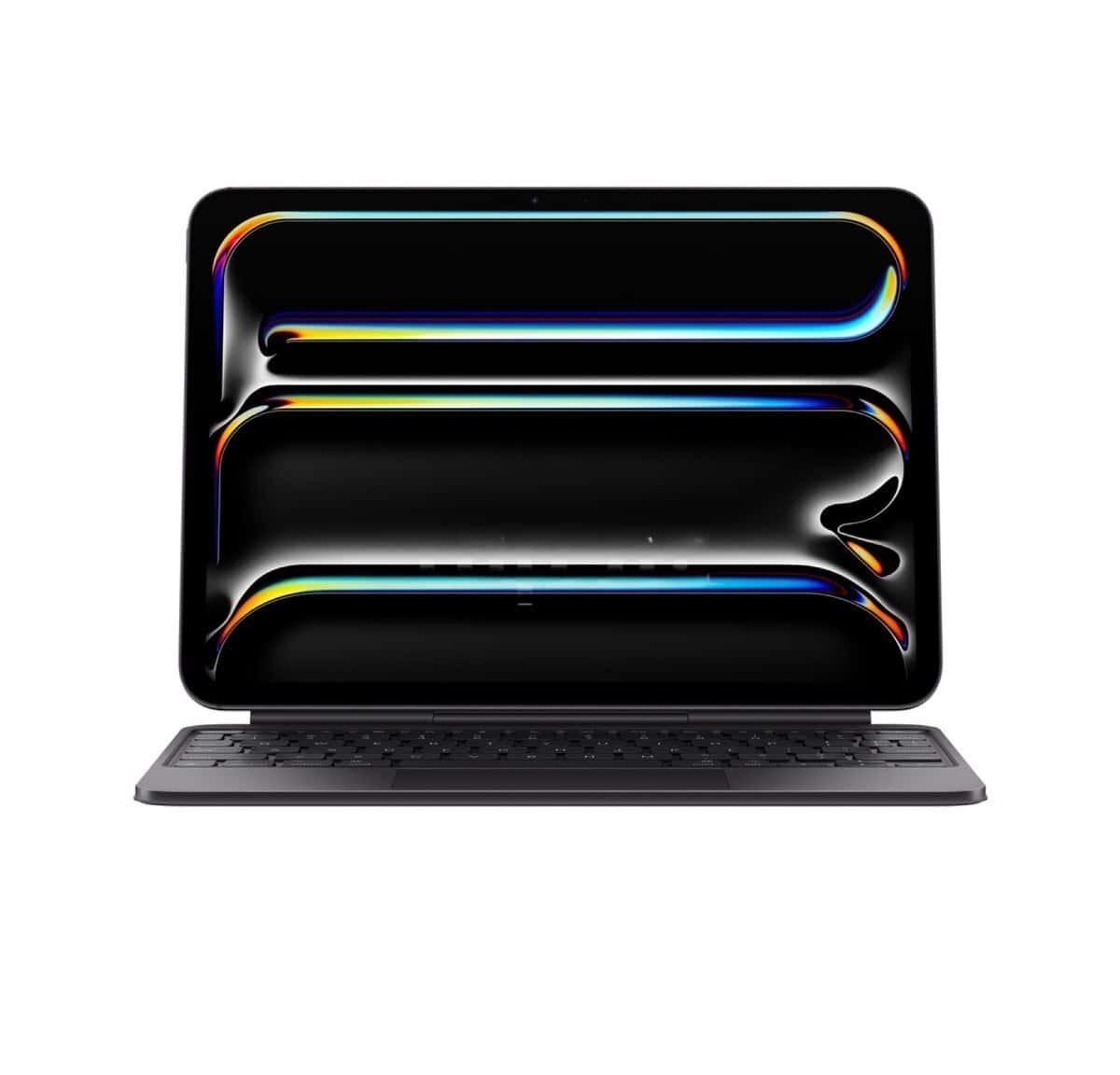
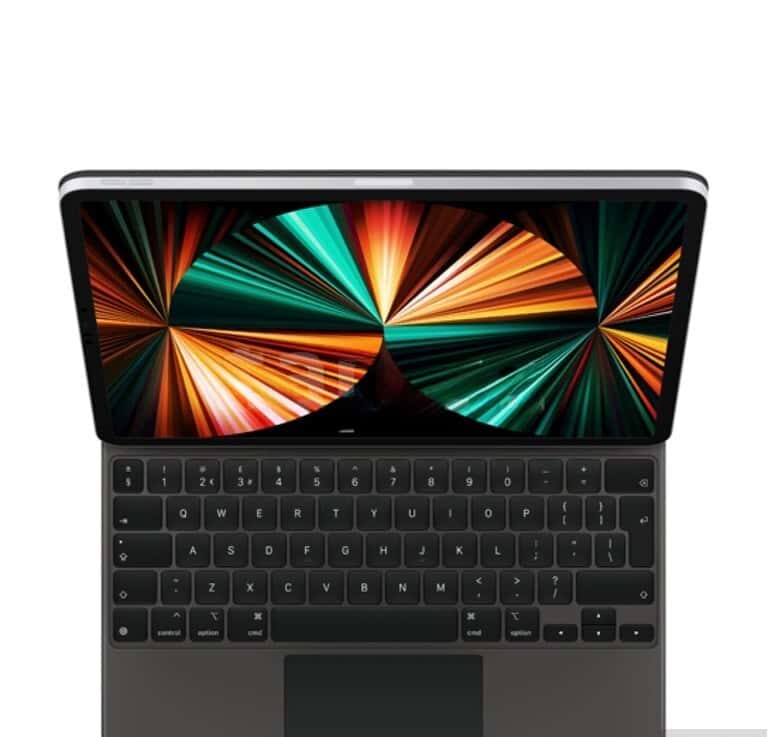
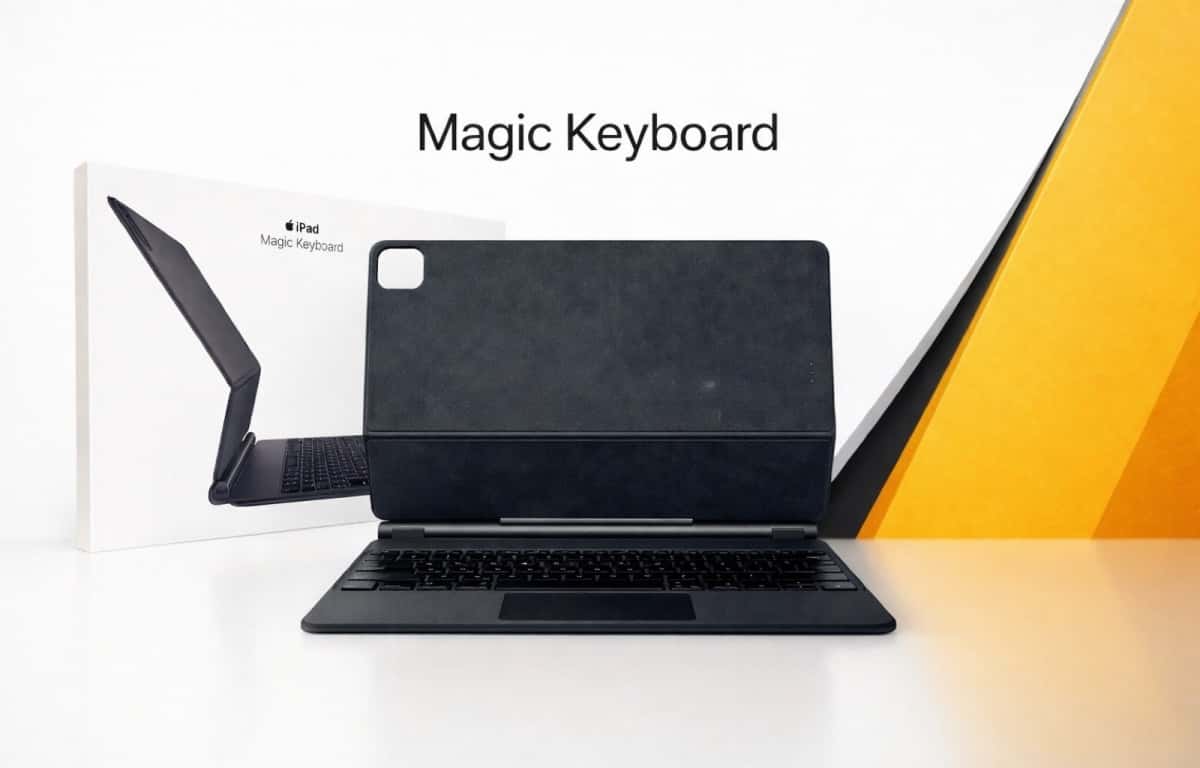
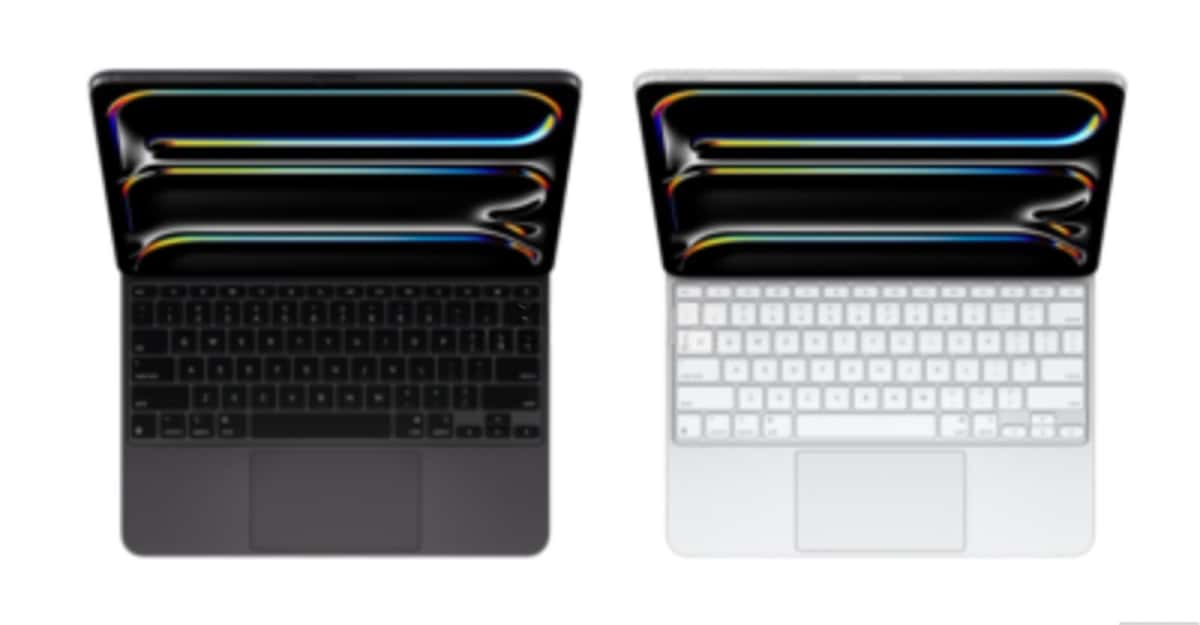
When choosing an Apple keyboard, compatibility with devices, key layout, and ease of use should be considered. You can choose the keyboard that suits your needs by comparing models that work with Mac, iPad, and other compatible devices.
Found: 44 listings
When choosing an Apple keyboard, the main focus should be on which Apple products the device will be used with. The requirements for a keyboard used with a Mac desktop computer may differ from those for a model frequently carried alongside an iPad.
The layout of the keys, size, and additional functions directly affect the daily typing experience.
For a keyboard to be used with a Mac, a key layout compatible with the operating system can make daily work more comfortable. In particular, the convenient placement of frequently used shortcuts affects productivity.
If you are typing for long periods, the tactile feel of the keys and the positioning of your hands on the desk should also be considered.
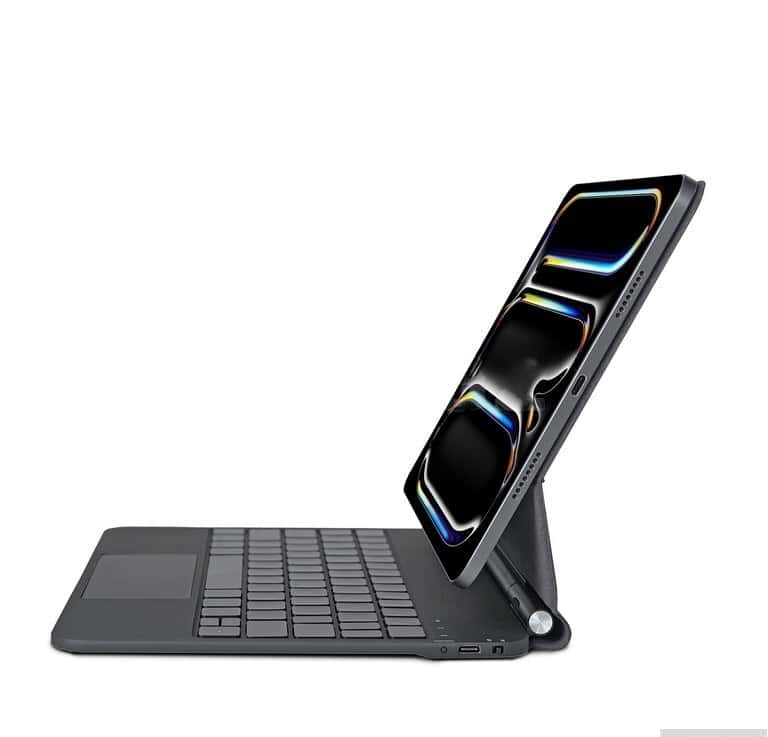
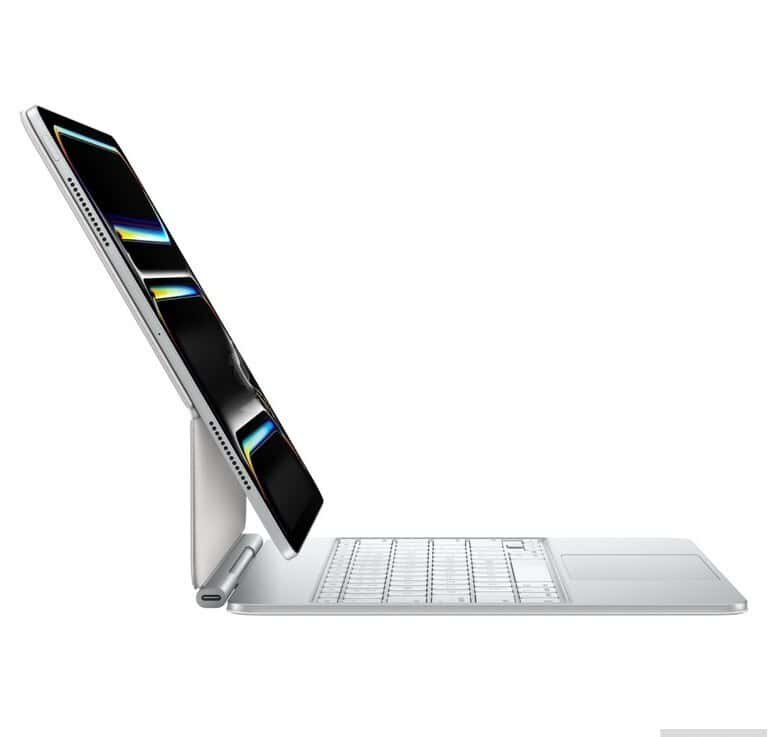
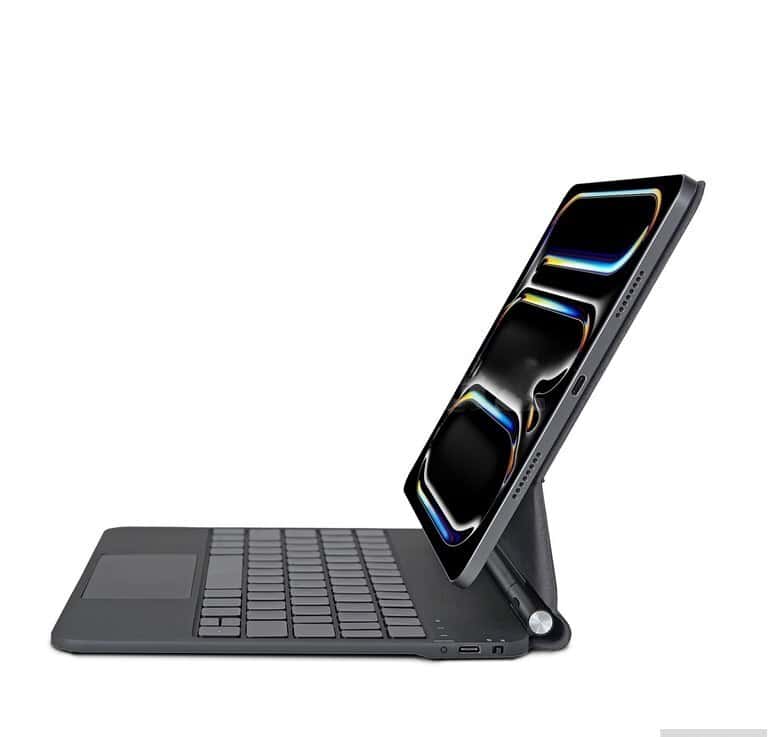
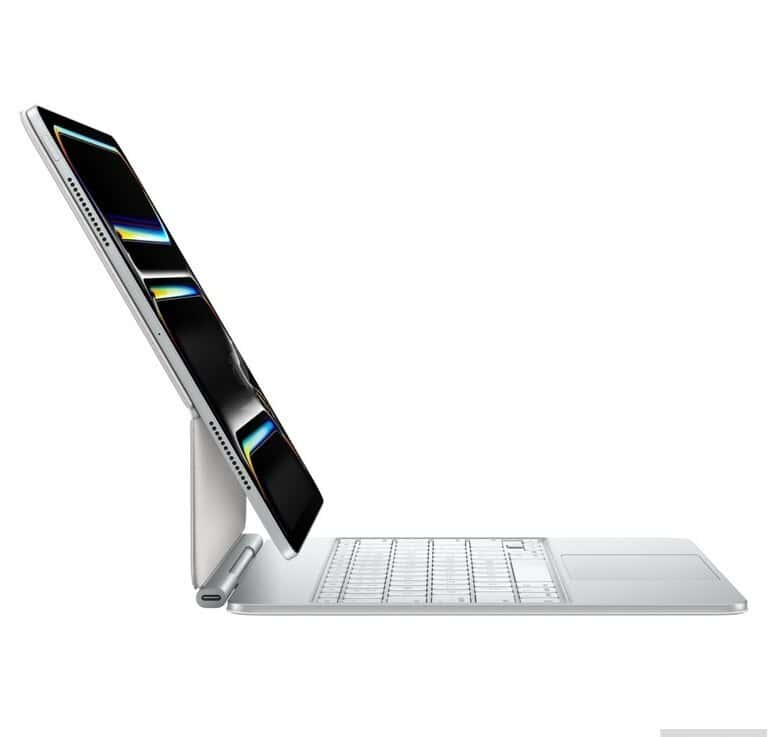
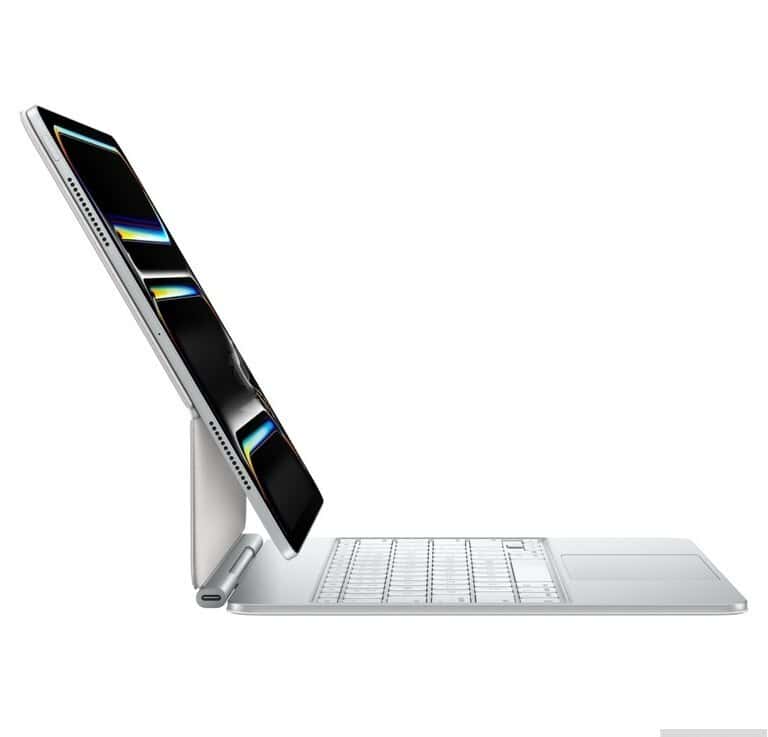
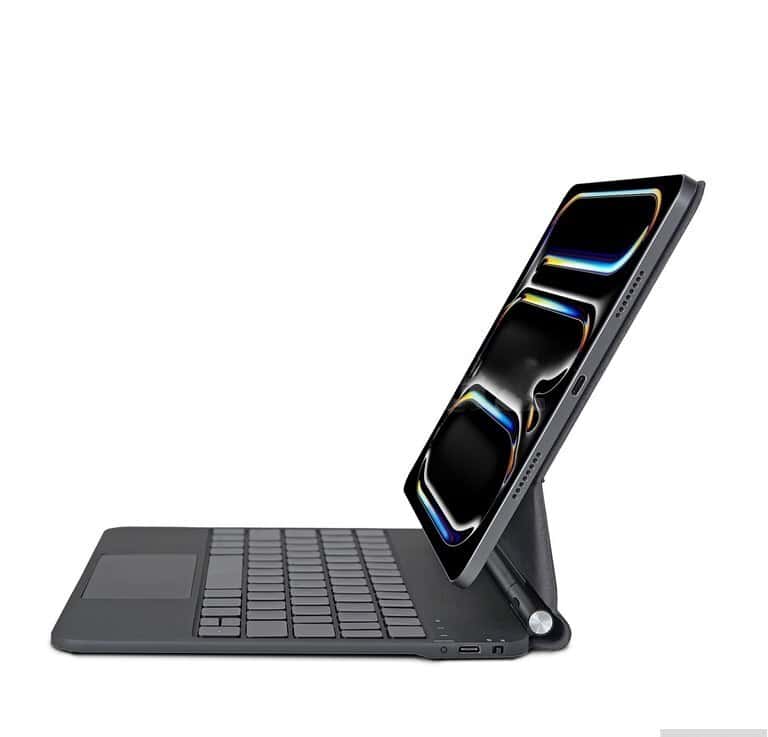
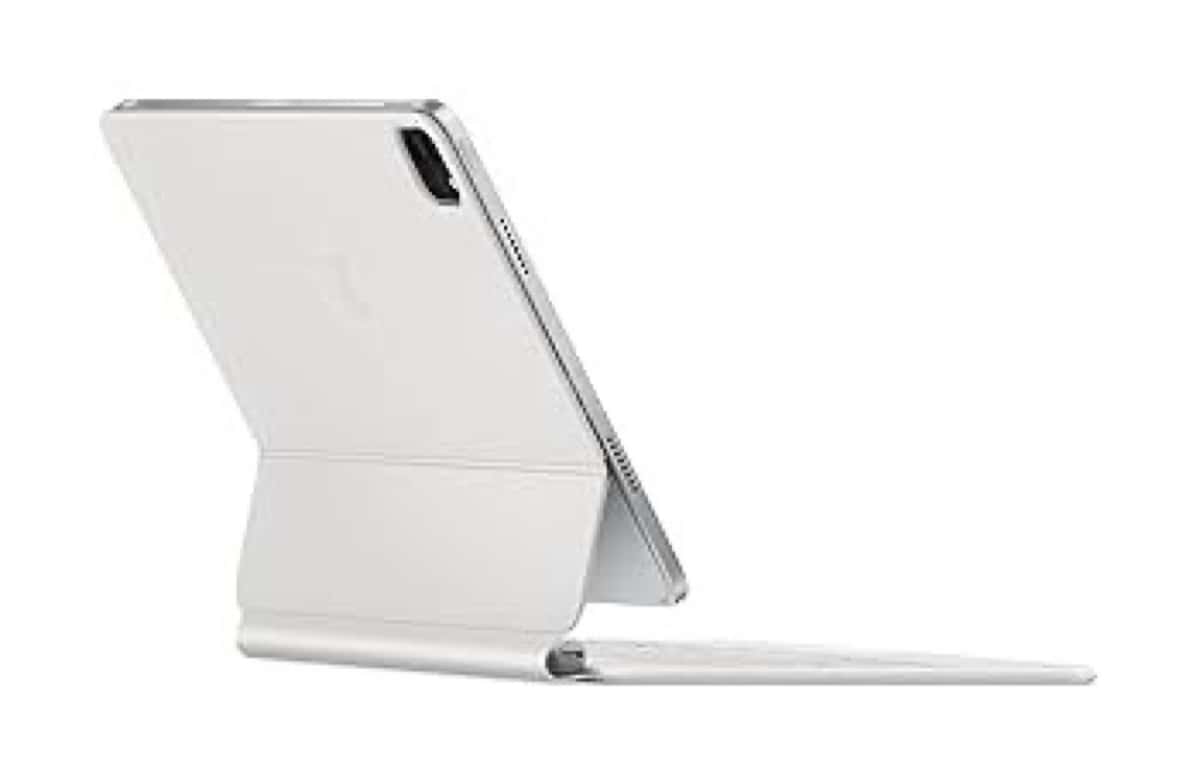
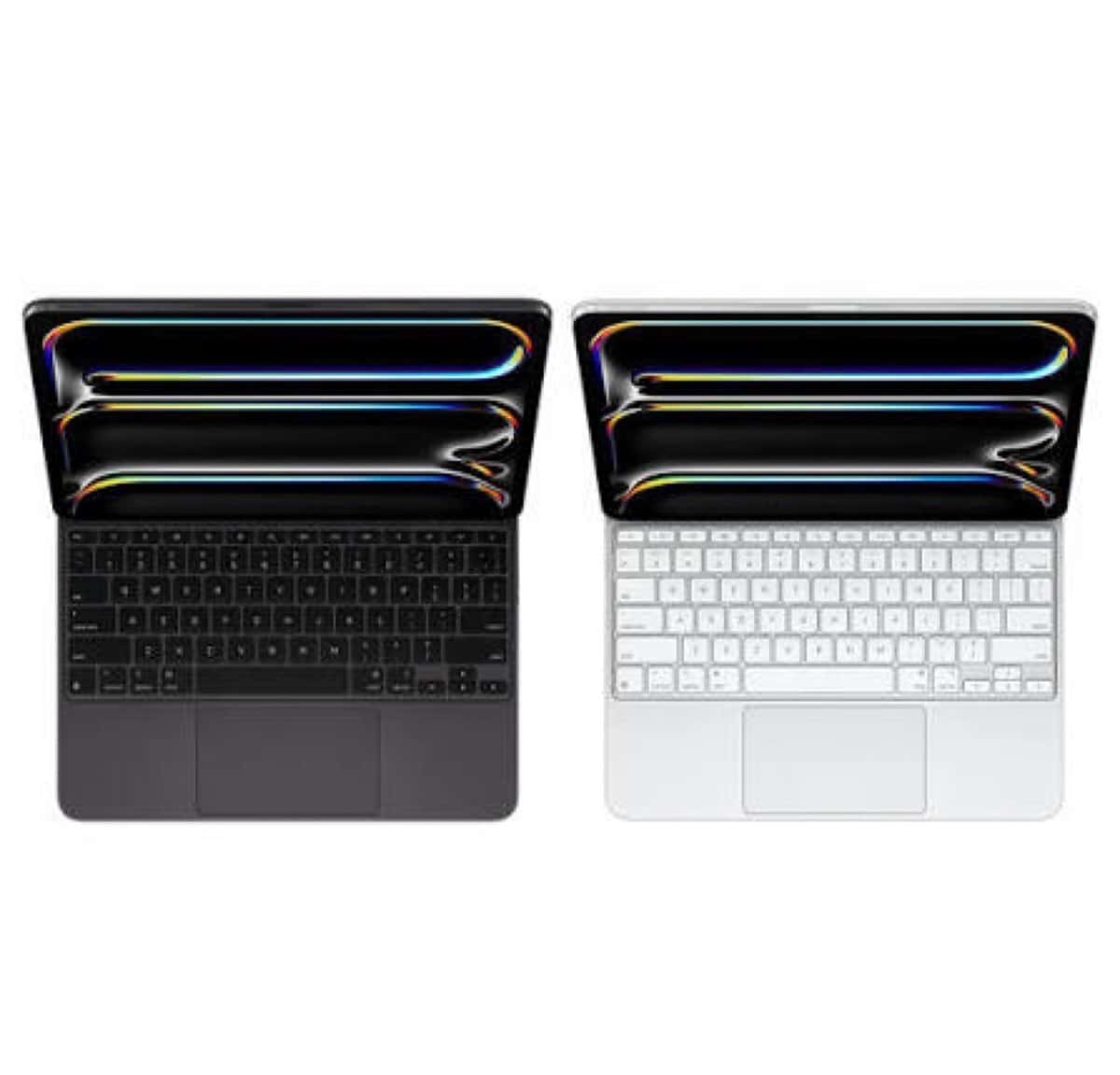
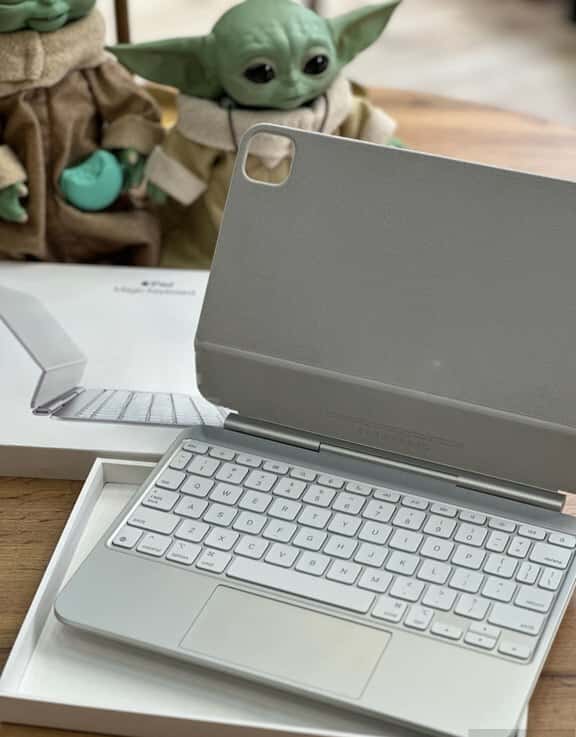
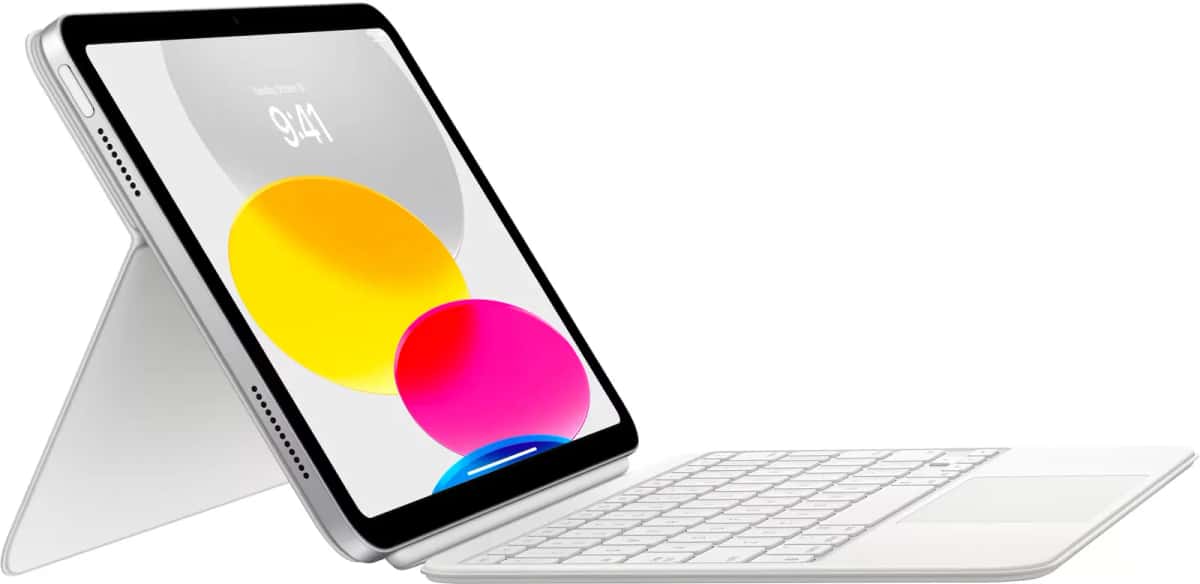
Using a keyboard with an iPad can make the process of writing text and working with documents more comfortable. In this usage scenario, the portability of the keyboard and its connection to the device are key criteria.
If the keyboard is to be carried in a bag frequently, size and weight can play a more important role in the selection.
For users who frequently work with financial reports and spreadsheets, a separate numeric keypad can be practical. For simple writing and daily operations, a more compact layout may suffice.
Whether or not to have a numeric keypad should be determined based on desk space and work style.
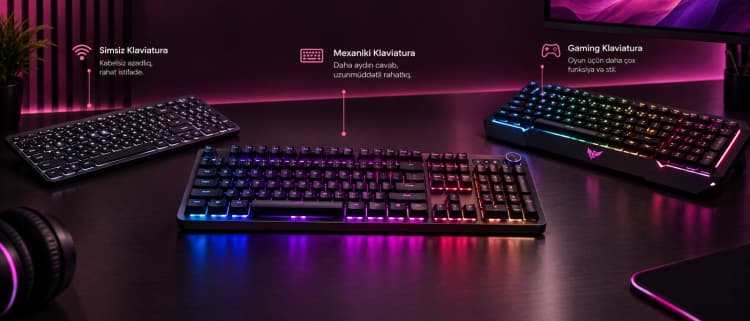
A wireless keyboard helps reduce the number of cables on the desk and allows for more flexible placement of the device. This feature can be particularly convenient for users who prefer a minimal desk setup.
Monitoring the energy level and regularly charging the keyboard also become part of the daily usage habit in wireless operation.
The key travel and tactile feel of the keyboard are important for users who type for long periods. An uncomfortable layout can affect typing speed and the overall user experience over time.
Before purchasing, it is useful to evaluate the size of the keyboard and the key layout according to your daily work style.
It can work in some cases. However, since the layout of key functions may differ, it is useful to check compatibility in advance.
Yes. An external keyboard can be a practical choice for use with a MacBook in a desktop setup.
Yes. It can be used for typing text and working with documents. The model selection should be made according to the work style.
The power system may vary depending on the model. It is useful to check the power and charging specifications of the specific device before purchasing.
Comfort depends on individual typing habits. Key feel and keyboard size play a key role during long-term use.